Compare Product Revision
The Compare Product Revision feature allows the selection and comparison of different versions of the same product. It also allows merging of specific values from previous versions into the latest version.
| Key Term: |
|
| Description: |
|
| Related topics: | |
| Application: |
|
How-to: Compare Product Revision
To do this feature, follow these steps:
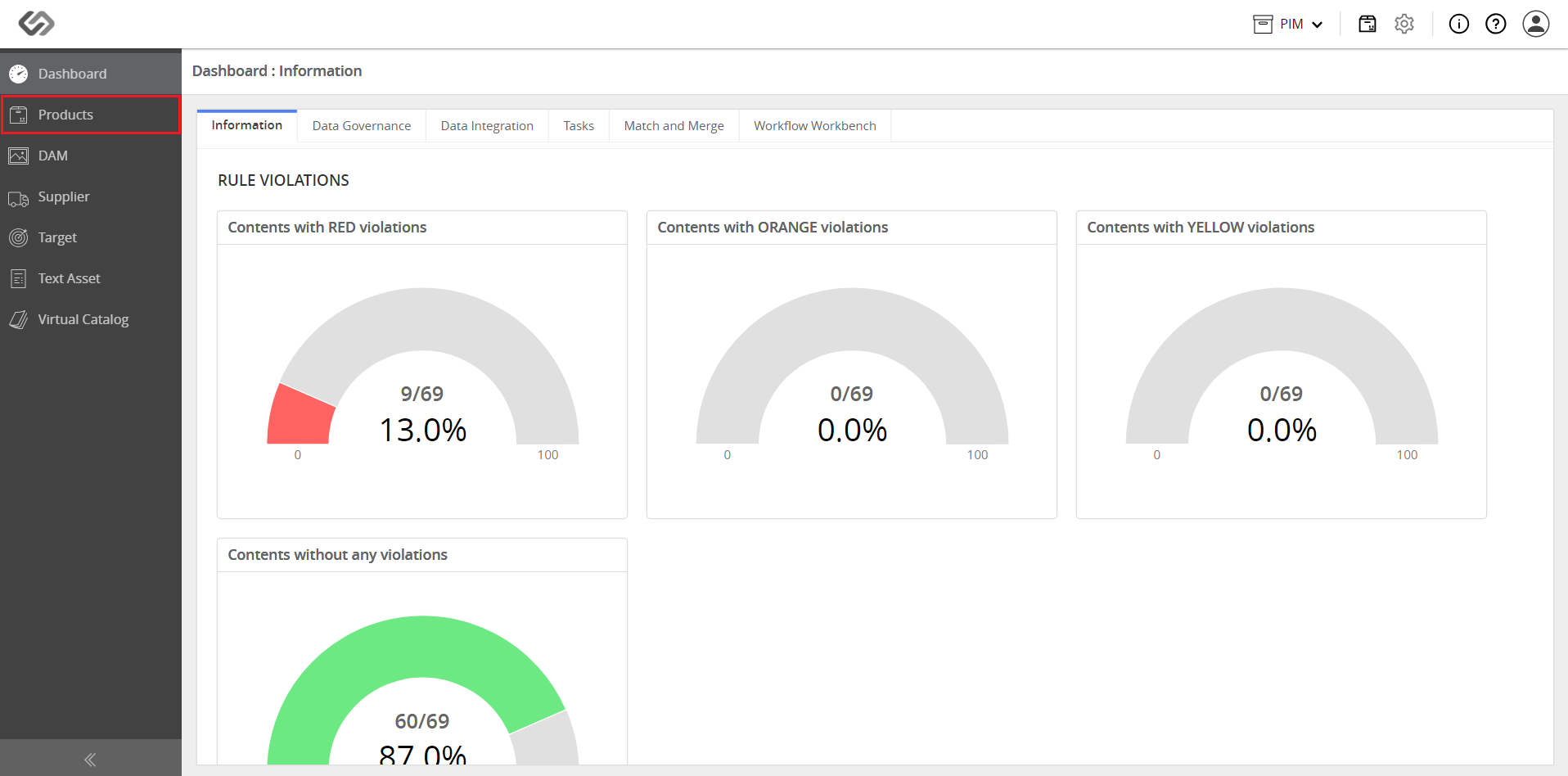
- Log in and go to Products.
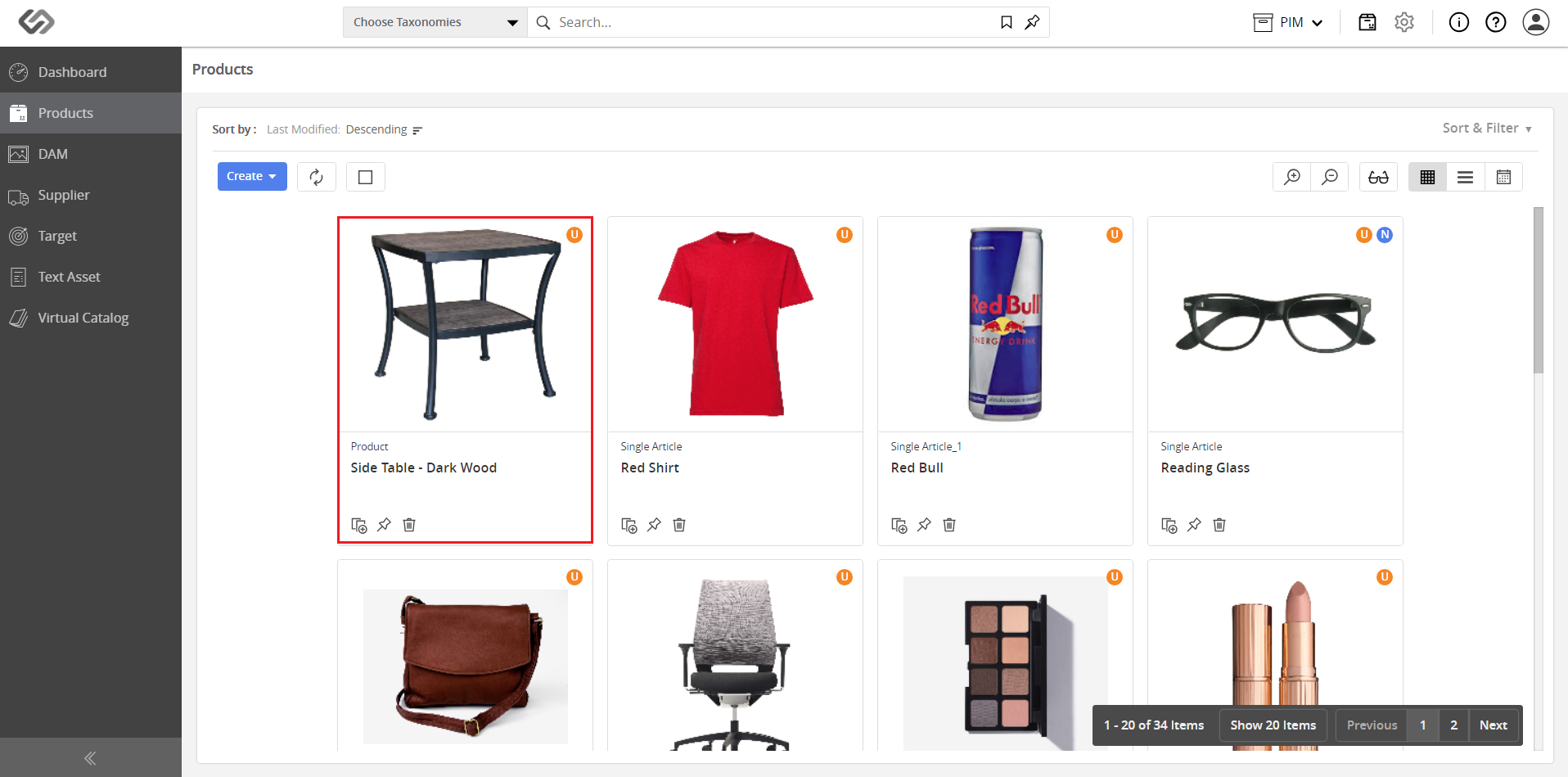
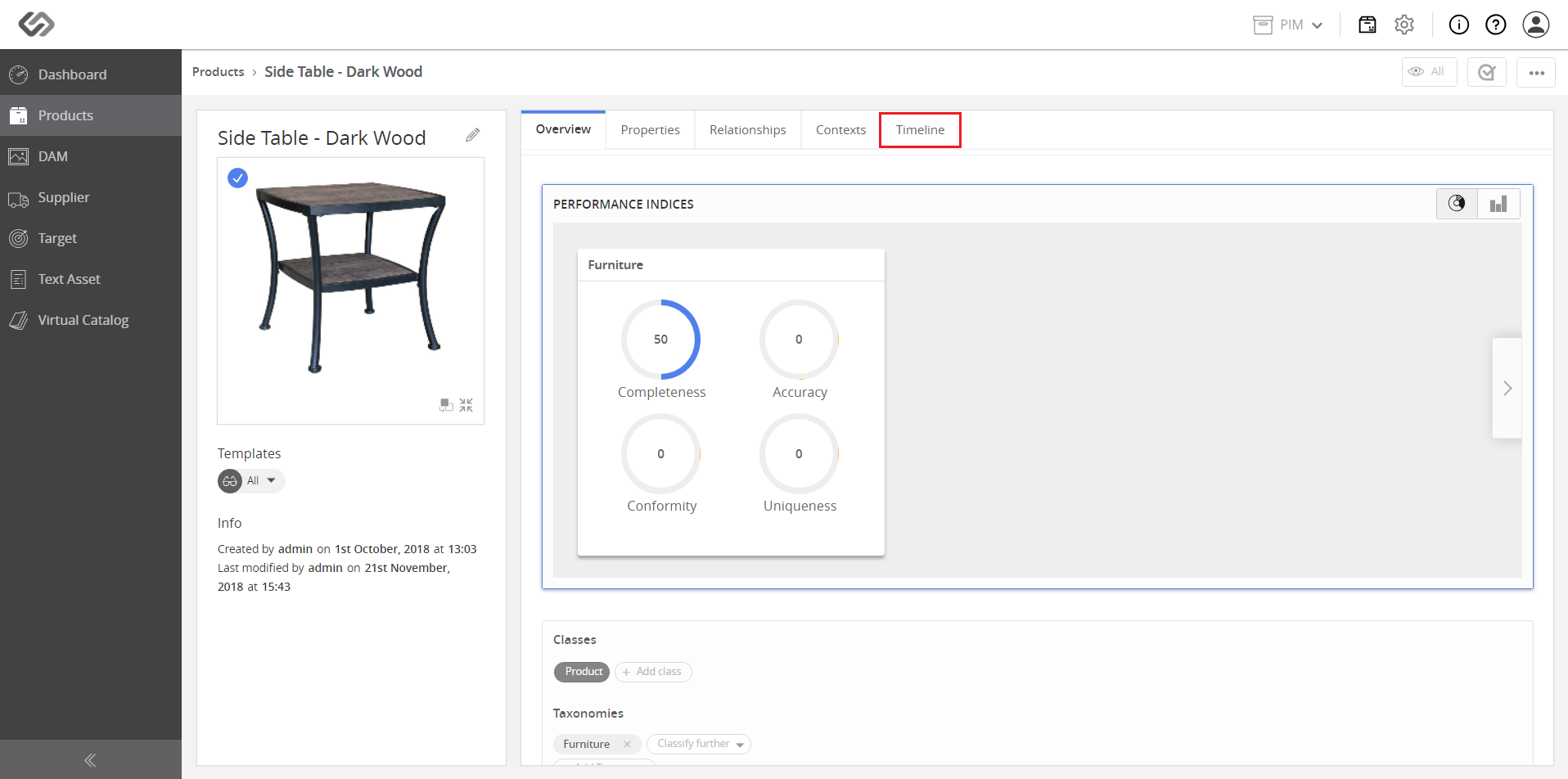
- Select a product and click on the Timeline tab.
- View the revision timeline.
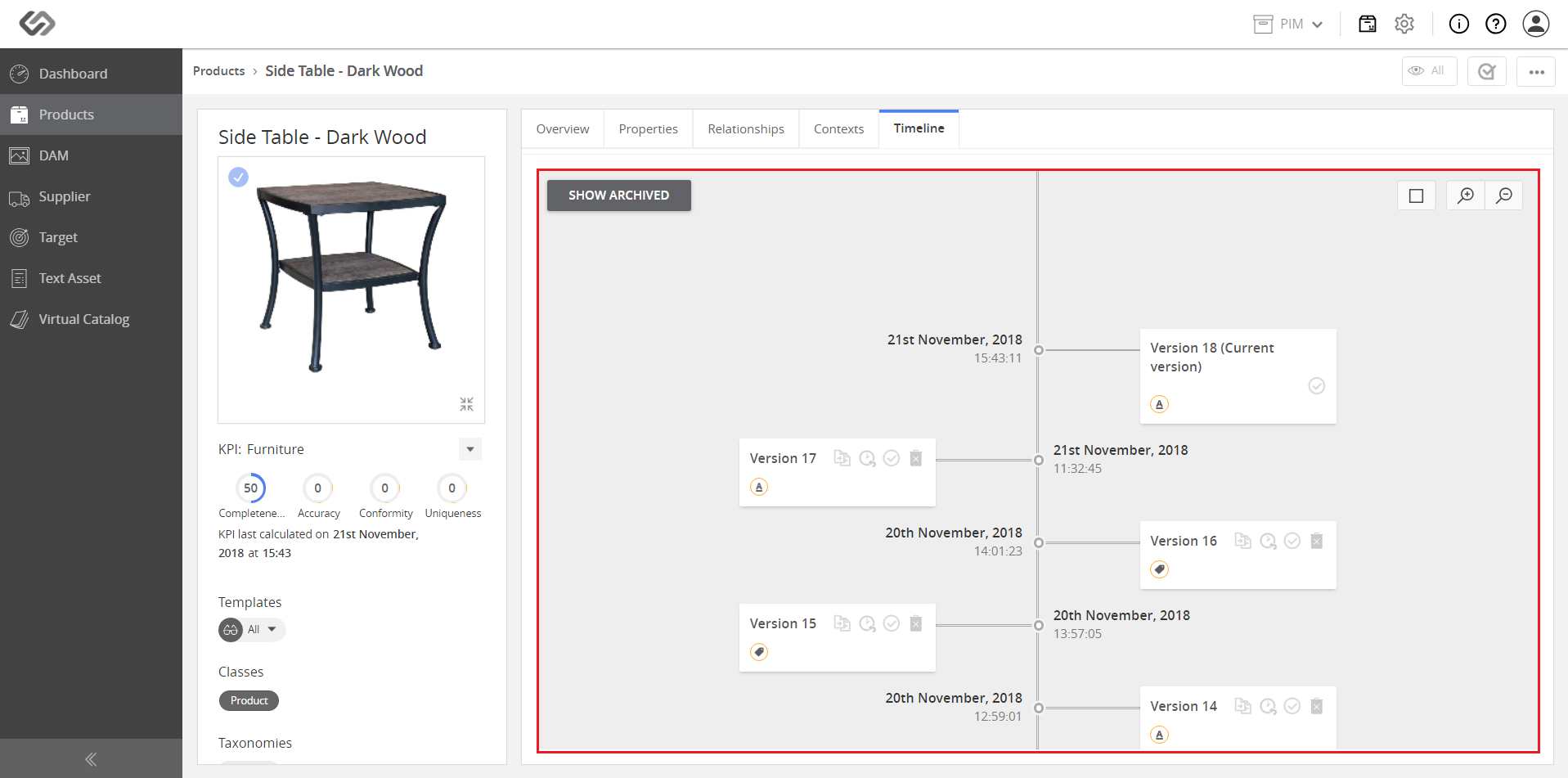
- On the selected version, click on the Compare with current version icon.
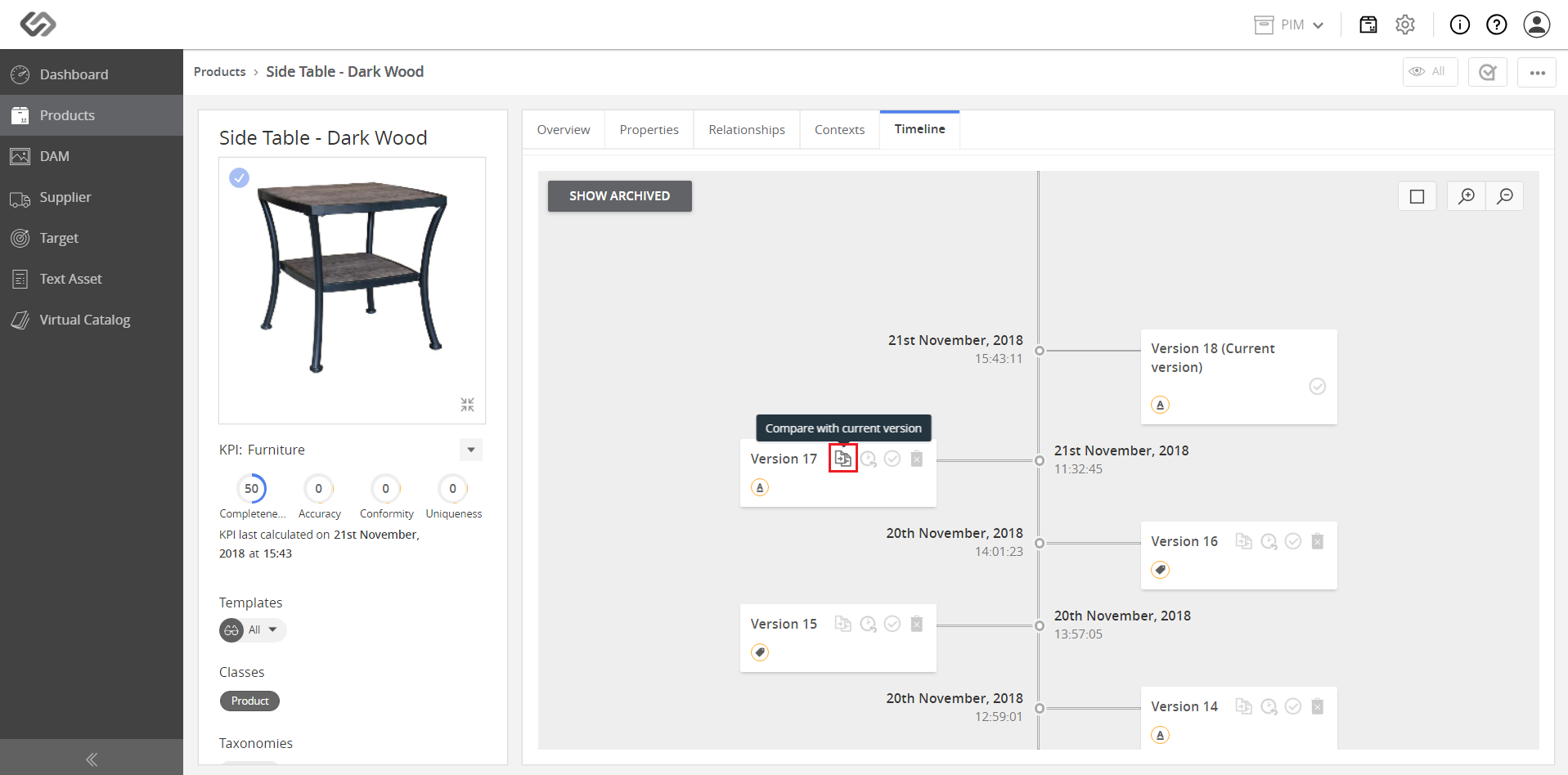
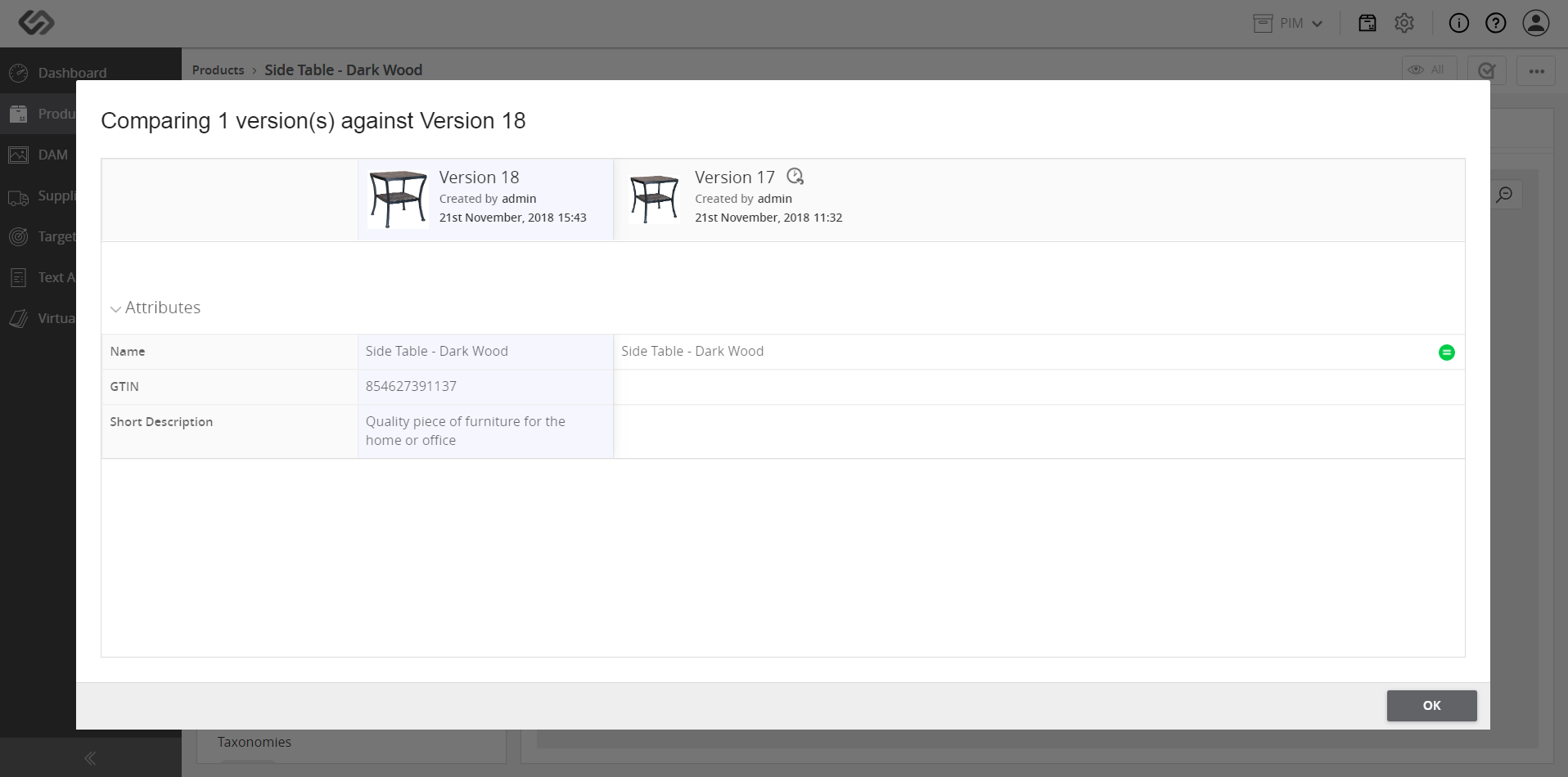
- View the compared versions. The attributes of the latest version in the timeline will be compared to the selected version.