Compare Product Revisions

The Compare Product Revision feature allows the selection and comparison of different versions of the same product.

Key Term:
  • Attribute: a data field which describes a product, can also use ‘property’.
Description:
  • This feature allows a user to compare versions of a product/article.
  • This feature gives an overview of the similarities and differences of comparable versions and merge values from any previous version to the newer version.
  • This feature creates a comparison table that shows columns for the product versions and rows for the attributes. This table allows quick and easy comparison between each offering’s features and characteristics.
Related topics:
Application:
  • A user can track all the changes that are made to a product/article. Based on values, a user can merge a value from a previous version to the newer one.

  • Example:

    A Red Bull product is created with no short description. Later on, the user adds a description to the product. When he saves the product with the new description, a version is created. In the timeline, the user can compare these versions and track the changes.

How-to: Compare Product Revisions

To do this feature, follow these steps:


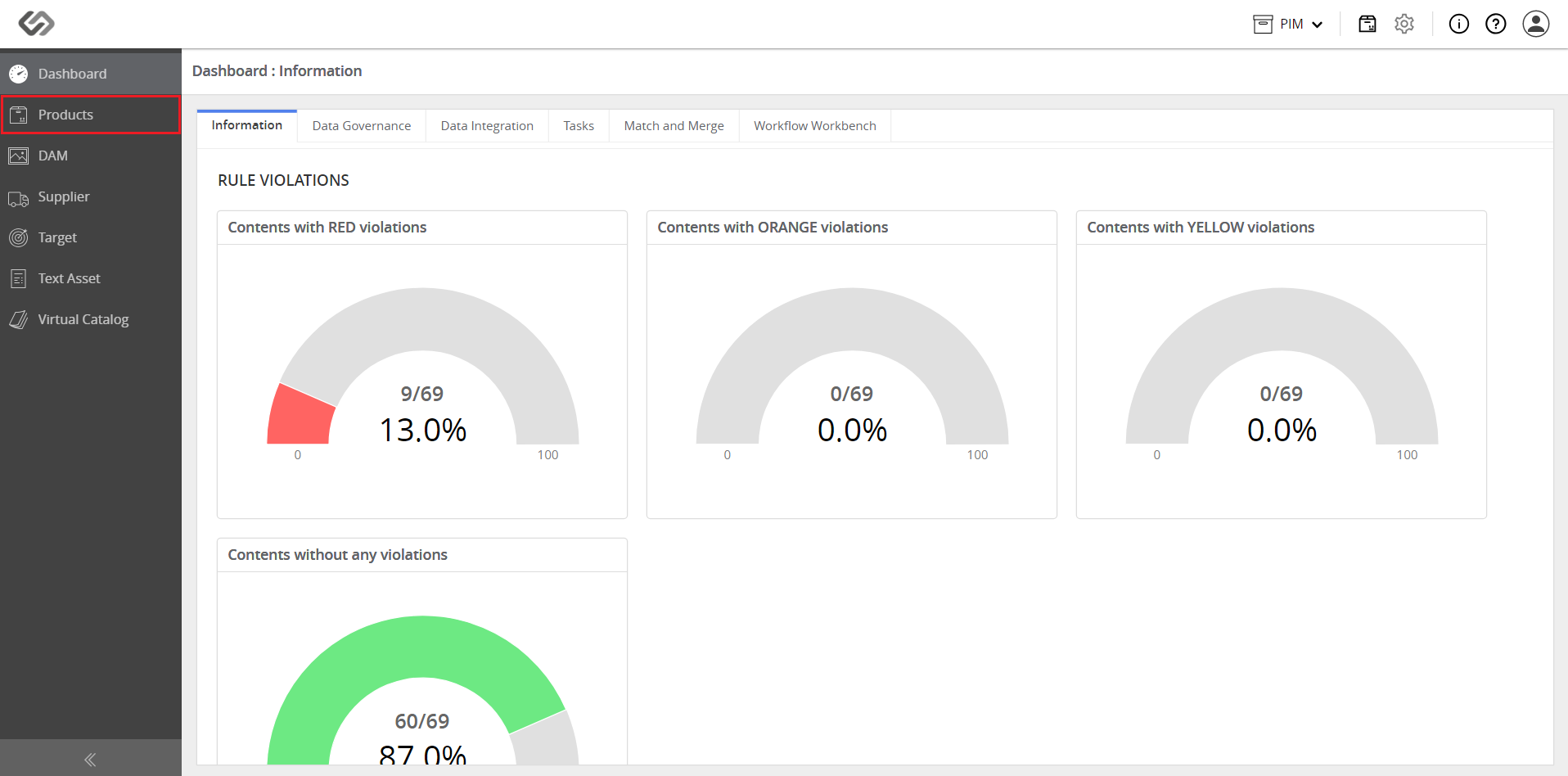
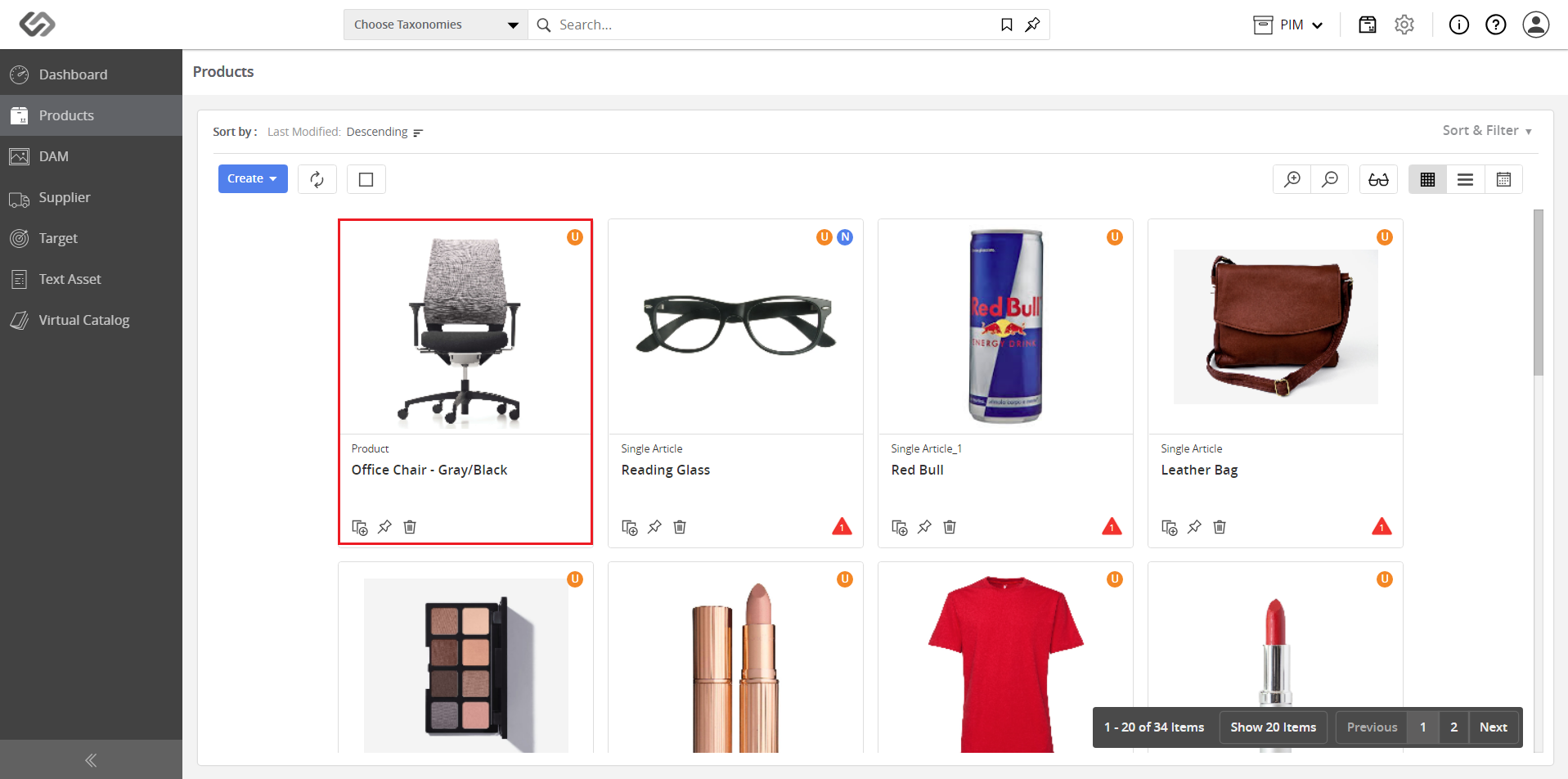
  • Log in and go to Products.
../../../../../../_images/pxp_compareproductrevisions_login.PNG


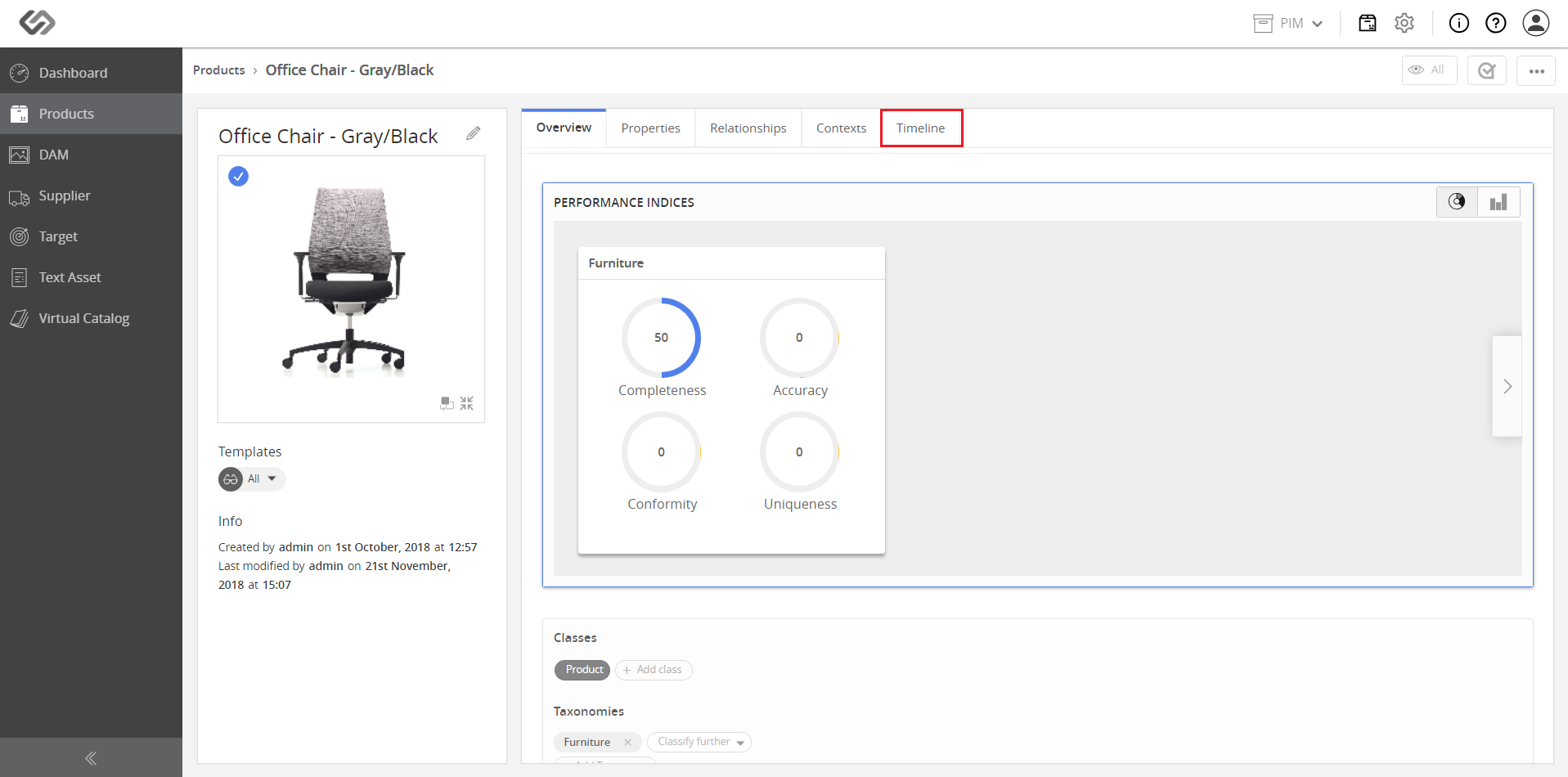
  • Select a product and click on the Timeline tab.
../../../../../../_images/pxp_compareproductrevisions_clickproduct.PNG


../../../../../../_images/pxp_compareproductrevisions_clickproduct2.PNG


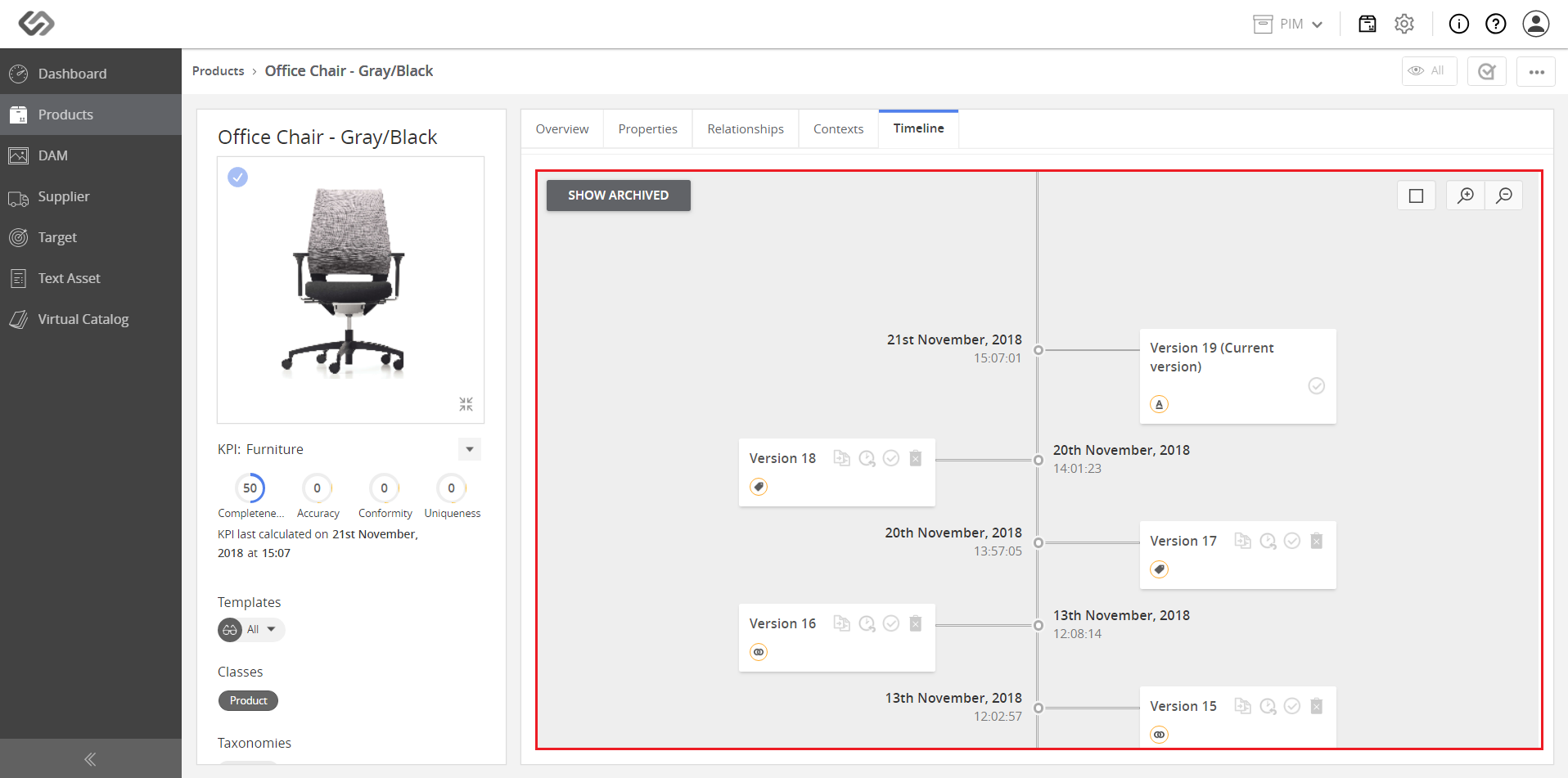
  • View the revision timeline.
../../../../../../_images/pxp_compareproductrevisions_viewtimeline.PNG


  • Check the revision history by hovering over the icon below the version number.
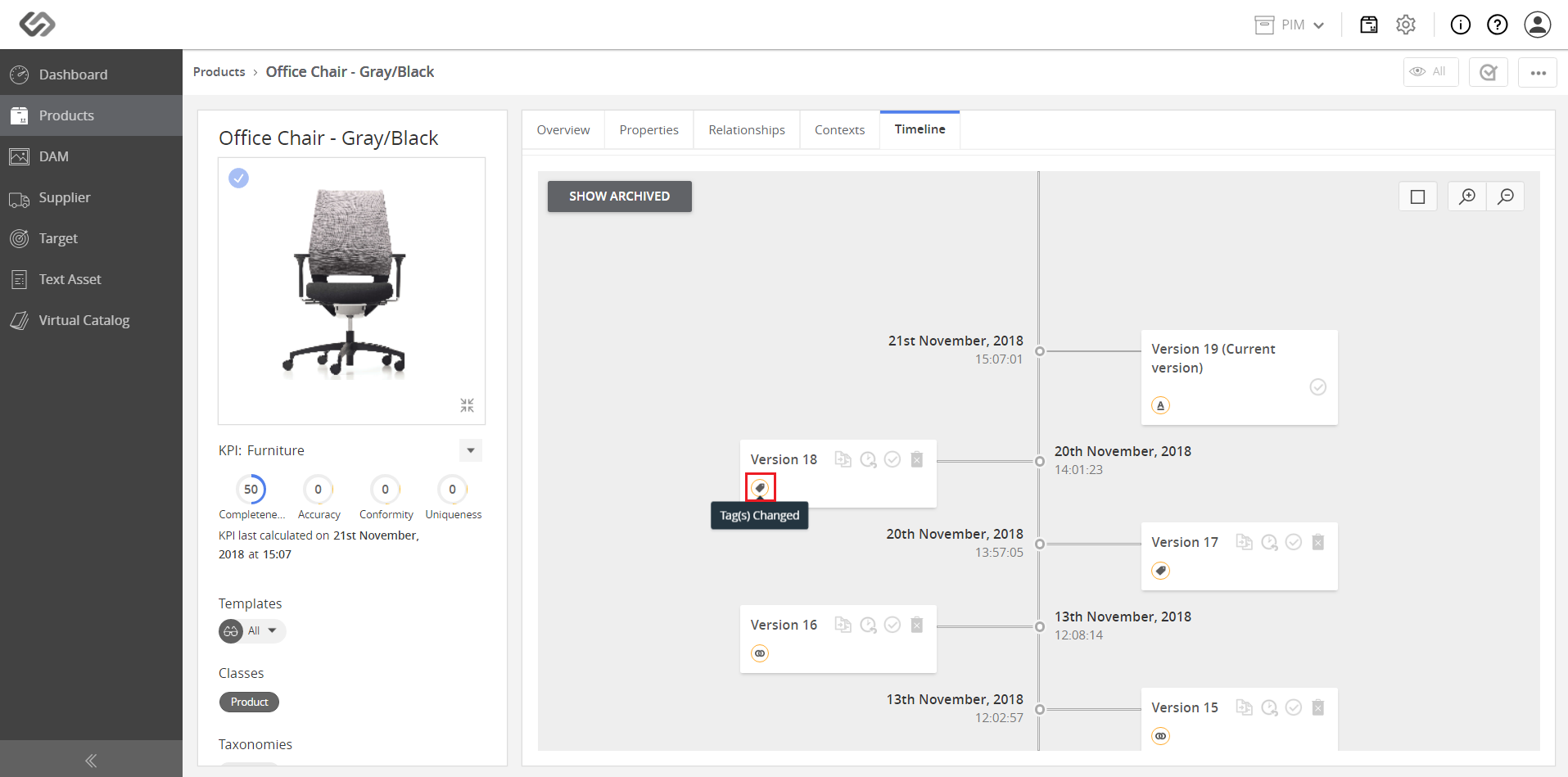
../../../../../../_images/pxp_compareproductrevisions_checktherevisionhistory.PNG


  • Select the versions to be compared by clicking on the checkmarks on the right.
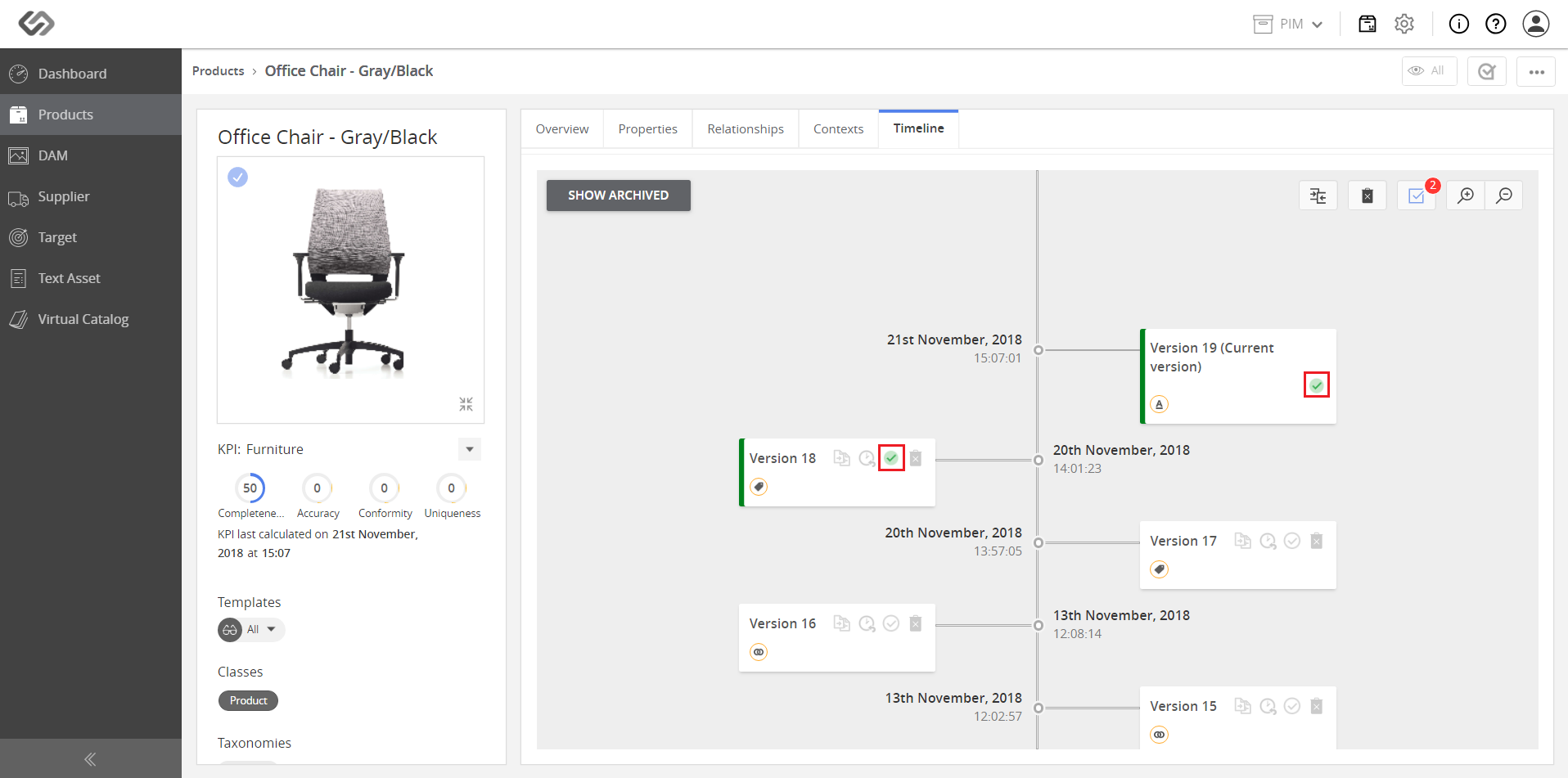
../../../../../../_images/pxp_compareproductrevisions_selectversions2compare.PNG


  • Click on the Compare button to show a comparison table that has columns for the product versions and rows for the attributes.
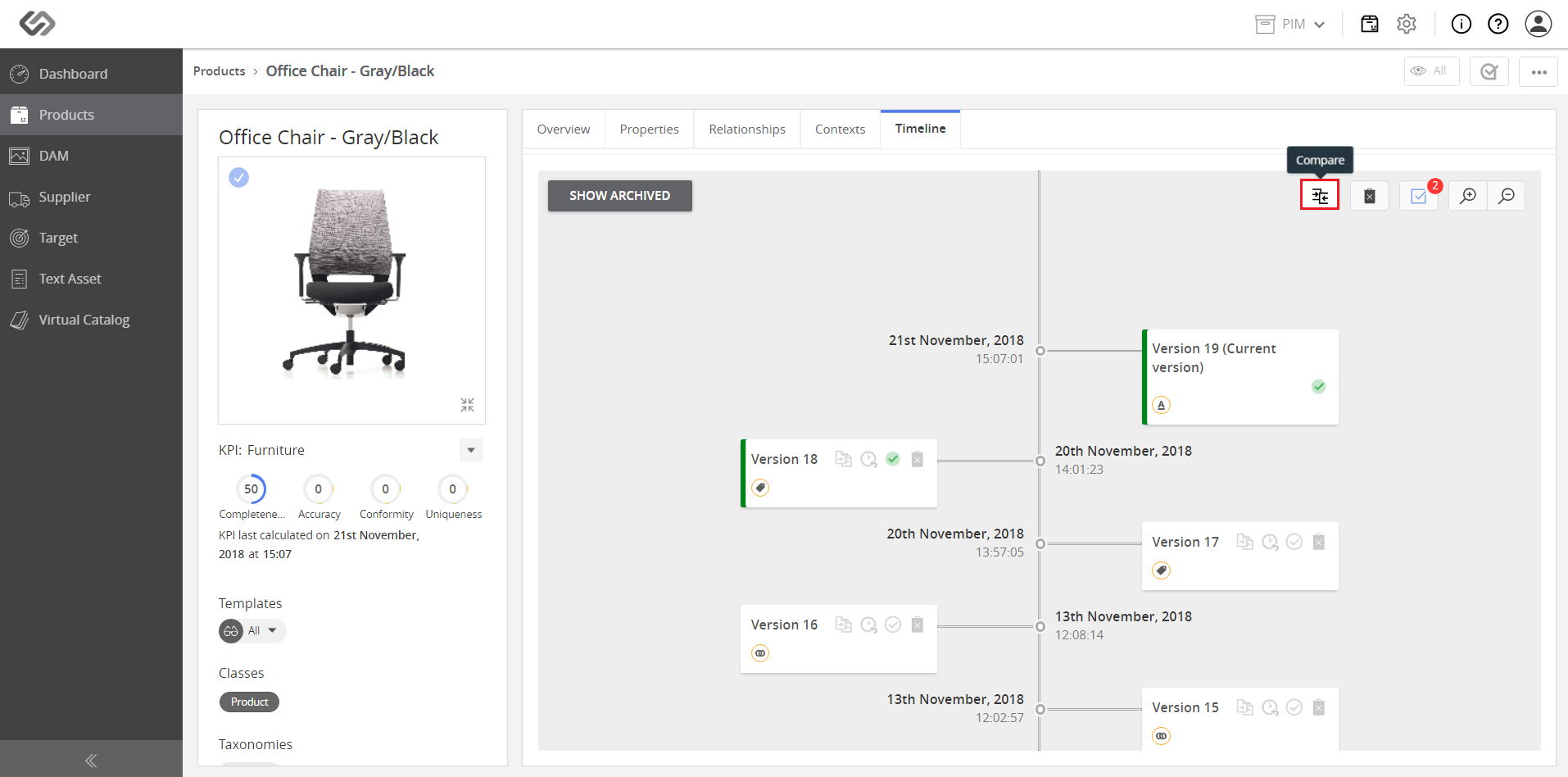
../../../../../../_images/pxp_compareproductrevisions_clickcompare.PNG


  • View the comparison table that shows the attribute changes in the selected versions.
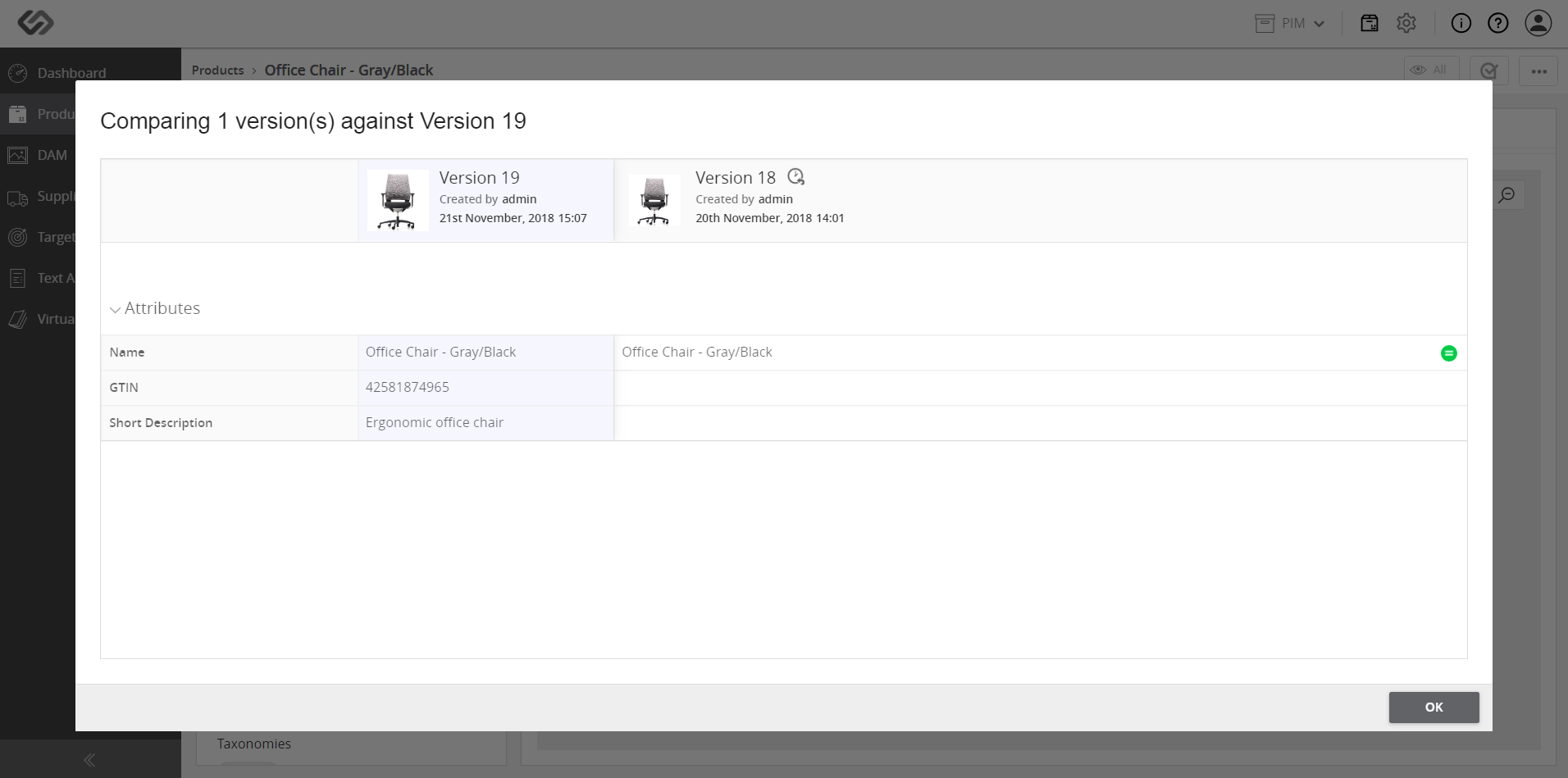
../../../../../../_images/pxp_compareproductrevisions_viewcomparison.PNG


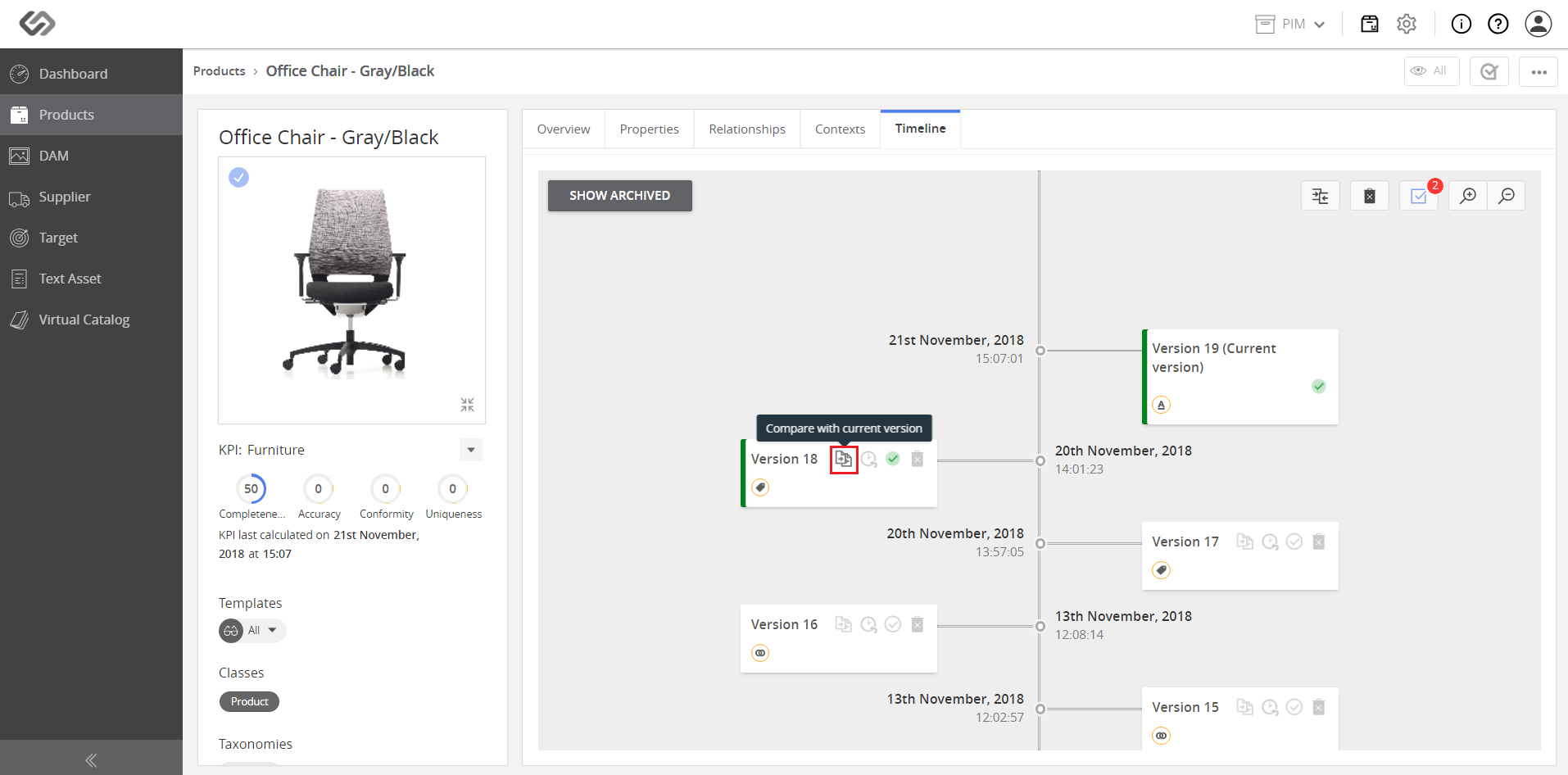
Note: A user may also compare the selected versions with the latest version.
../../../../../../_images/pxp_compareproductrevisions_comparelatestversion.PNG


Contentserv line