Manage Endpoints for a System
Manage Endpoints for a System is an admin feature that manages endpoints in the system that are used for onboarding or offboarding of products.
| Key Term: |
|
| Description: |
|
| Related topics: | |
| Application: |
|
How-to: Manage Endpoints for a System
To manage the endpoints, follow these steps:
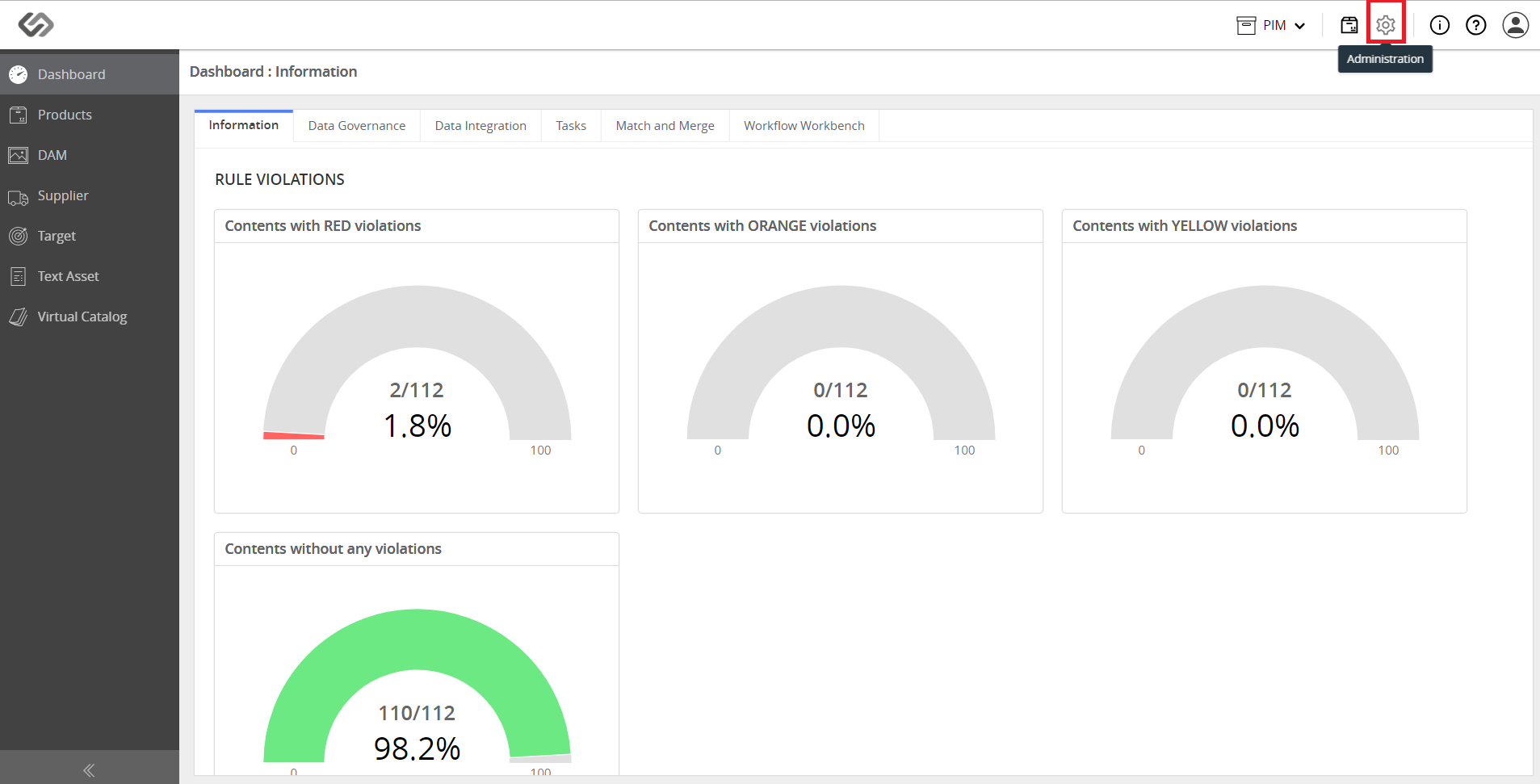
- Log in and go to Administration.
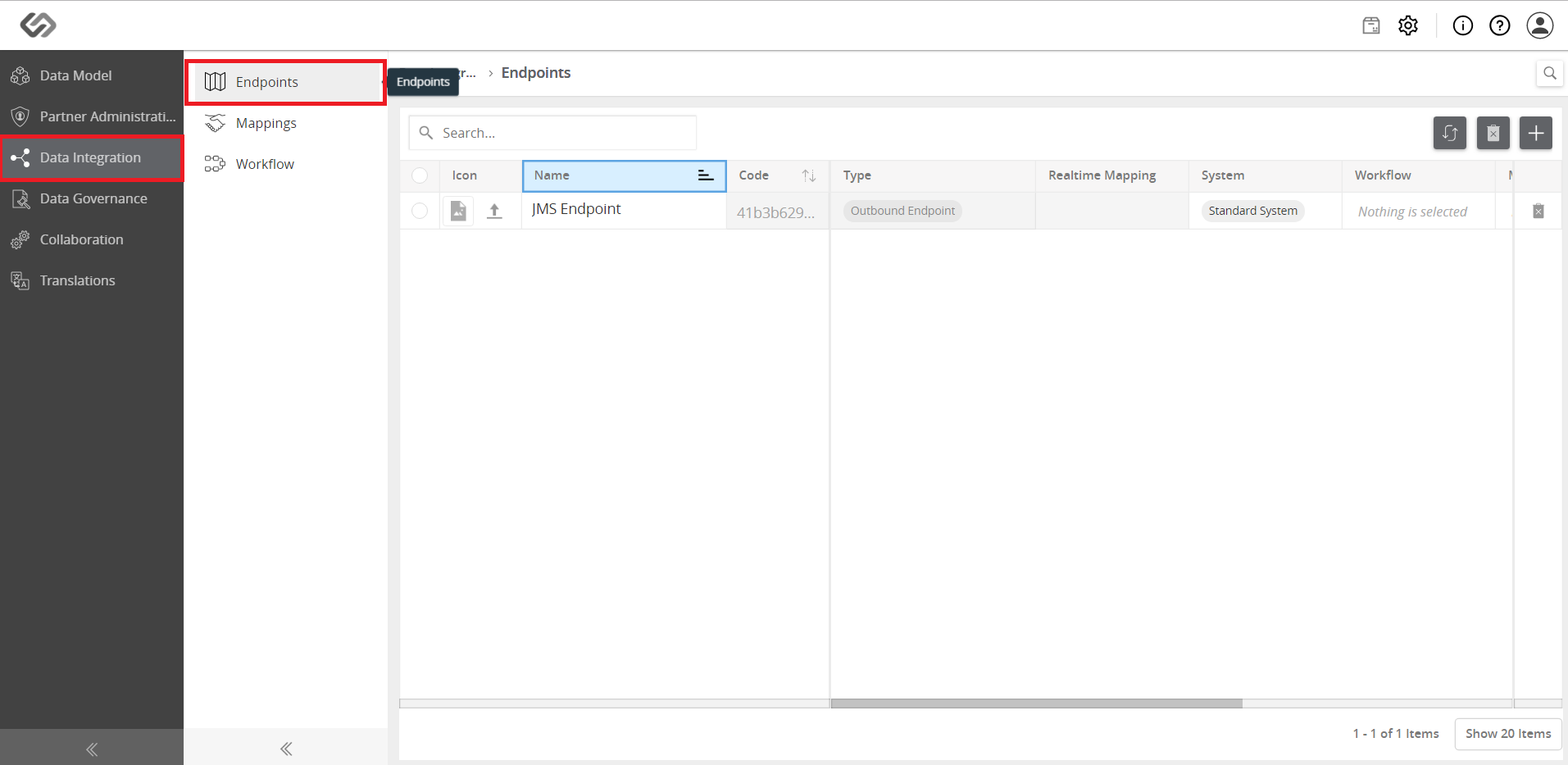
- Click on Data Integration and then go to Endpoints.
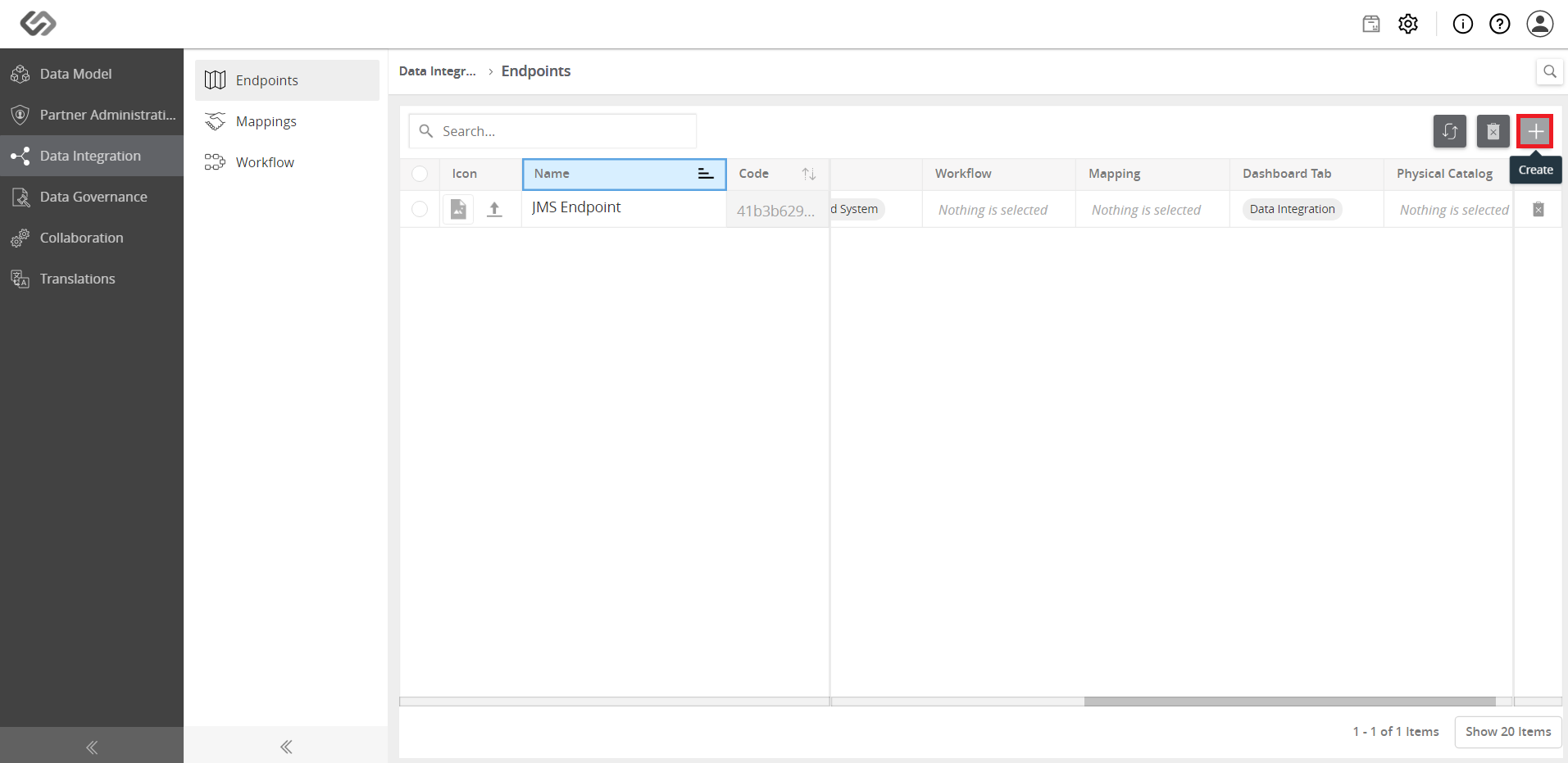
- On the right, click on the ‘+’ icon to create a new endpoint.
- Provide the required details.
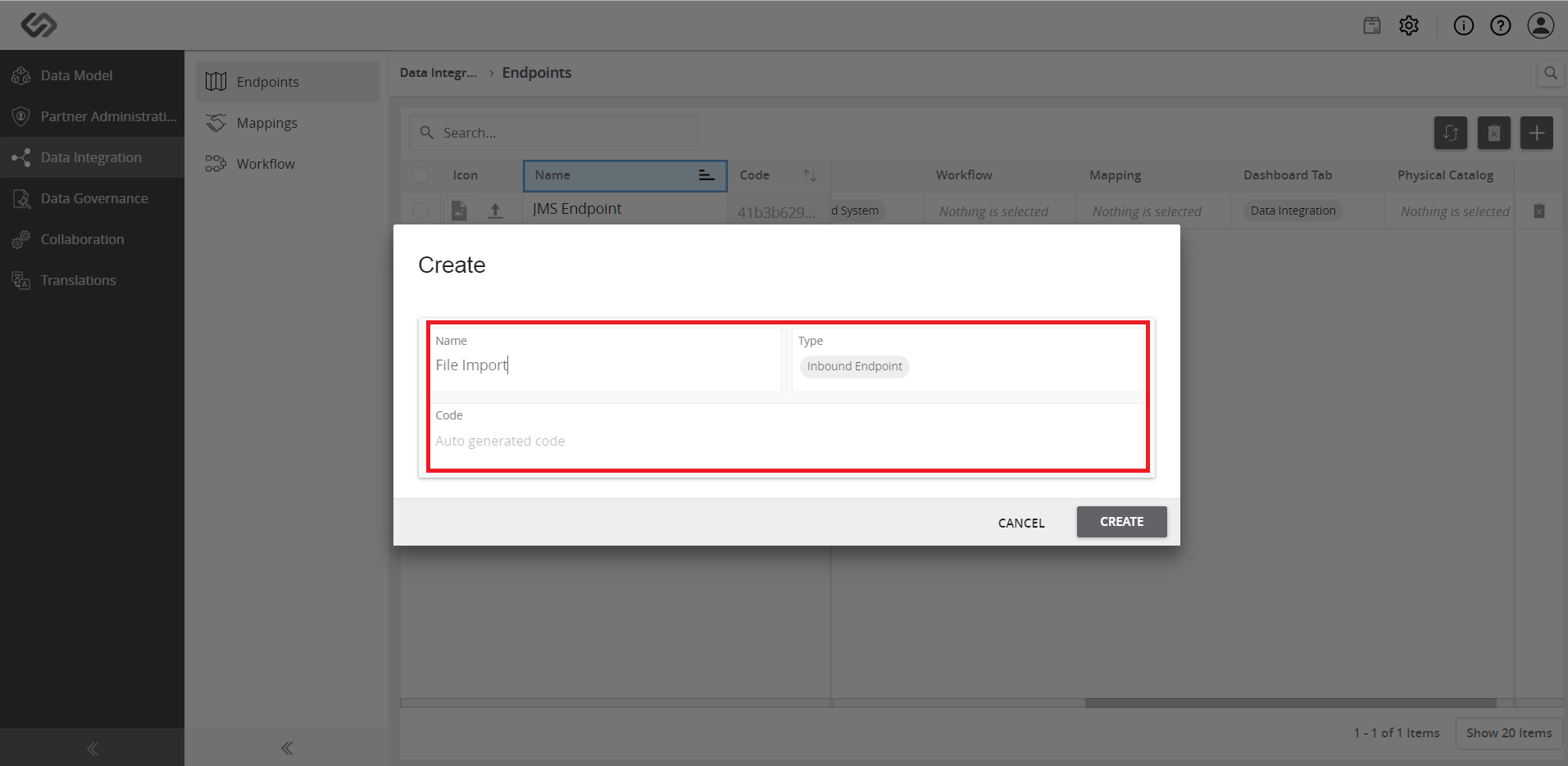
- For onboarding products, select the Inbound Endpoint for the Type. Click the Create button.
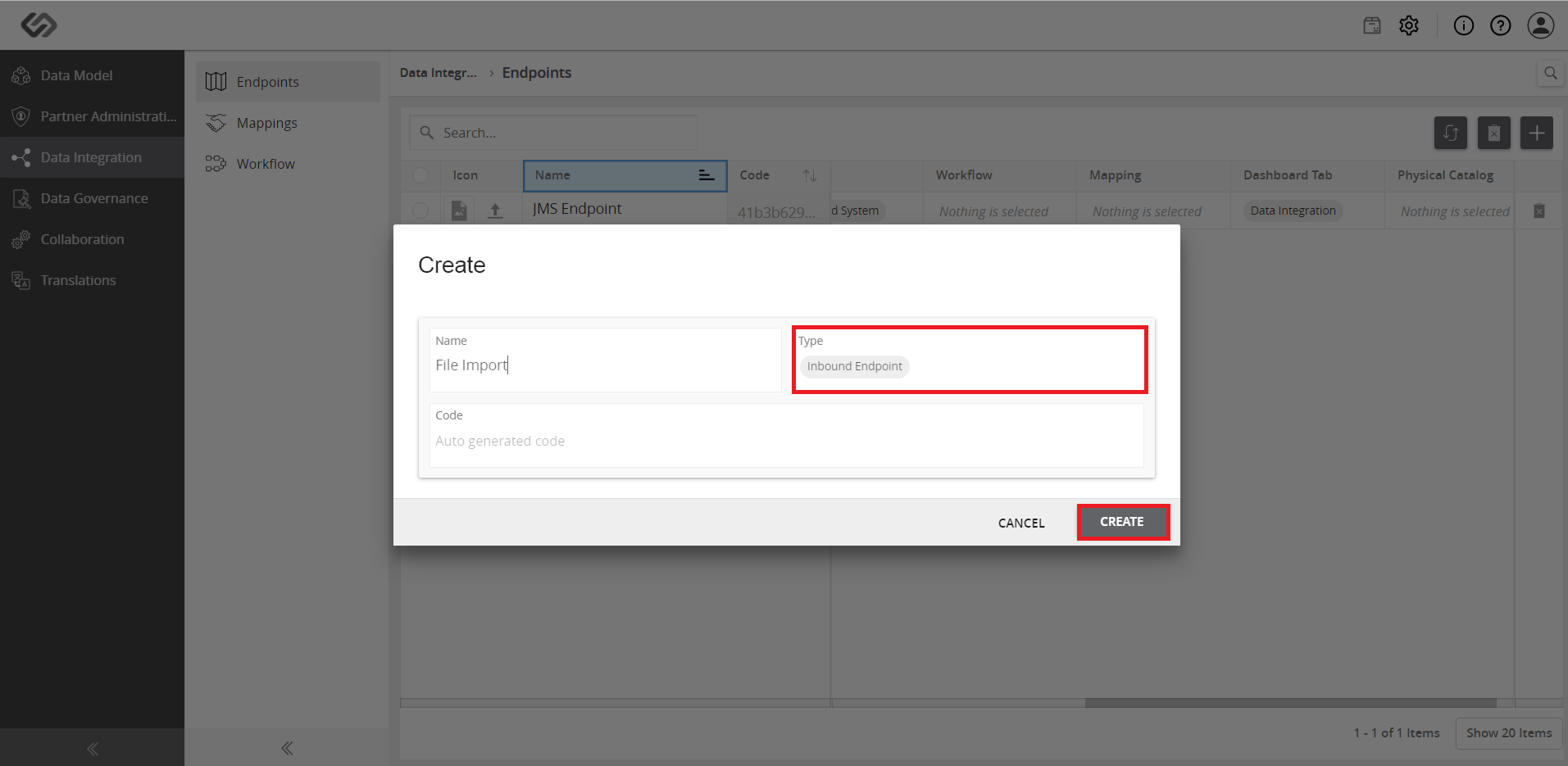
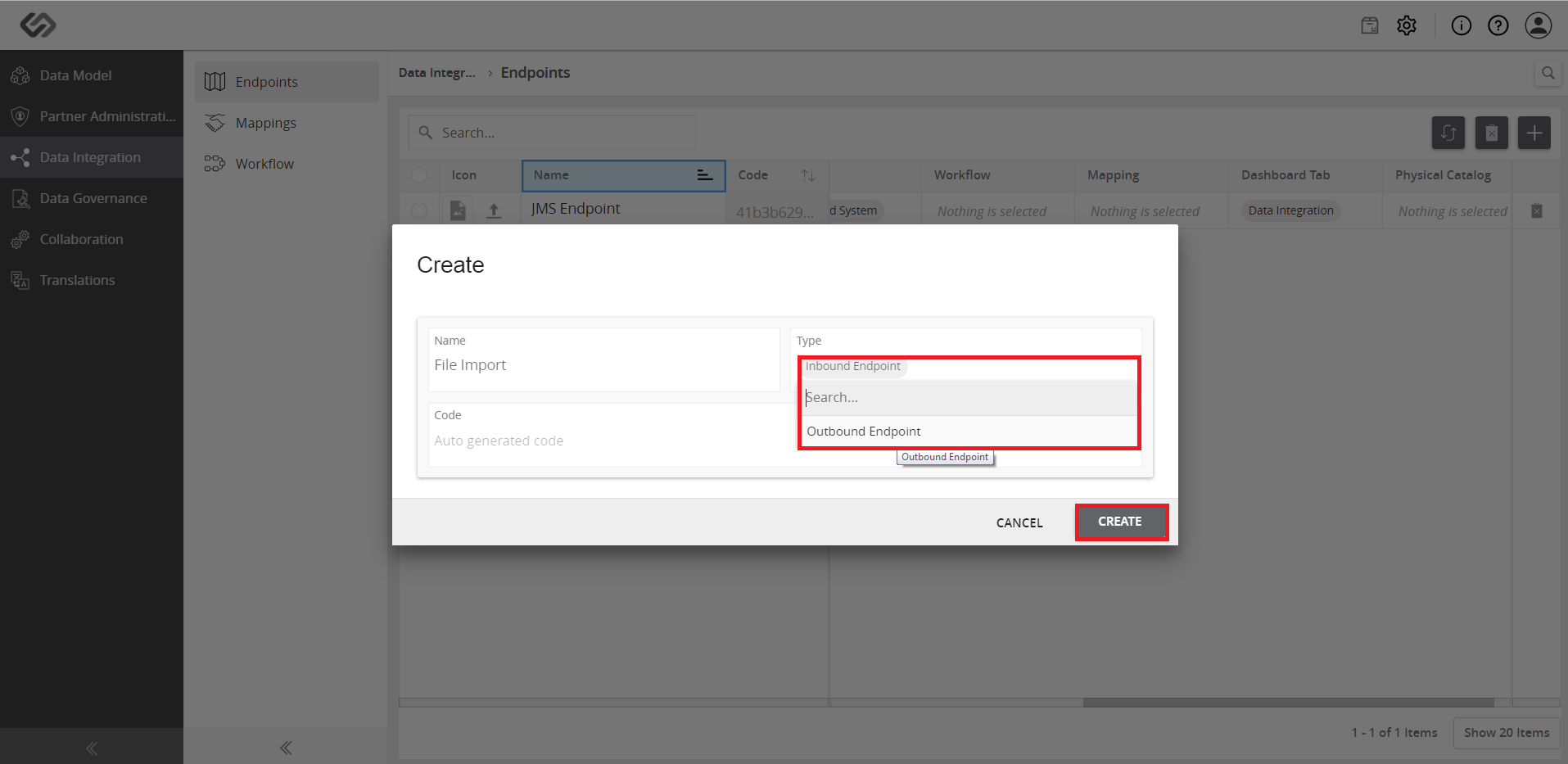
- For offboarding products, select the Outbound Endpoint for the Type. Click the **Create**button.
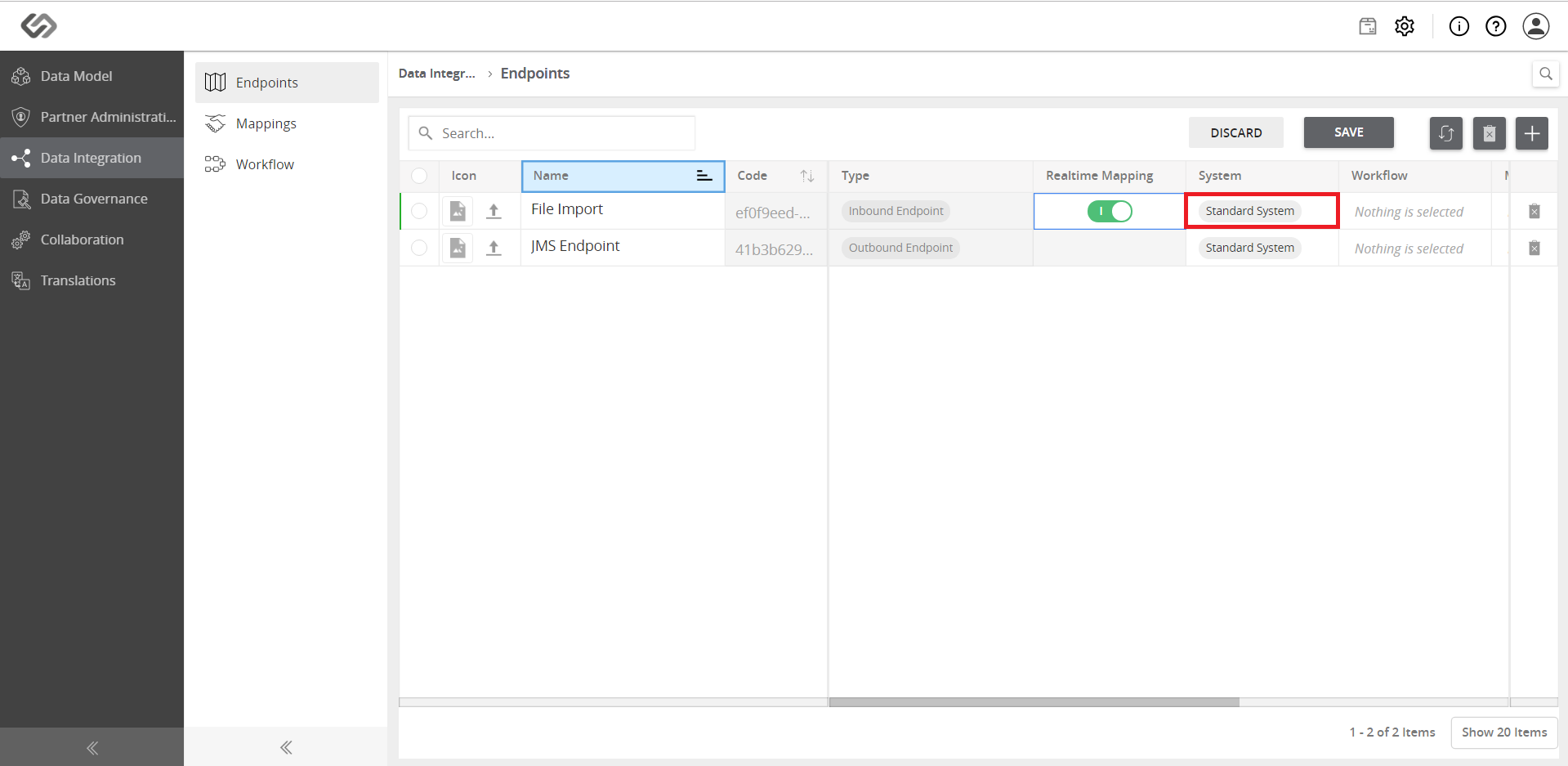
- Once the endpoint has been added, enable (or disable) the Realtime Mapping. This allows the mapping in runtime that can be tracked in the dashboard. Click the Save button.
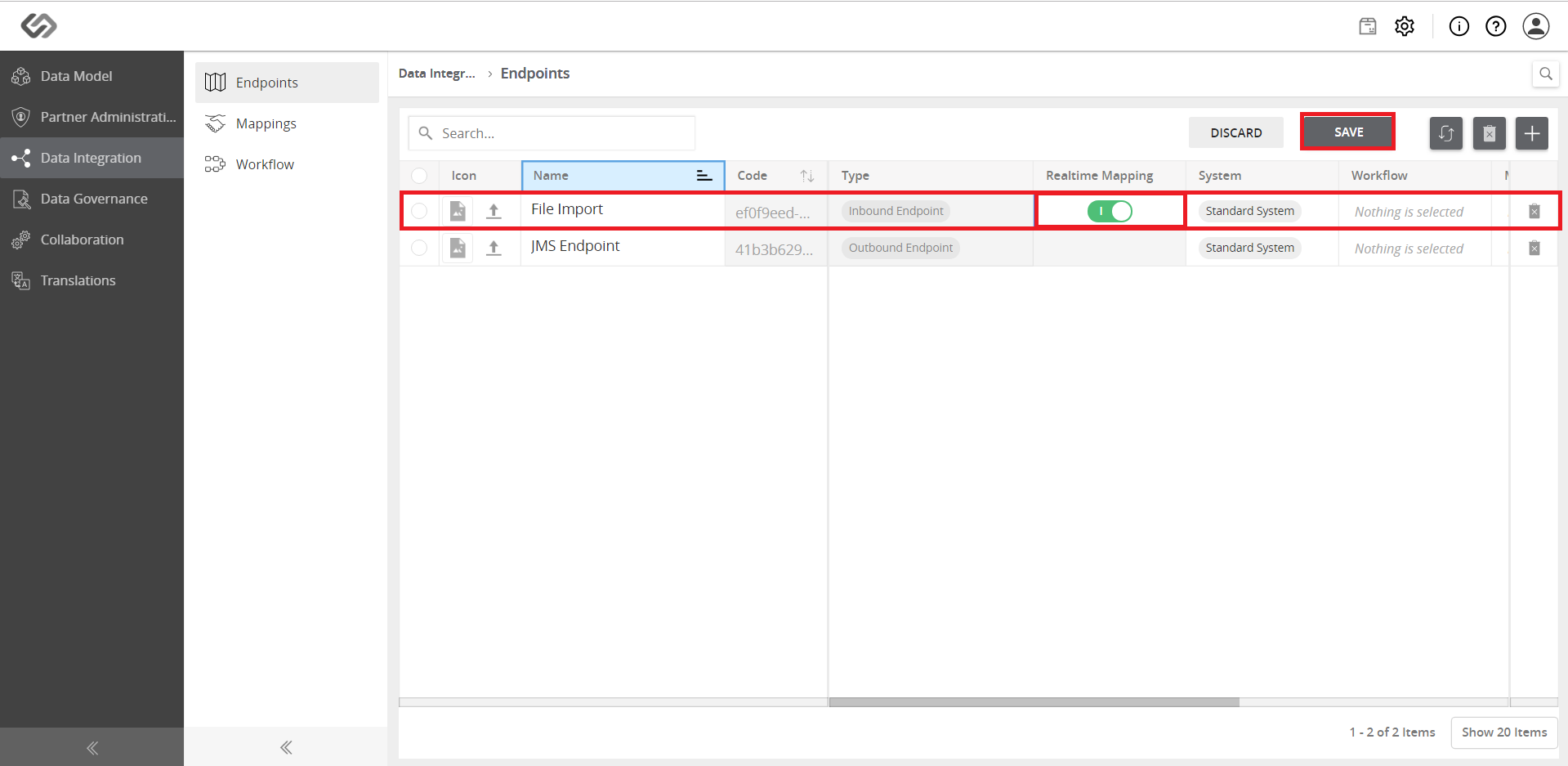
- Click on the System field and create a new system or use the ‘Standard System’ from the selection. To create a new system, click on the Create ‘system name’ button after typing the name of the new system to be added.
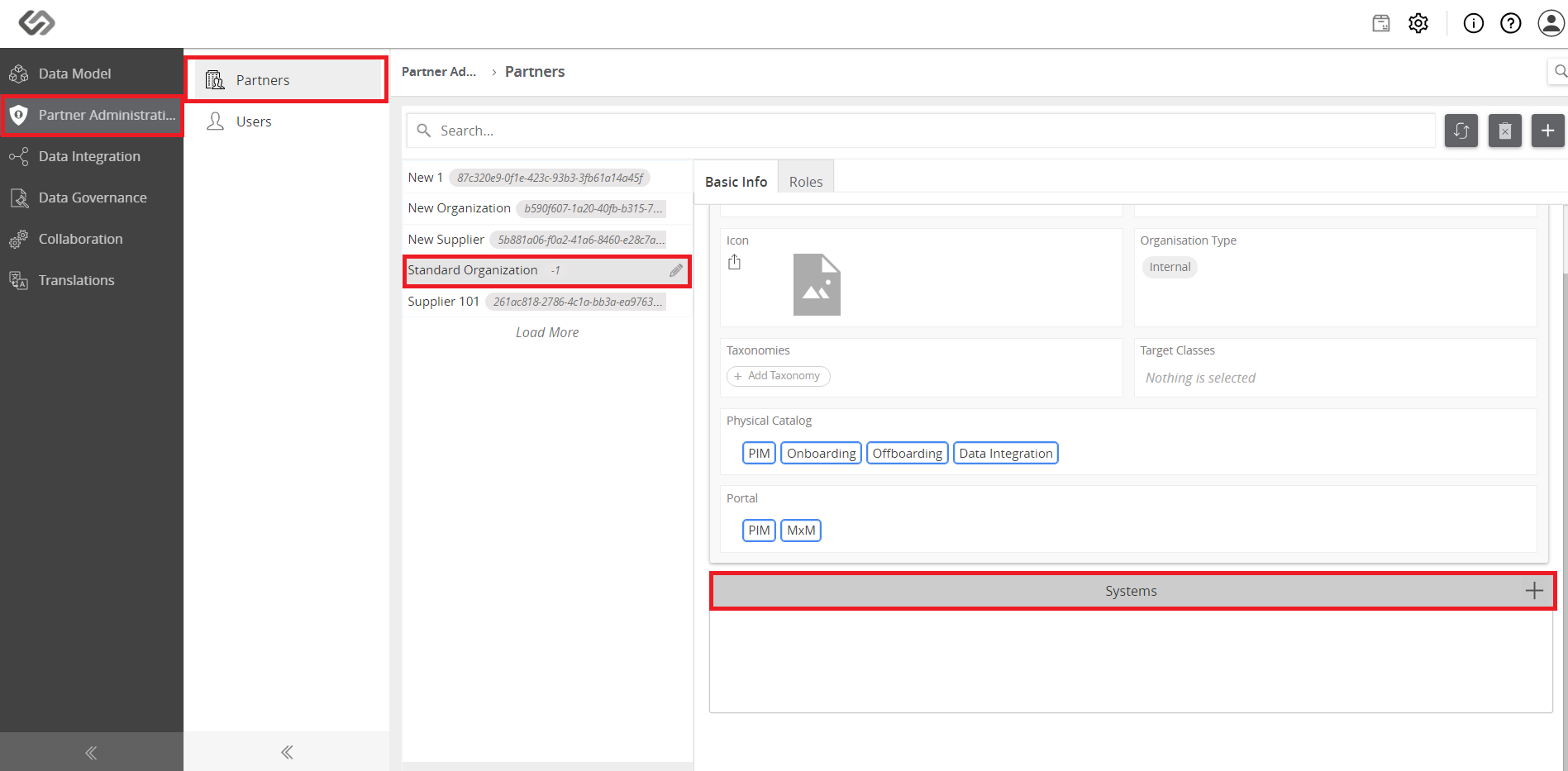
- Next, follow this sequence: Partner Administration >> Partners >> Standard Organization >> Systems.
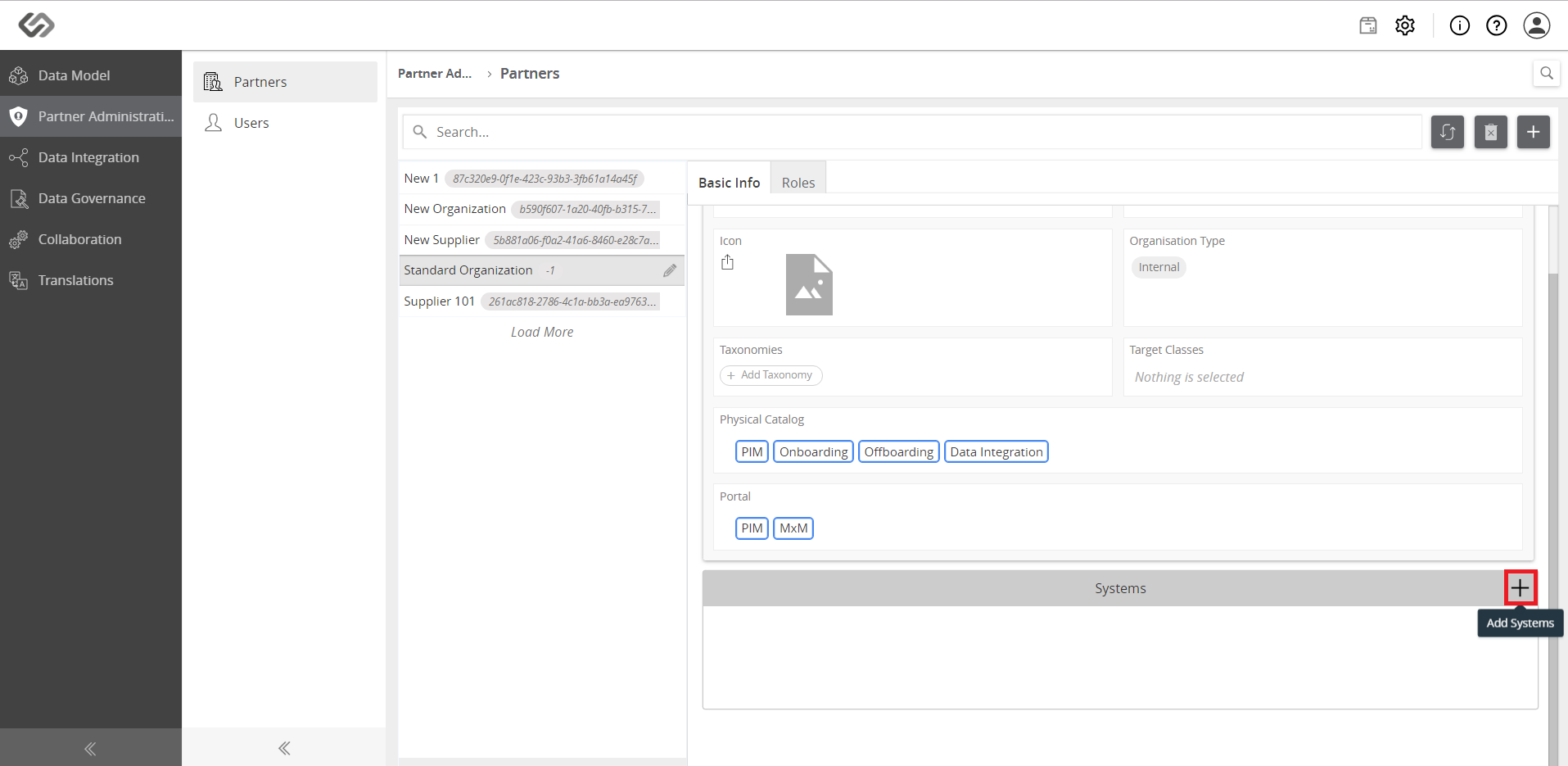
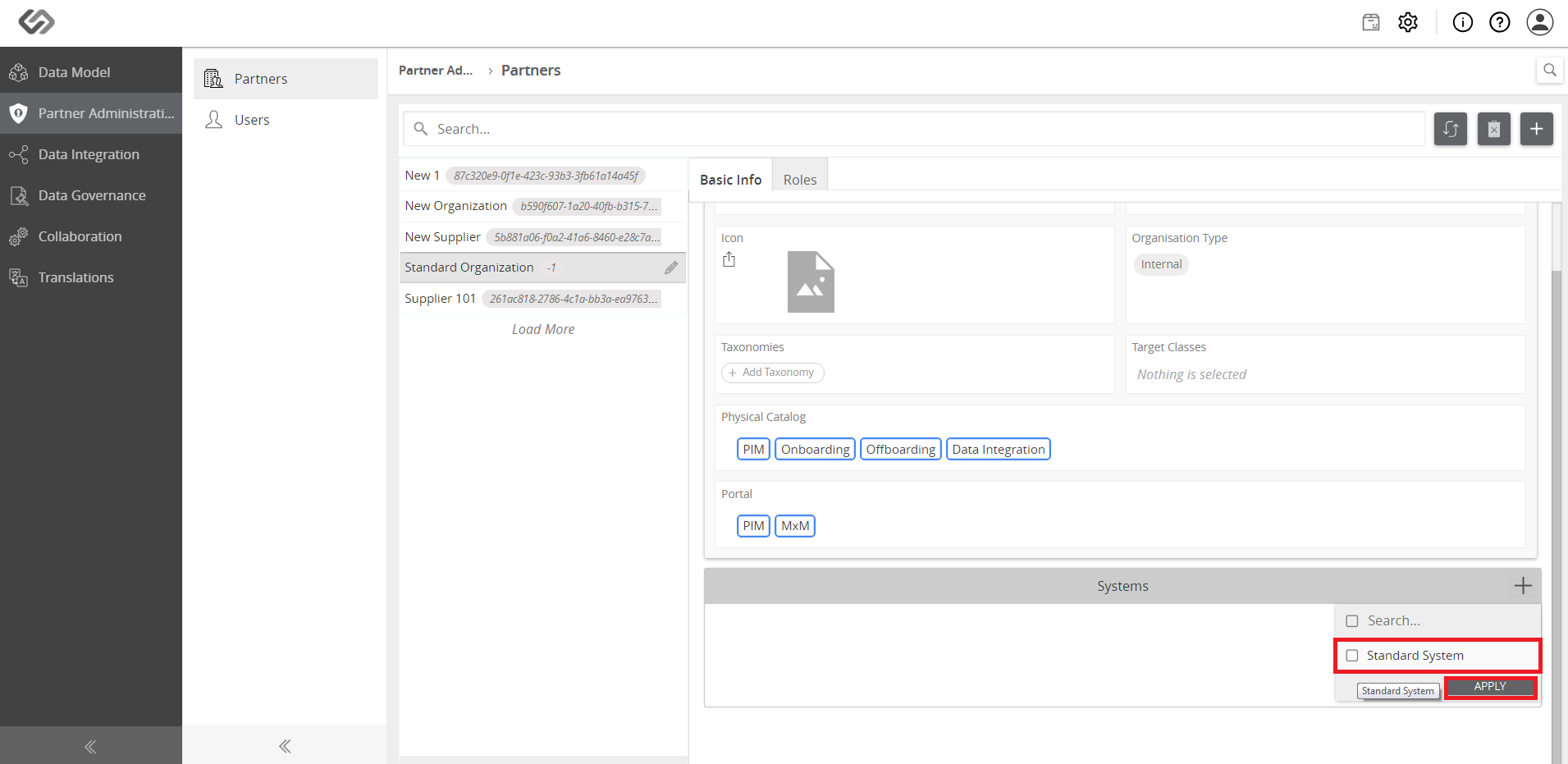
- Add the created system or select the Standard System as you click on the ‘+’ icon to add systems. Then, enable the endpoint that was created.
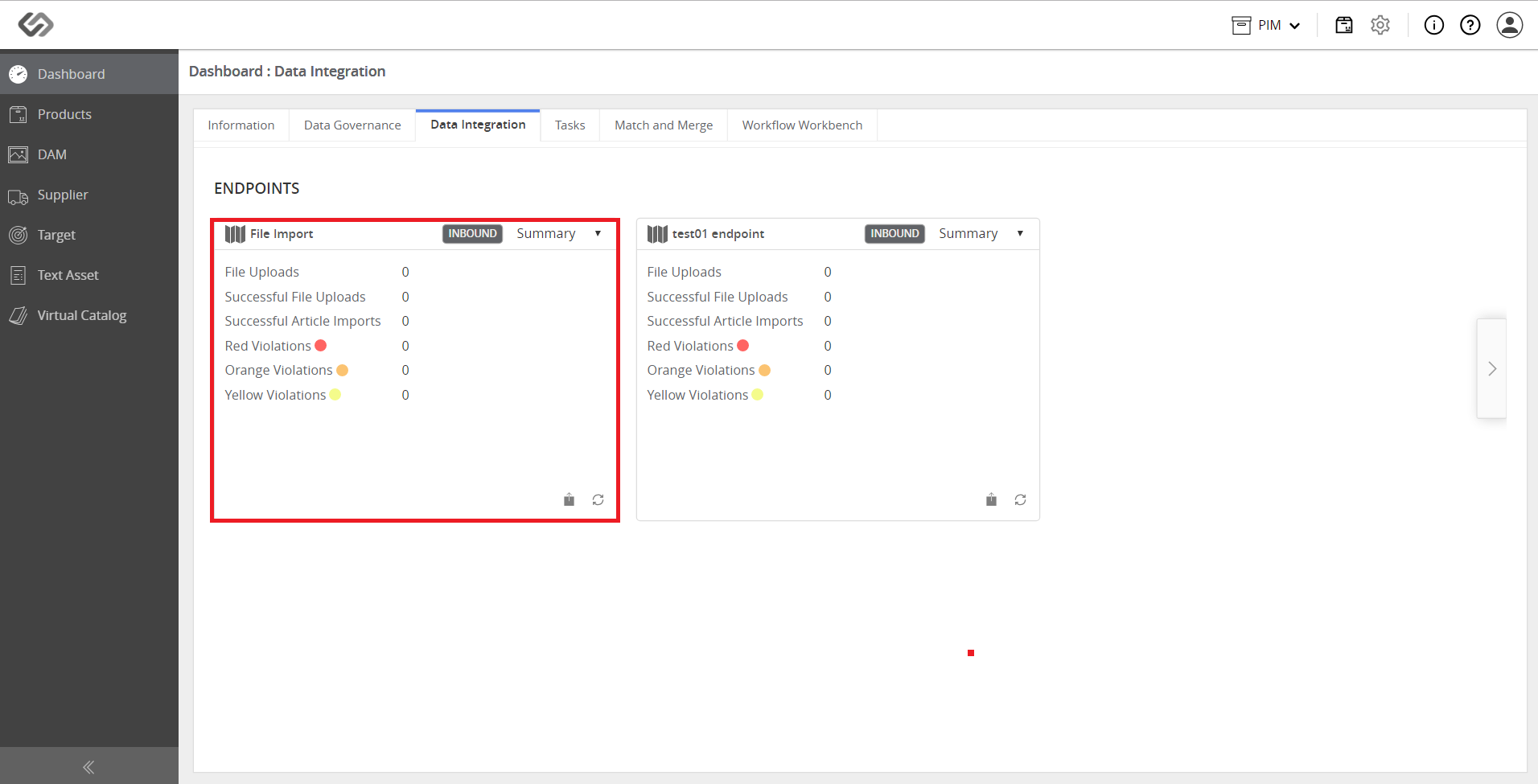
- View the endpoint in the Dashboard.