Manage Outbound Process
Manage Outbound Process is an admin feature that manages Outbound Processes so that data can be evaluated correctly and be transformed into the required output format before exporting.
| Description: |
|
| Related topics: | |
| Application: |
|
How-to: Manage Outbound Process
To do this feature, follow these steps:
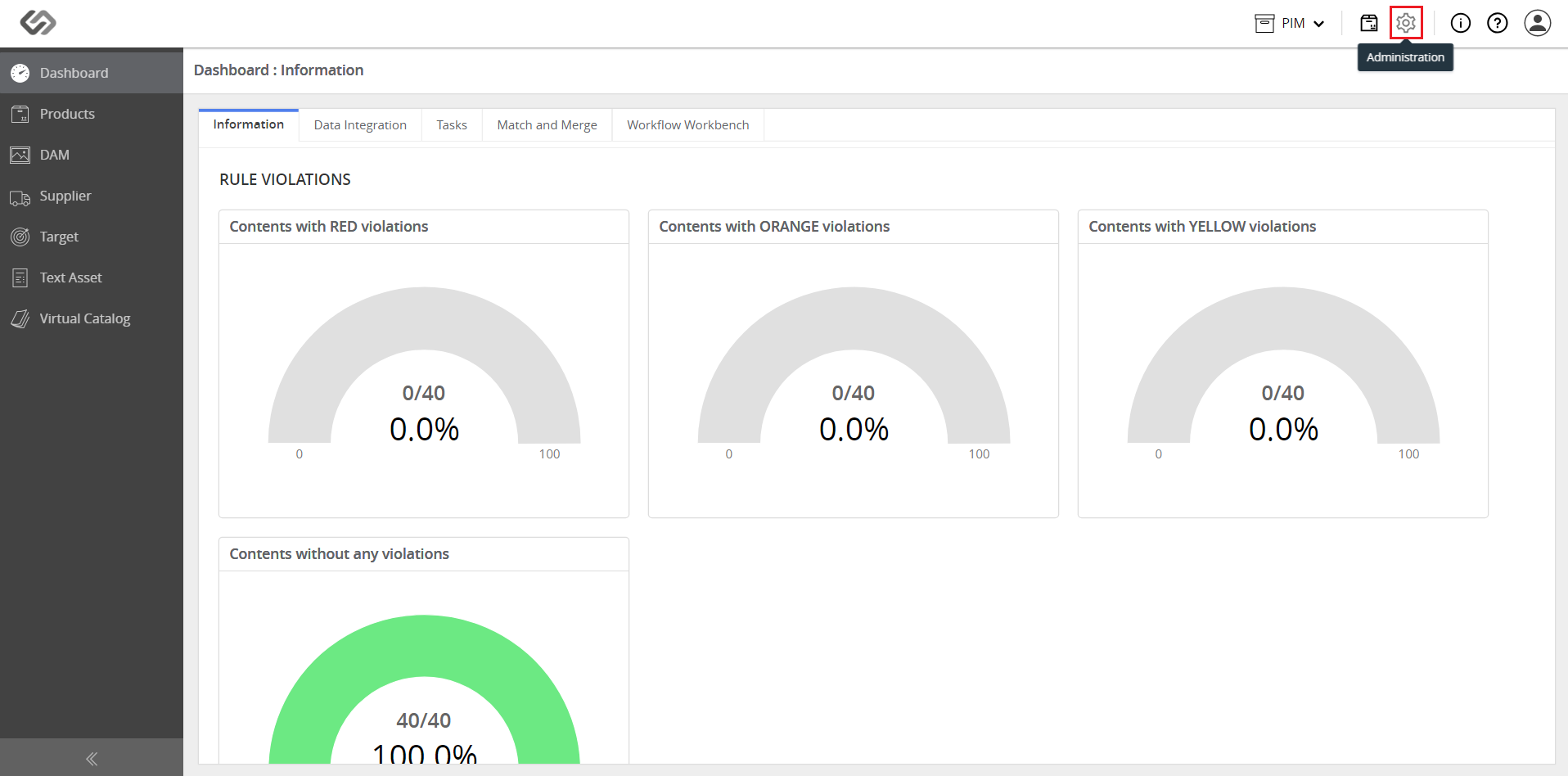
- Log in and click on the Administration icon.
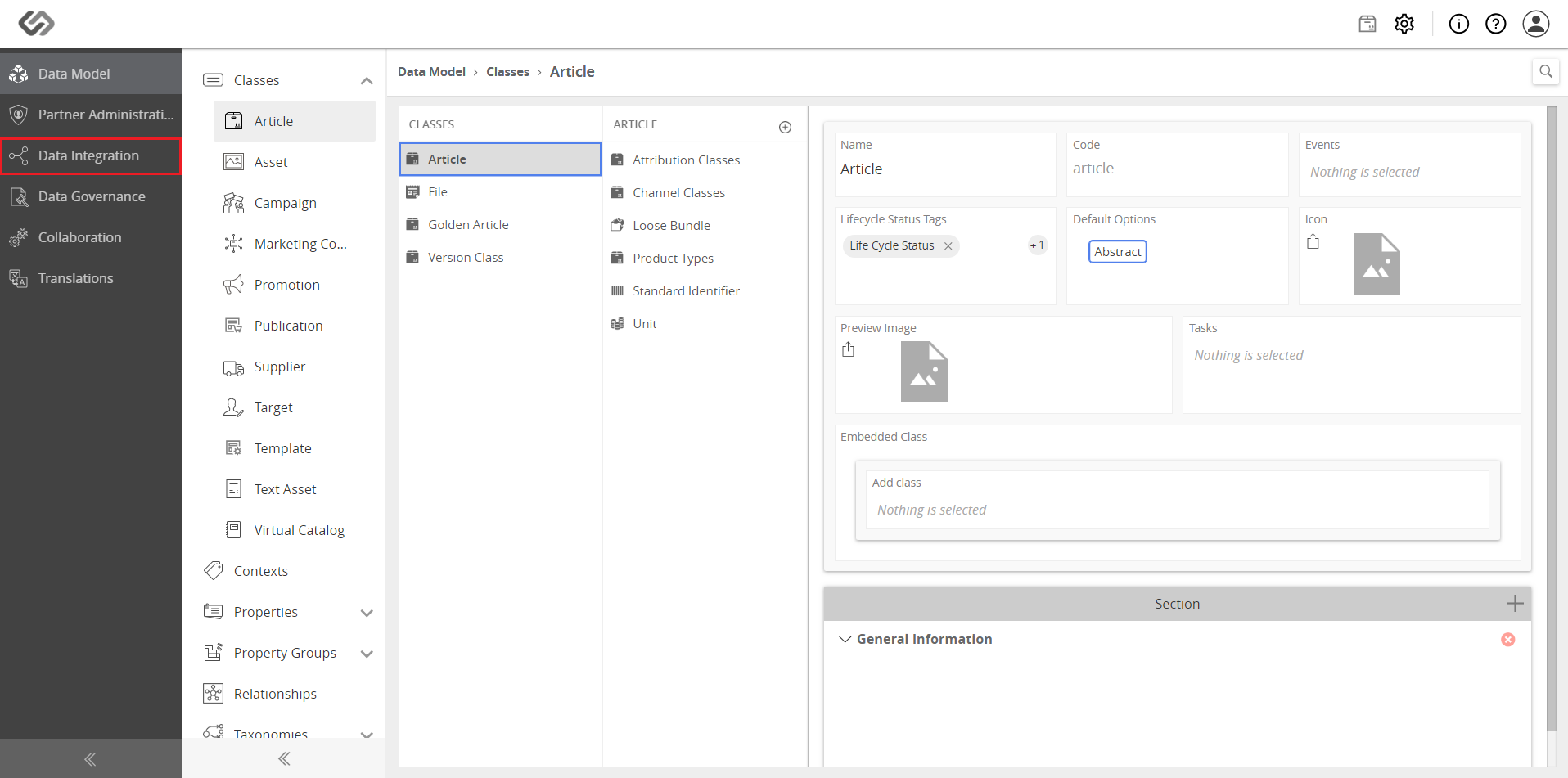
- Click on Data Integration.
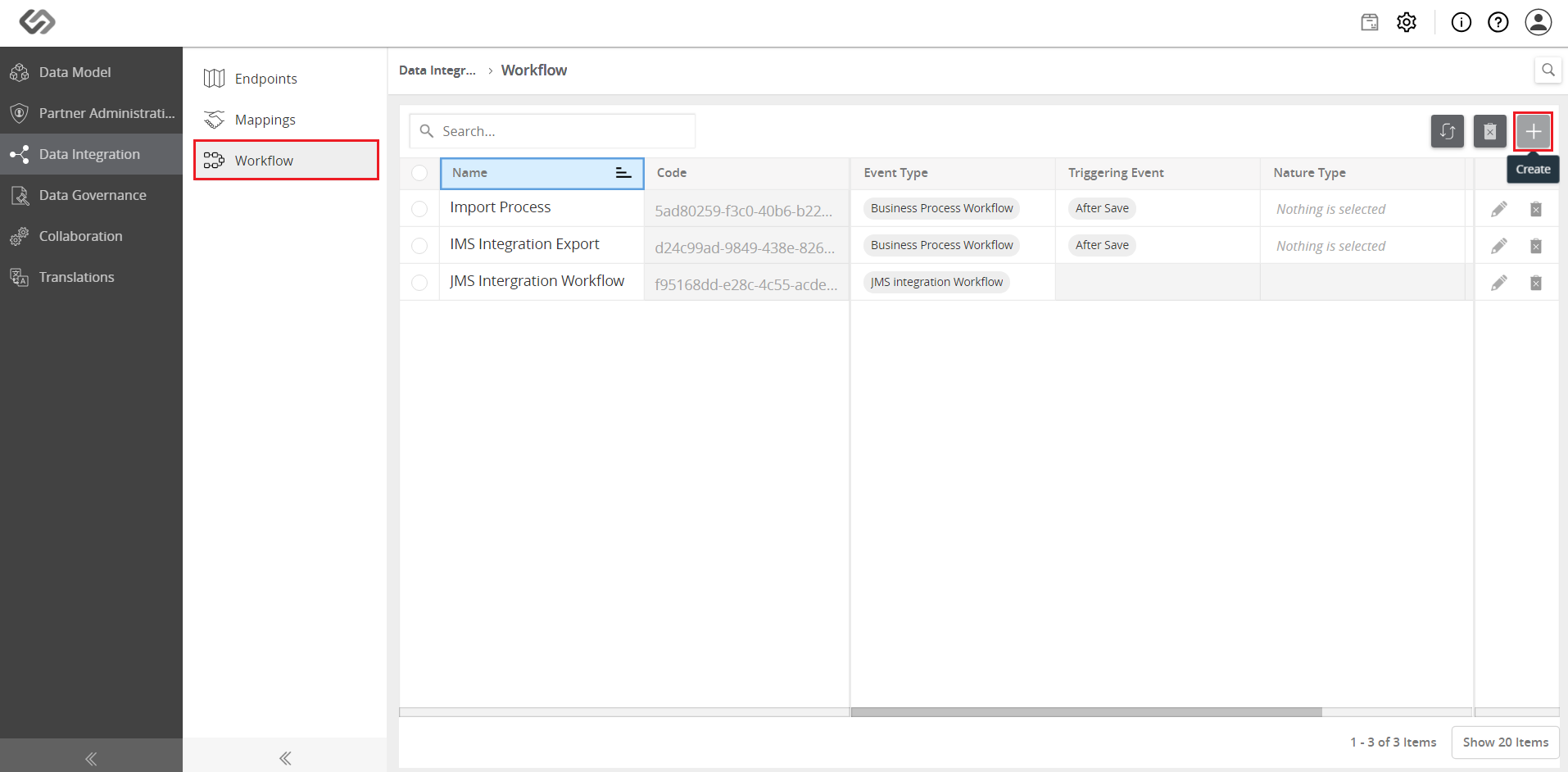
- Go to Workflow and click on the ‘+’ icon to create a new process.
- On the pop-up window, provide the following details: Name and the Event Type. For this example, select the Business Process Workflow.
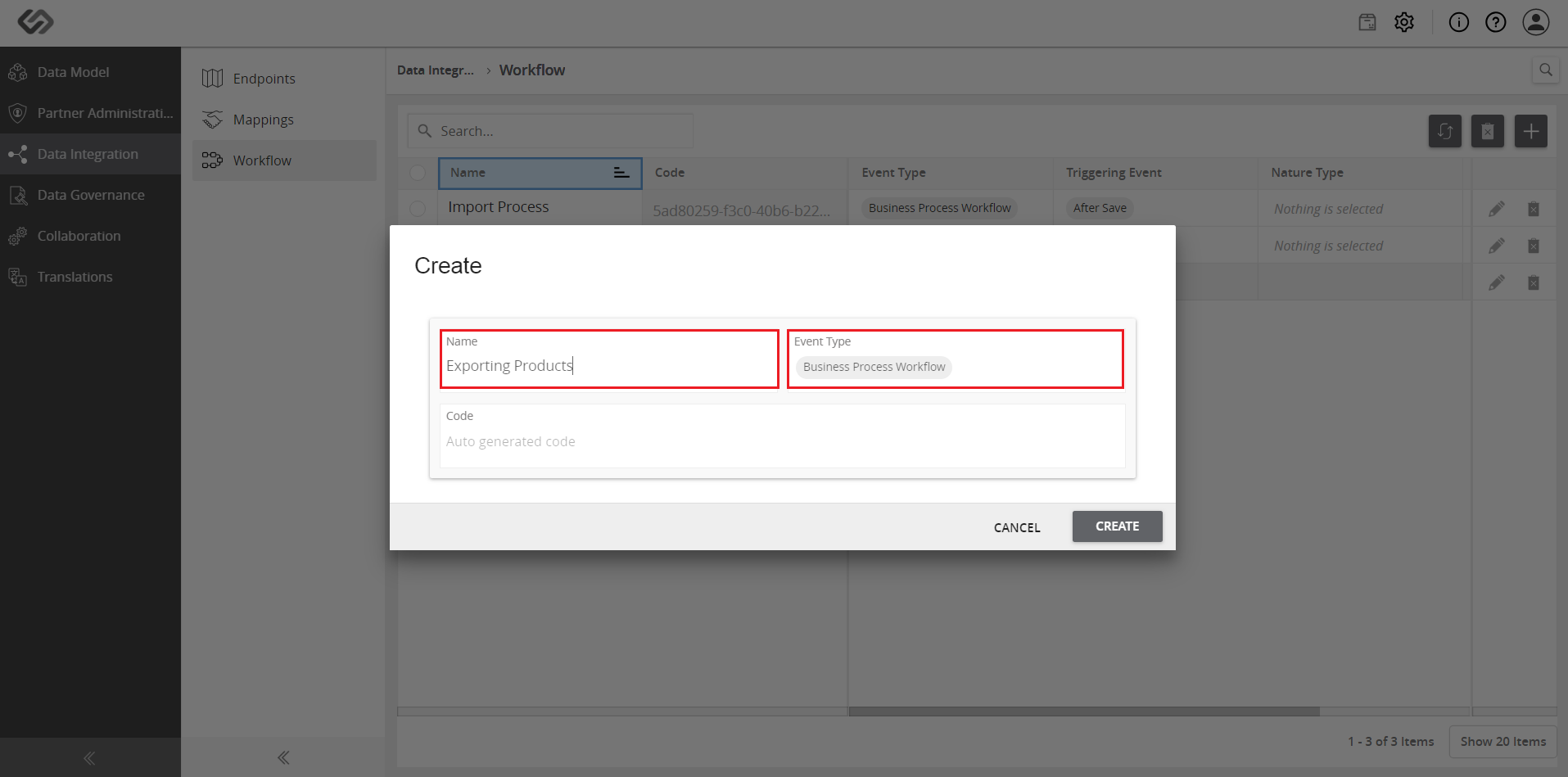
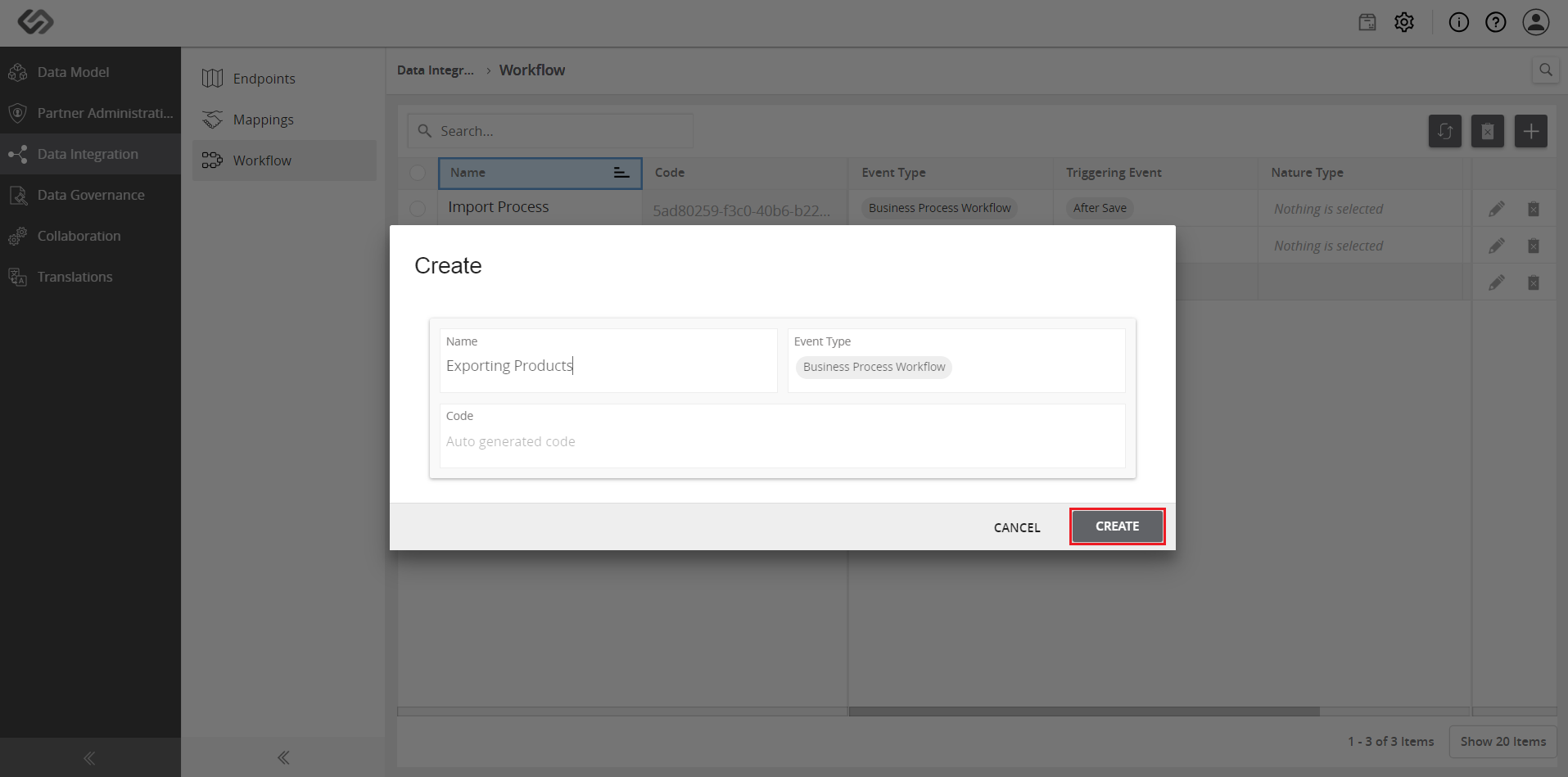
- Click on the Create button.
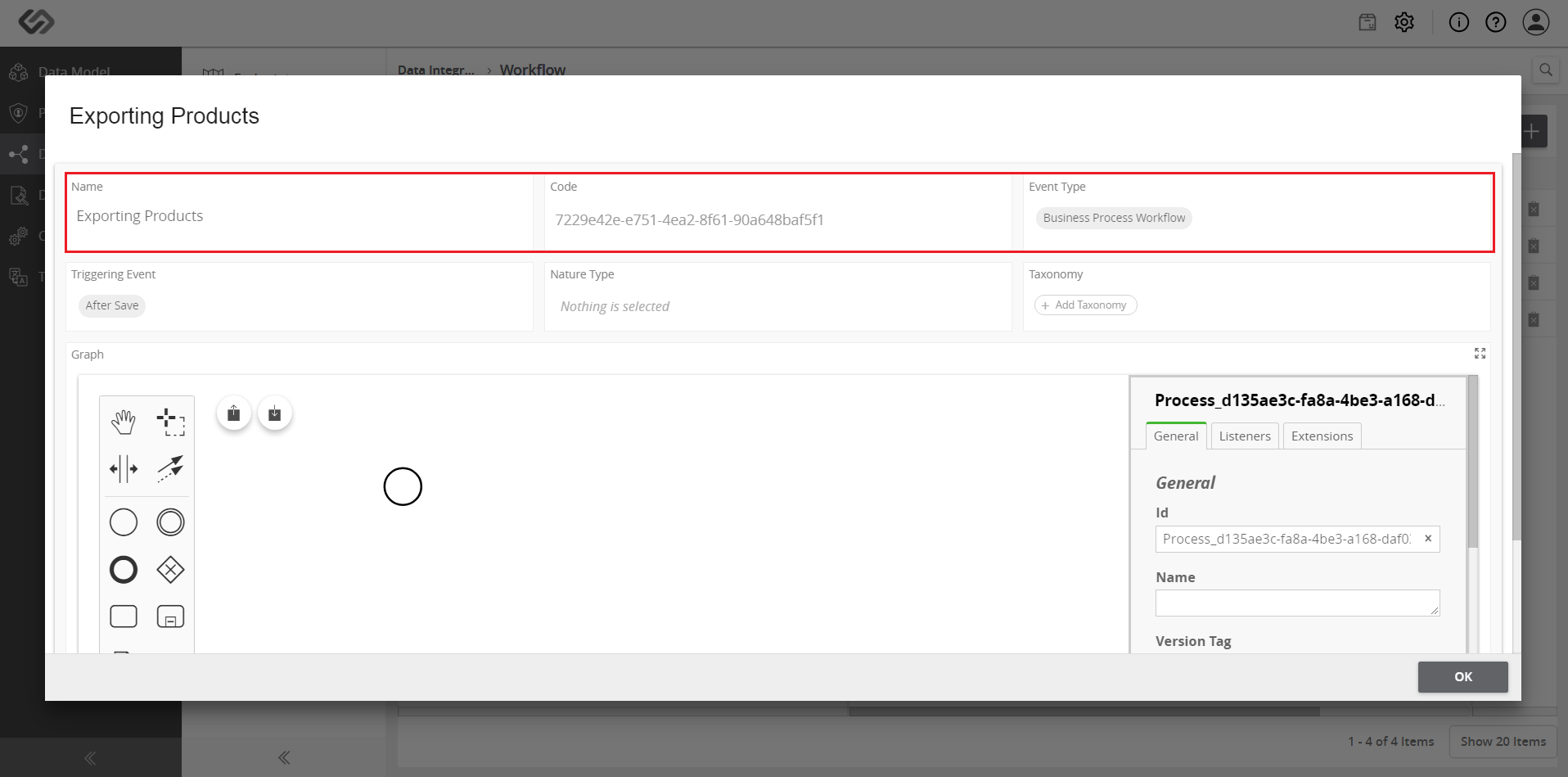
- Once clicked, a pop-up window will appear. Check if the details are correct for the Name, Code, and the Event Type.
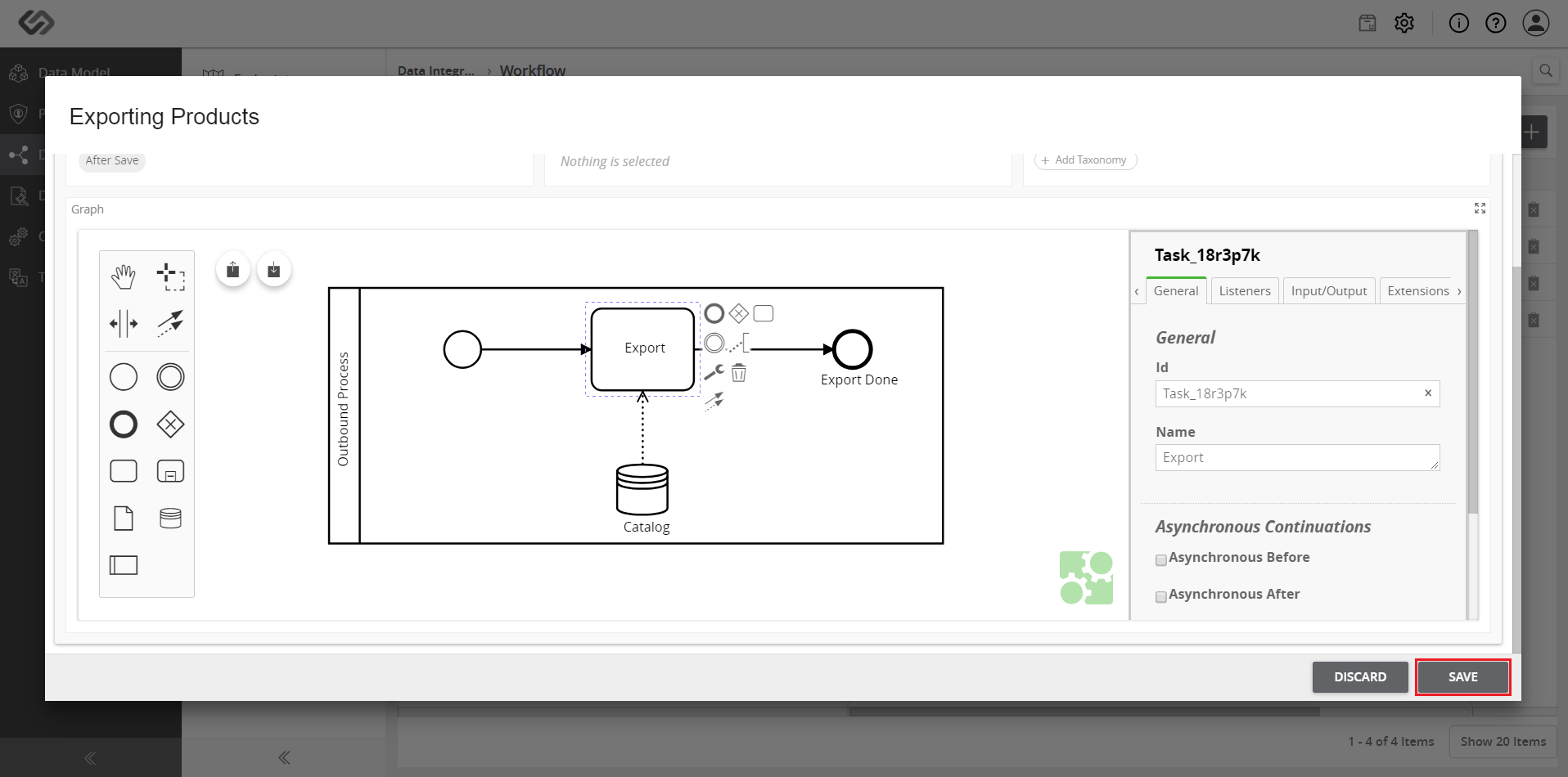
- Create a graph for the workflow using BPMN (Business Process Modeling Notation) components on the left menu.
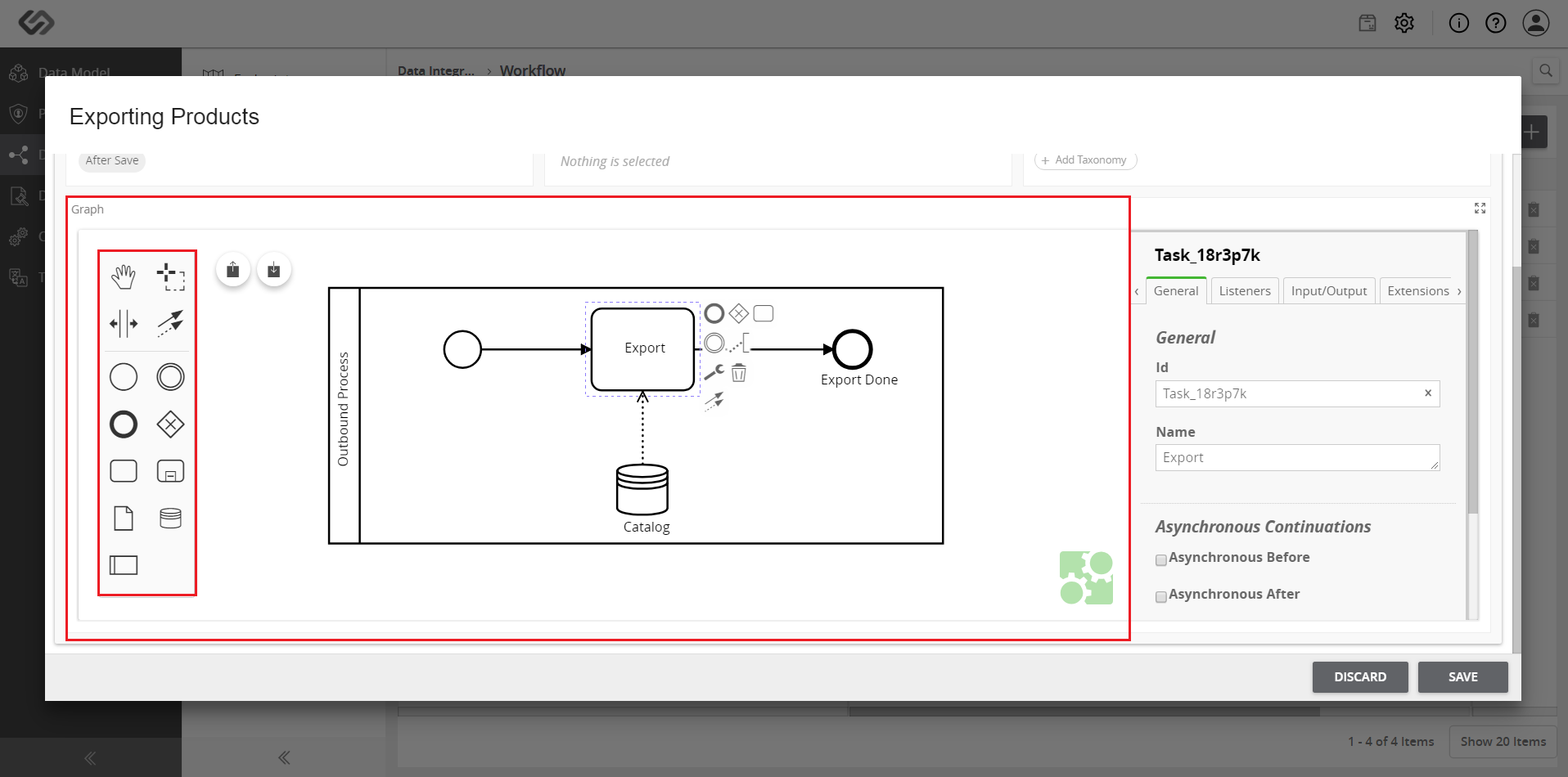
- Once the workflow is created, provide the details of each component used in the graph. On the window on the right, ensure all details are completed for each tab.
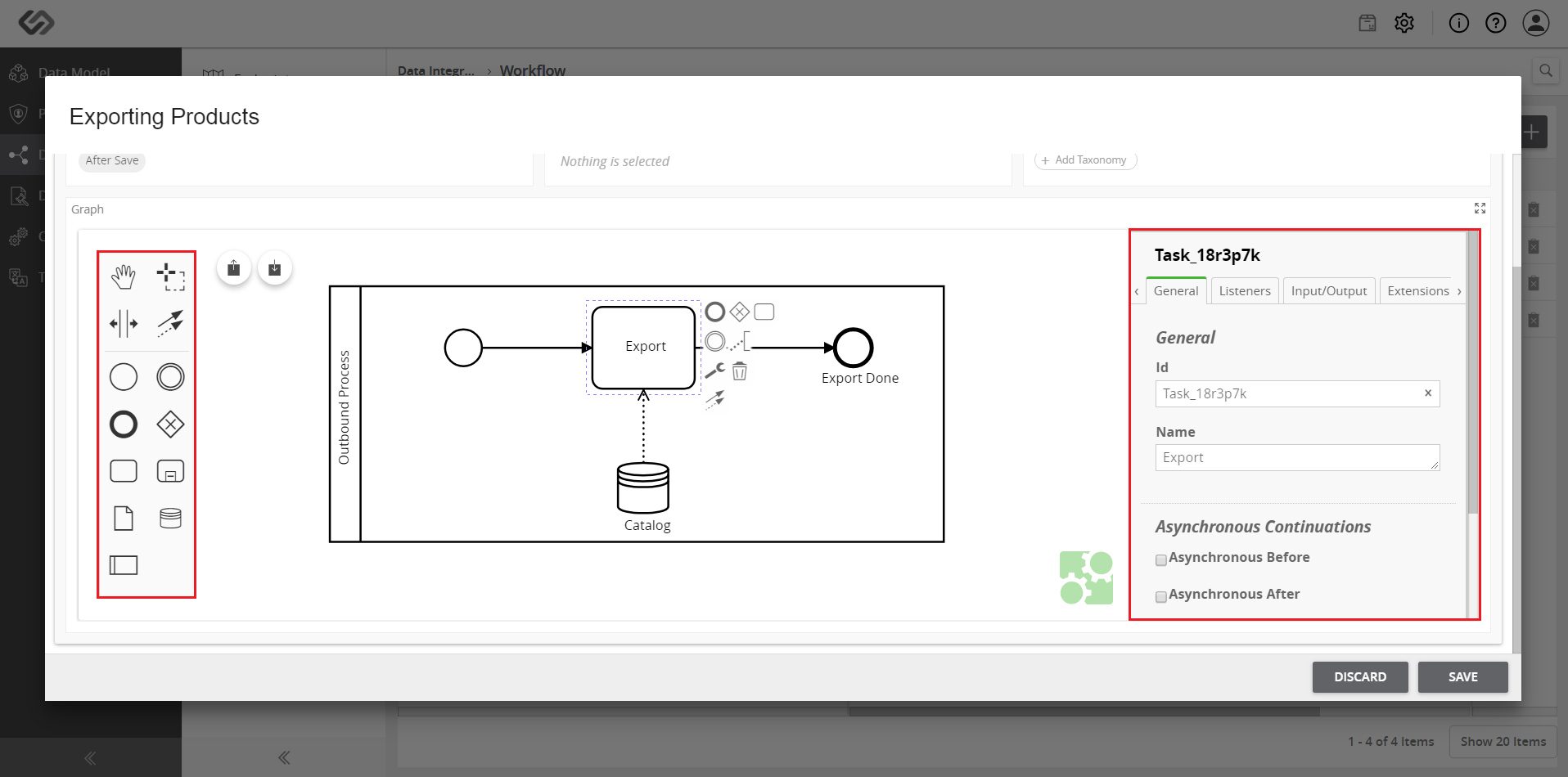
- Once done, click on the Save button. A notification will appear to indicate the workflow is saved. Click on the OK button.