Search within Taxonomy
The Search within Taxonomy feature allows a user to search (for an article or a product) or to navigate within the system.
| Key Term: |
|
| Description: |
|
| Related topics: | |
| Application: |
|
How-to: Search within Taxonomy
To do a search within taxonomy, follow these steps:
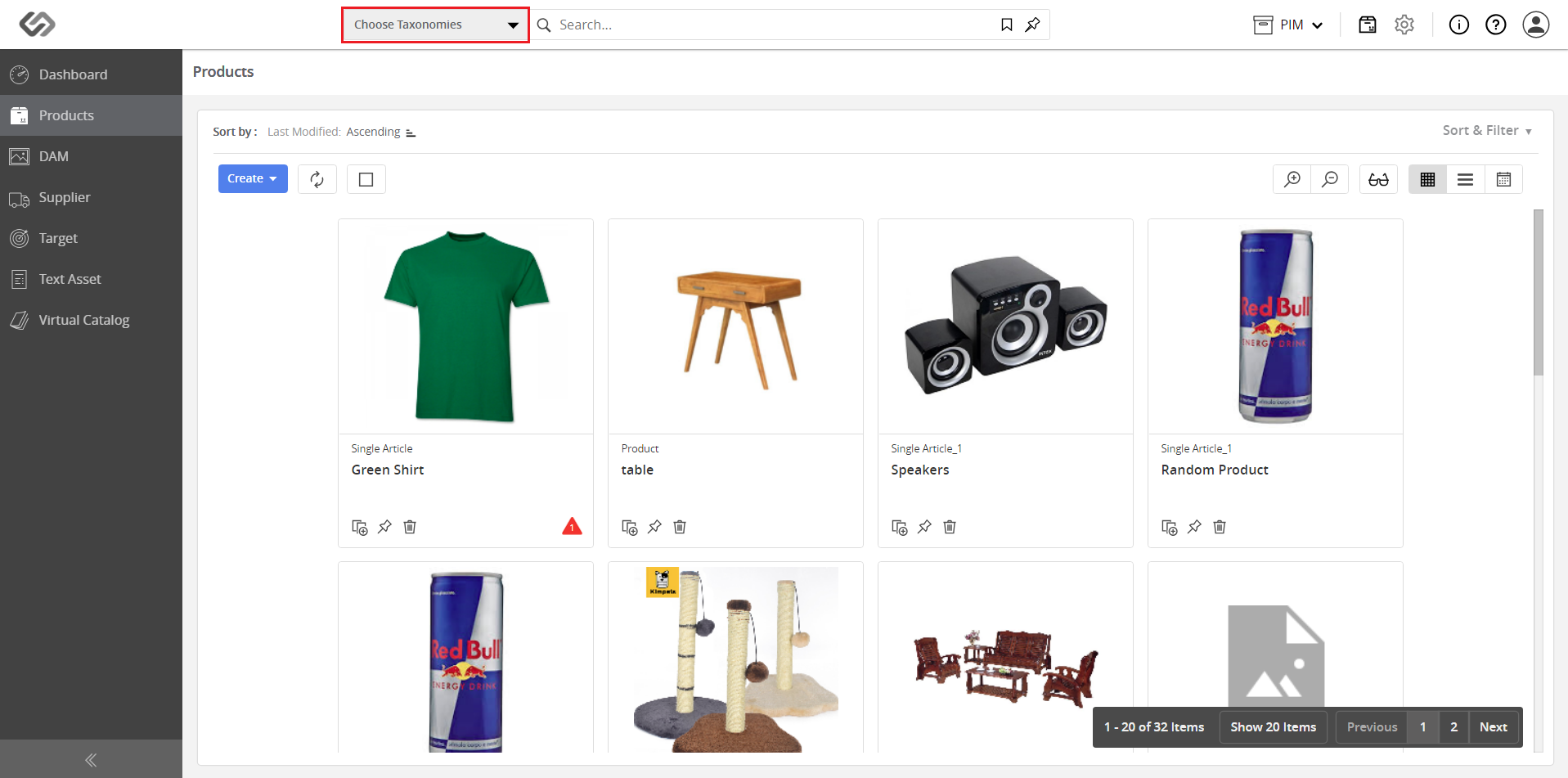
- Log in and go to Products.

- Click on the Choose Taxonomies drop-down list.
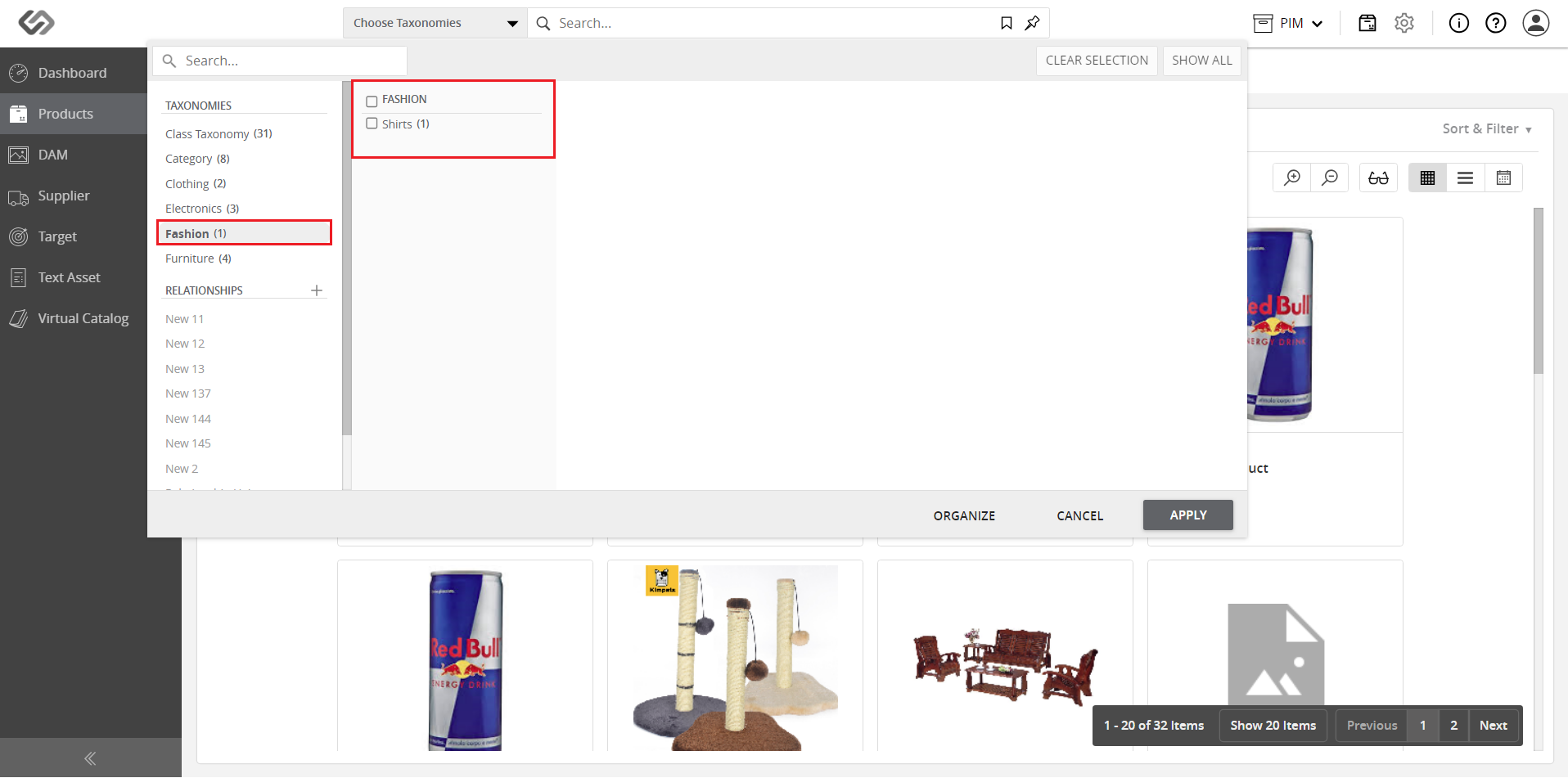
- Select the appropriate taxonomy and its children nodes will be displayed.
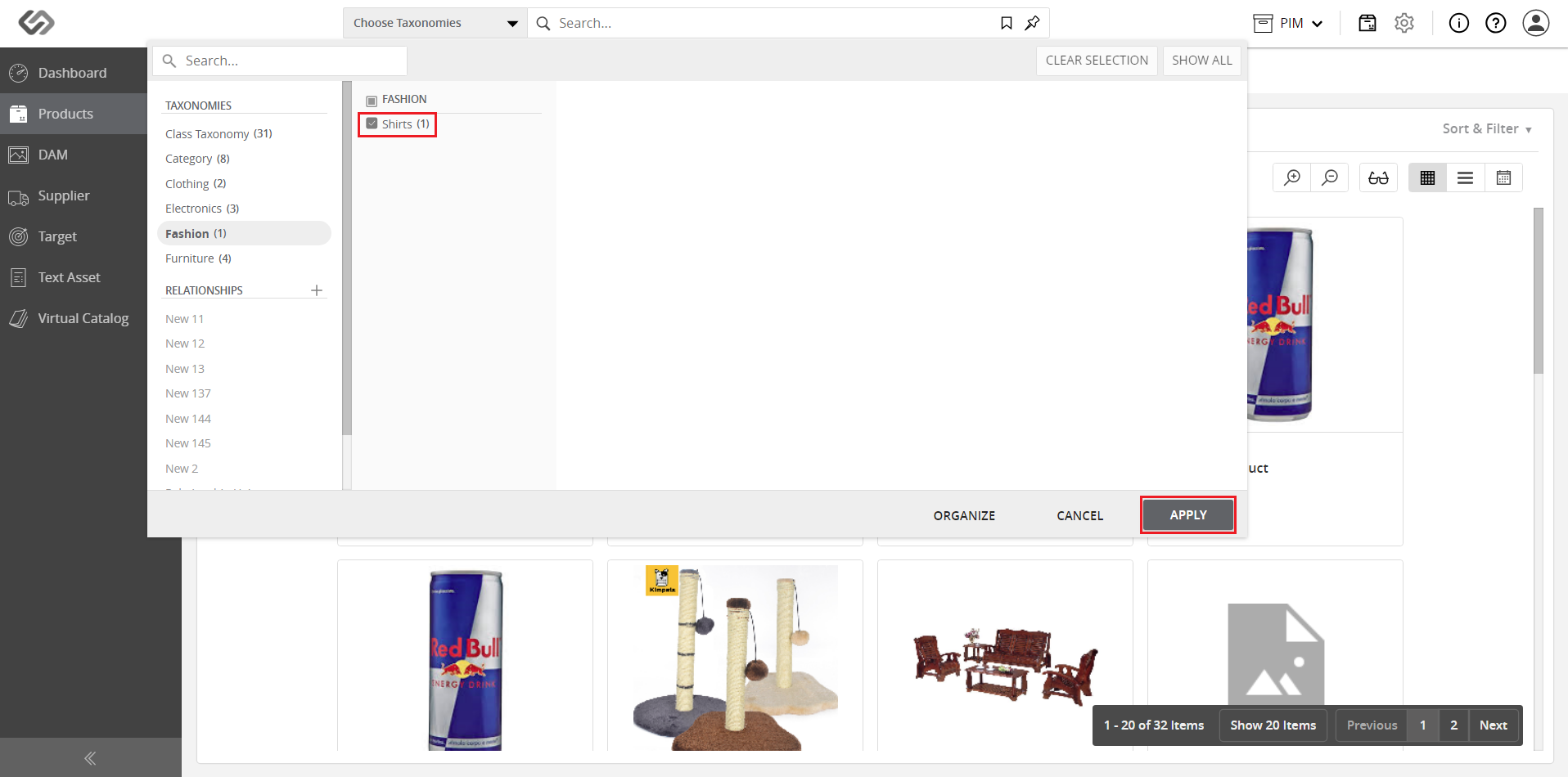
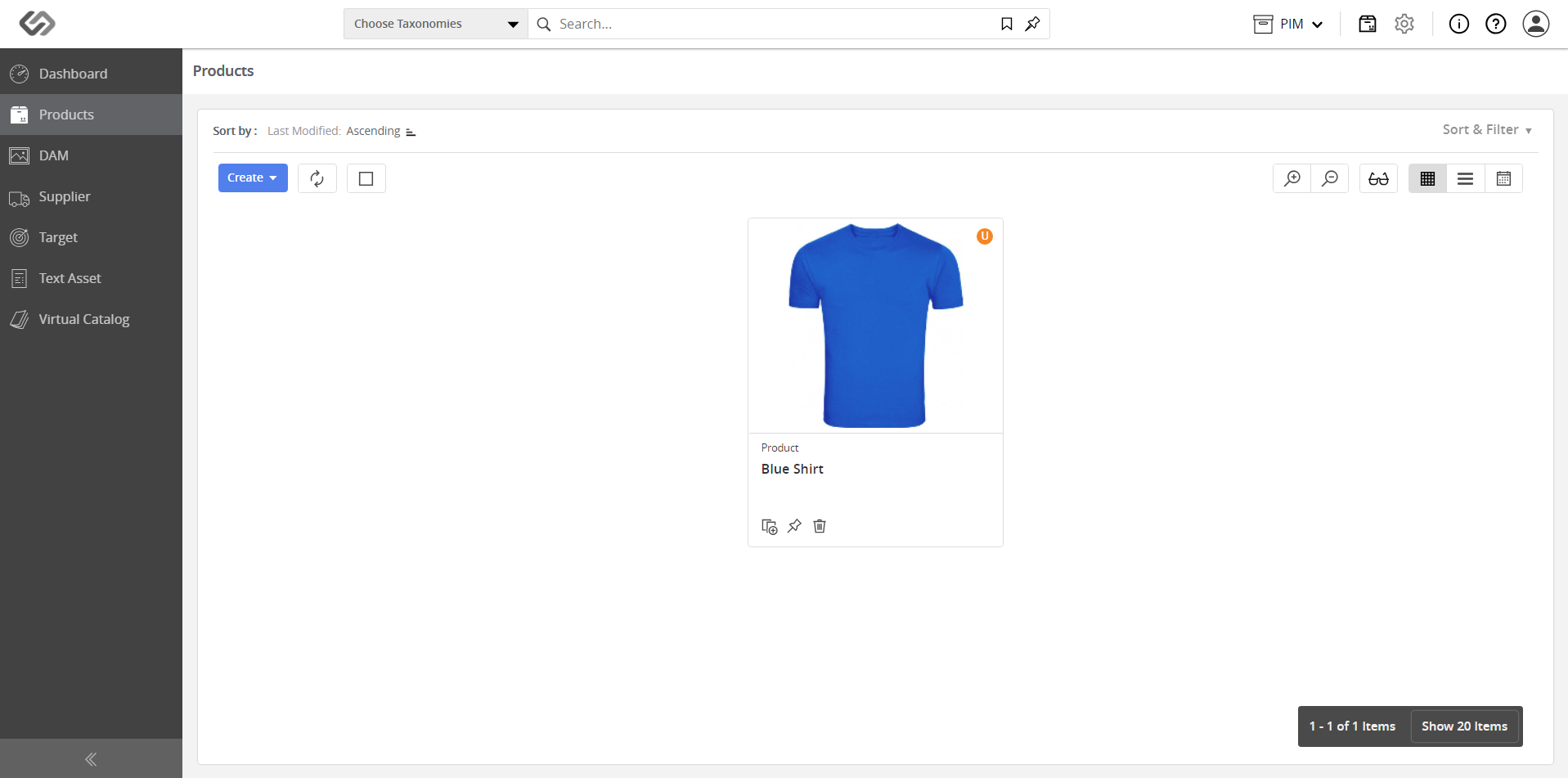
- Tick on the checkbox of the selected taxonomy, then click on the Apply button to display the products that belong to that specific node.