Multi-faceted Search
The Multi-faceted Search feature allows a user to have a multi-faceted search support functionality in addition to the multi-criteria search for refined search results.
| Key Term: |
|
| Description: |
|
| Related topics: | |
| Application: |
|
How-to: Multi-faceted Search
To do this search, follow these steps:
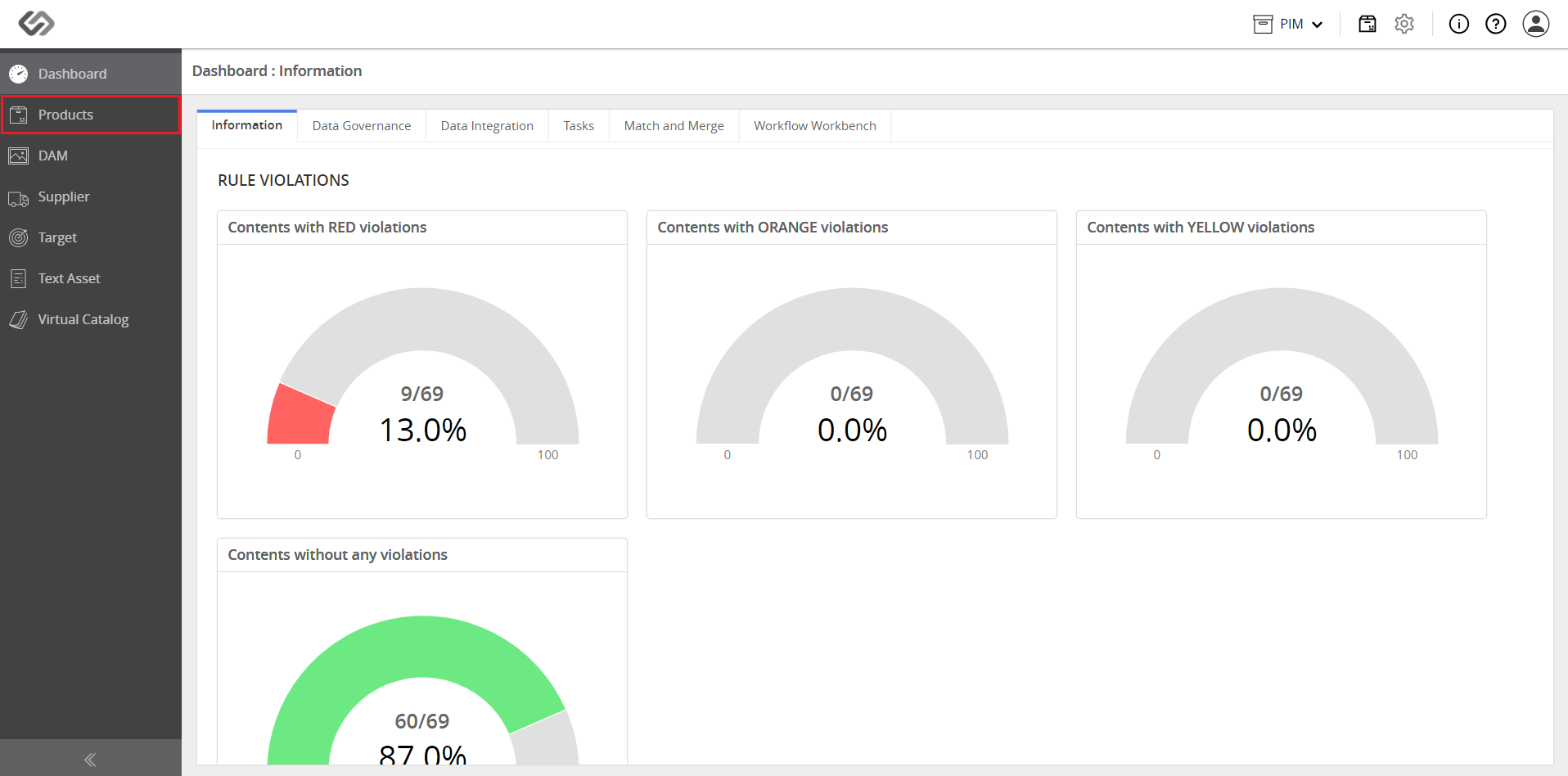
- Log in and go to Products.
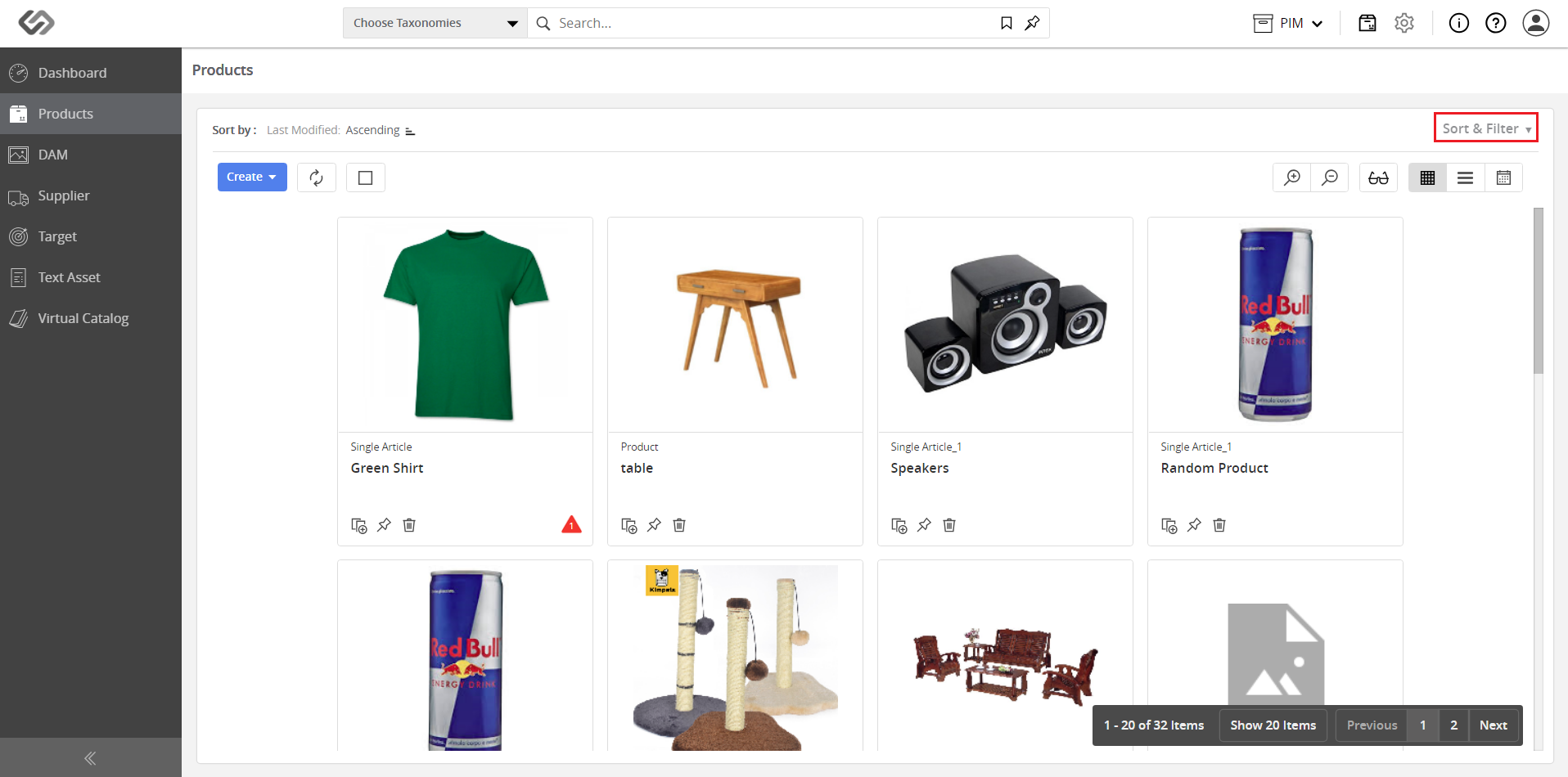
- Click on Sort & Filter button. Once clicked, it will expand the selection.
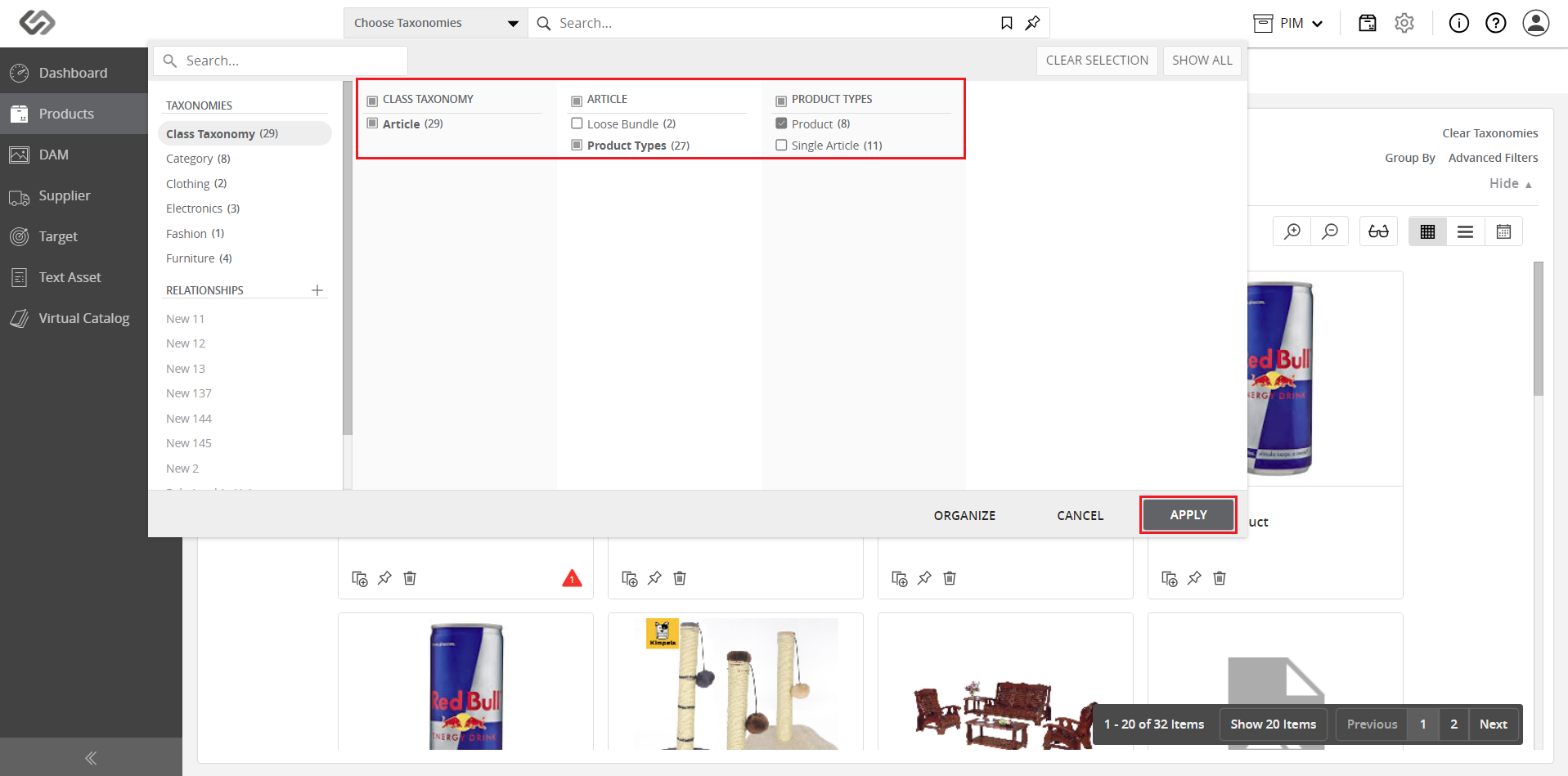
- Click on the Choose Taxonomies drop-down list.
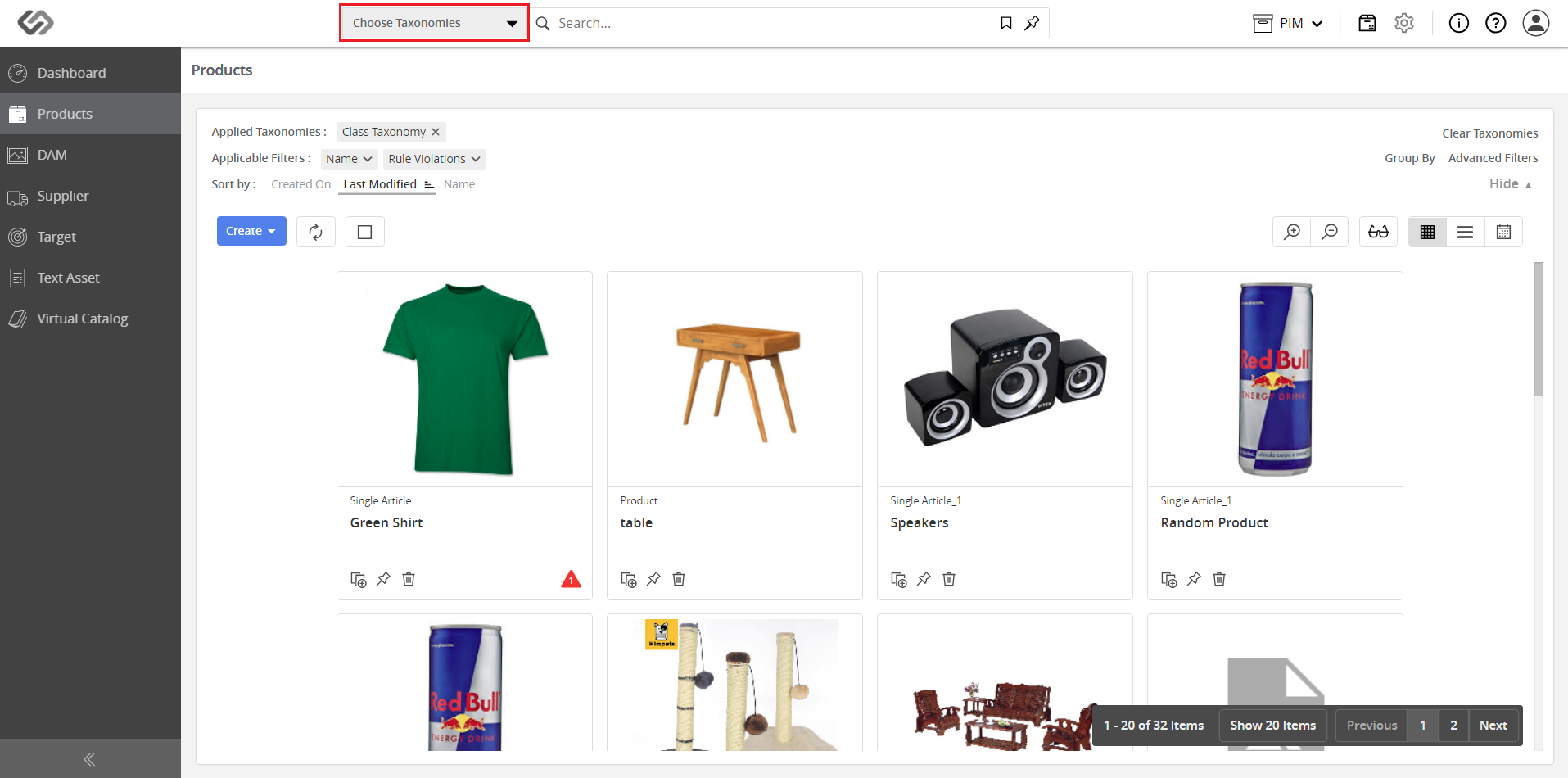
- Select the taxonomies from which you want to search, then click on the Apply button.
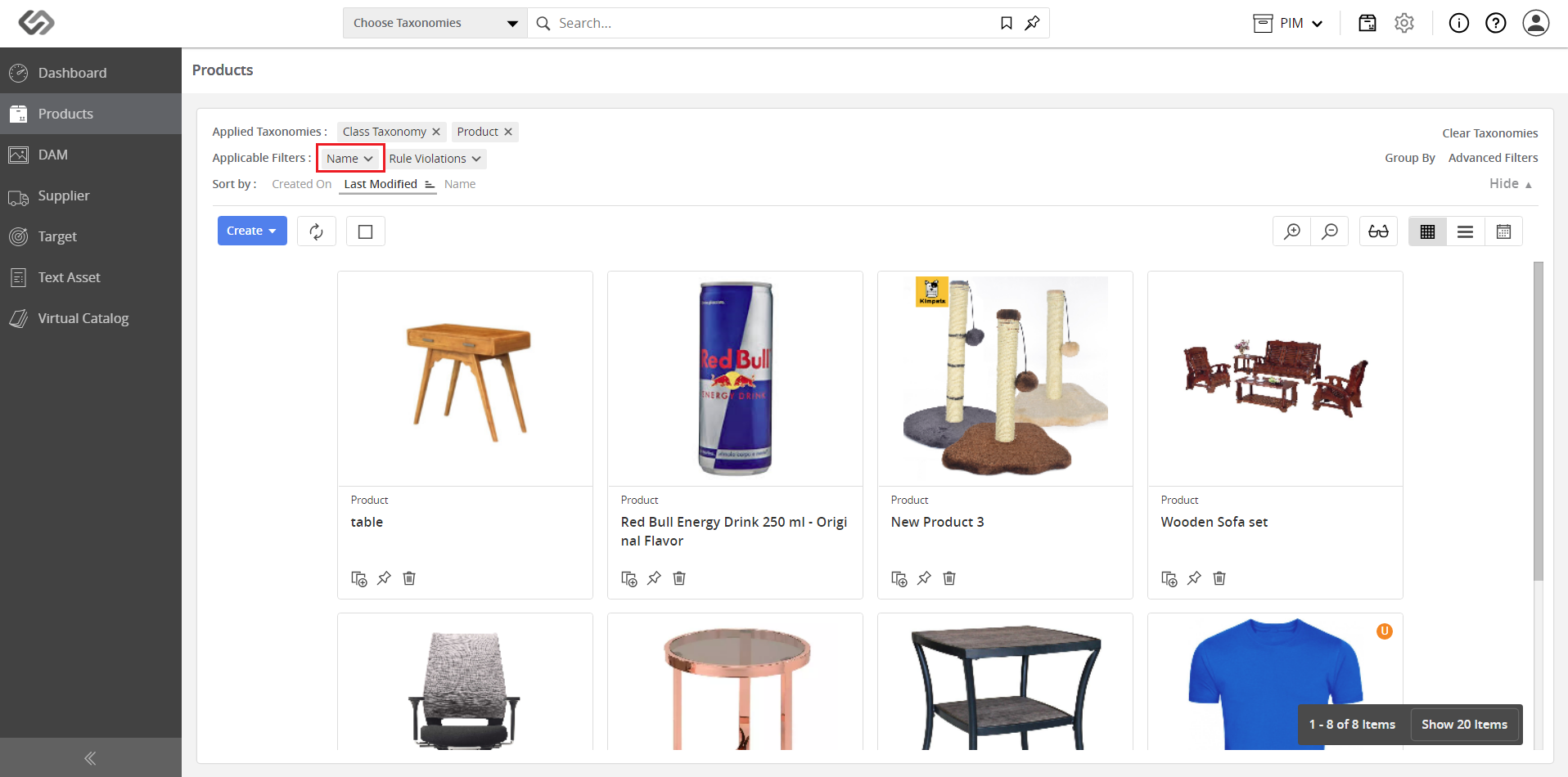
- Click on the applicable filters.
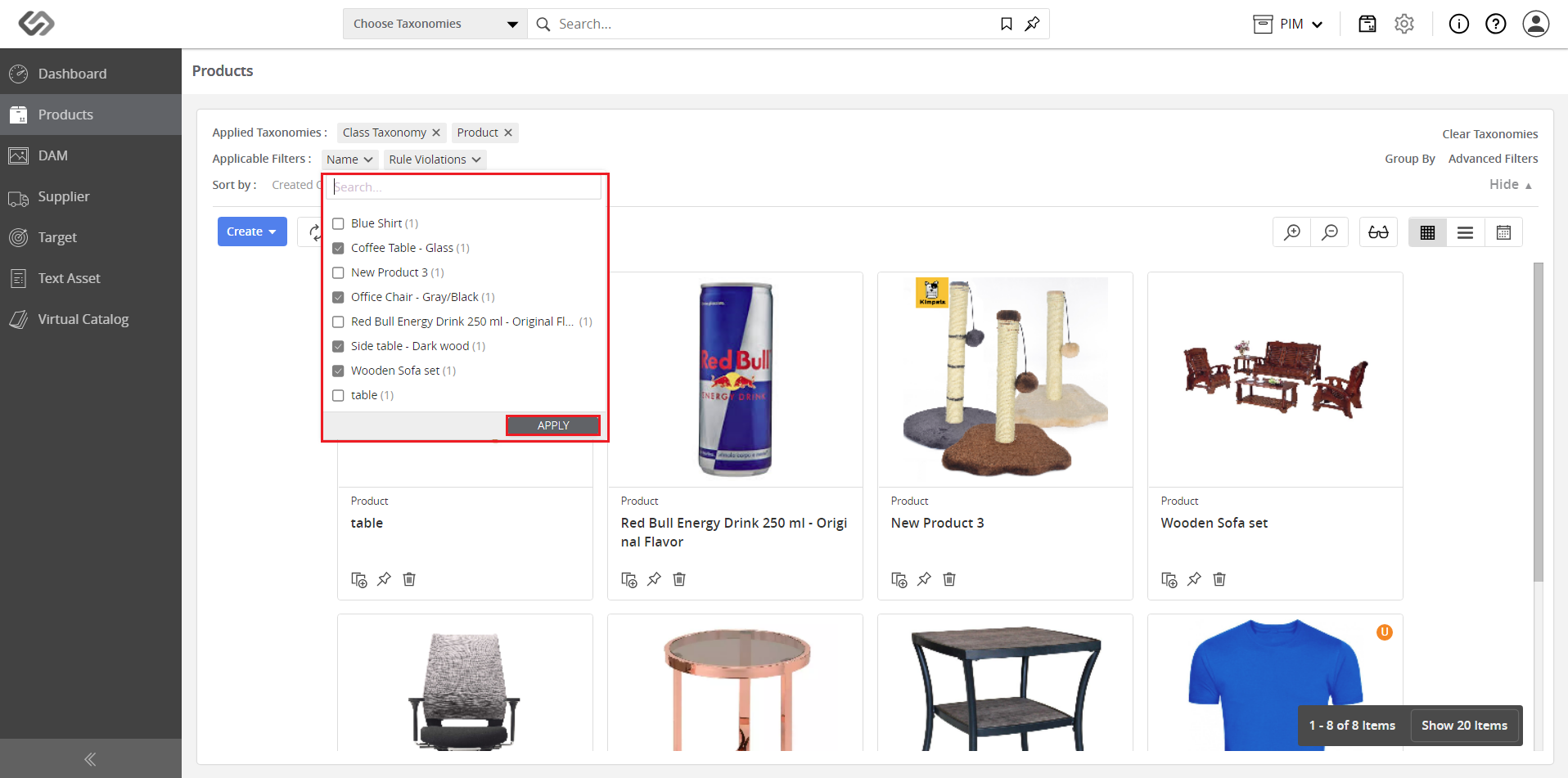
- Select the filters and click on the Apply button.
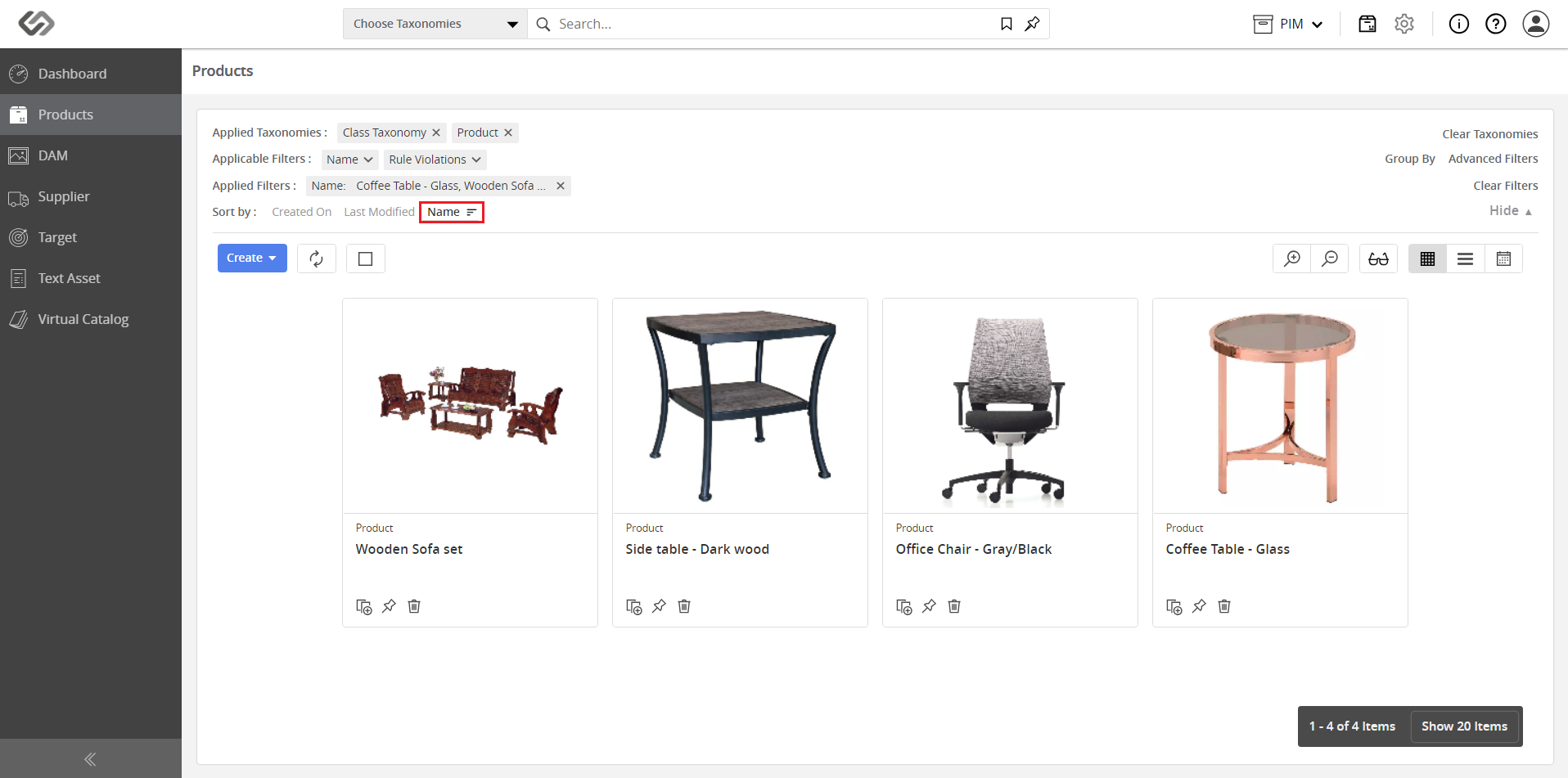
- You can sort the products in ascending or descending order based on any attribute. An example of sorting by Name in descending order is shown below.