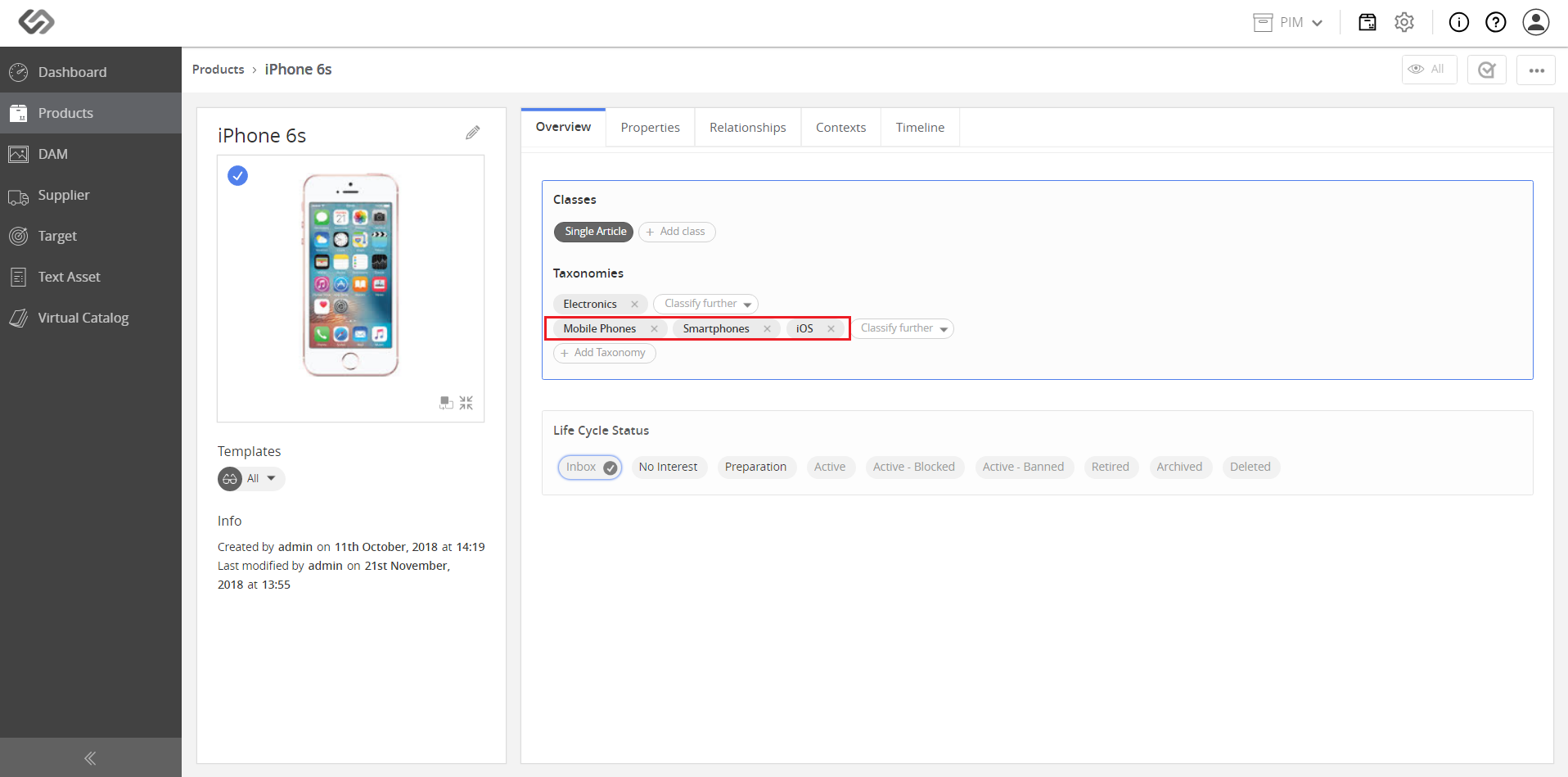
Product Classification via Taxonomies

The Product Classification via Taxonomies feature provides the functionality to associate a product to multiple taxonomies.

Key Term:
  • Taxonomy: a taxonomy is a scheme of classification used for an organization’s products.
Description:
  • The feature associates a product to a taxonomy and then to another taxonomy that will classify the product to multiple taxonomies so that there is a refined product classification.
  • Taxonomies are structured hierarchies which can be used to classify the products in the system.
  • Products can have multiple taxonomies set by a user to have a more refined classification and easier search.
Related topics:
Application:
  • This feature is used to easily classify, as well as, to search for a product with the help of taxonomy.

  • Example:

    If a user has an energy drink as a product that is classified under the Energy Drinks taxonomy, the user can also associate the product to the Beverages taxonomy that will allow the product to be easily searched by using the taxonomies.

How-to: Product Classification via Taxonomies

To classify a product to multiple taxonomies, follow these steps:


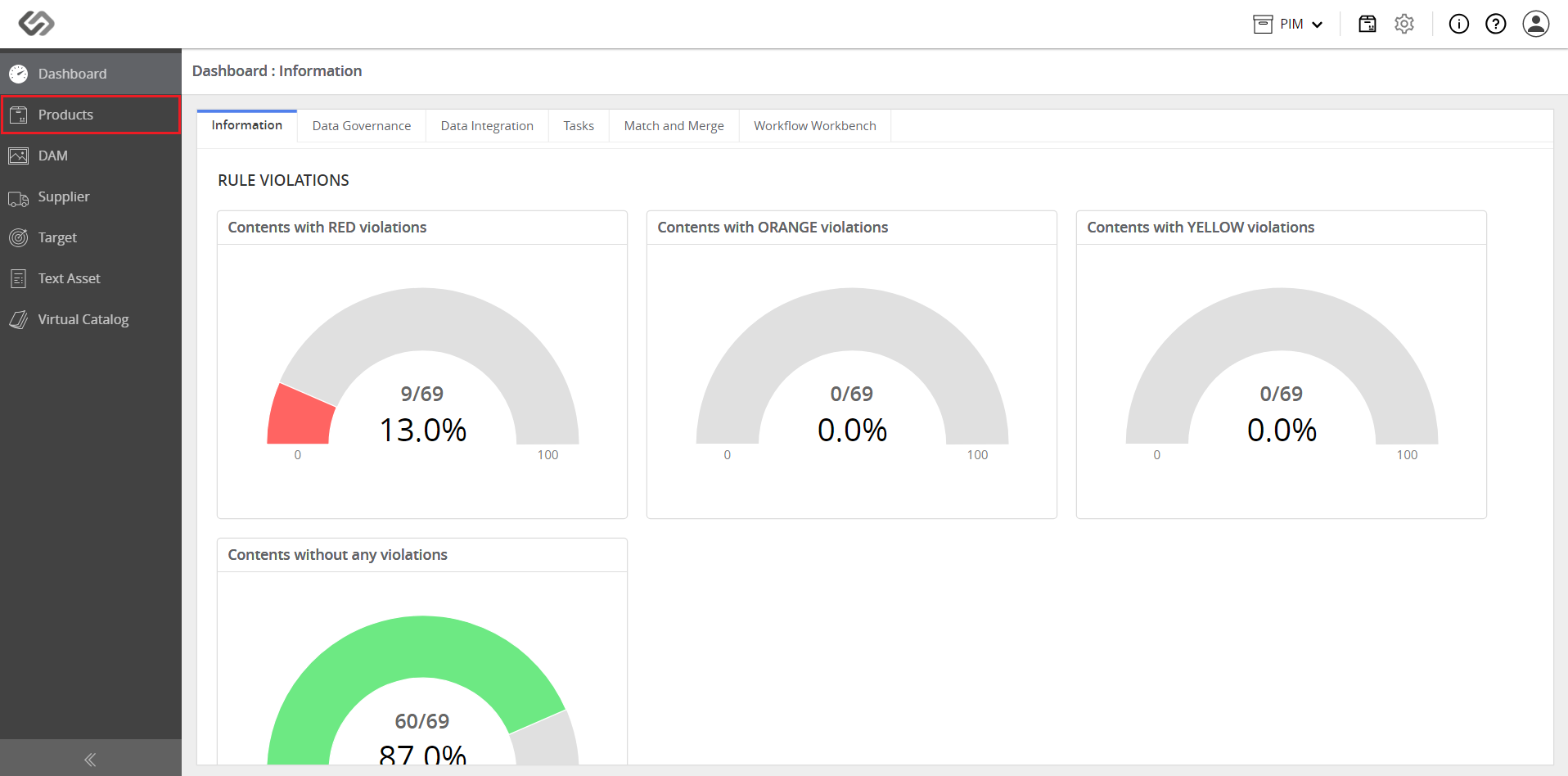
  • Log in and go to Products.
../../../../../../_images/pxp_productclassification_login.PNG


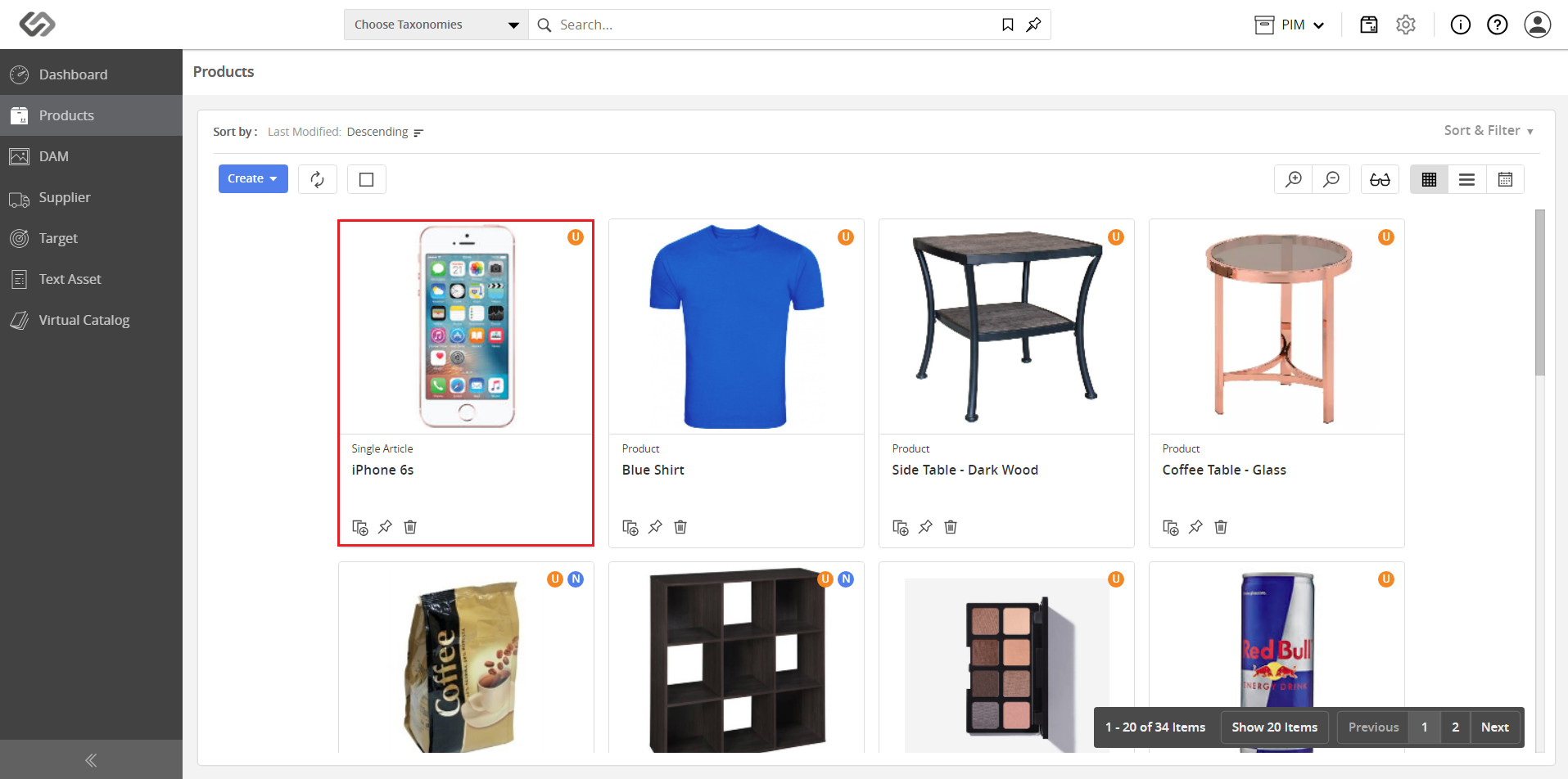
  • Click on a product.
../../../../../../_images/pxp_productclassification_clickproduct.PNG


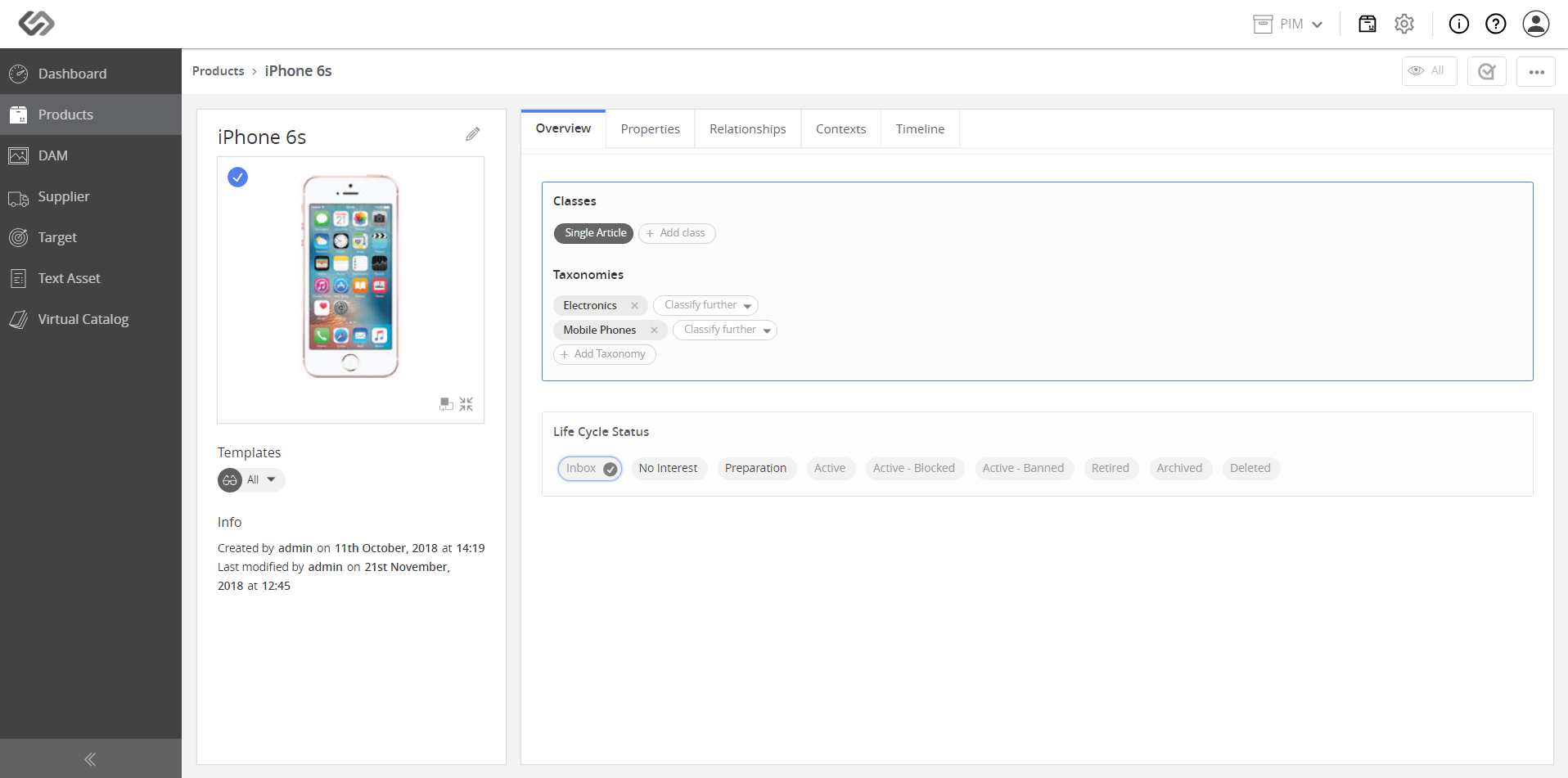
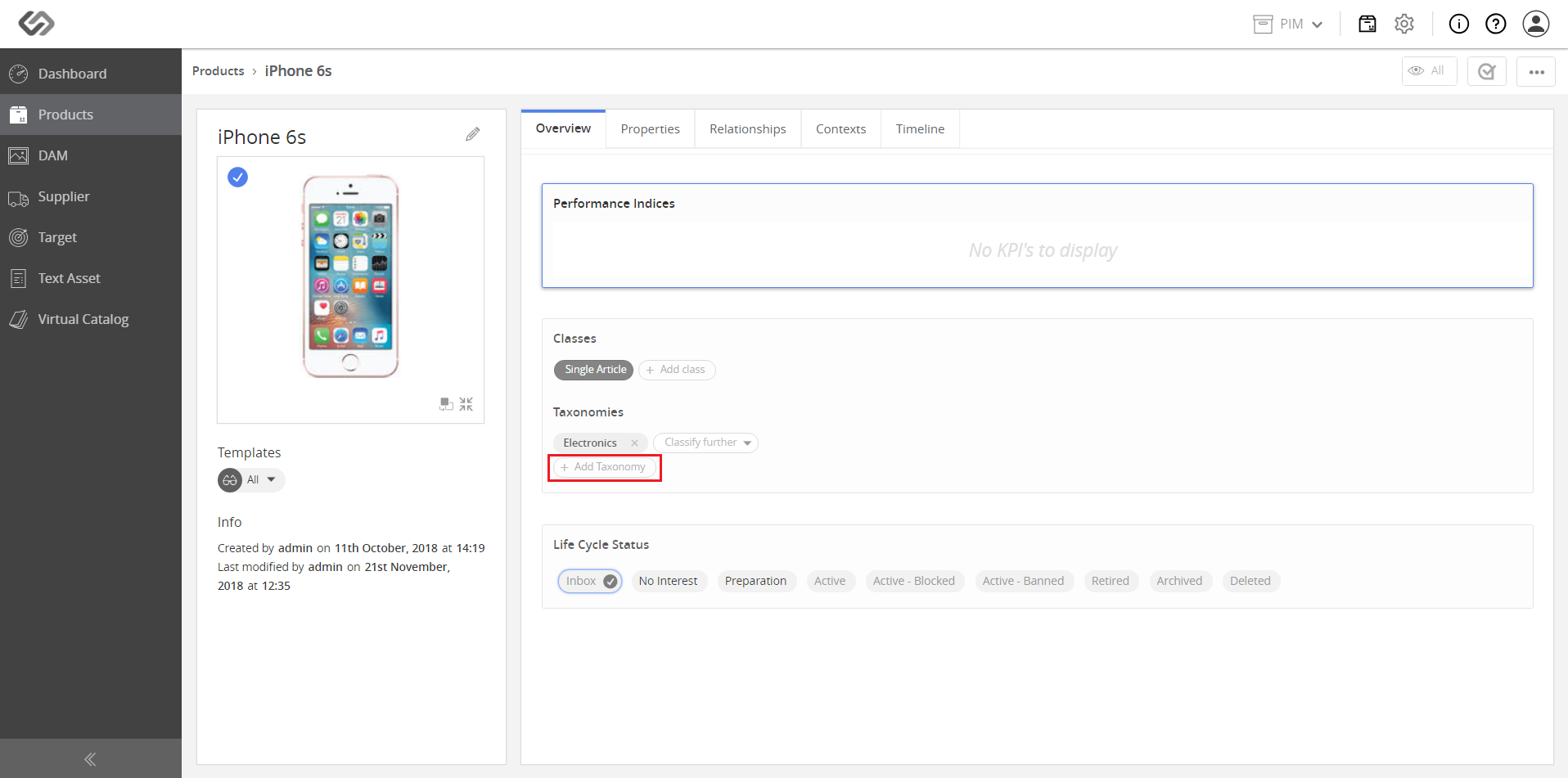
  • Click on the Add Taxonomy button. Notice that the product is already associated with the Electronics taxonomy.
../../../../../../_images/pxp_productclassification_addtaxonomy.PNG


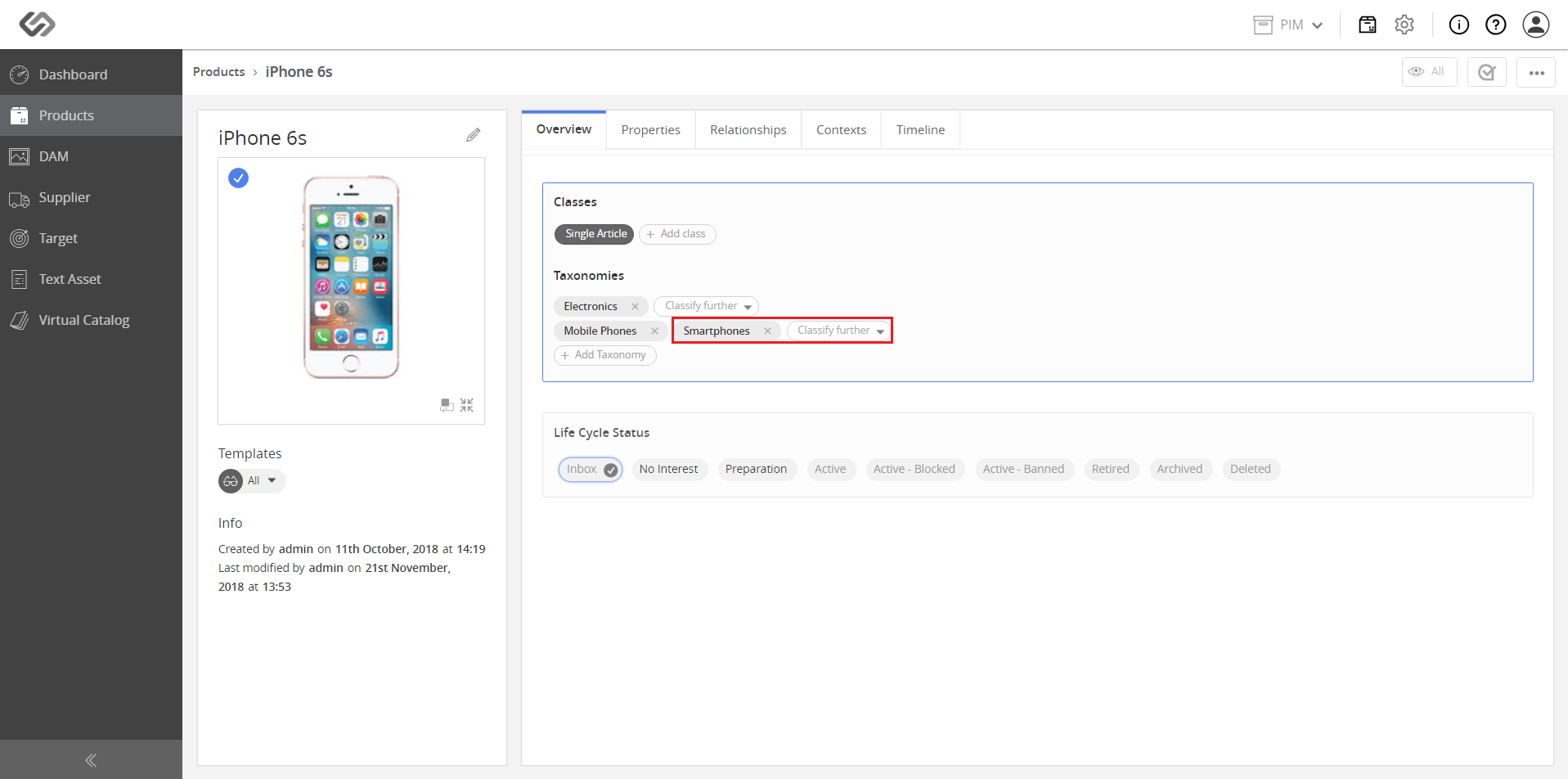
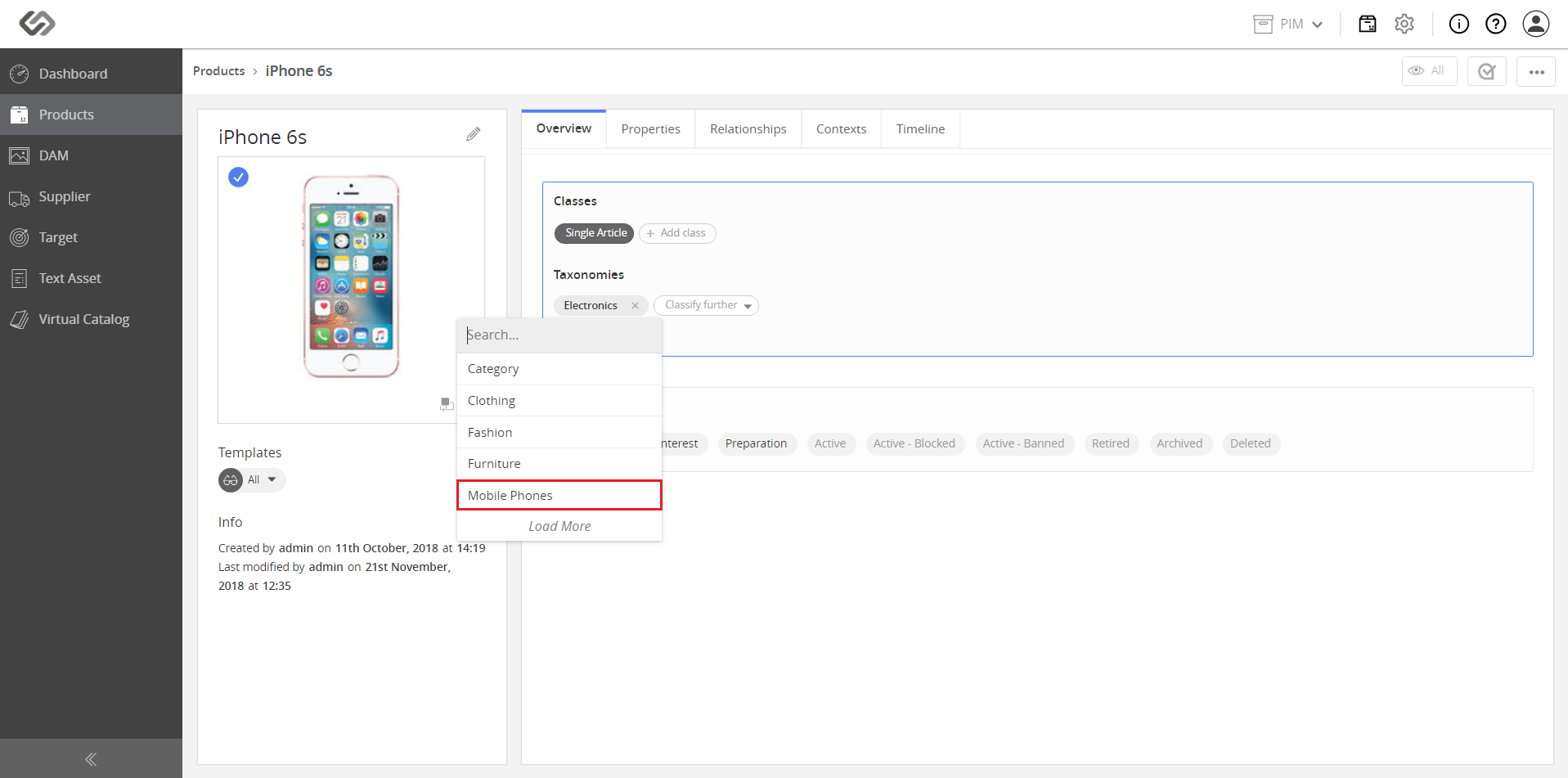
  • Select a parent taxonomy from the drop-down list (e.g. Mobile Phones).
../../../../../../_images/pxp_productclassification_selectparenttaxonomy.PNG

../../../../../../_images/pxp_productclassification_selectparenttaxonomy2.PNG


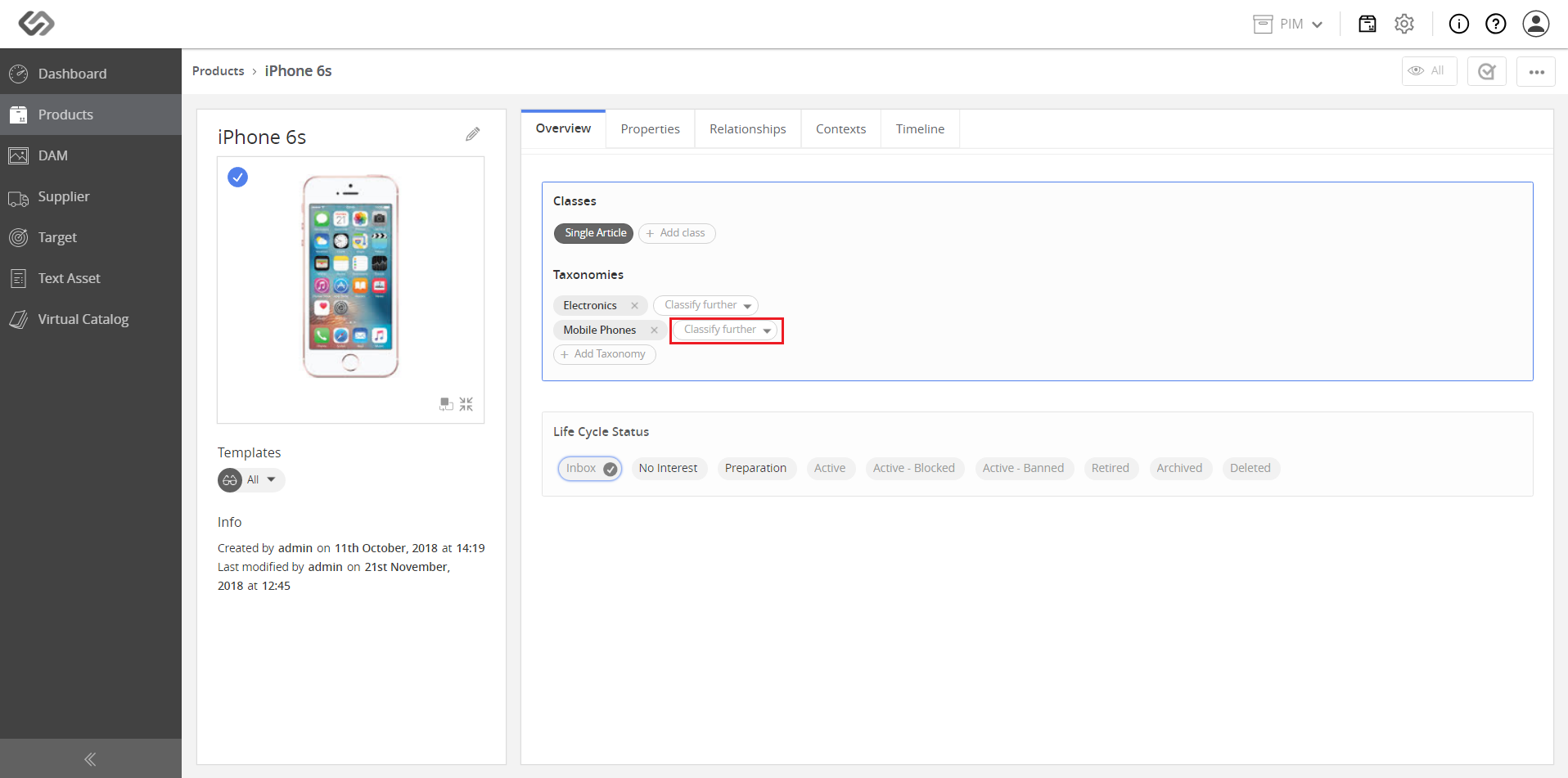
  • For additional classification, click on the Classify Further button.
../../../../../../_images/pxp_productclassification_classifyfurther.PNG


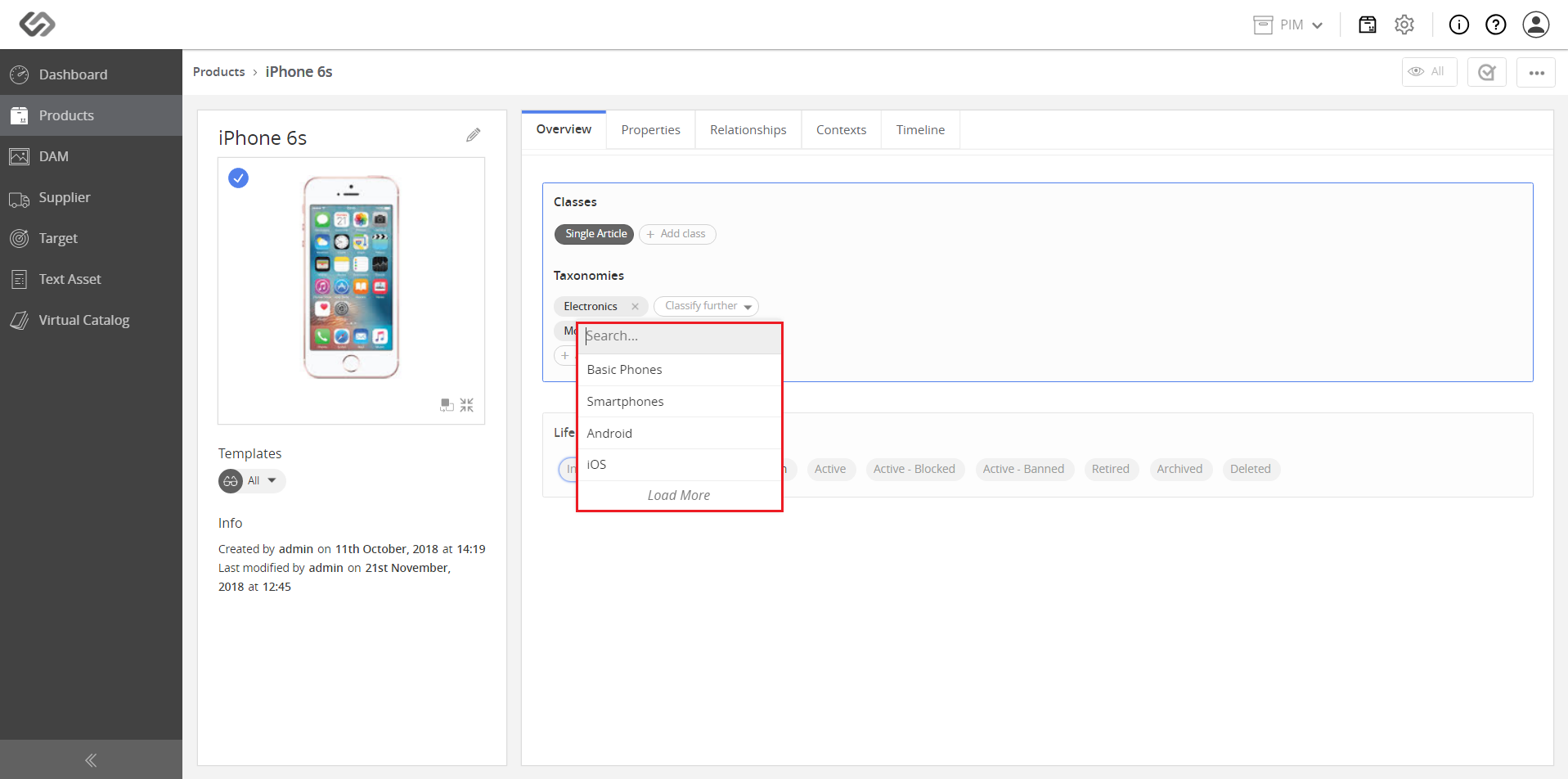
  • Select a node from the list. Classify further until the desired taxonomy is achieved (e.g. Category > Furniture > Dining Table).
../../../../../../_images/pxp_productclassification_selectnode.PNG

../../../../../../_images/pxp_productclassification_selectnode2.PNG

../../../../../../_images/pxp_productclassification_selectnode3.PNG


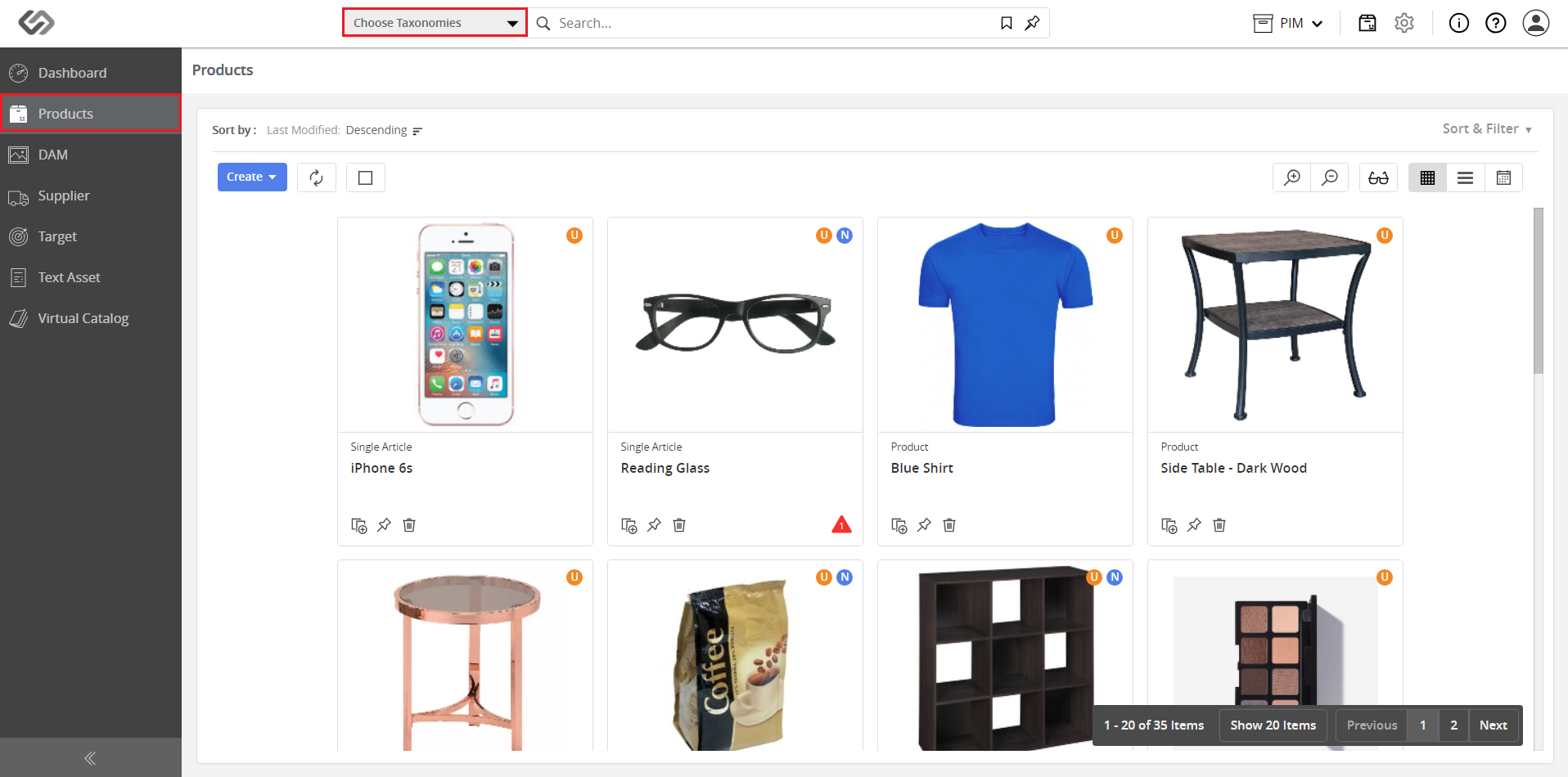
  • Go to Products and click on the Choose Taxonomies button.
../../../../../../_images/pxp_productclassification_clickchoosetaxonomies.PNG


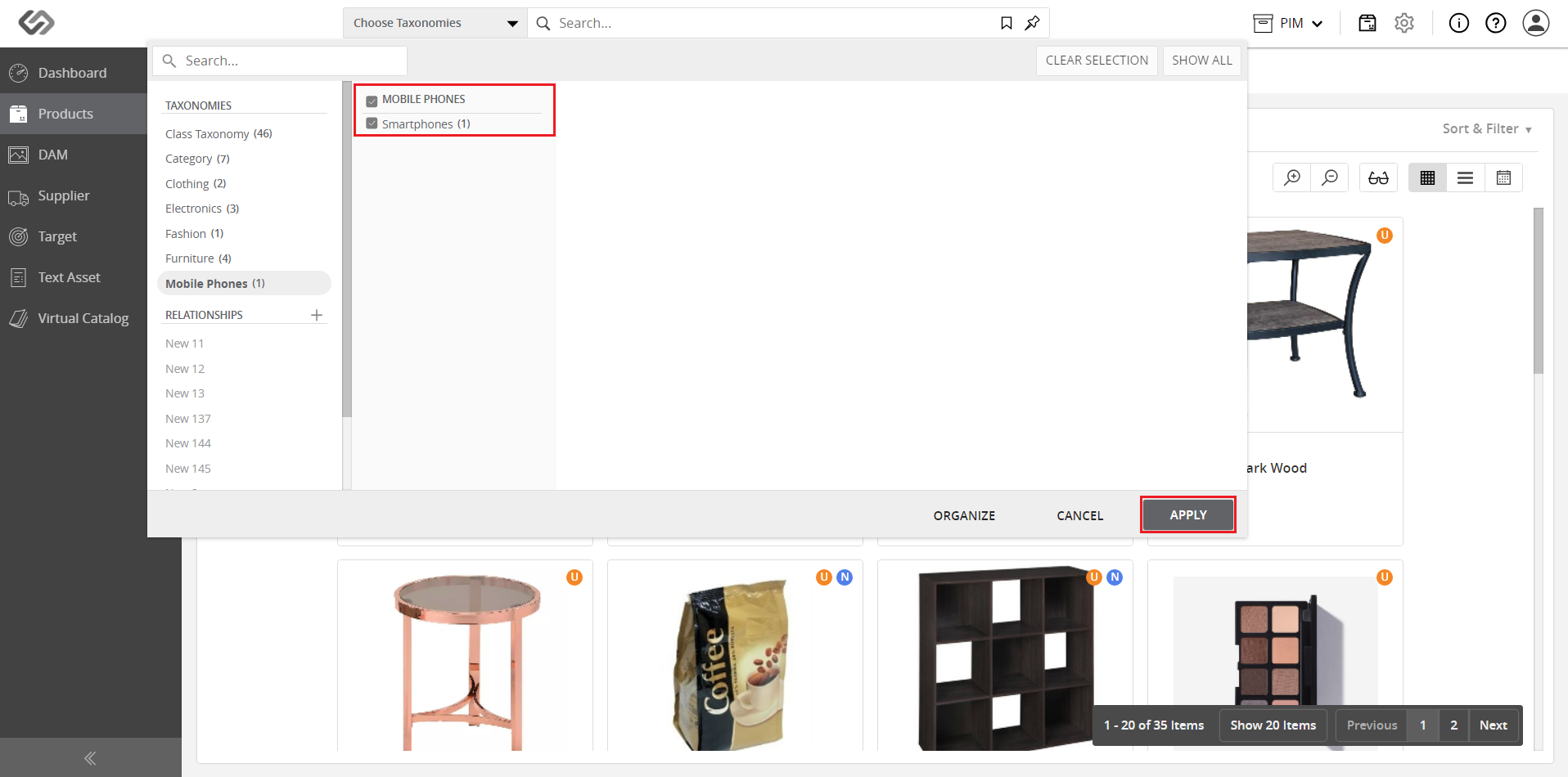
  • Click on the applicable taxonomies, then click on the Apply button.
../../../../../../_images/pxp_productclassification_clickapply.PNG


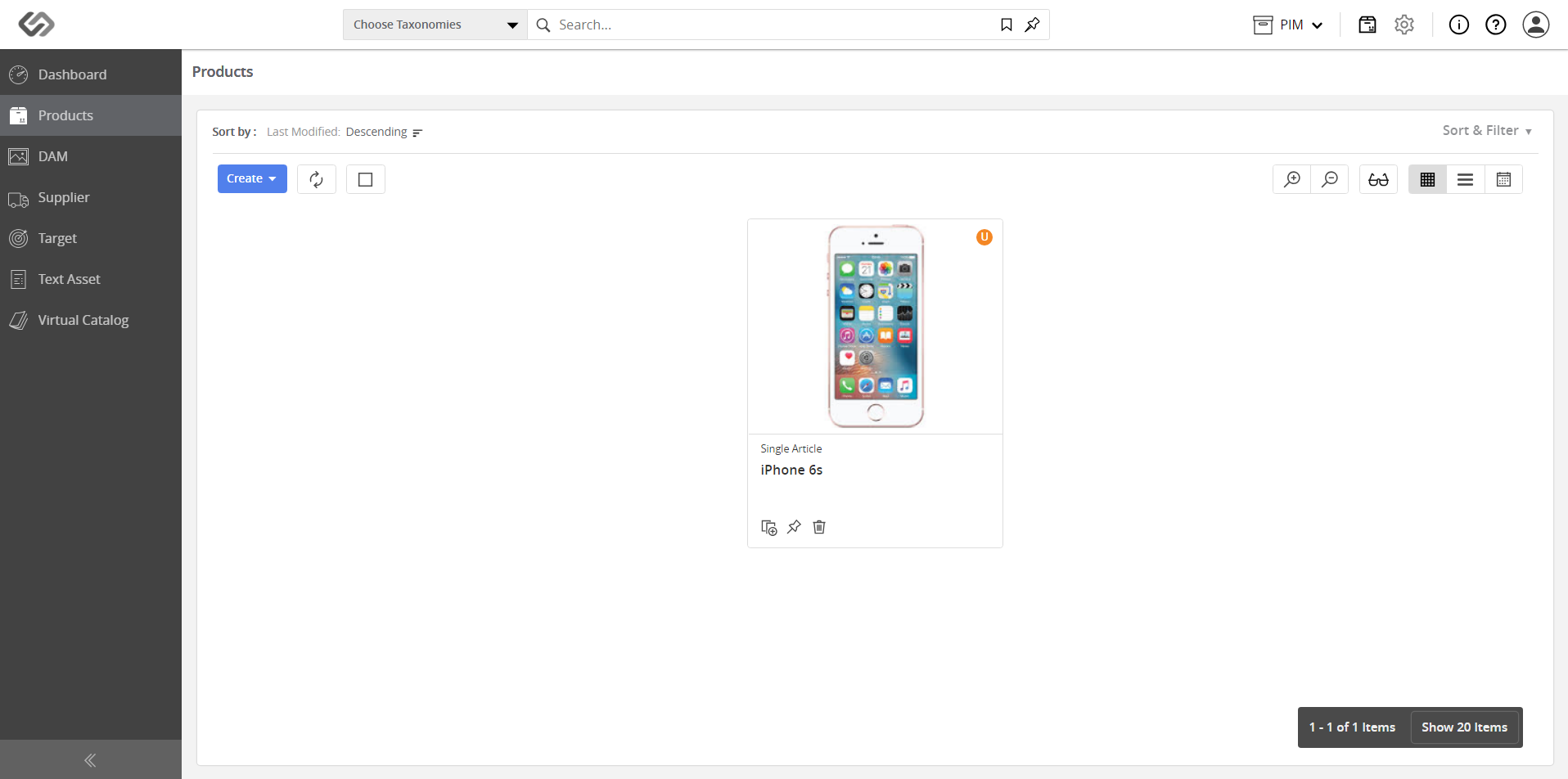
  • View the products belonging to the selected taxonomies.
../../../../../../_images/pxp_productclassification_viewresults.PNG


Contentserv line