Multi-taxonomy Assignment
The Multi-taxonomy Assignment feature provides general users the capability to assign an object to various taxonomies or to multiple nodes within the same taxonomy.
| Key Term: |
|
| Description: |
|
| Related topics: | |
| Application: |
|
How-to: Multi-taxonomy Assignment
To assign a single object to multiple different taxonomies or to multiple nodes within the same taxonomy, follow these steps:
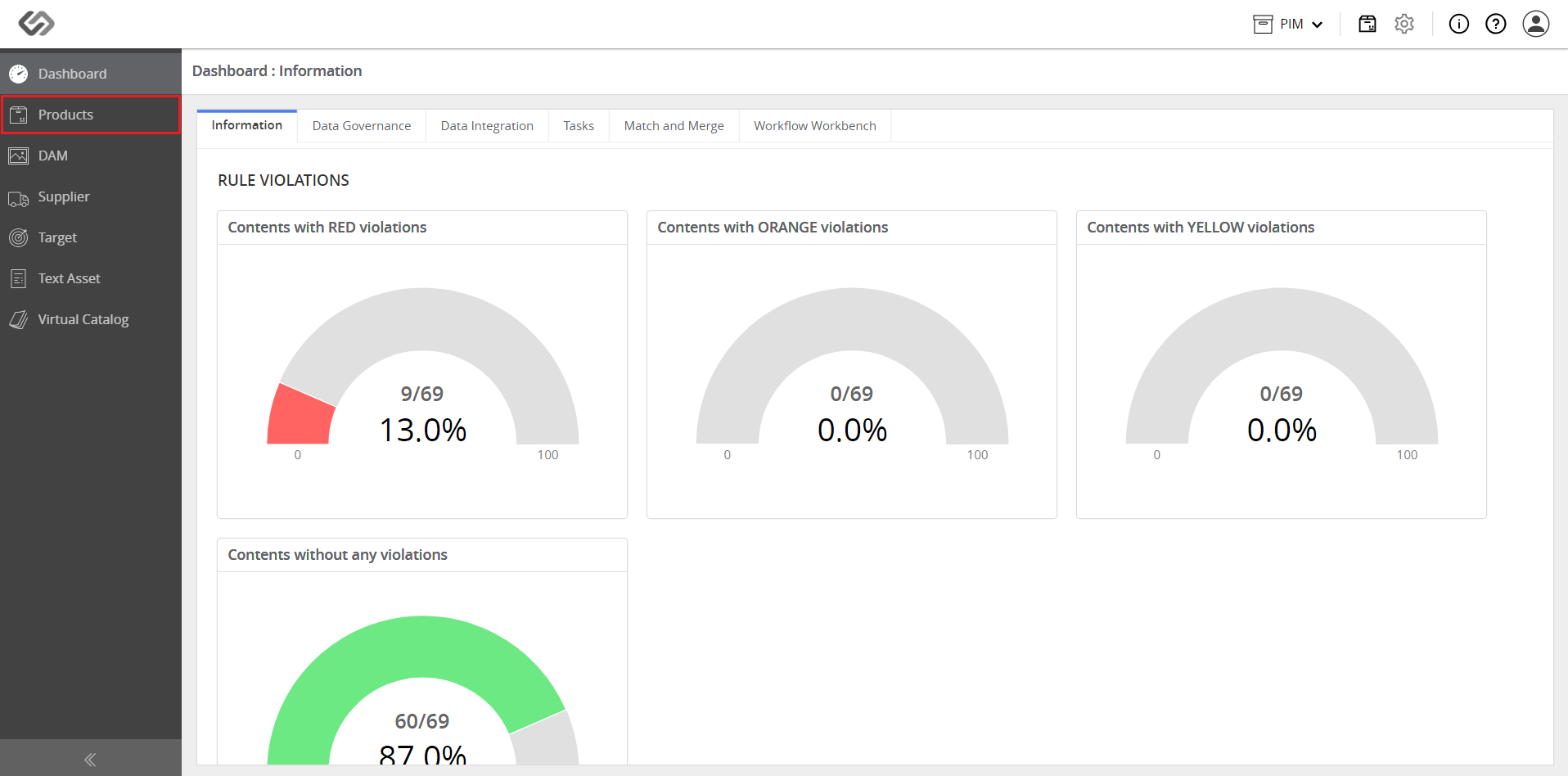
- Log in and go to Products.
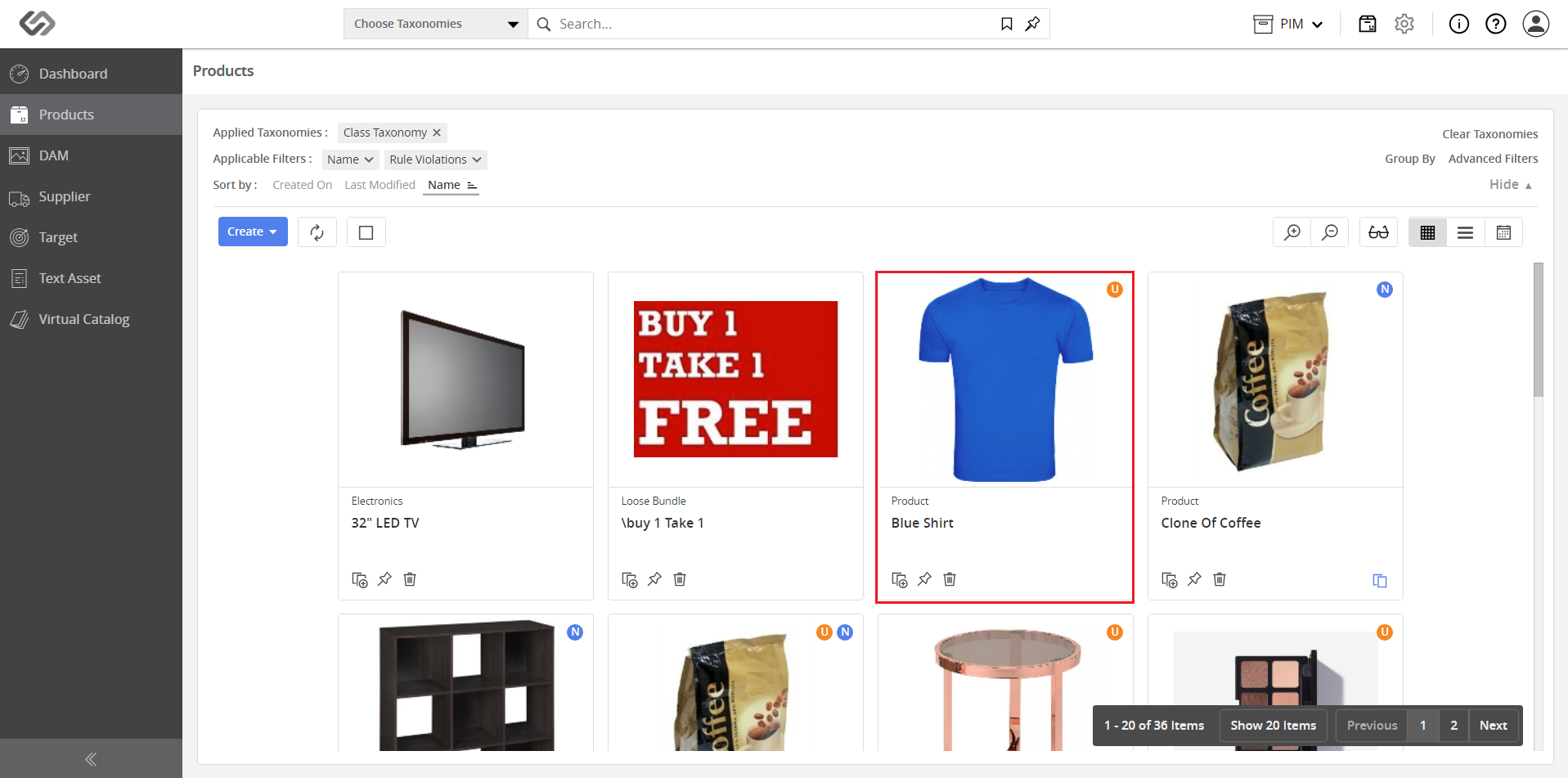
- Click on a product.
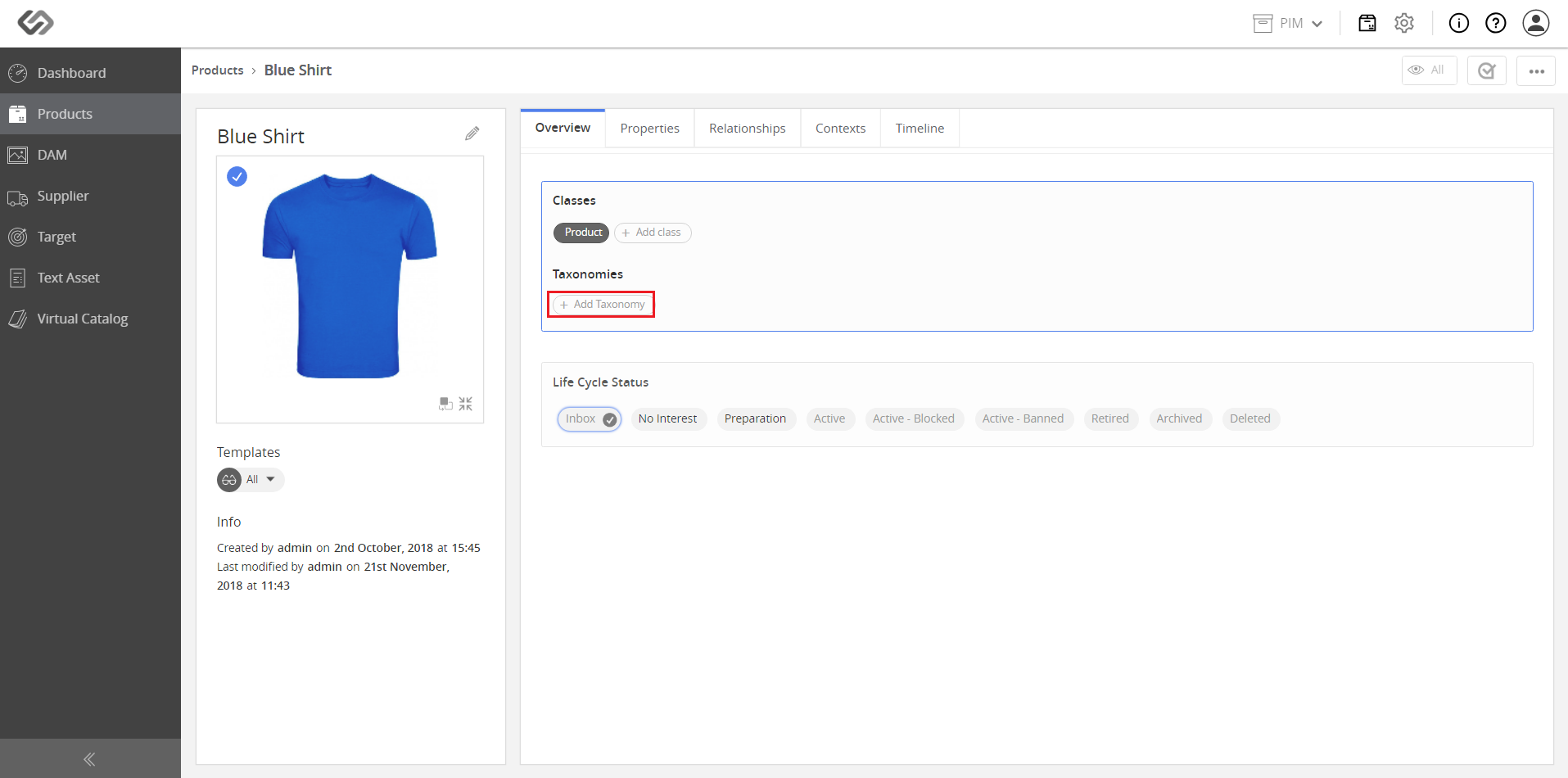
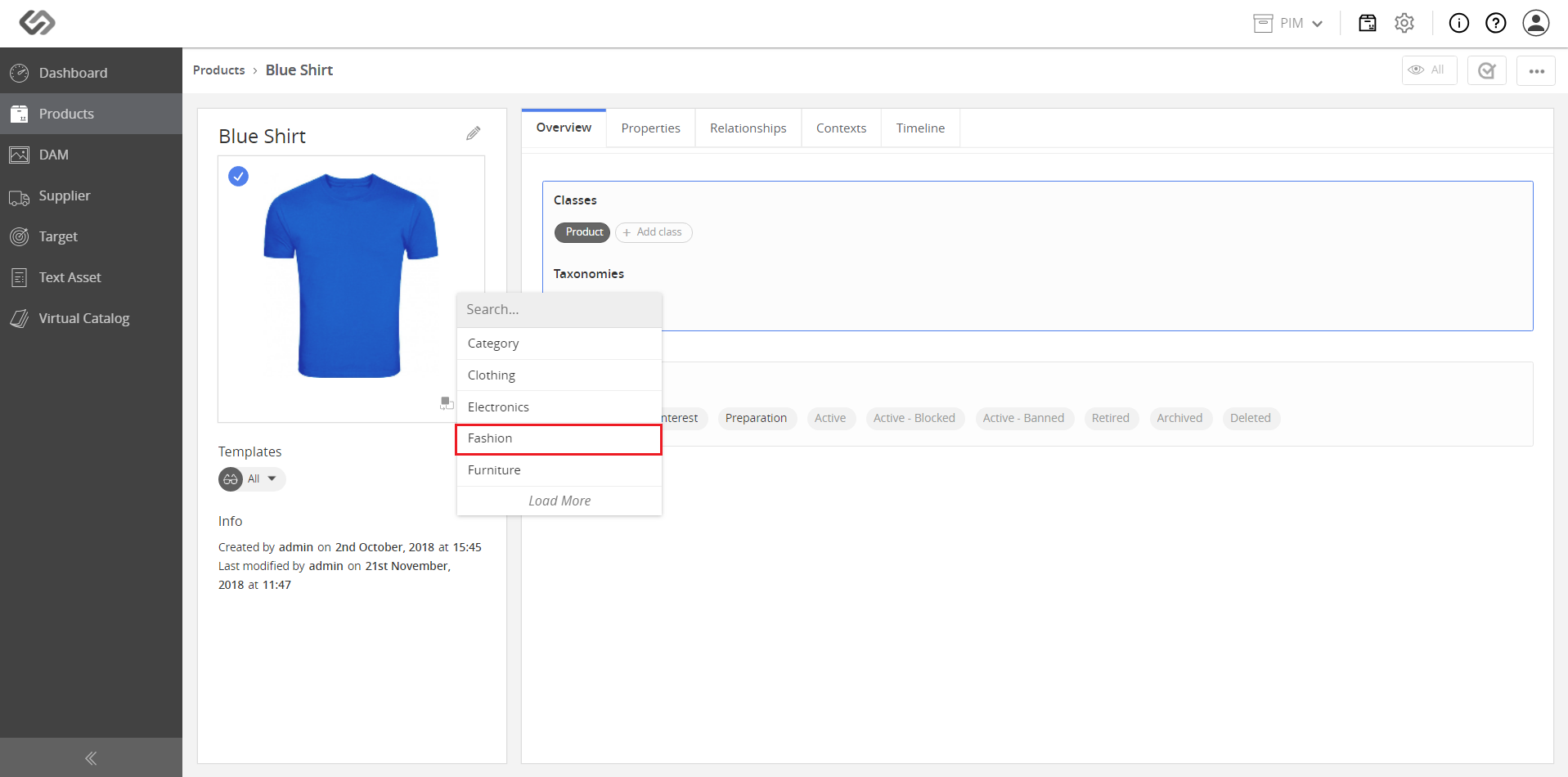
- Click on the Add Taxonomy button.
- Select a parent taxonomy from the drop-down list.
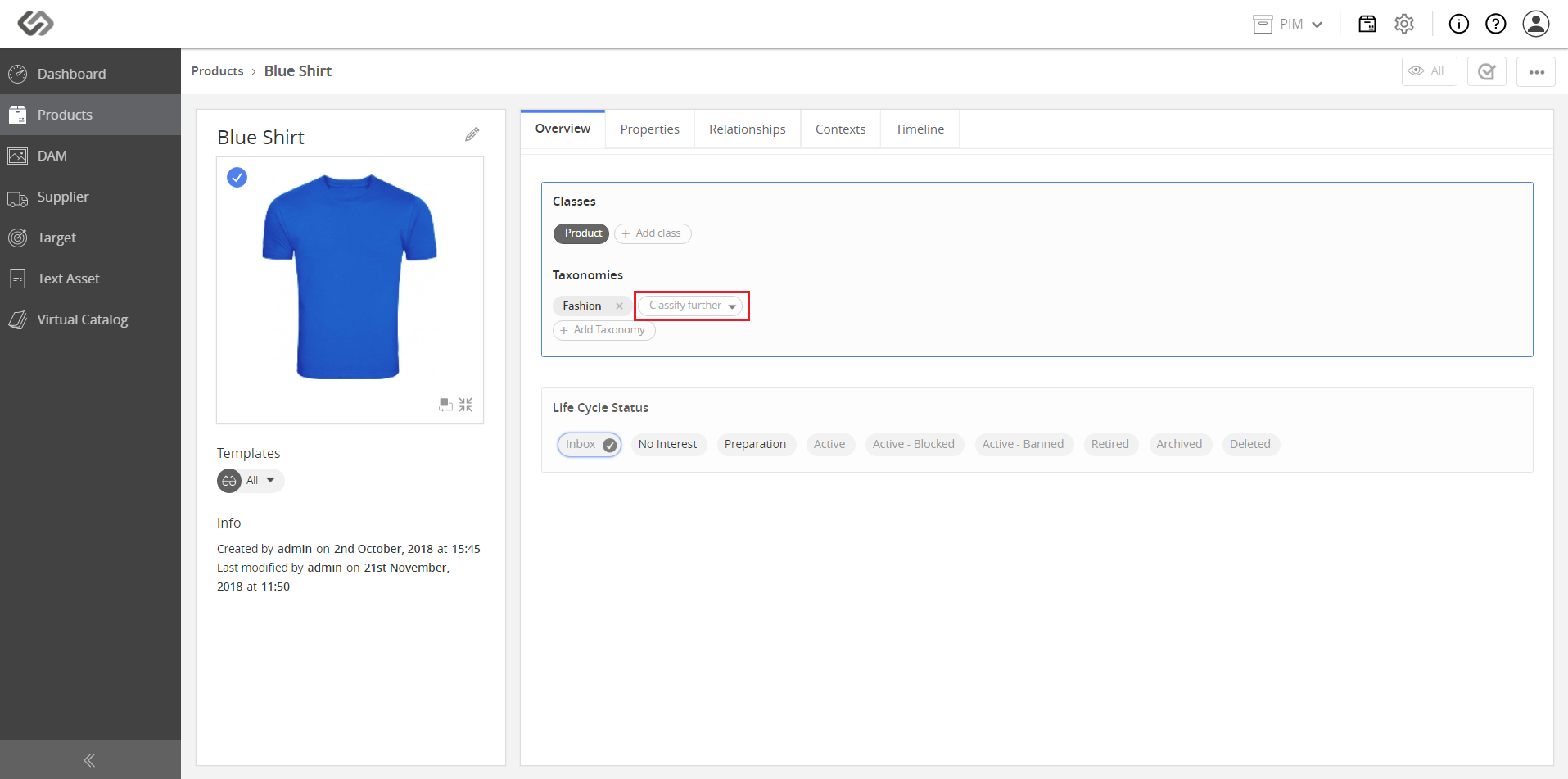
- For additional classification, click on the Classify Further button.
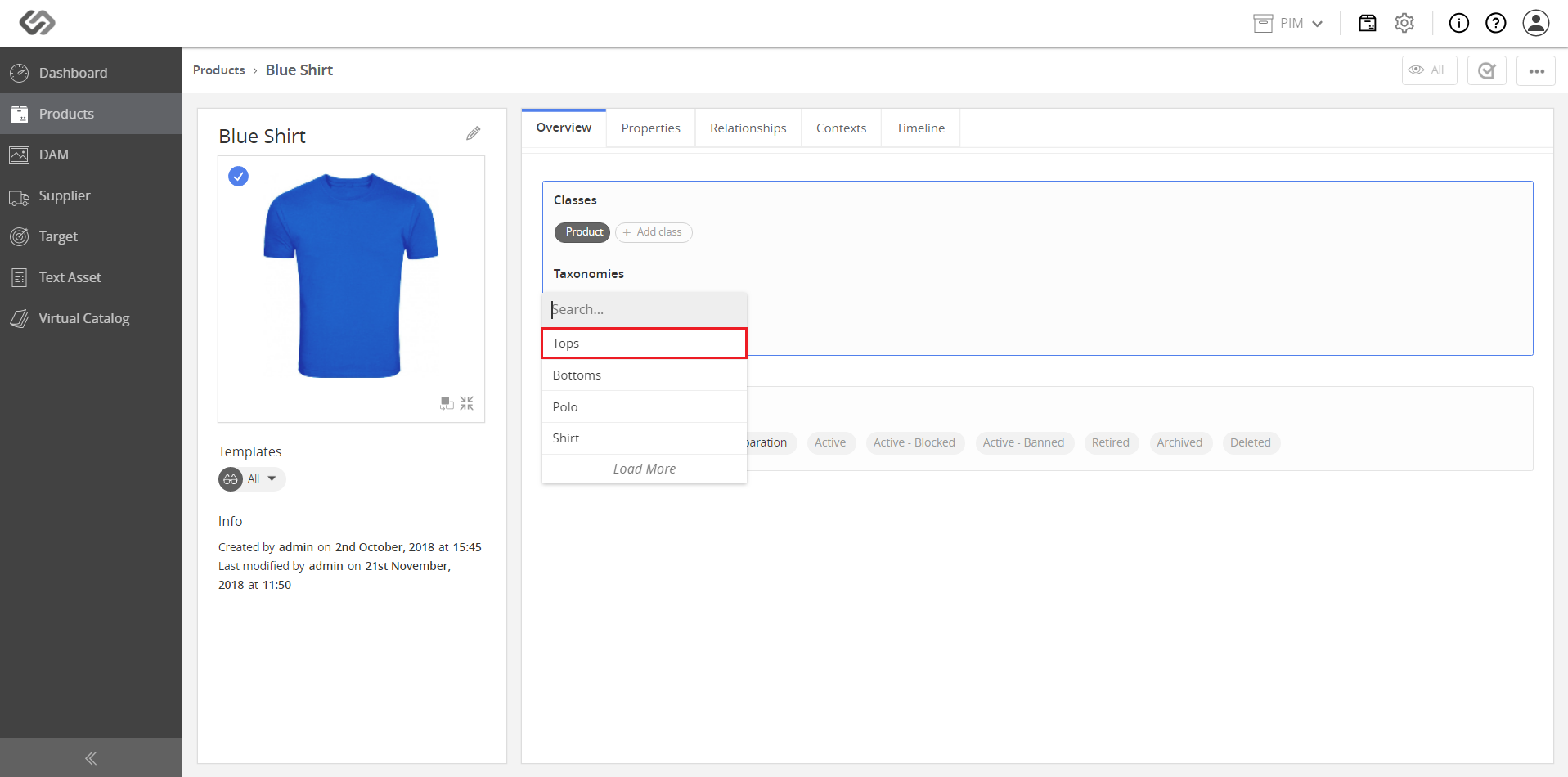
- Select a node from the drop-down list.
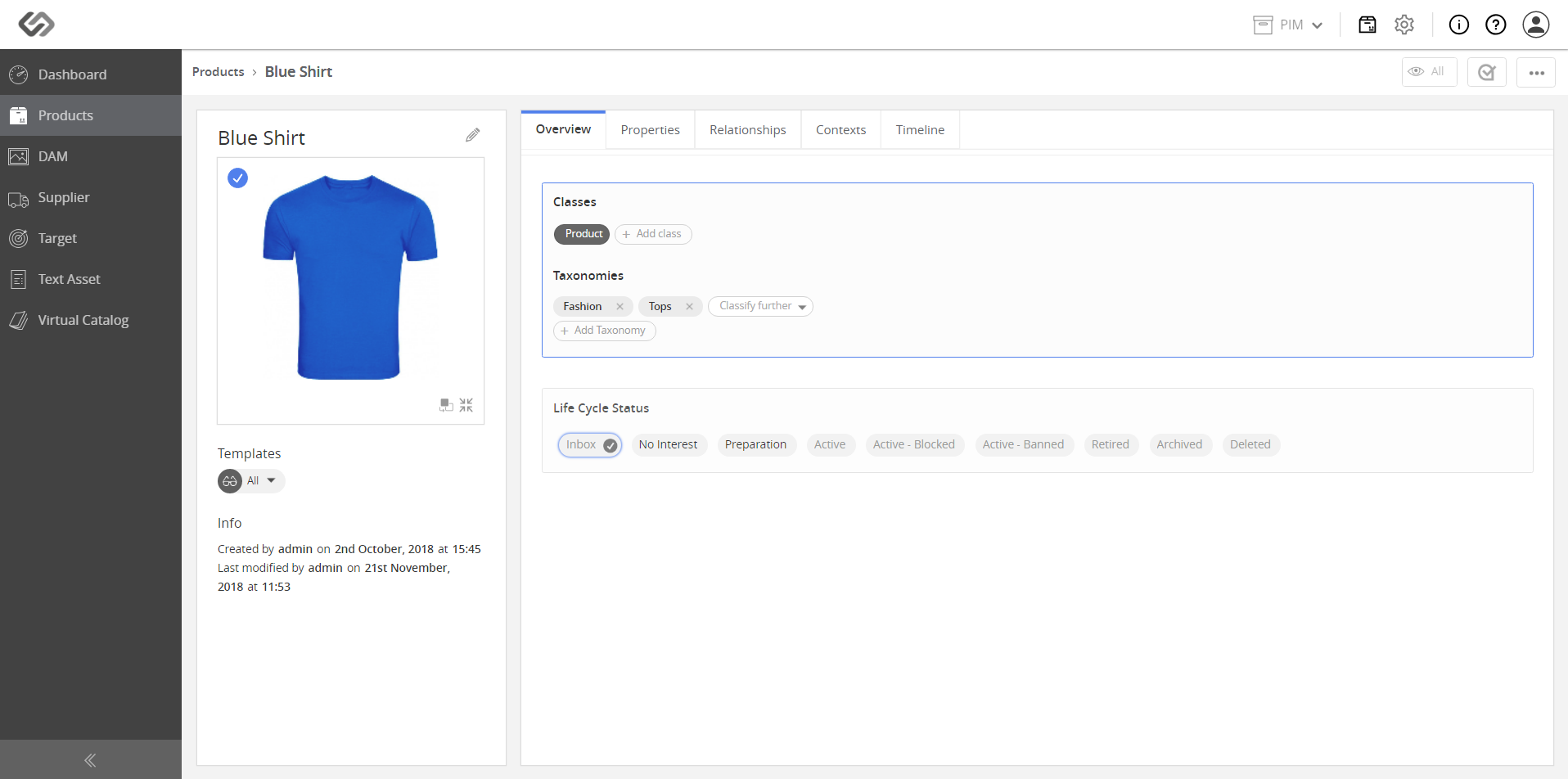
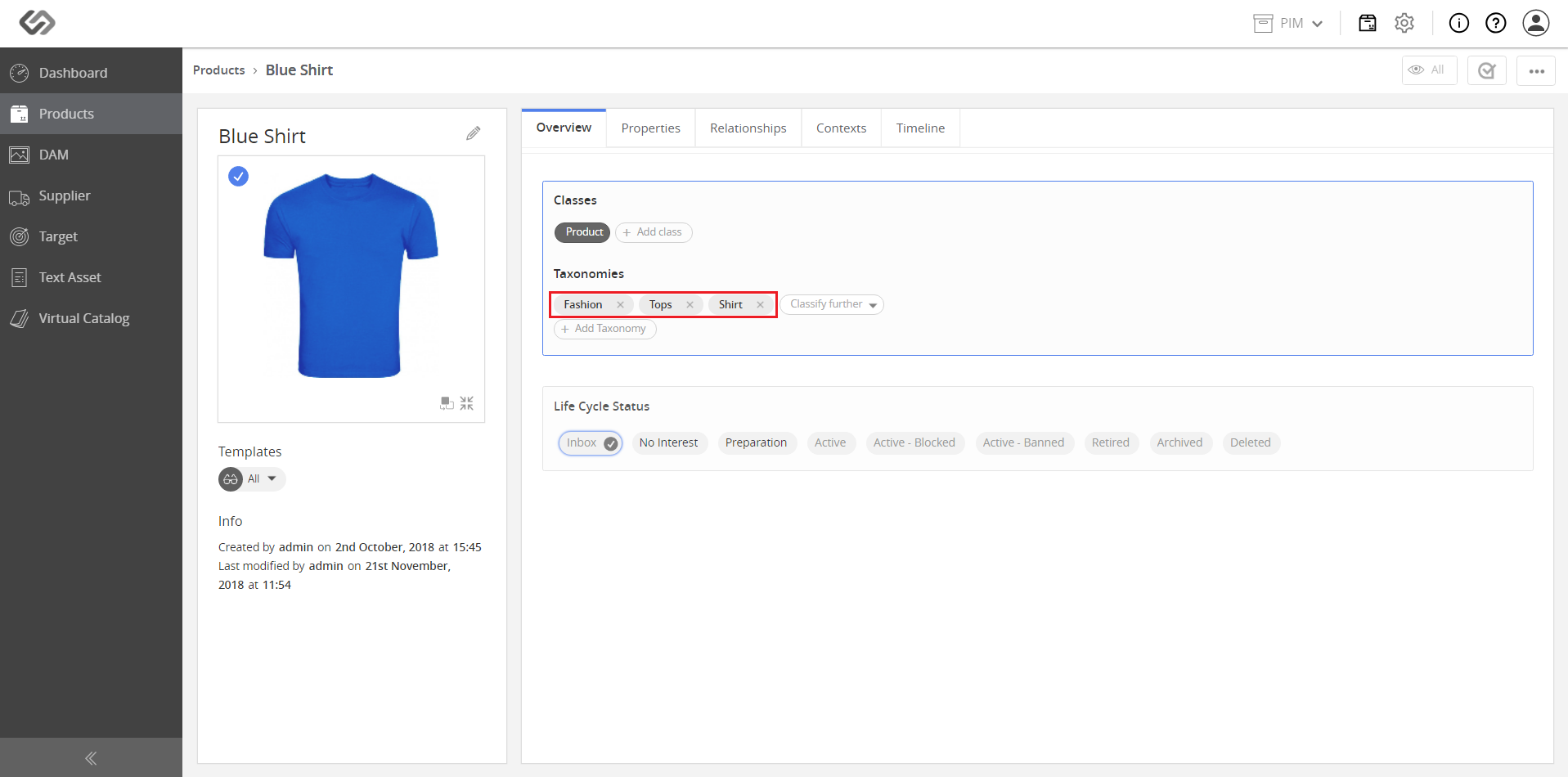
Note: The last image shows the multiple nodes within a single taxonomy that have been added to the product.