Product Classification via Taxonomies
The Product Classification via Taxonomies feature provides the functionality to associate a product to multiple taxonomies.
| Key Term: |
|
| Description: |
|
| Related topics: | |
| Application: |
|
How-to: Product Classification via Taxonomies
To classify a product to multiple taxonomies, follow these steps:
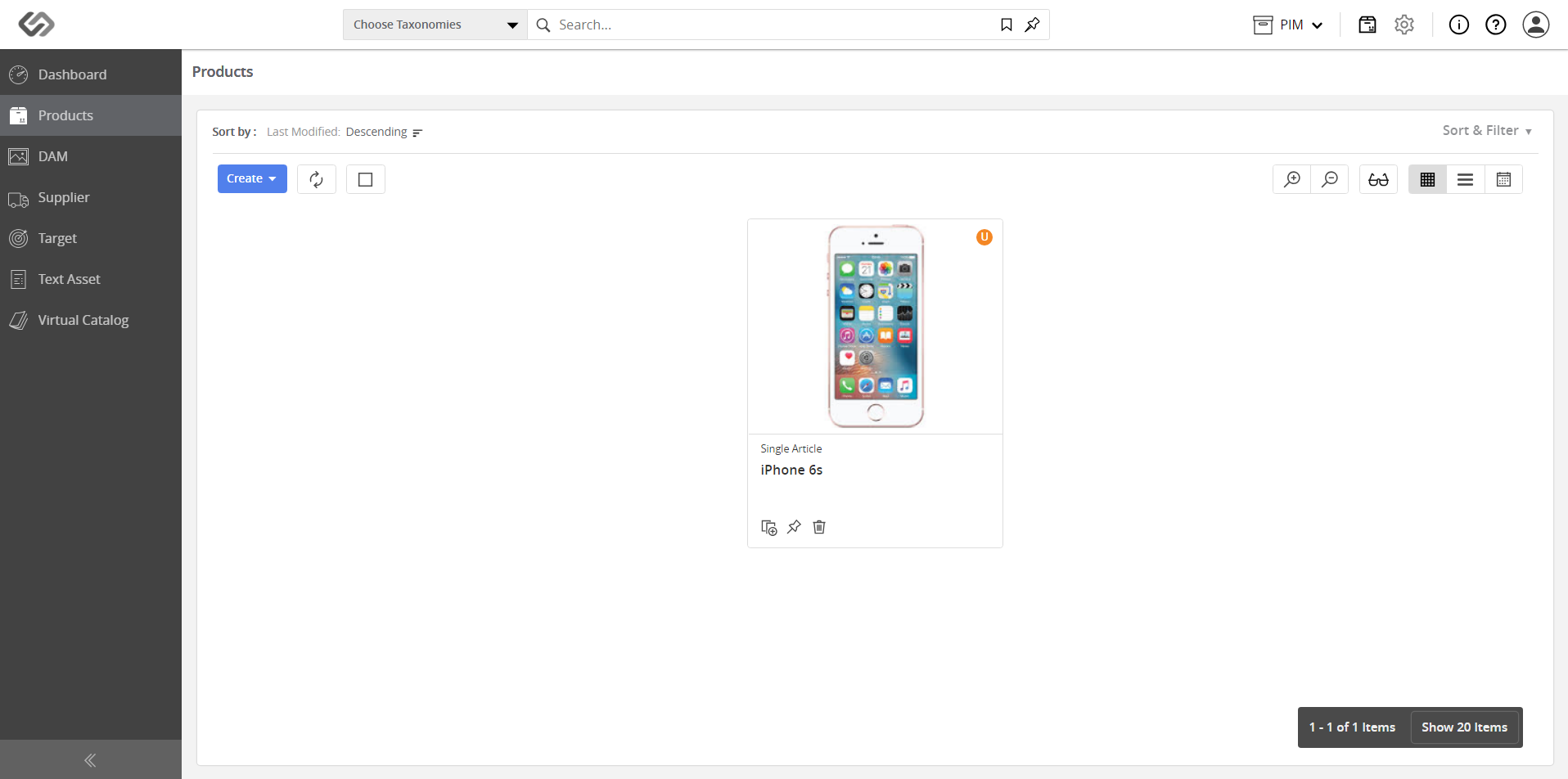
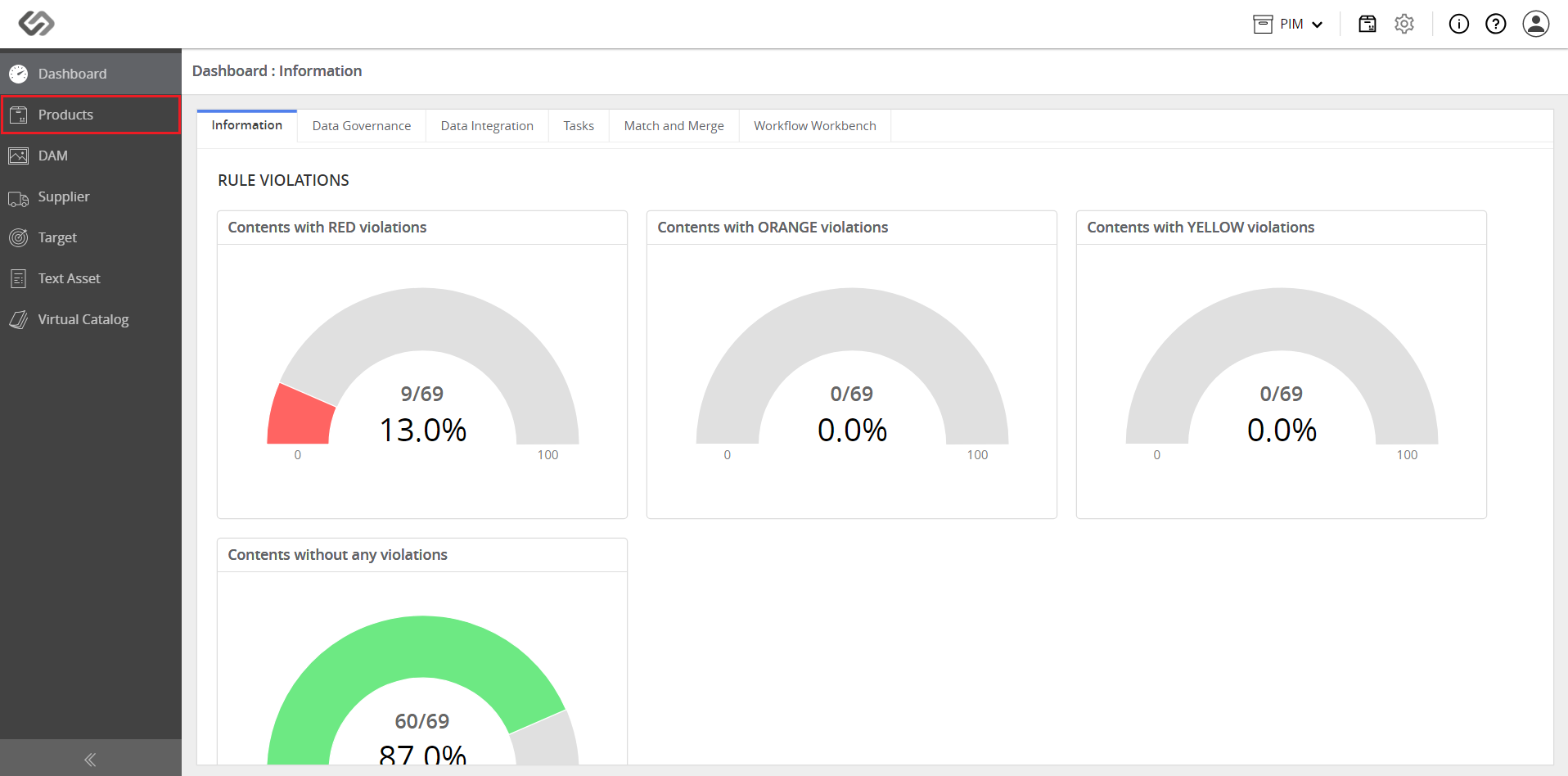
- Log in and go to Products.
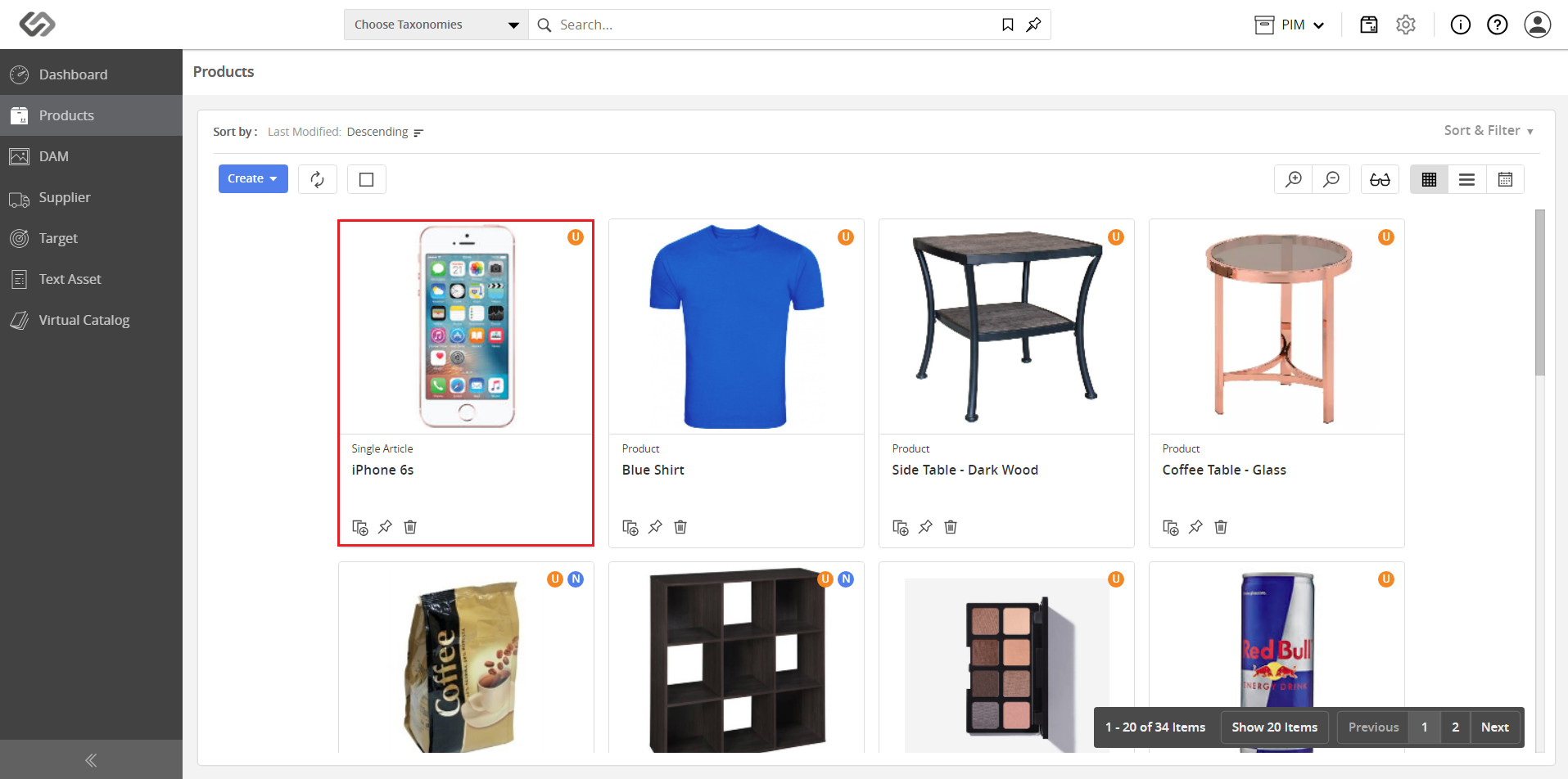
- Click on a product.
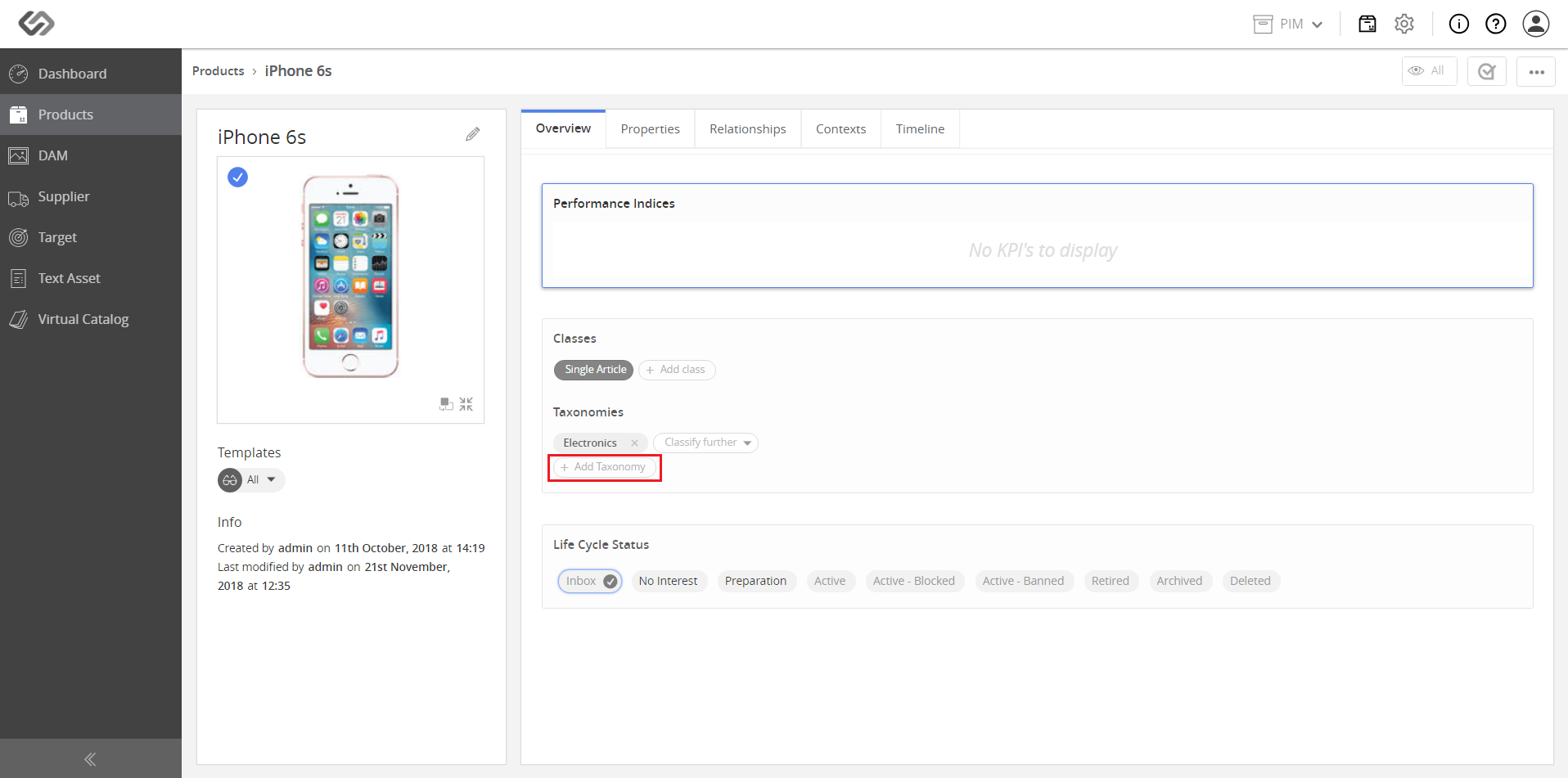
- Click on the Add Taxonomy button. Notice that the product is already associated with the Electronics taxonomy.
- Select a parent taxonomy from the drop-down list (e.g. Mobile Phones).
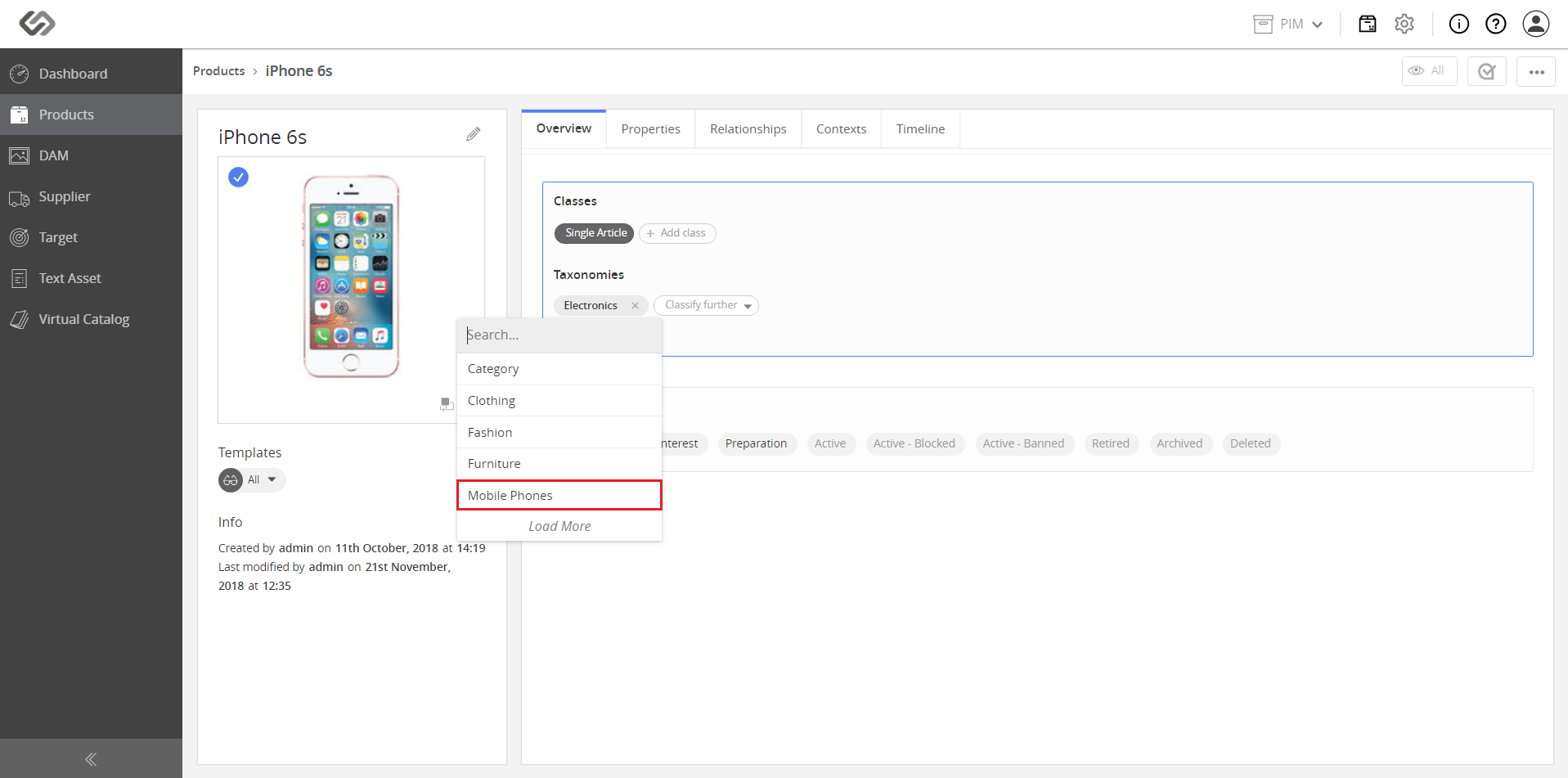
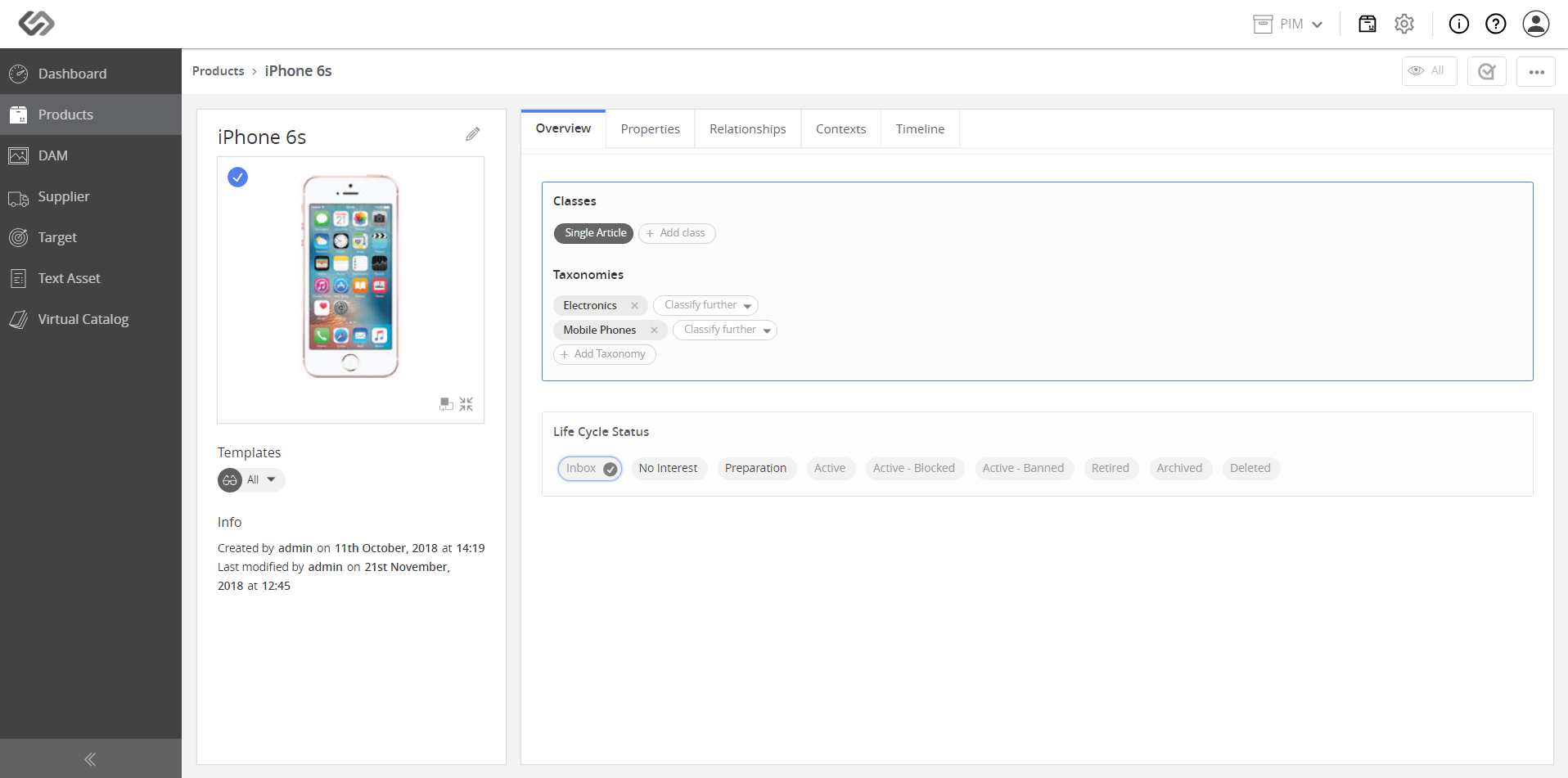
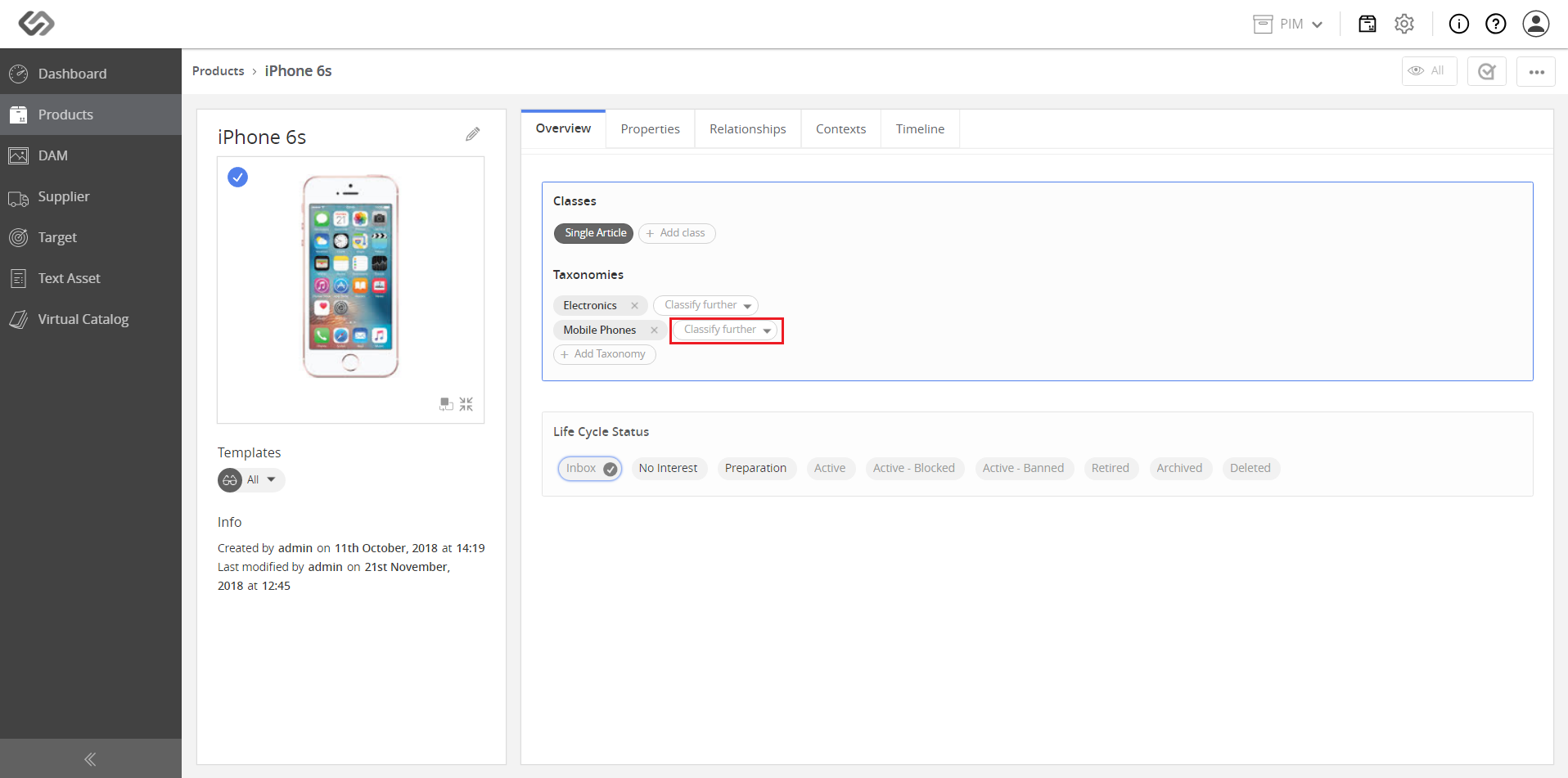
- For additional classification, click on the Classify Further button.
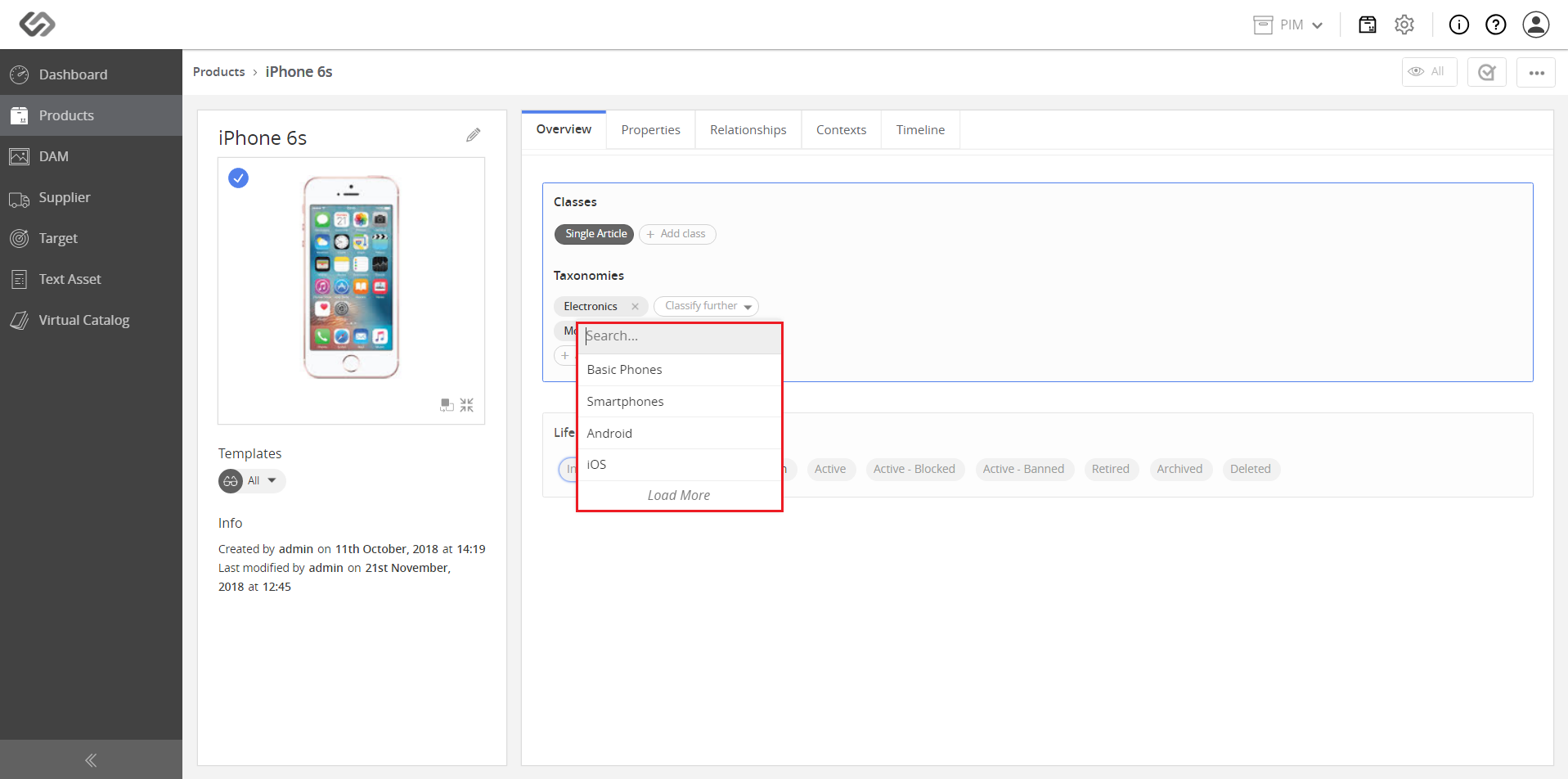
- Select a node from the list. Classify further until the desired taxonomy is achieved (e.g. Category > Furniture > Dining Table).
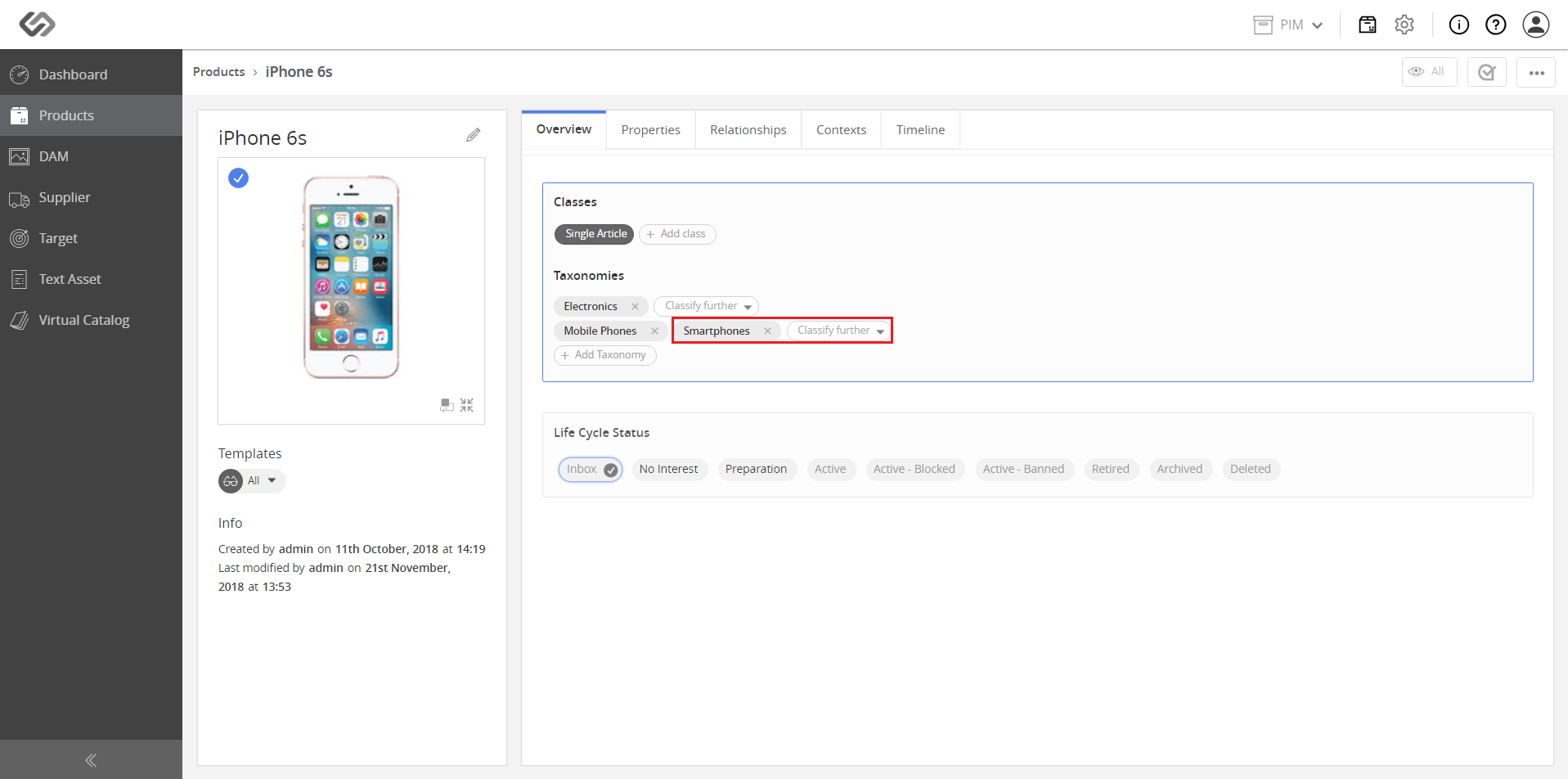
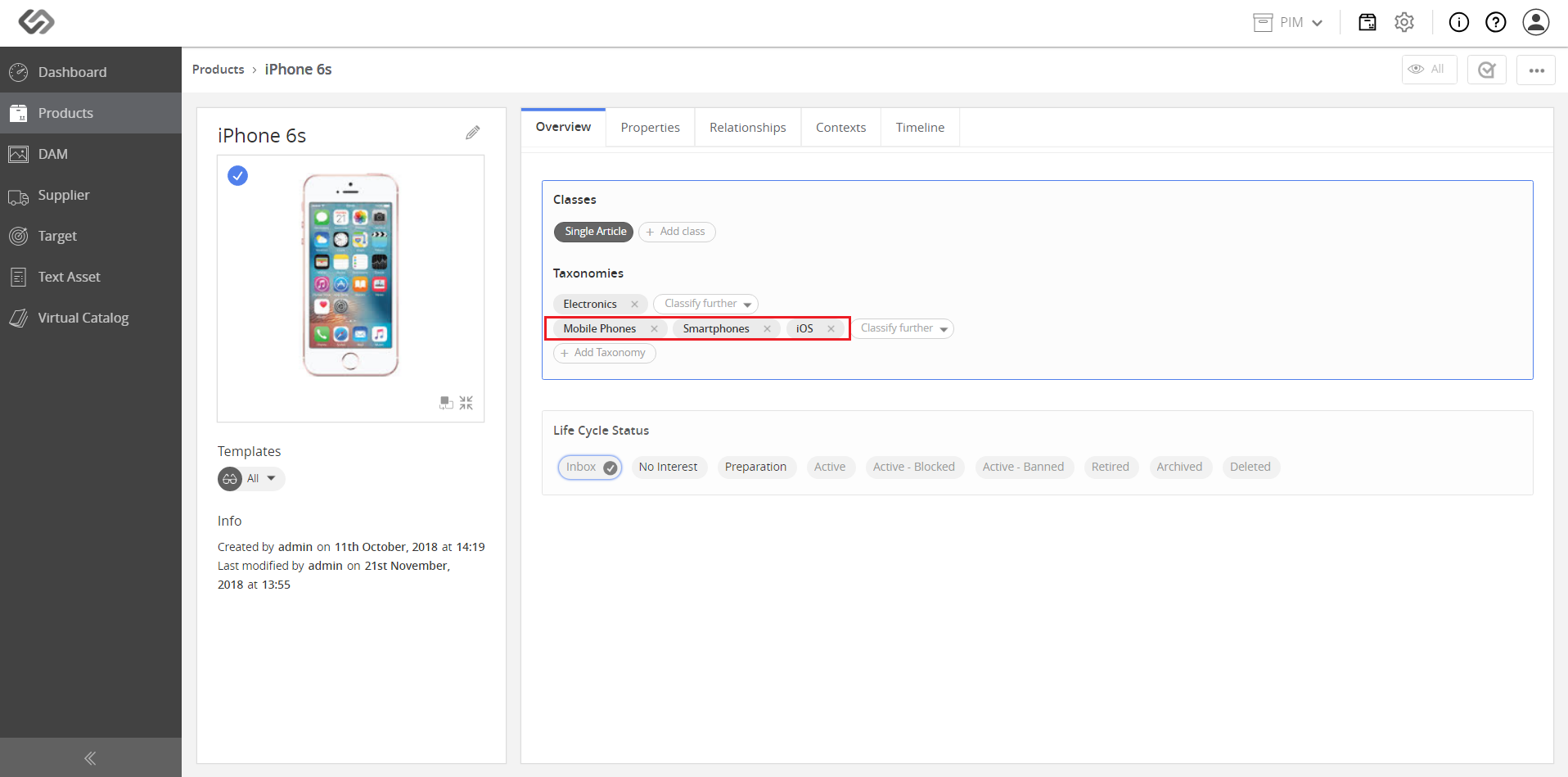
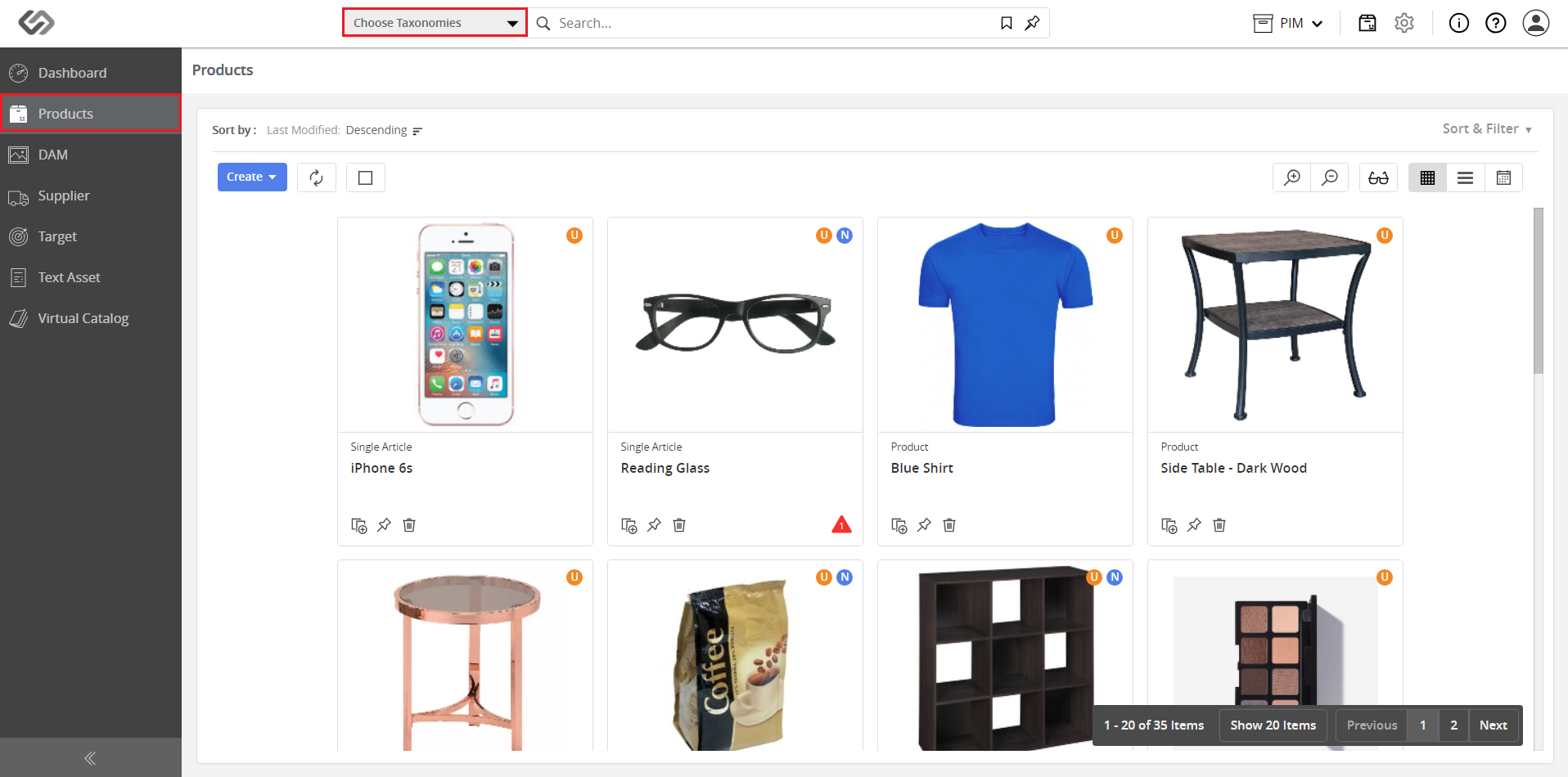
- Go to Products and click on the Choose Taxonomies button.
- Click on the applicable taxonomies, then click on the Apply button.
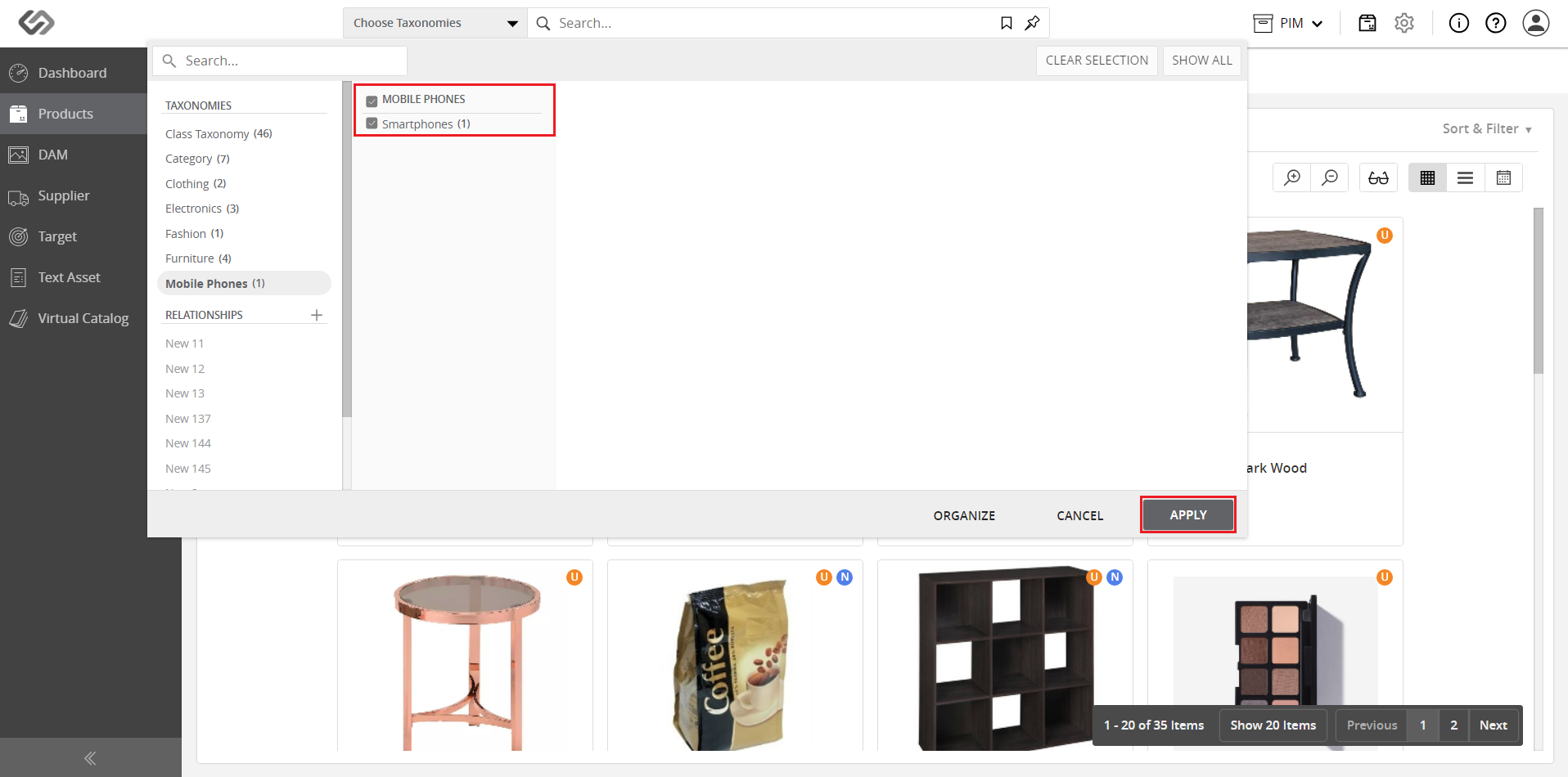
- View the products belonging to the selected taxonomies.