Manage Products across Taxonomies
Manage Products across Taxonomies is a feature that allows a user to copy or move objects between different taxonomies or different nodes within the same taxonomy.
| Key Term: |
|
| Description: |
|
| Related topics: | |
| Application: |
|
How-to: Manage Products across Taxonomies
To manage products across taxonomies, follow these steps:
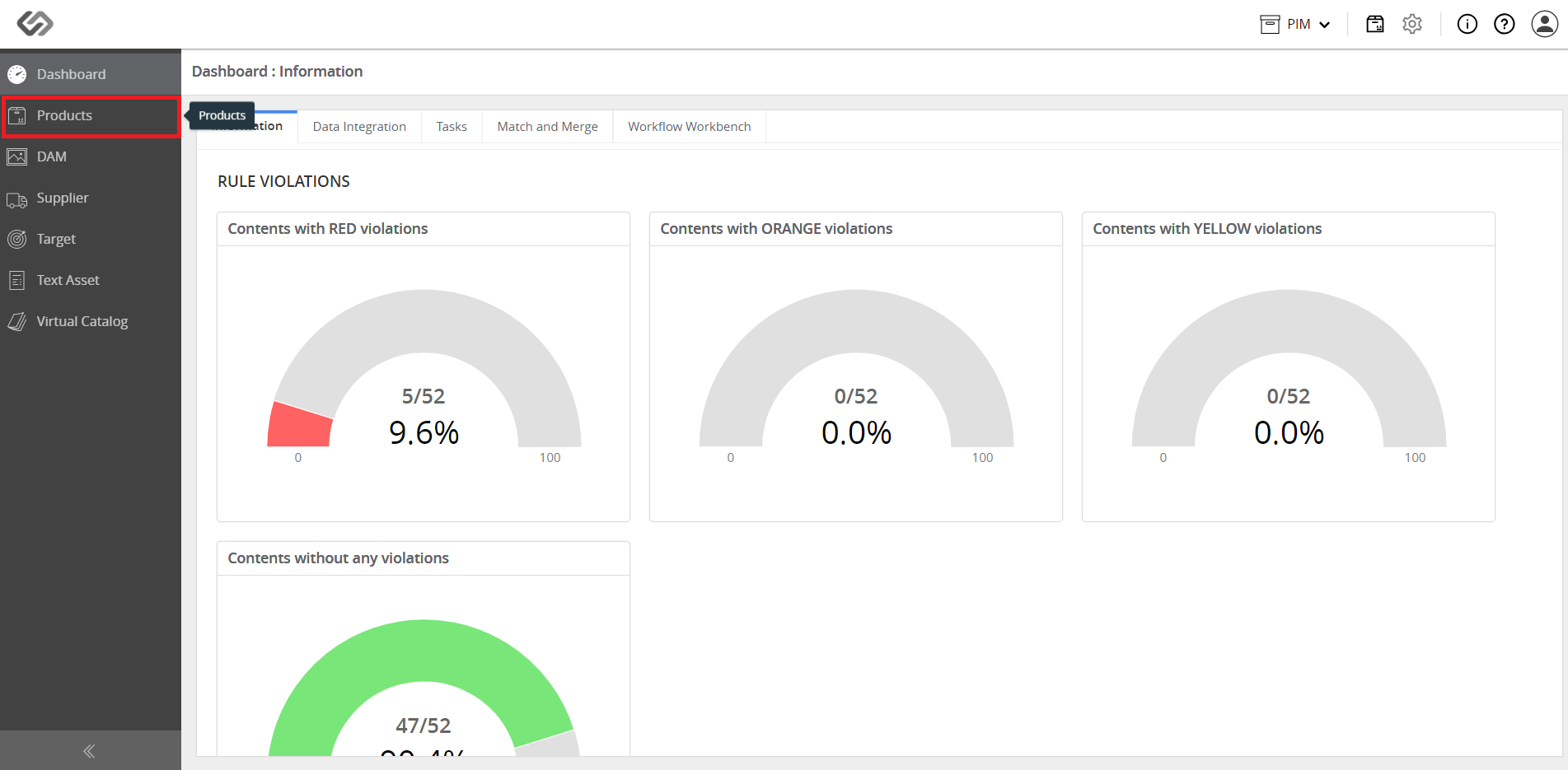
- Log in and go to Products.
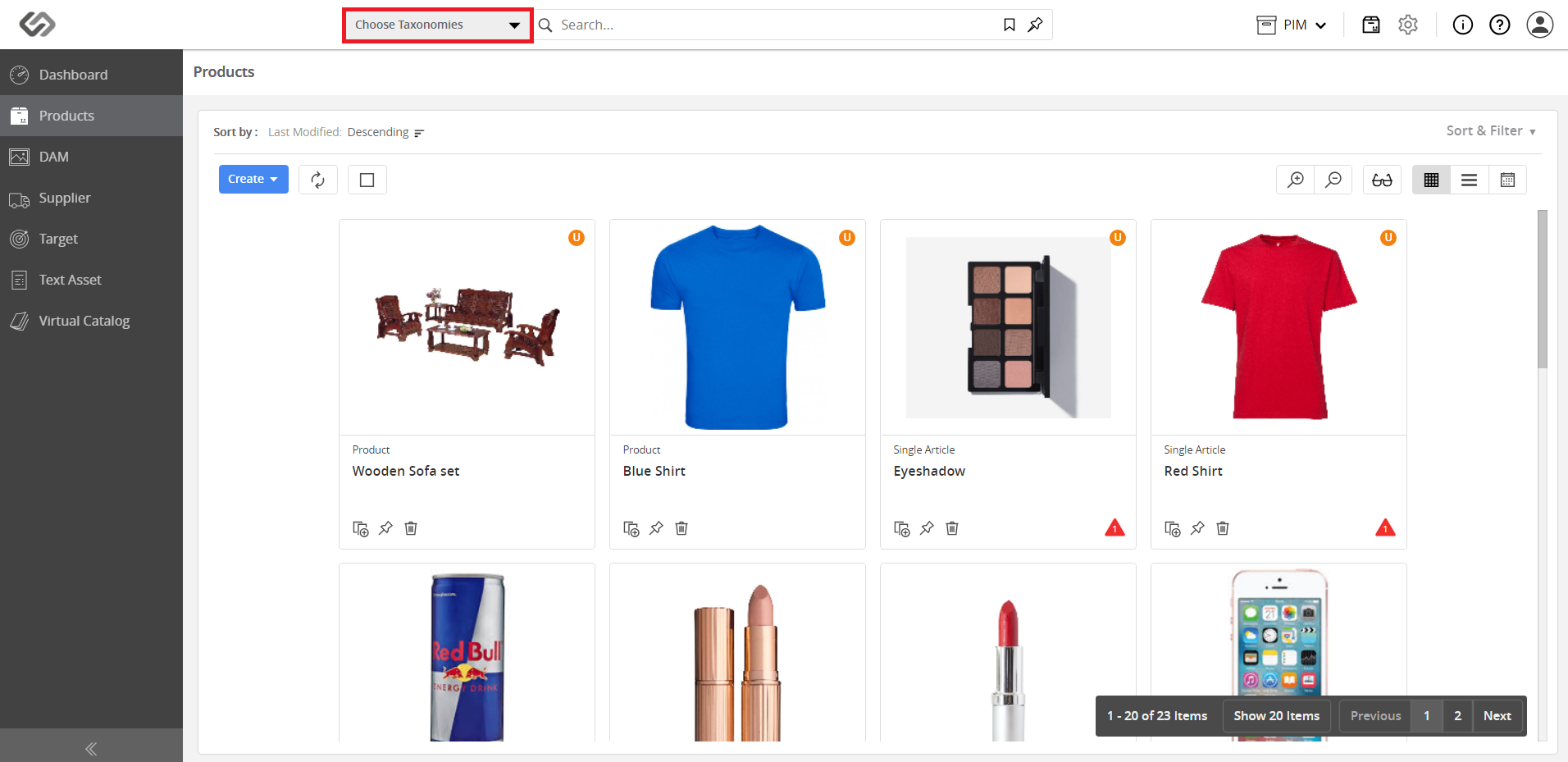
- Click on the Choose Taxonomies drop-down menu.
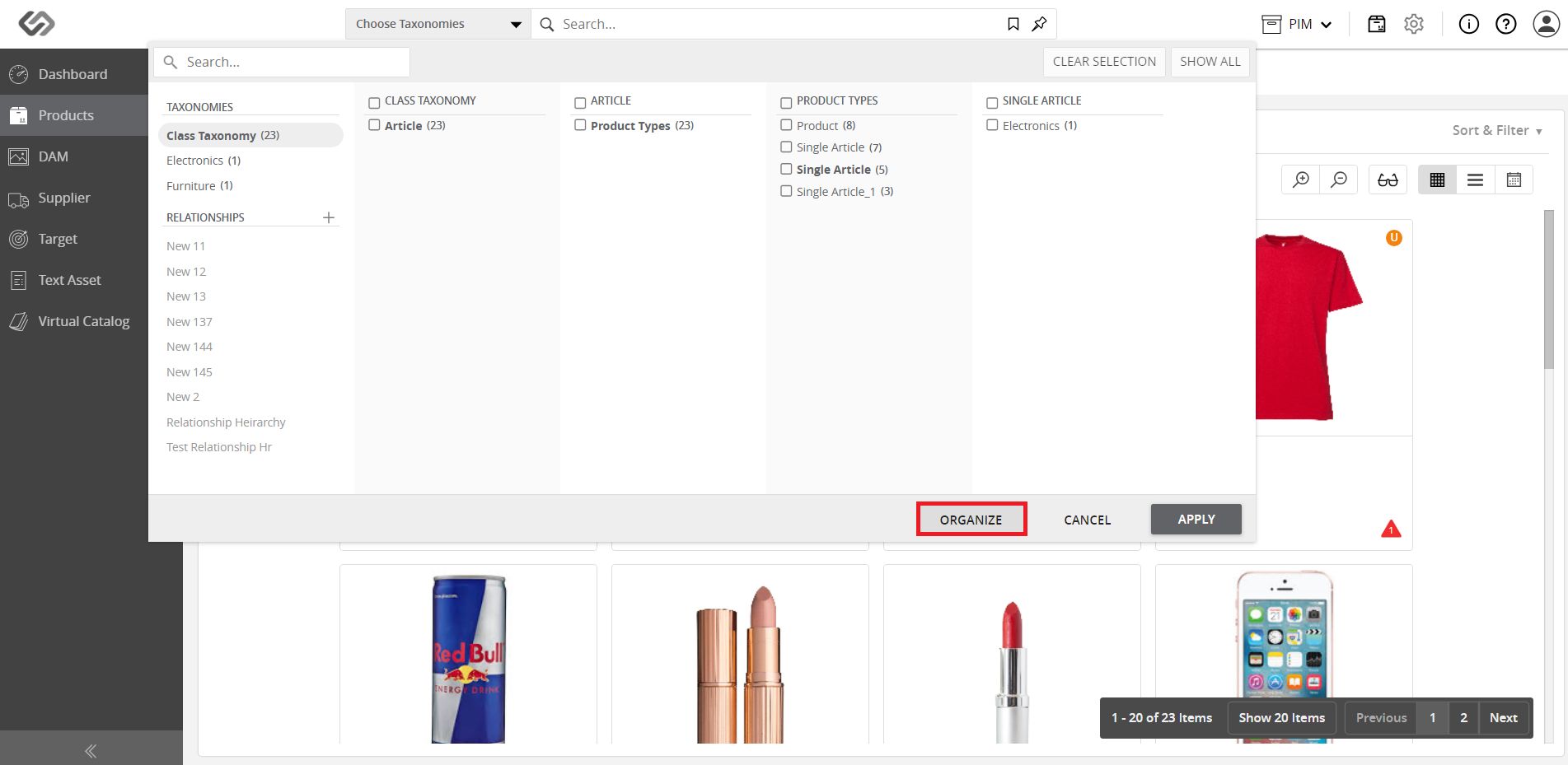
- Click on the Organize button at the bottom of the drop-down window.
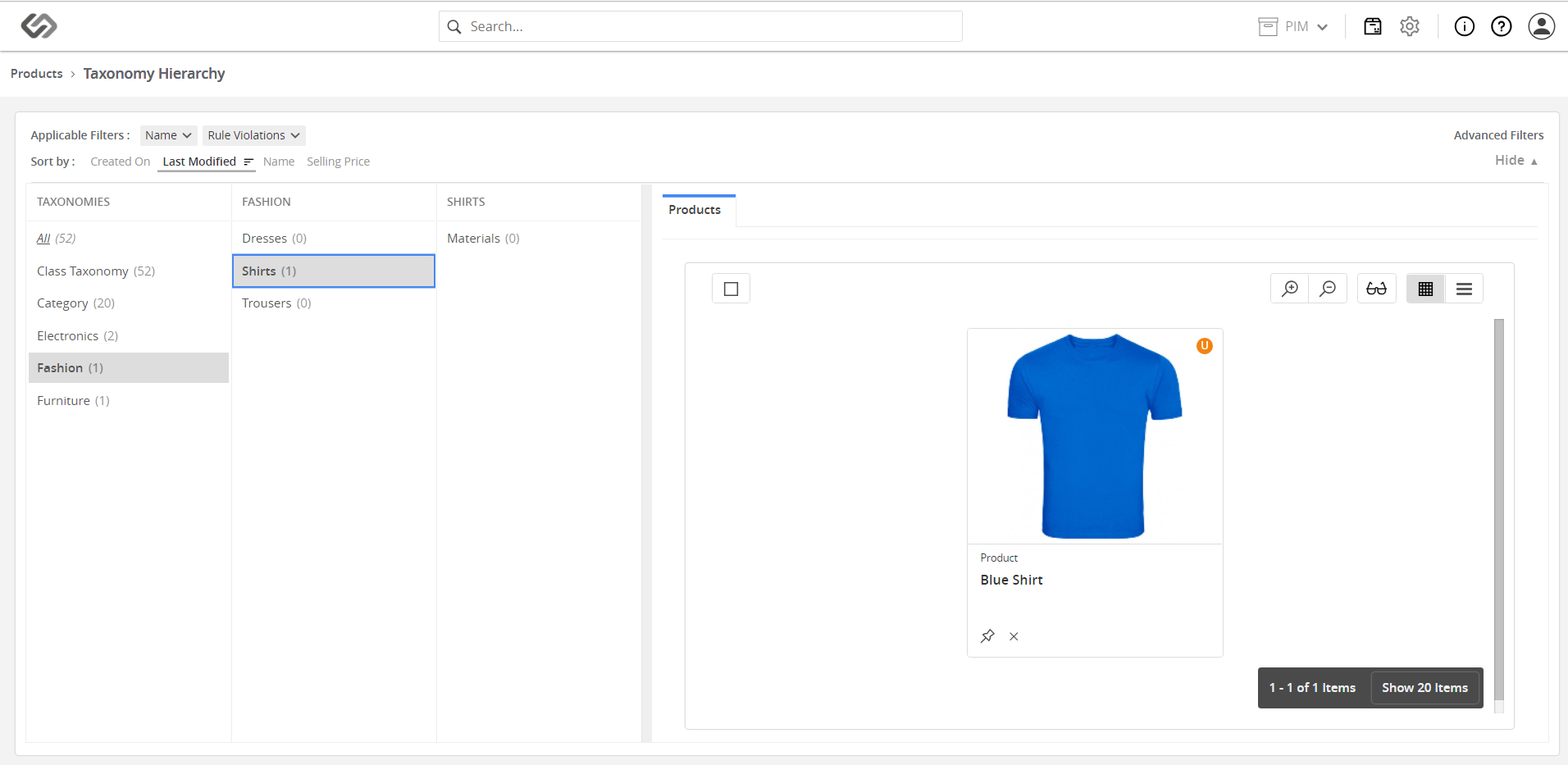
- View the list of existing taxonomies on the left pane and the products on the right.
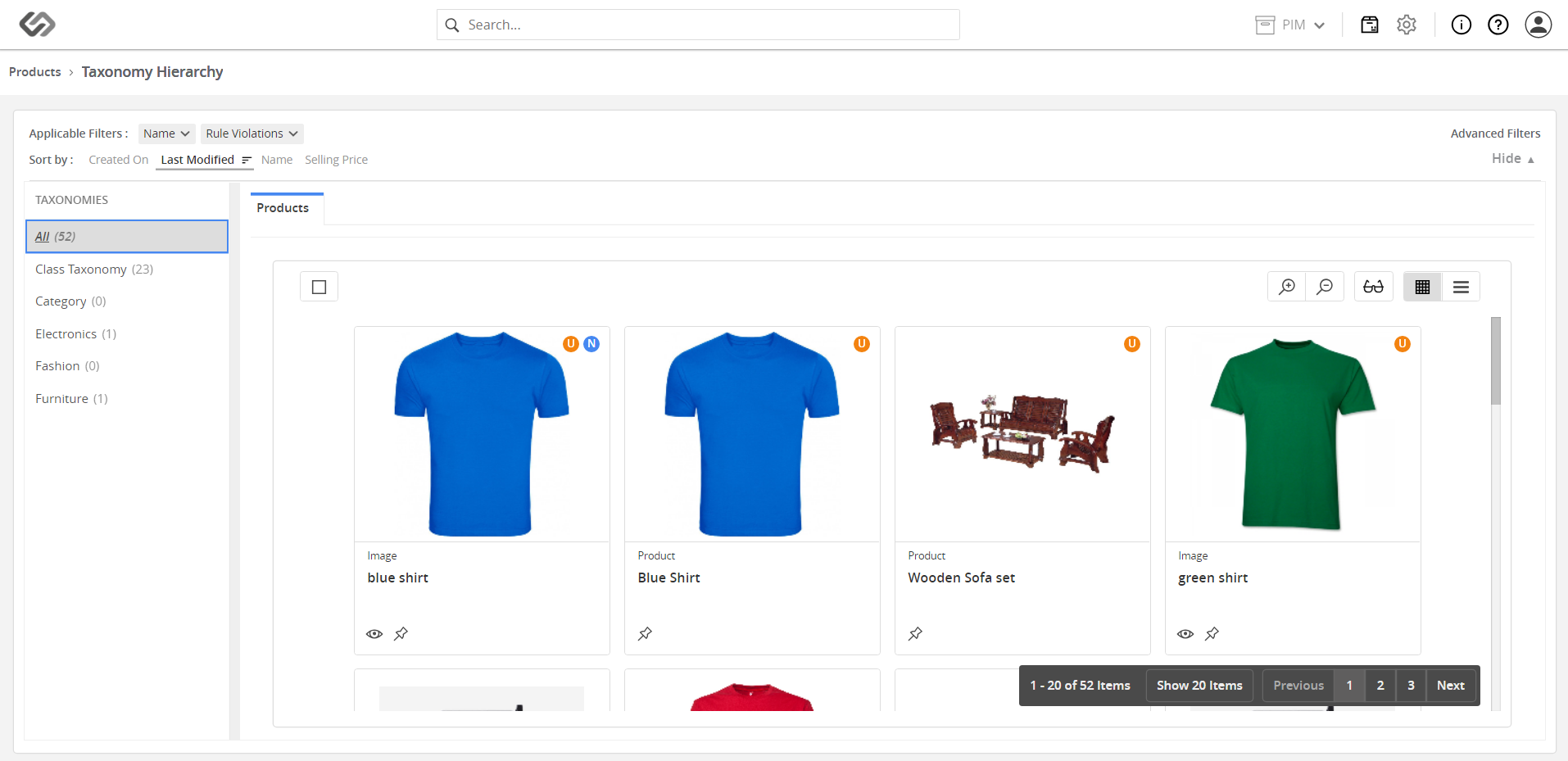
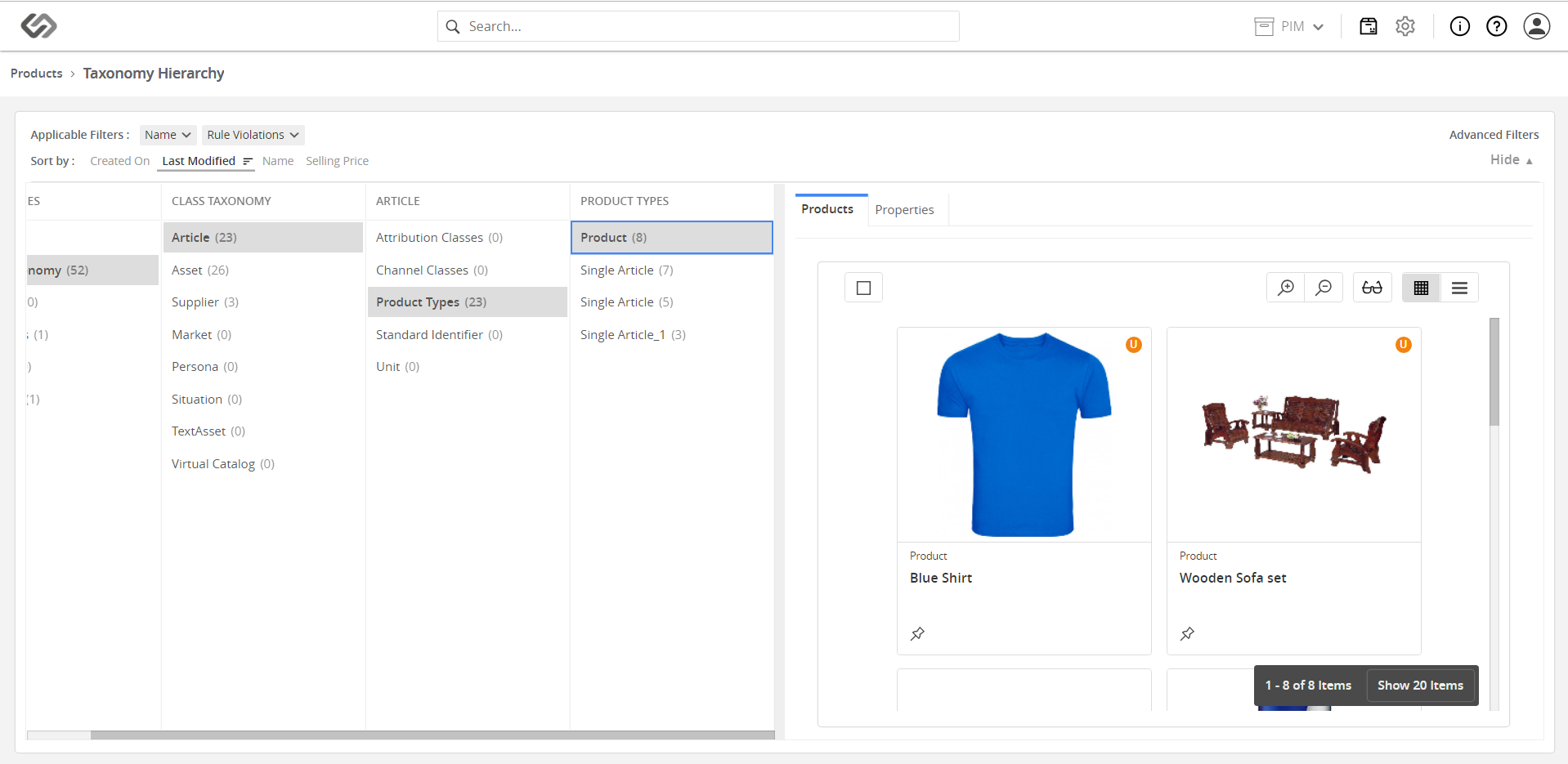
- Navigate the taxonomy hierarchy to which the desired product belongs.
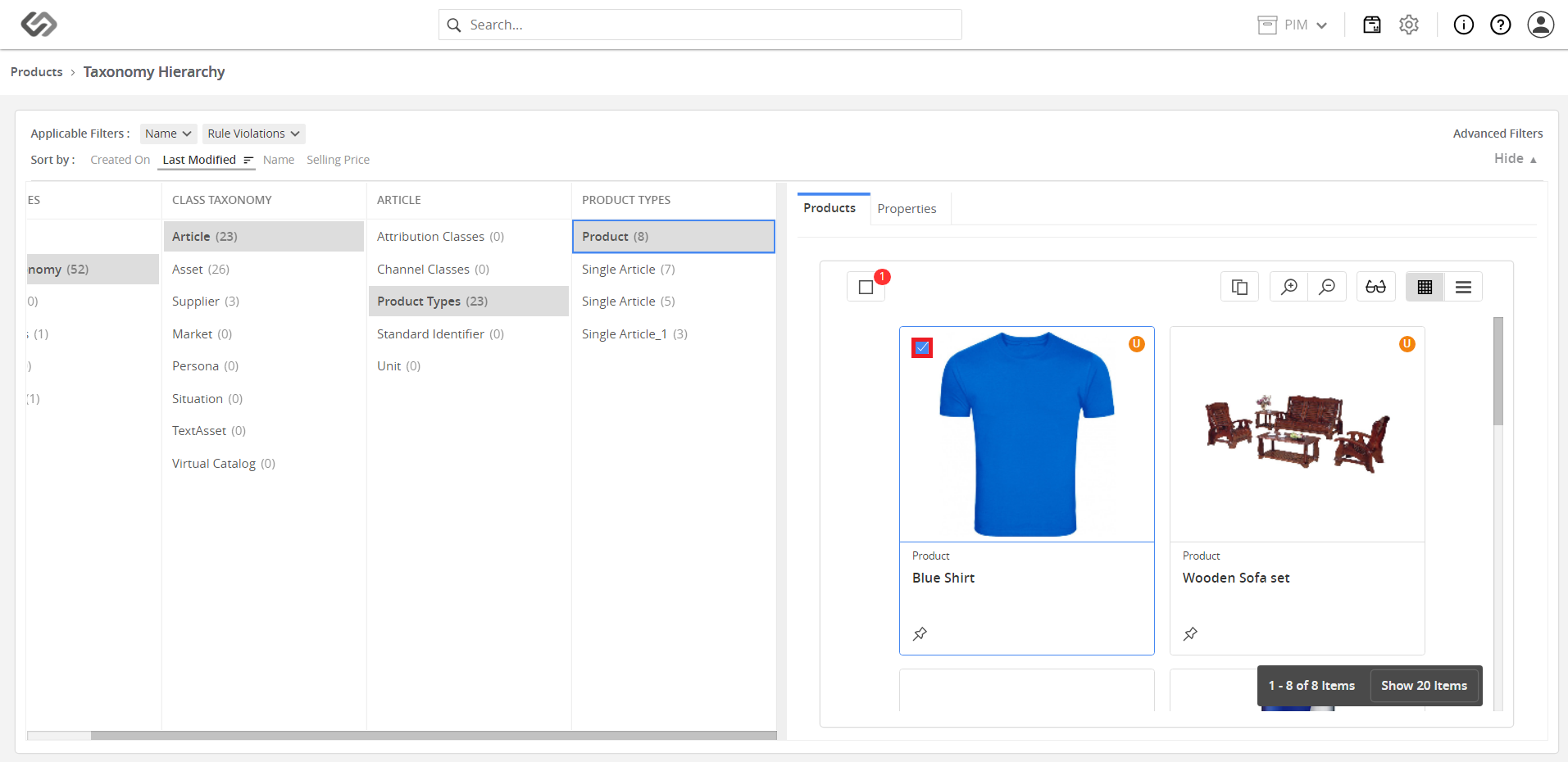
- Click the checkbox of a product to select it.
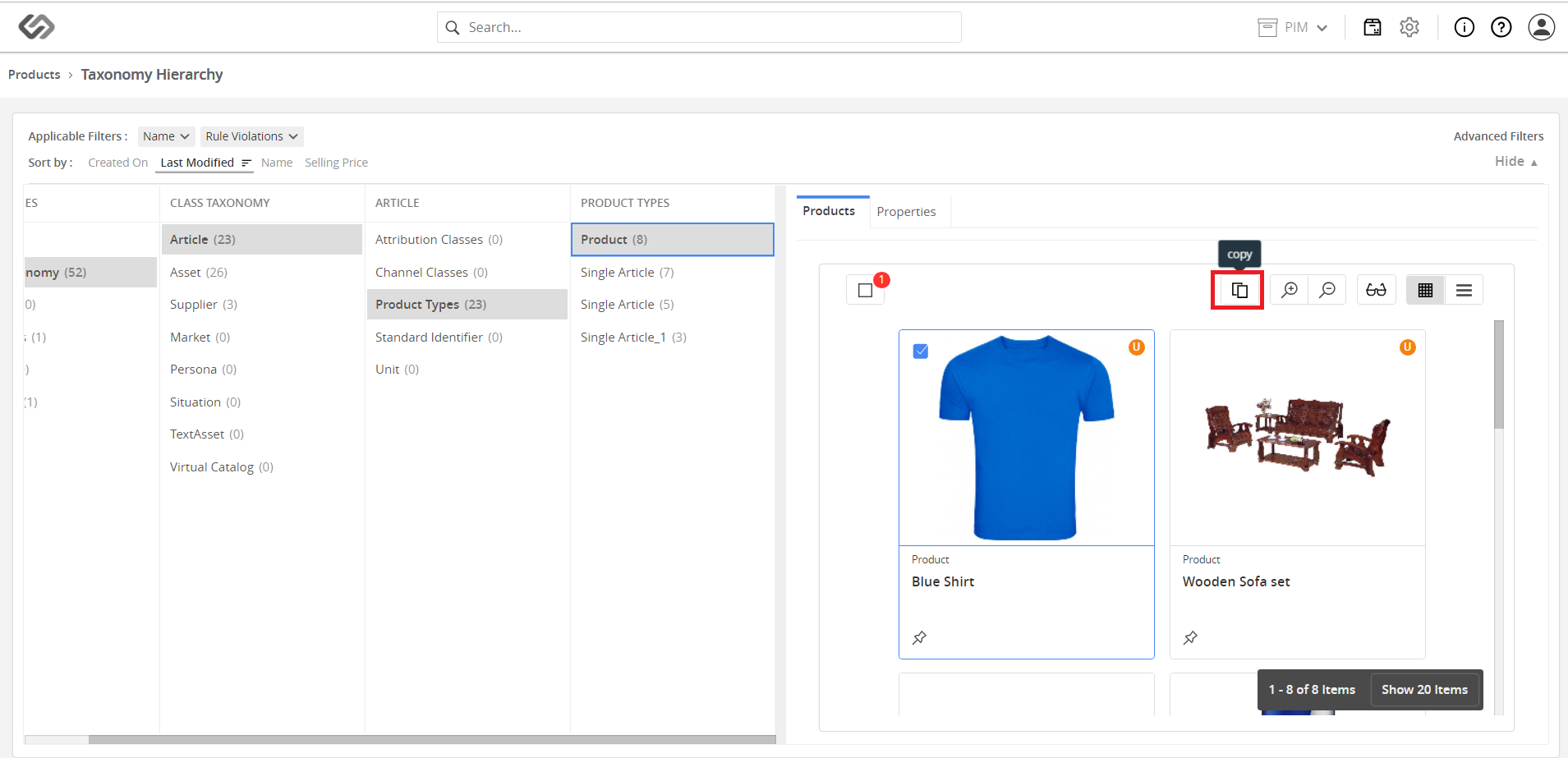
- Click on the Copy icon.
- Navigate to the taxonomy where you want to move the product and click on the Paste icon.
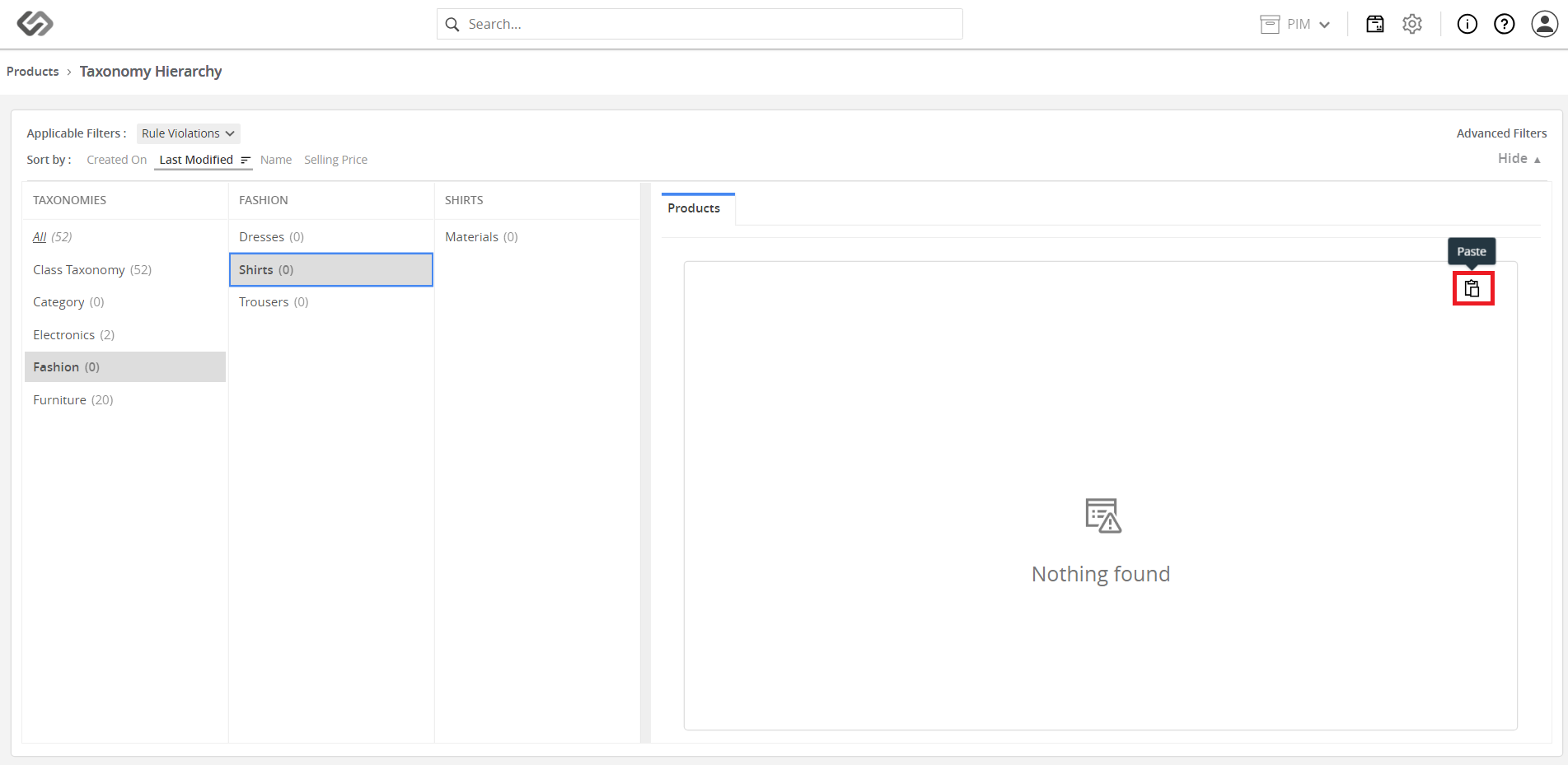
- View the product added to the selected taxonomy.