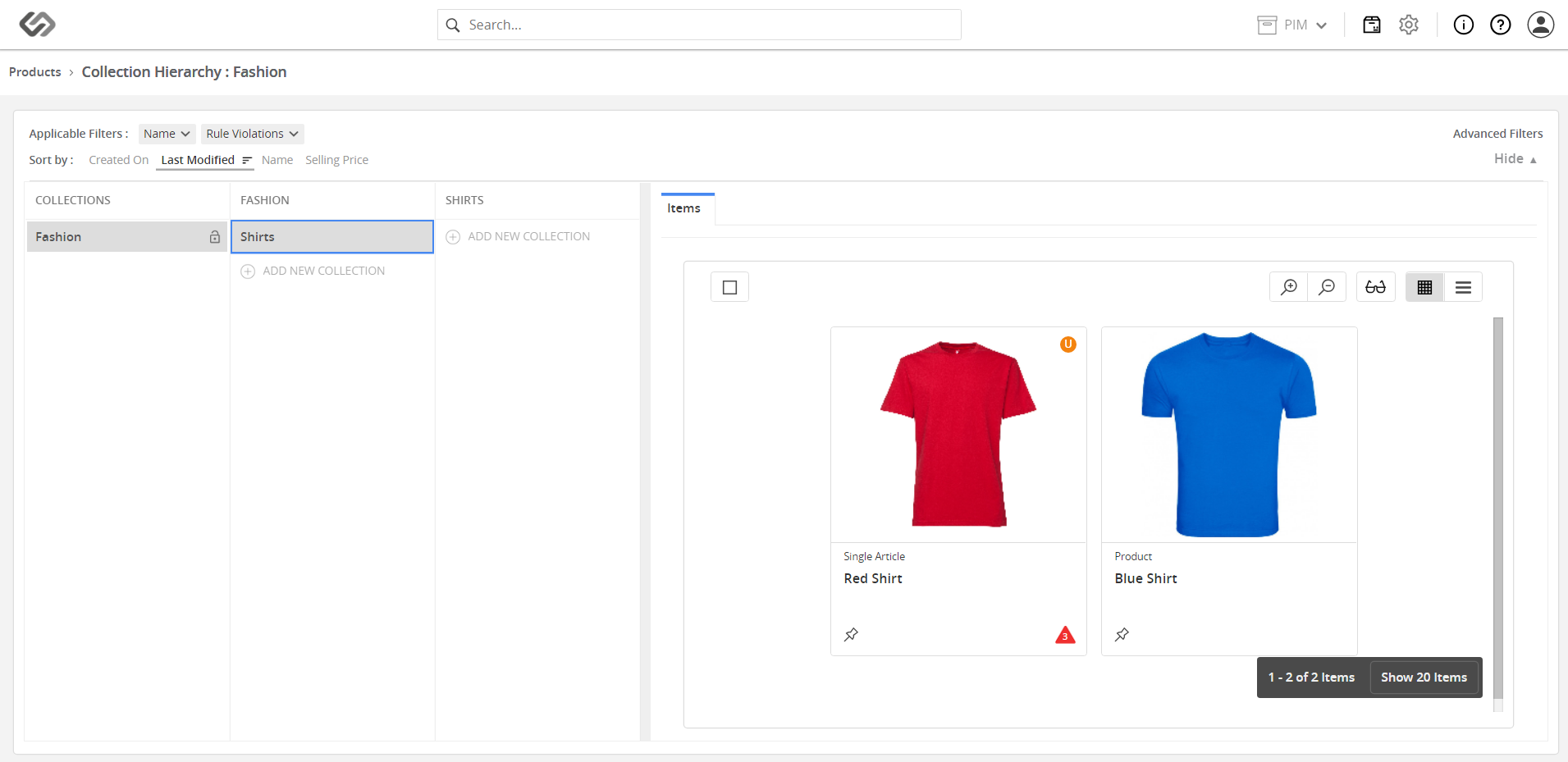
Manage Products across Collections
Manage Products across Collections lets you copy or move products between collections.
| Key Term: |
|
| Description: |
|
| Related topics: | |
| Application: |
|
How-to: Manage Products across Collections
To copy or move products across collections, follow these steps:
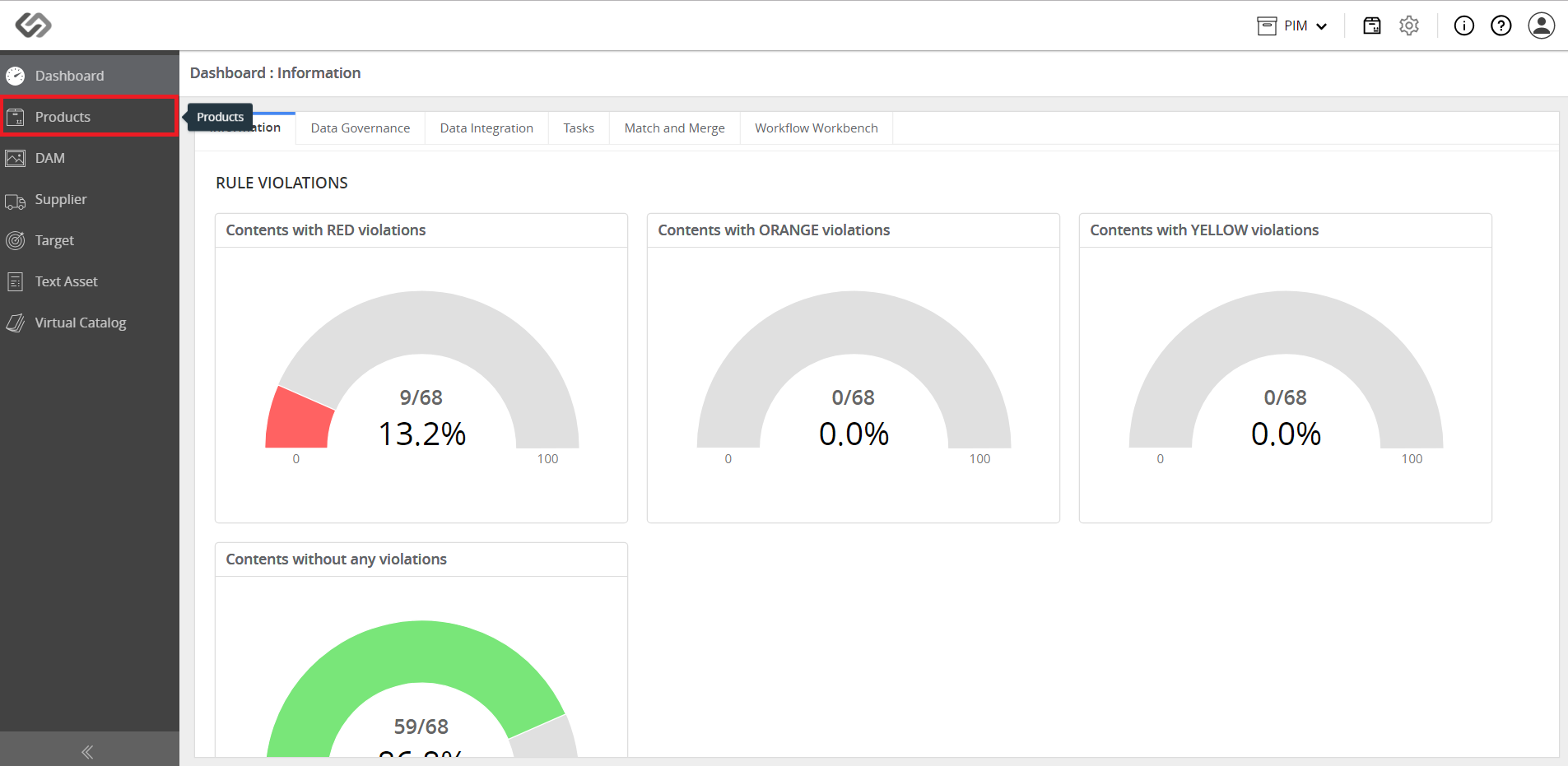
- Log in and go to Products.
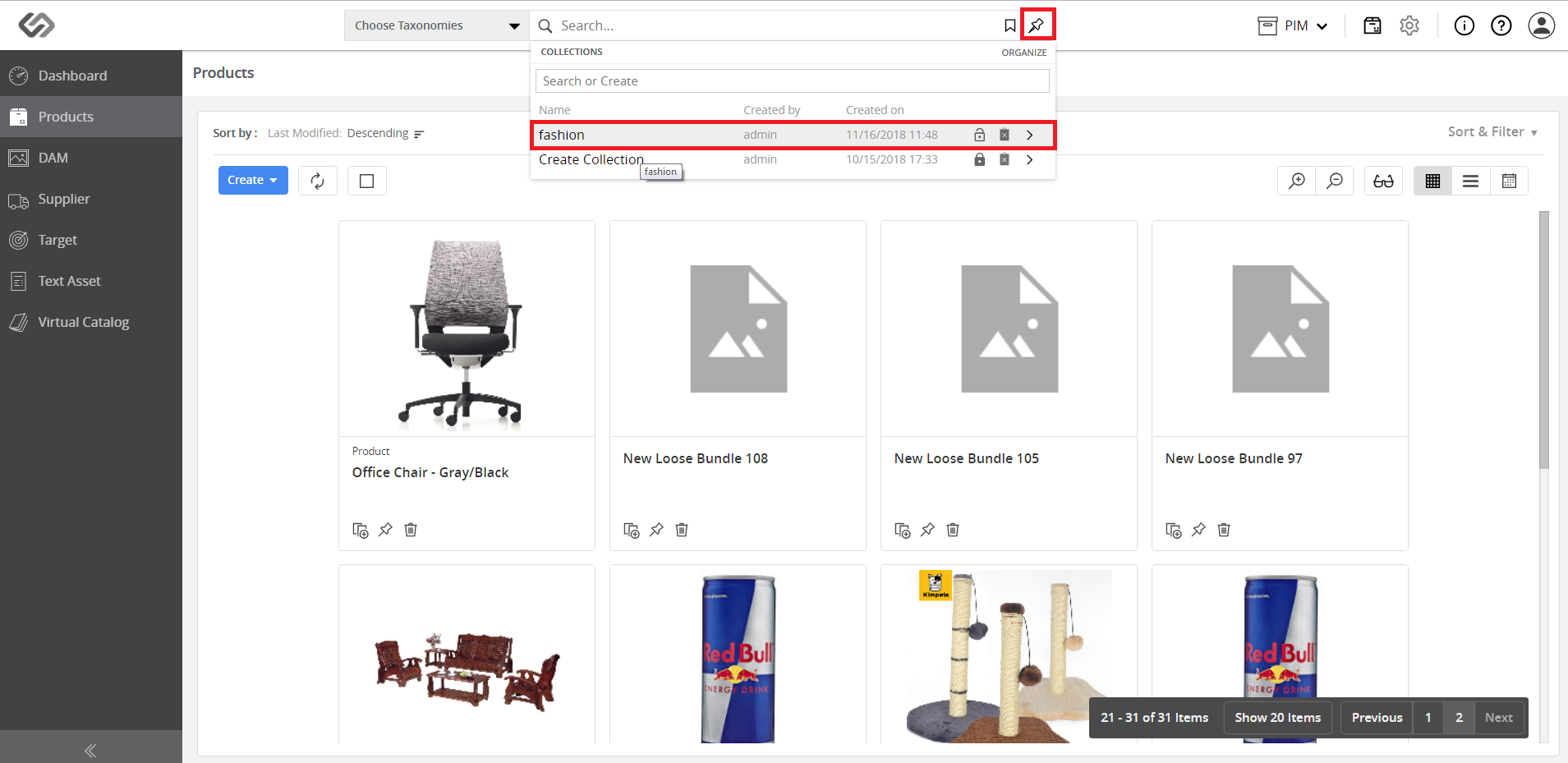
- Click the Collections icon and select the desired collection.
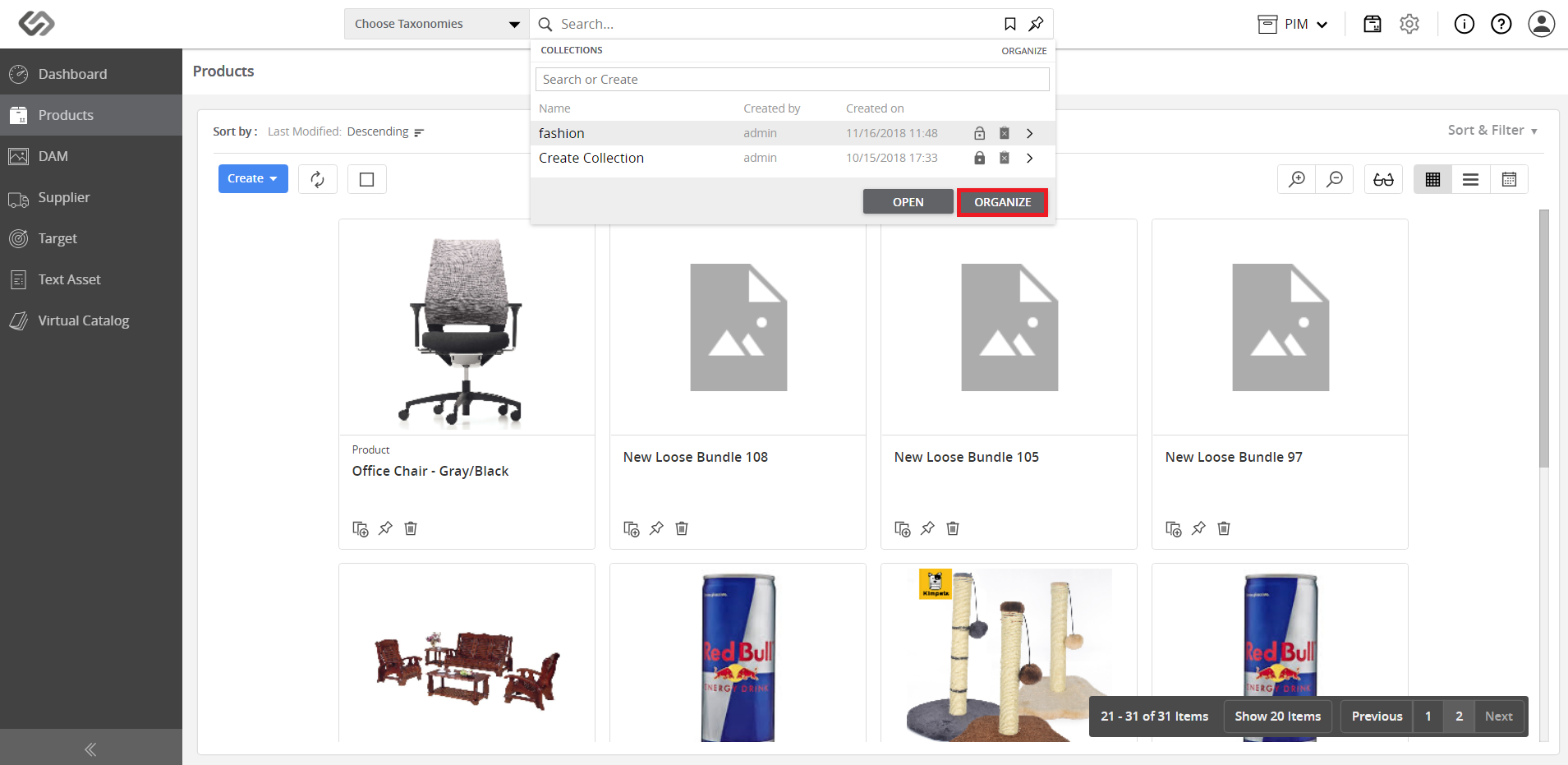
- Click on the Organize button.
- Click on the Add New Collection button.
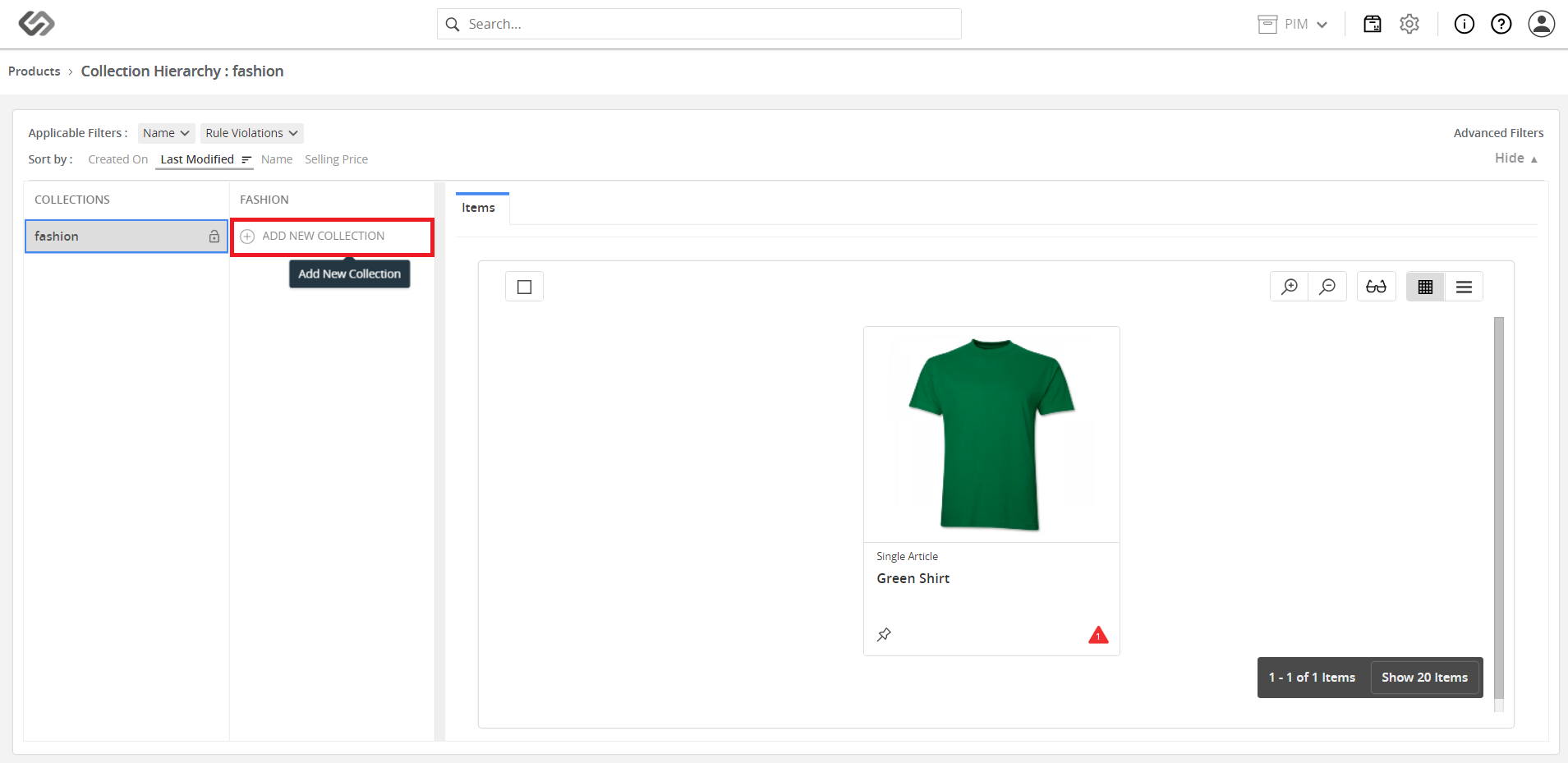
- Enter the name for the collection.
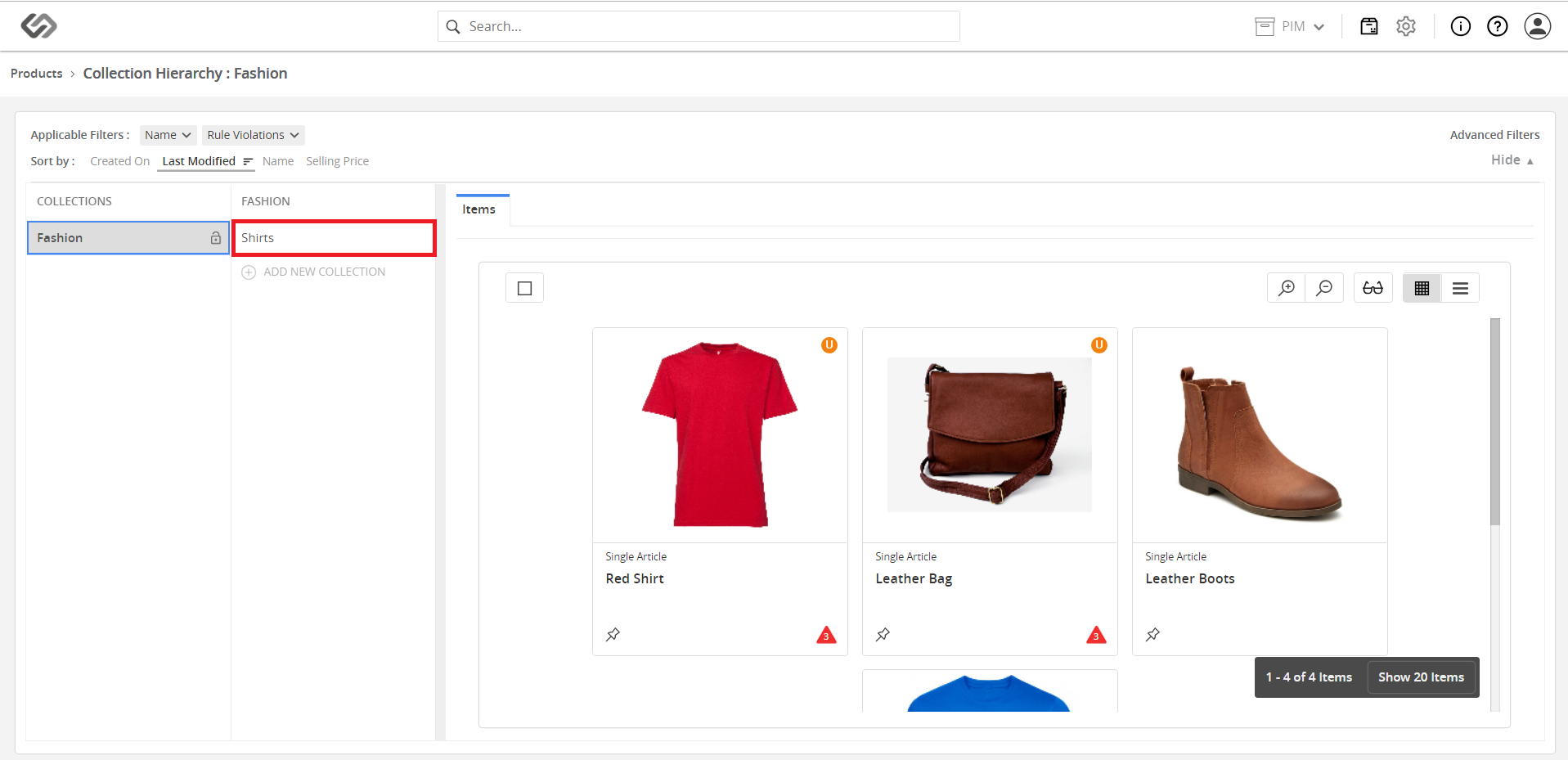
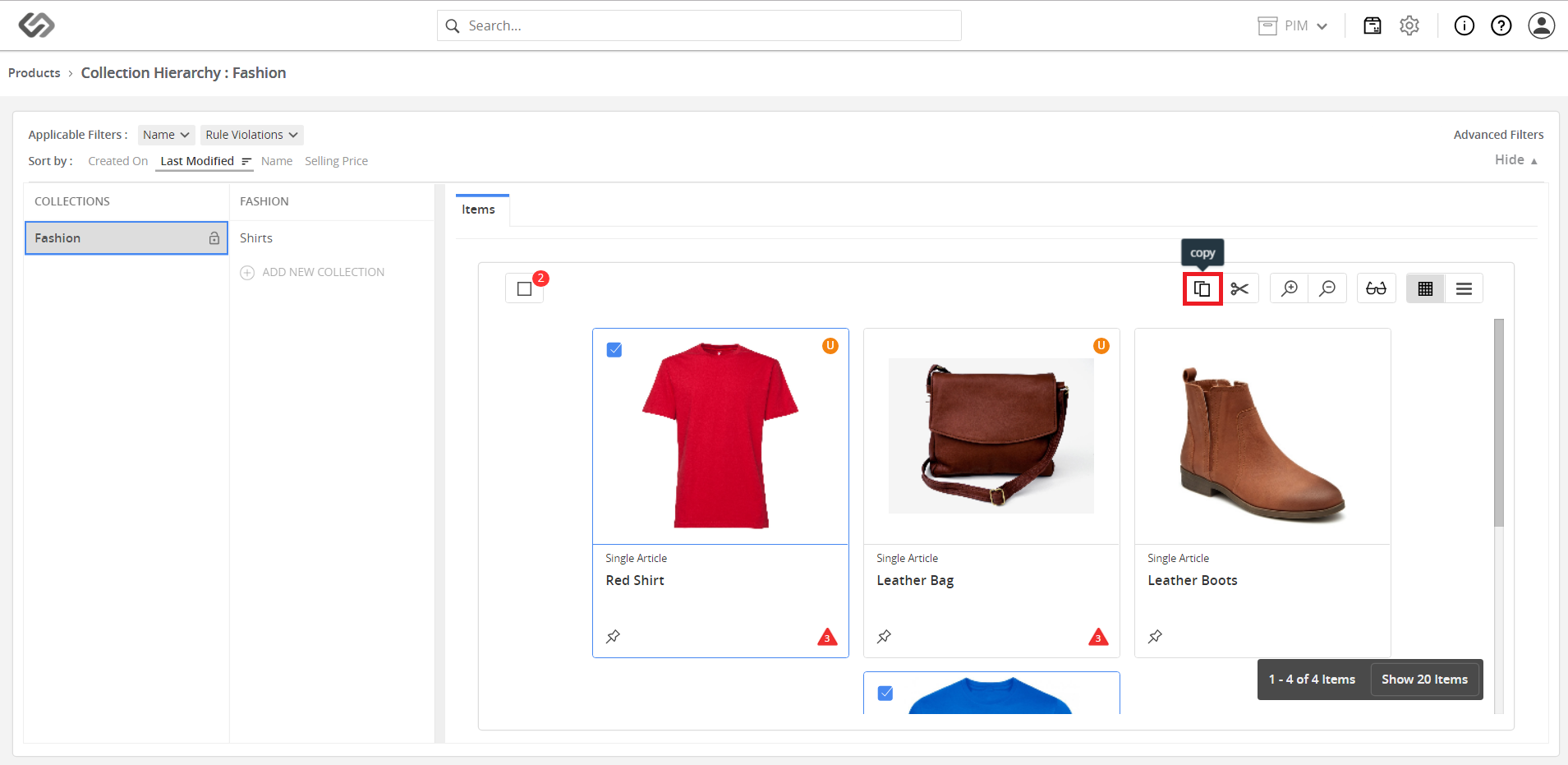
- Select the product from the source collection and click on the Copy icon.
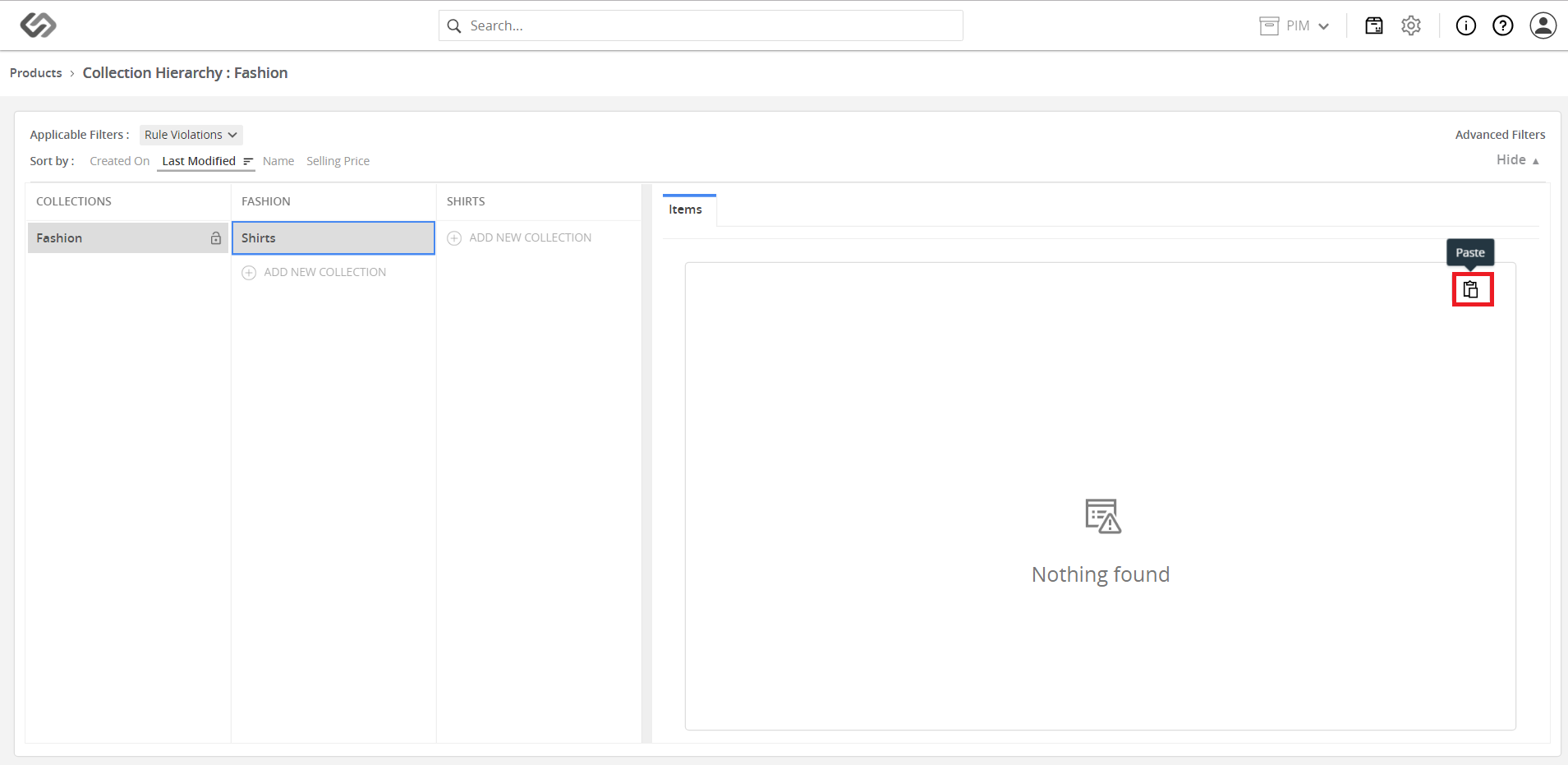
- Go to the destination collection and click on the Paste icon.
- View the added product.