Collection Hierarchy

Collection Hierarchy lets you organize and view your collections within a structured hierarchy.

Key Term:
  • Bookmark: a self-updating bookmark that saves the results of a search.
Description:
  • Collection Hierarchy creates levels in the hierarchy for the products.
  • Products can be copied or moved between these levels.
Related topics:
Application:
  • Categorically structure the products in a product group.

  • A collection can contain any number of products, and these products can be copied or moved between the levels of hierarchies.

  • Example:

    A collection of furniture products can have hierarchy levels based on product types such as Office and Home furniture, Chairs, Tables and others.

How-to: Collection Hierarchy

To organize and view the collections within a structured hierarchy, follow these steps:


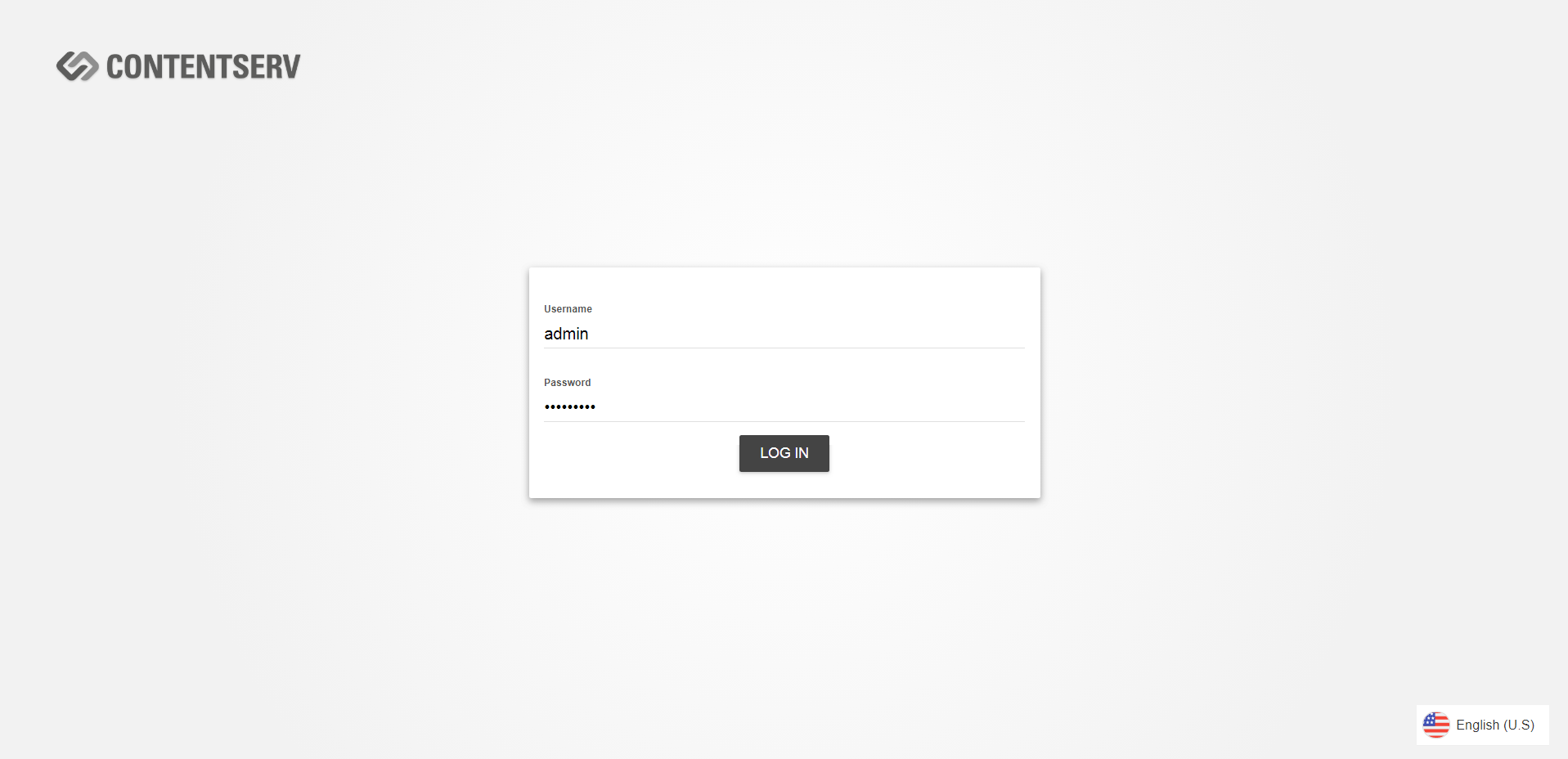
  • Log in and go to Products.
../../../../../_images/pxp_collectionhierarchy_login.PNG


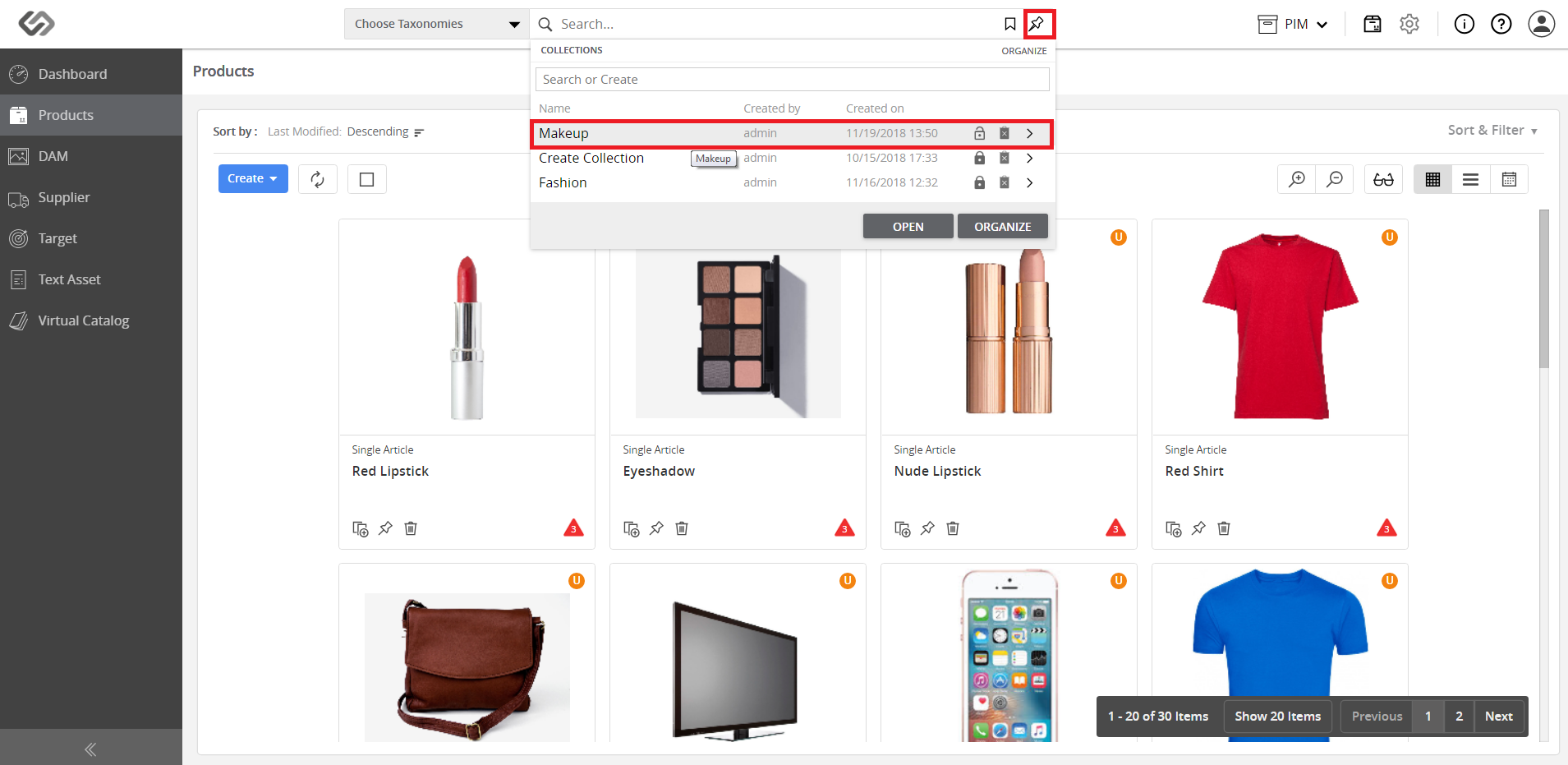
  • Click on the Collections icon and select the desired collection.
../../../../../_images/pxp_collectionhierarchy_clickcollectionsicon.PNG


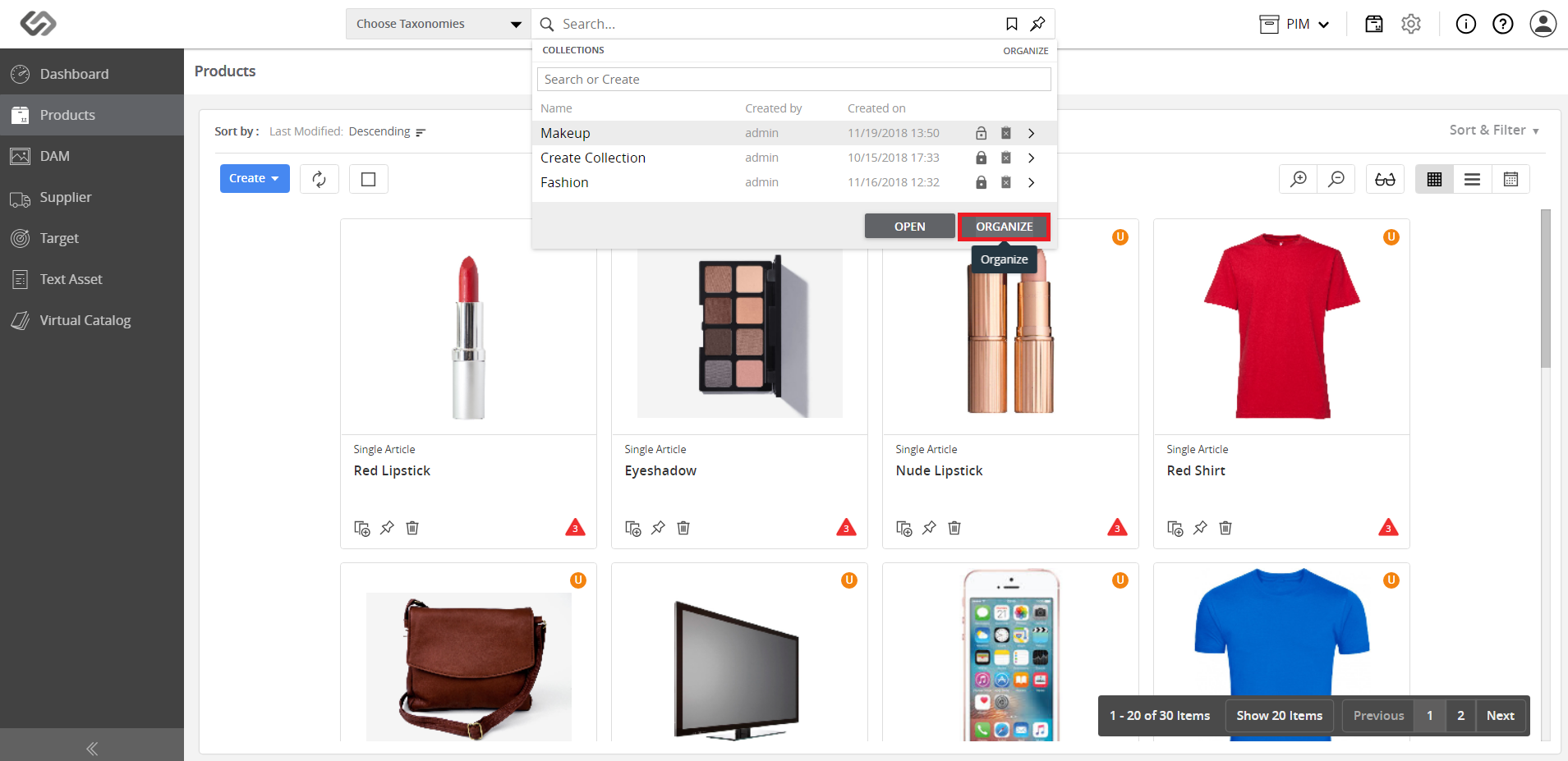
  • Click on the Organize button.
../../../../../_images/pxp_collectionhierarchy_organize.PNG


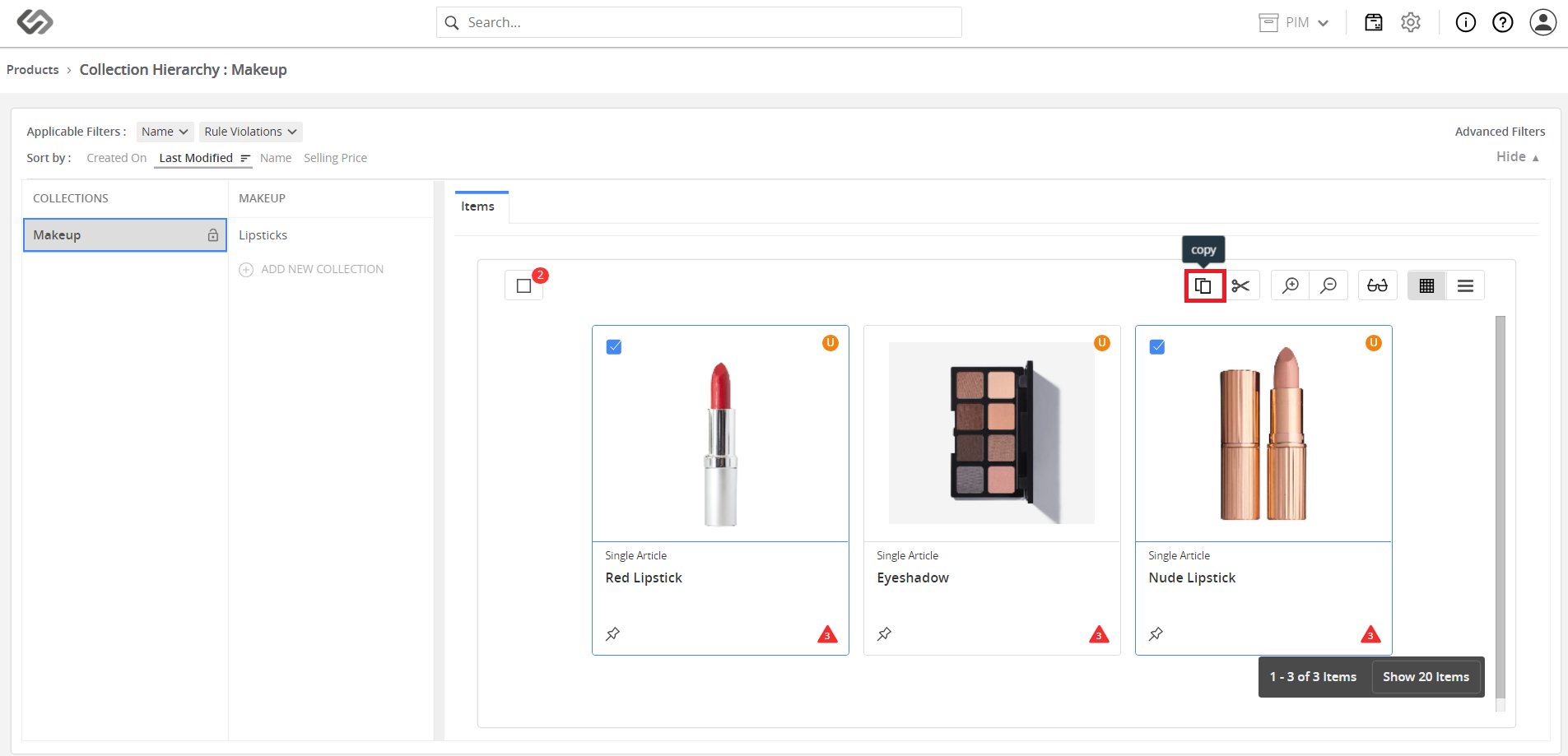
  • Click on the Add New Collection button, enter the name for the collection, and copy products into the collection.
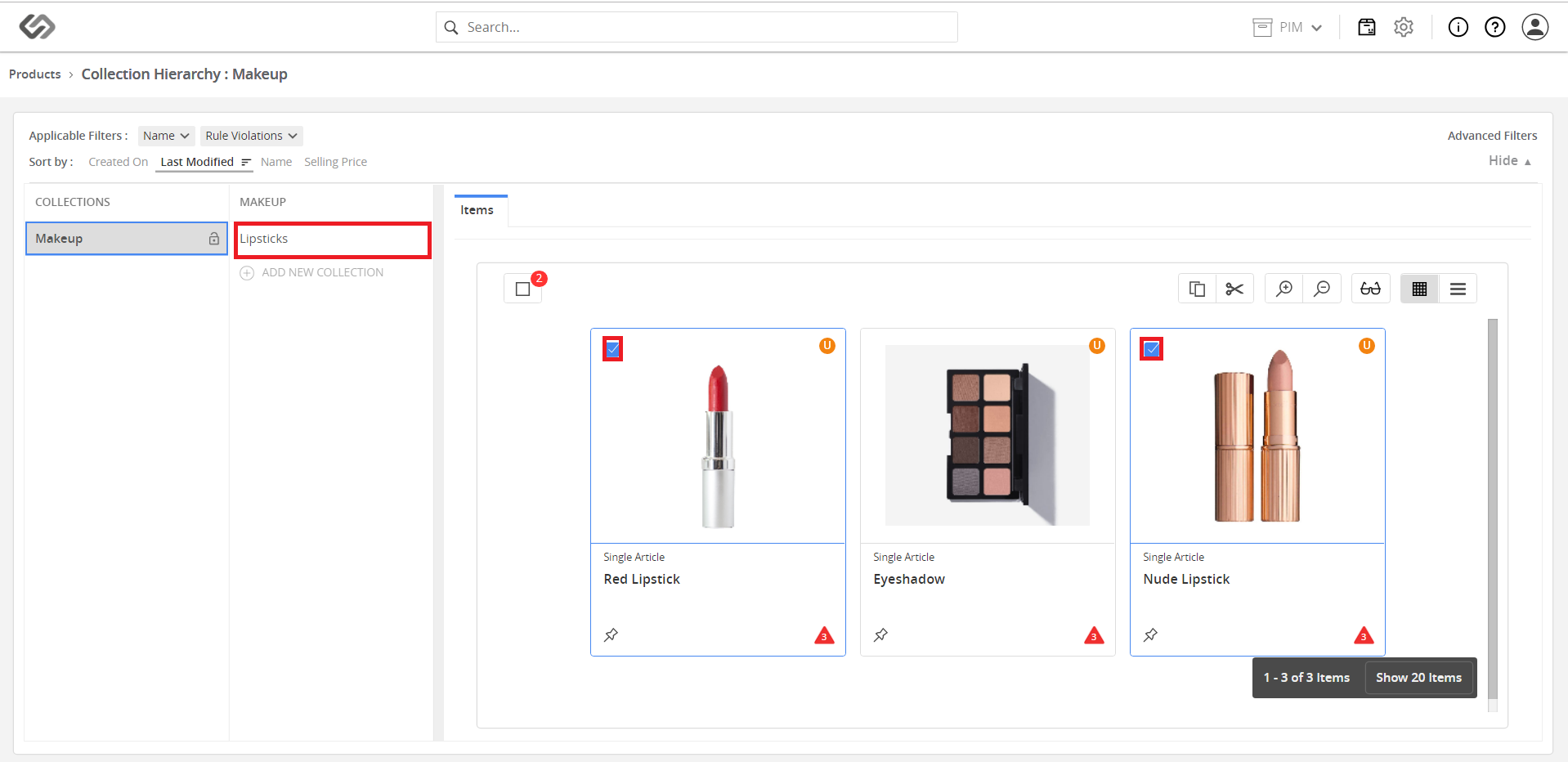
../../../../../_images/pxp_collectionhierarchy_addnewcollection.PNG

../../../../../_images/pxp_collectionhierarchy_addnewcollection2.PNG


  • Repeat the previous step to create a hierarchy of the collection.
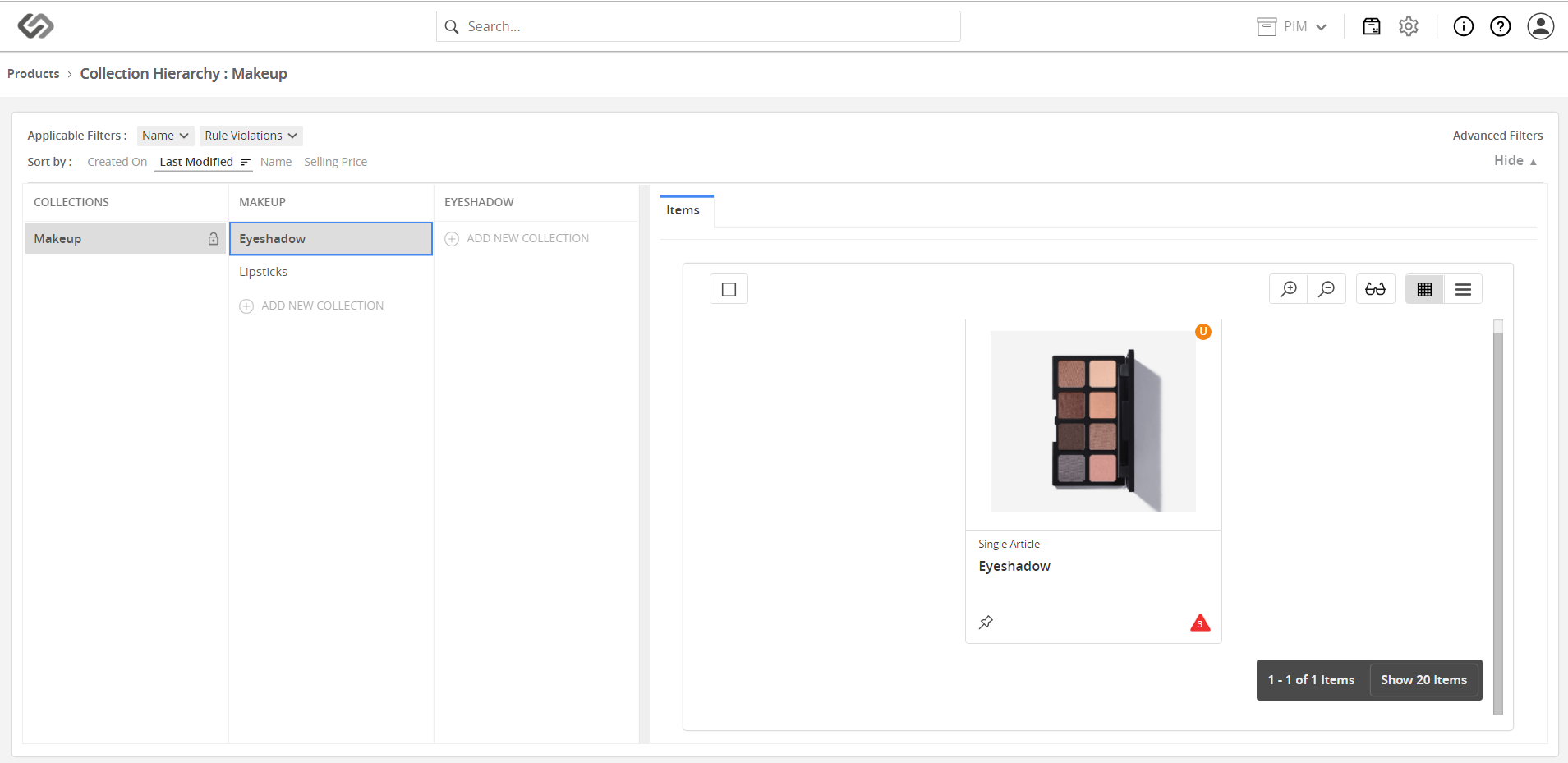
../../../../../_images/pxp_collectionhierarchy_copyproducts2.PNG


Contentserv line