Linking Objects
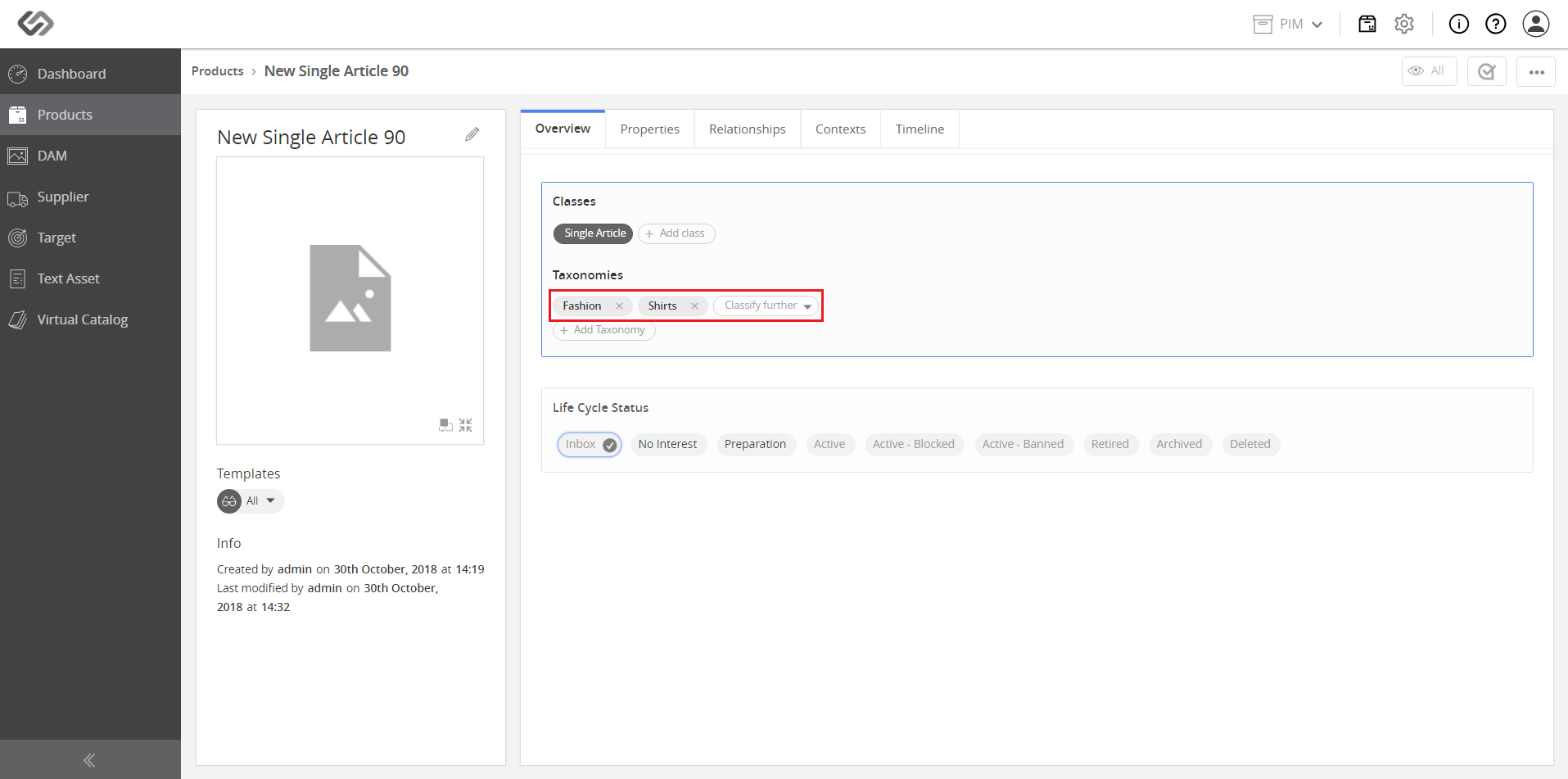
Linking Objects allows an administrator to link an object to multiple taxonomies.
| Key Term: |
|
| Description: |
|
| Related topics: | |
| Application: |
|
How-to: Linking Objects
To link objects to multiple taxonomies, follow these steps:
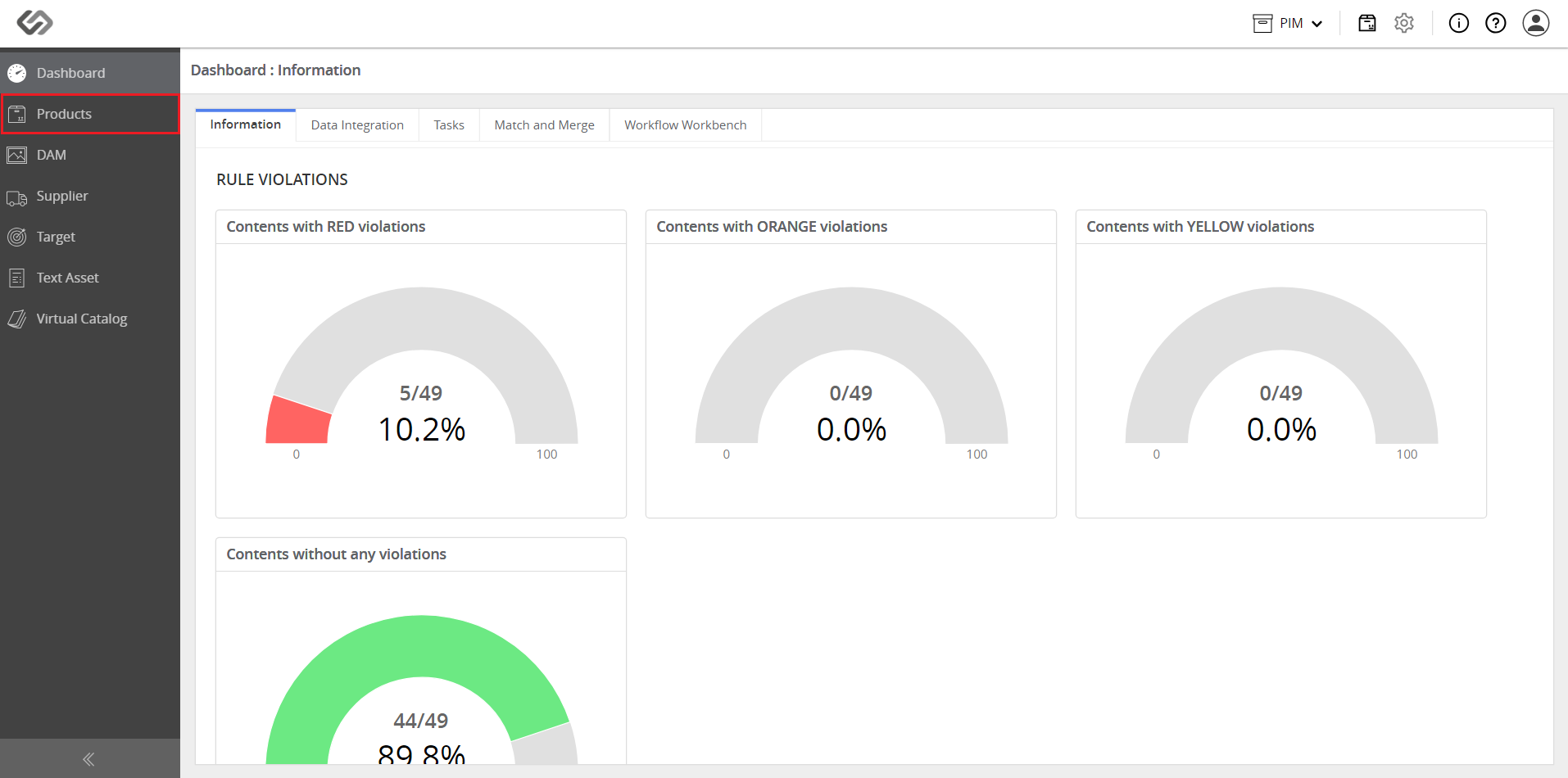
- Log in and go to Products.
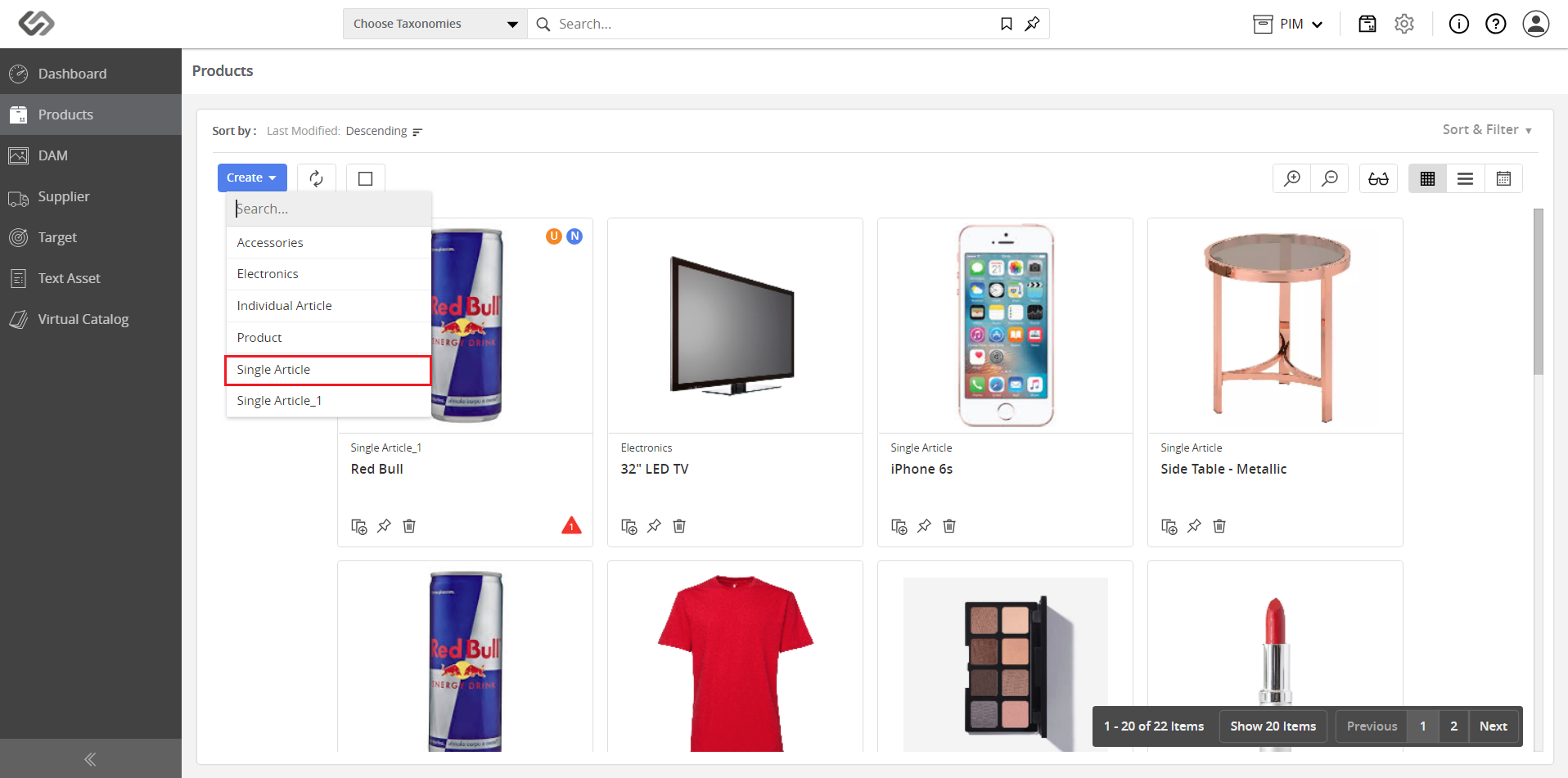
- Click on the Create button and select the type.
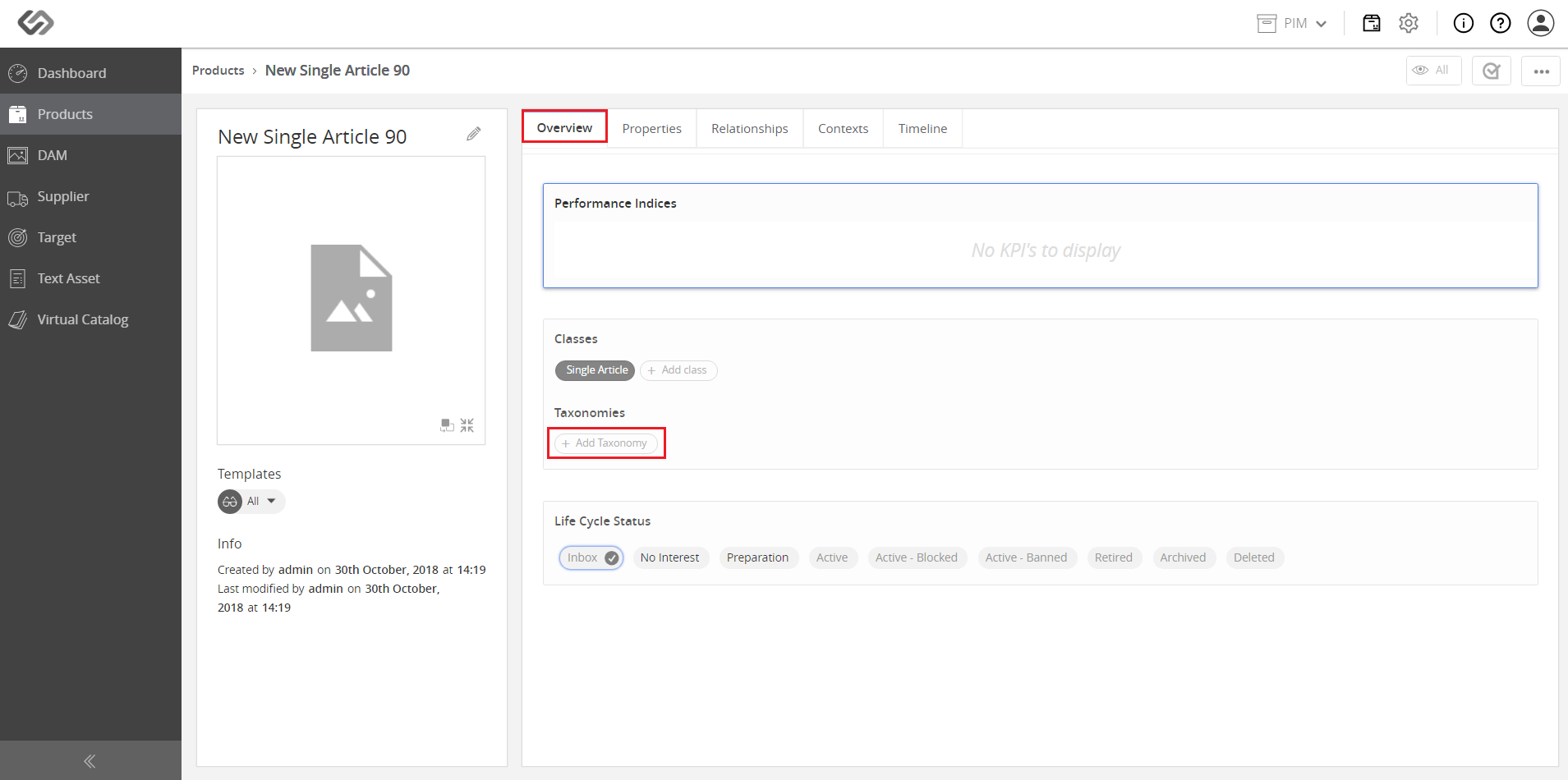
- In the Overview tab, click on the Add Taxonomy button.
- Select the applicable taxonomy.
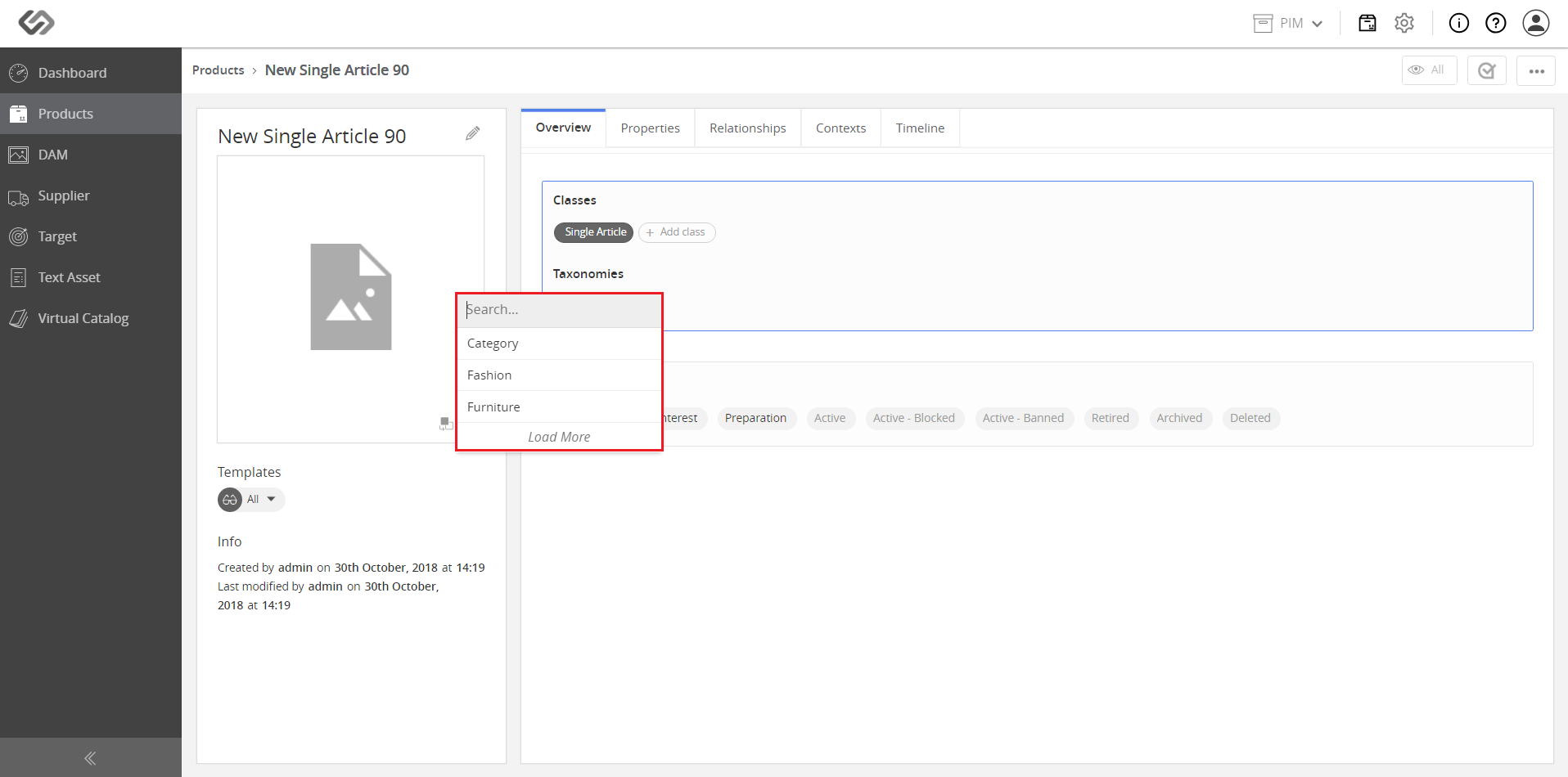
- Property collection is added via Taxonomy. You can link more products if necessary.