Inheritance via Taxonomy
Inheritance via Taxonomy is a feature that allows an article or product to receive predefined attributes set for a taxonomy.
| Key Term: |
|
| Description: |
|
| Related topics: | |
| Application: |
|
How-to: Inheritance via Taxonomy
To allow a product to inherit the attributes from a taxonomy, follow these steps:
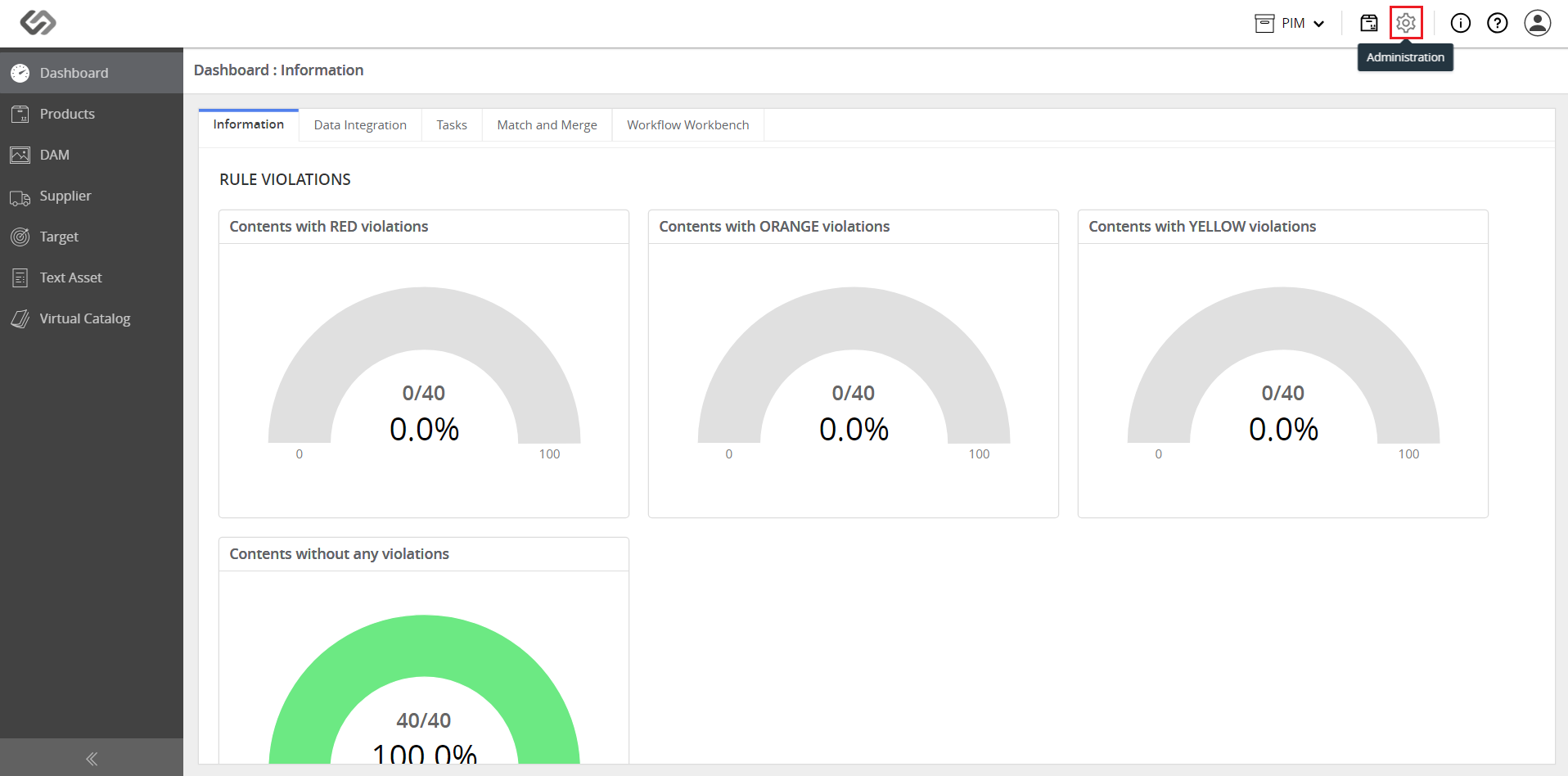
- Log in and click on the Administration icon.
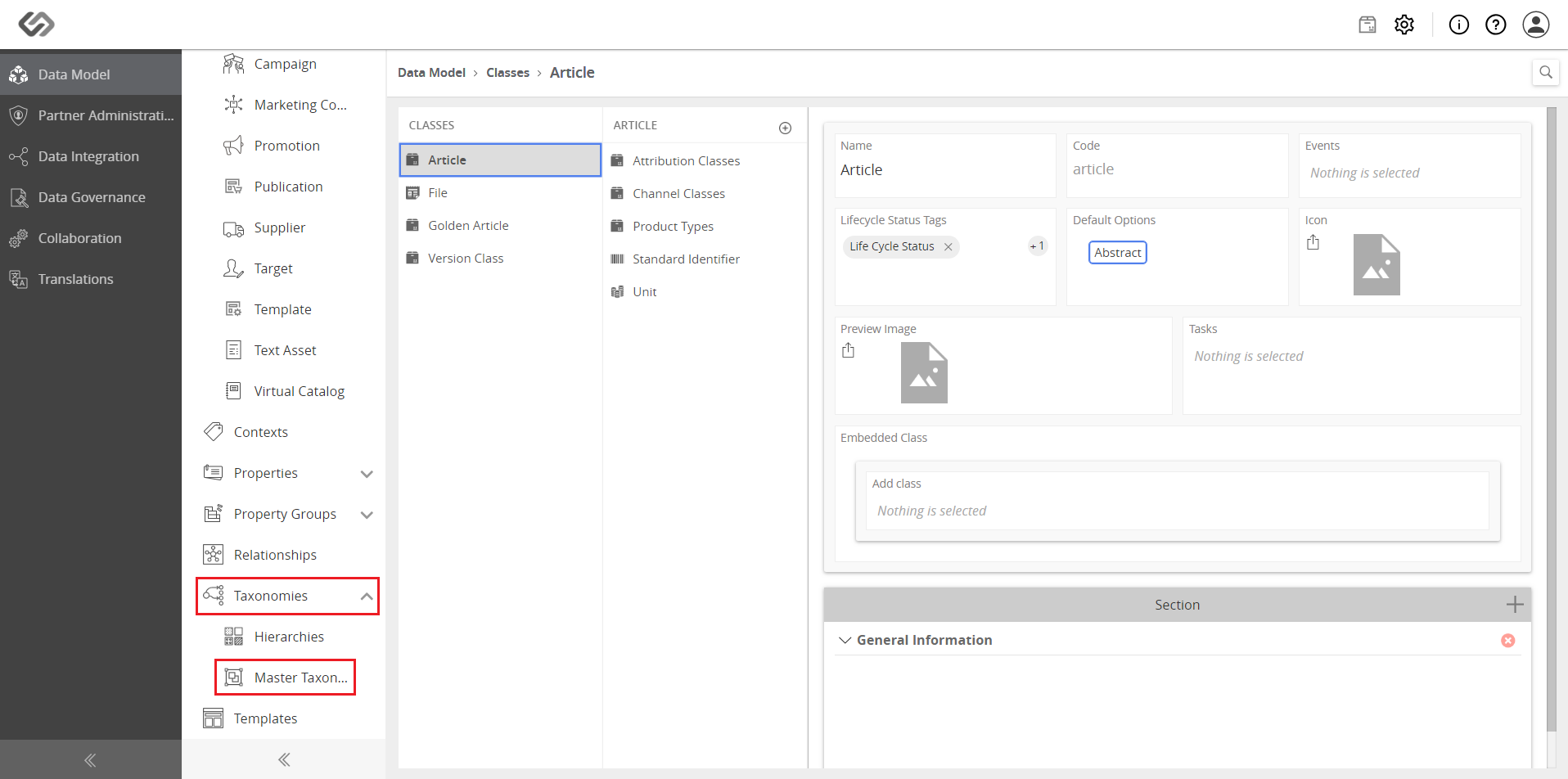
- In Data Model, click on the Taxonomies drop-down list and select Master Taxonomies.
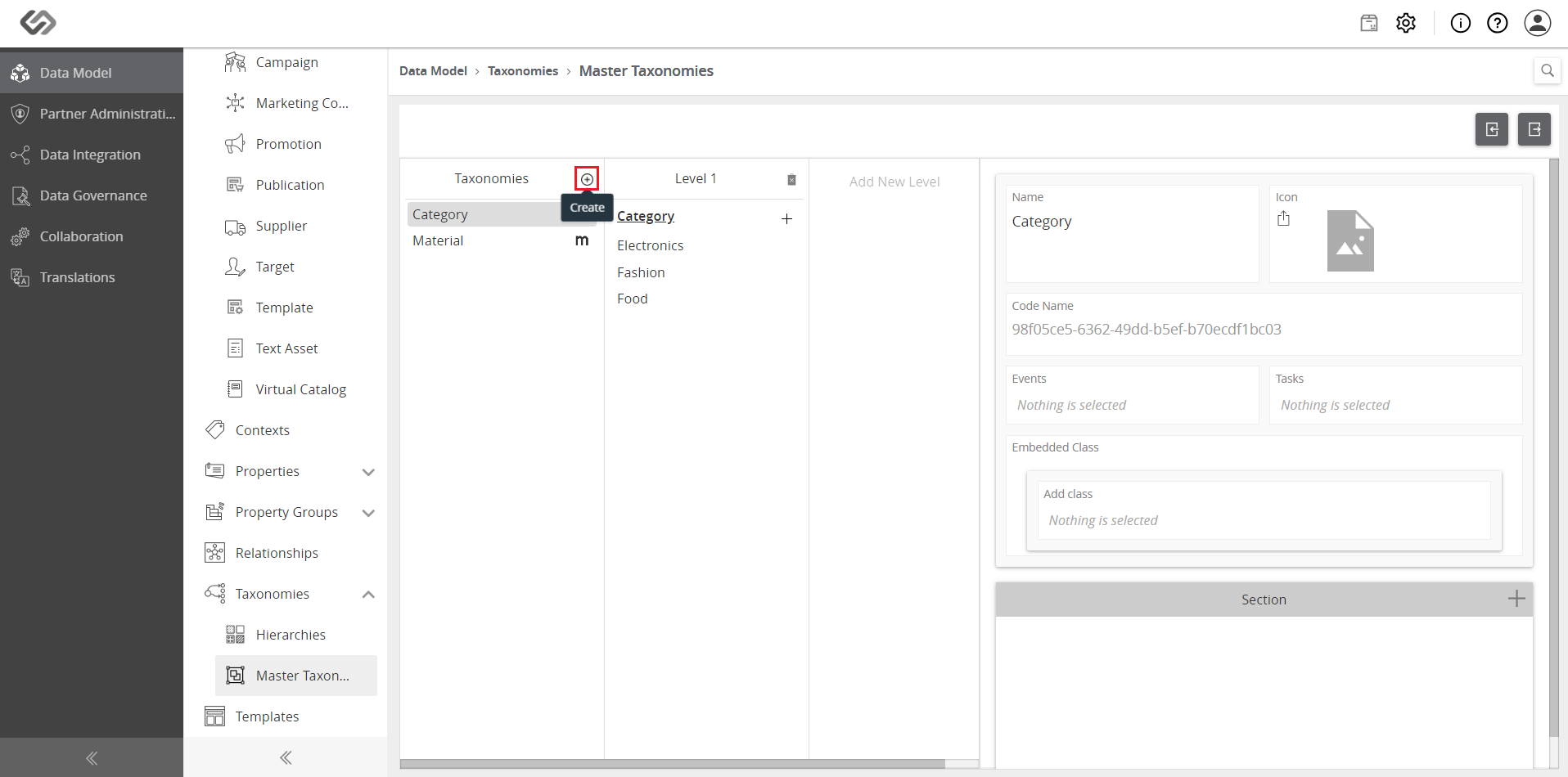
- Click on the ‘+’ icon to create a new taxonomy.
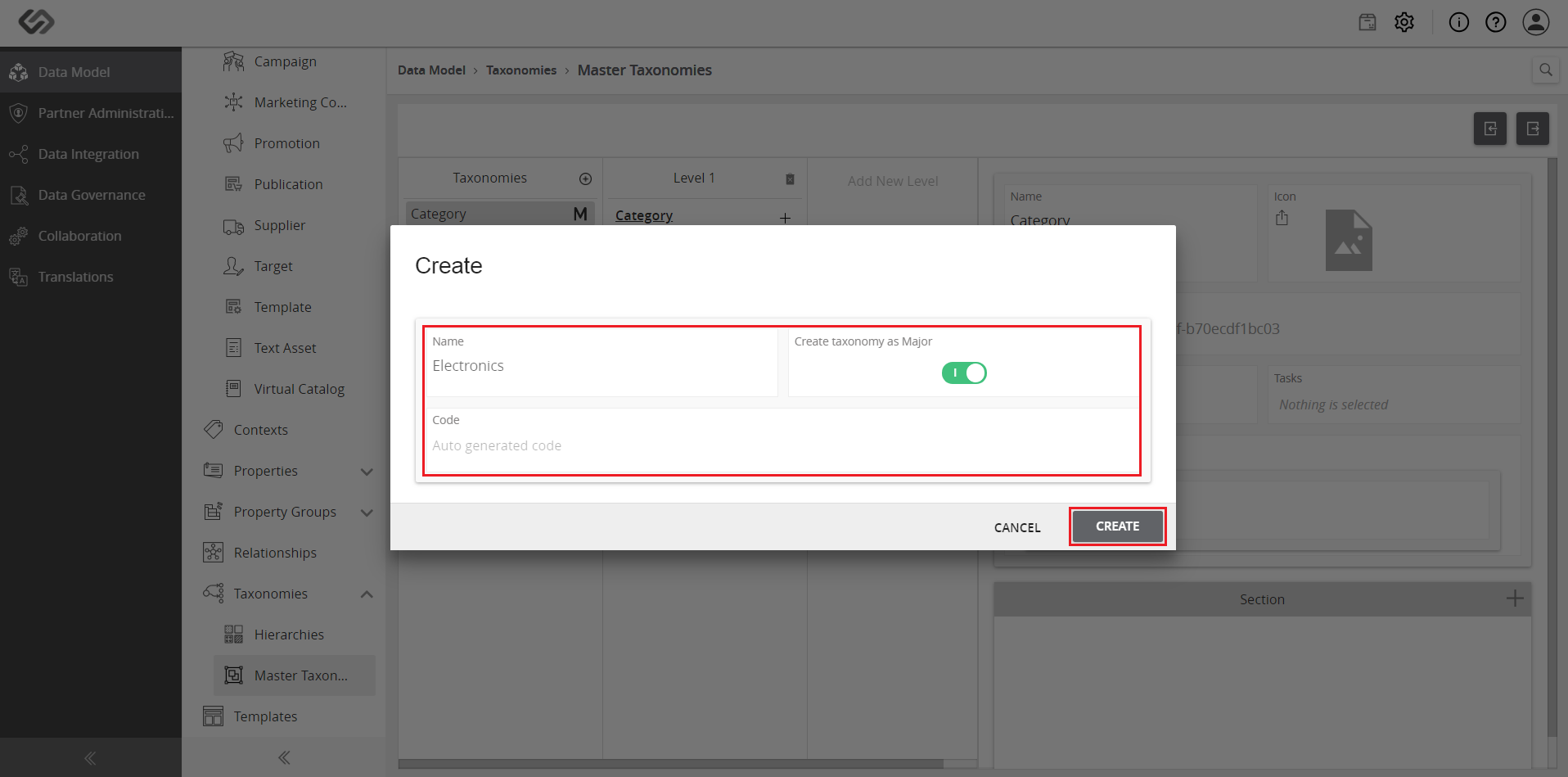
- Enter a name for the taxonomy and click on the Create button.
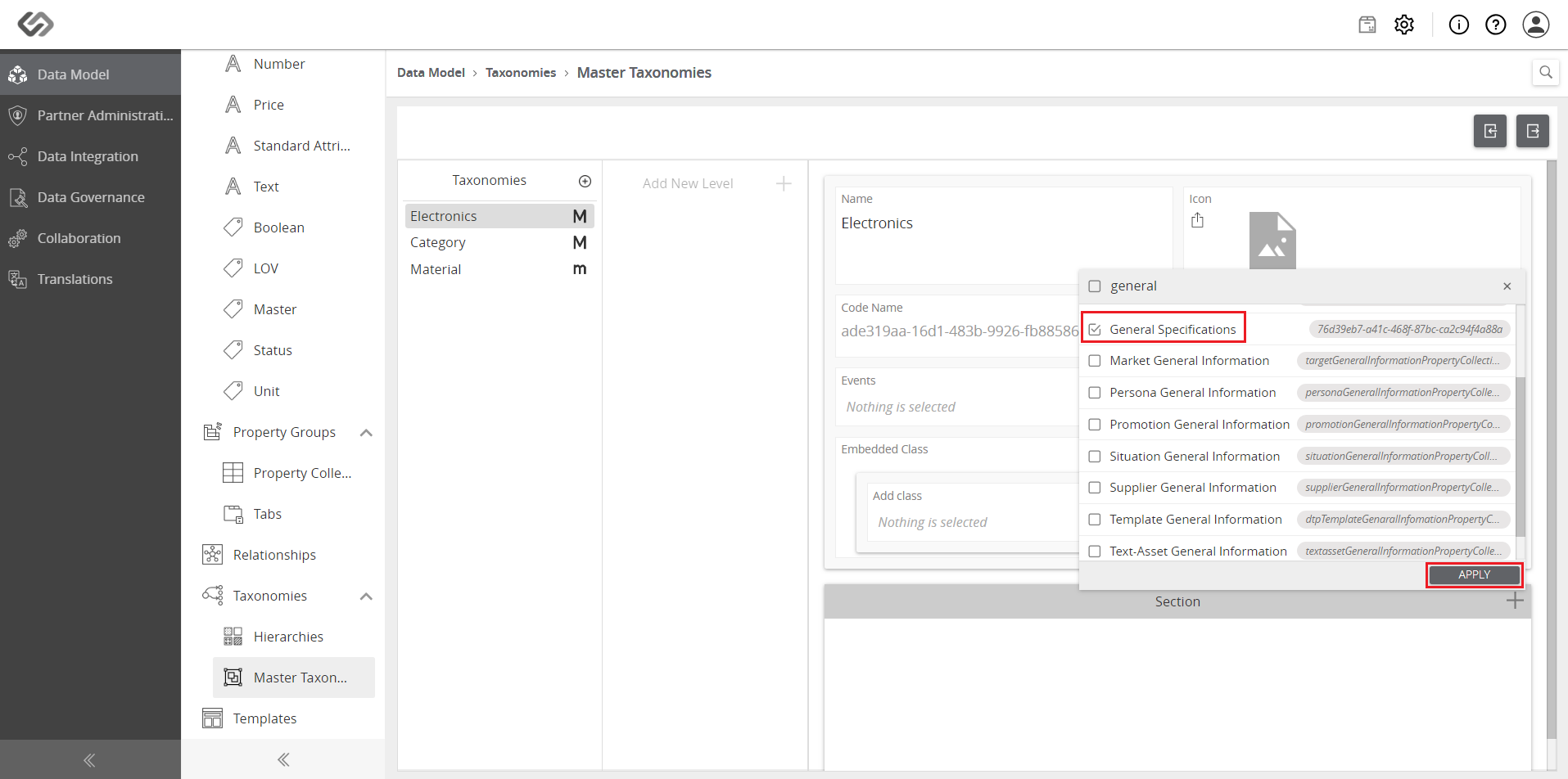
- Scroll down to Section and click on the ‘+’ icon to add a property collection. Select the applicable property collection and click on the Apply button.
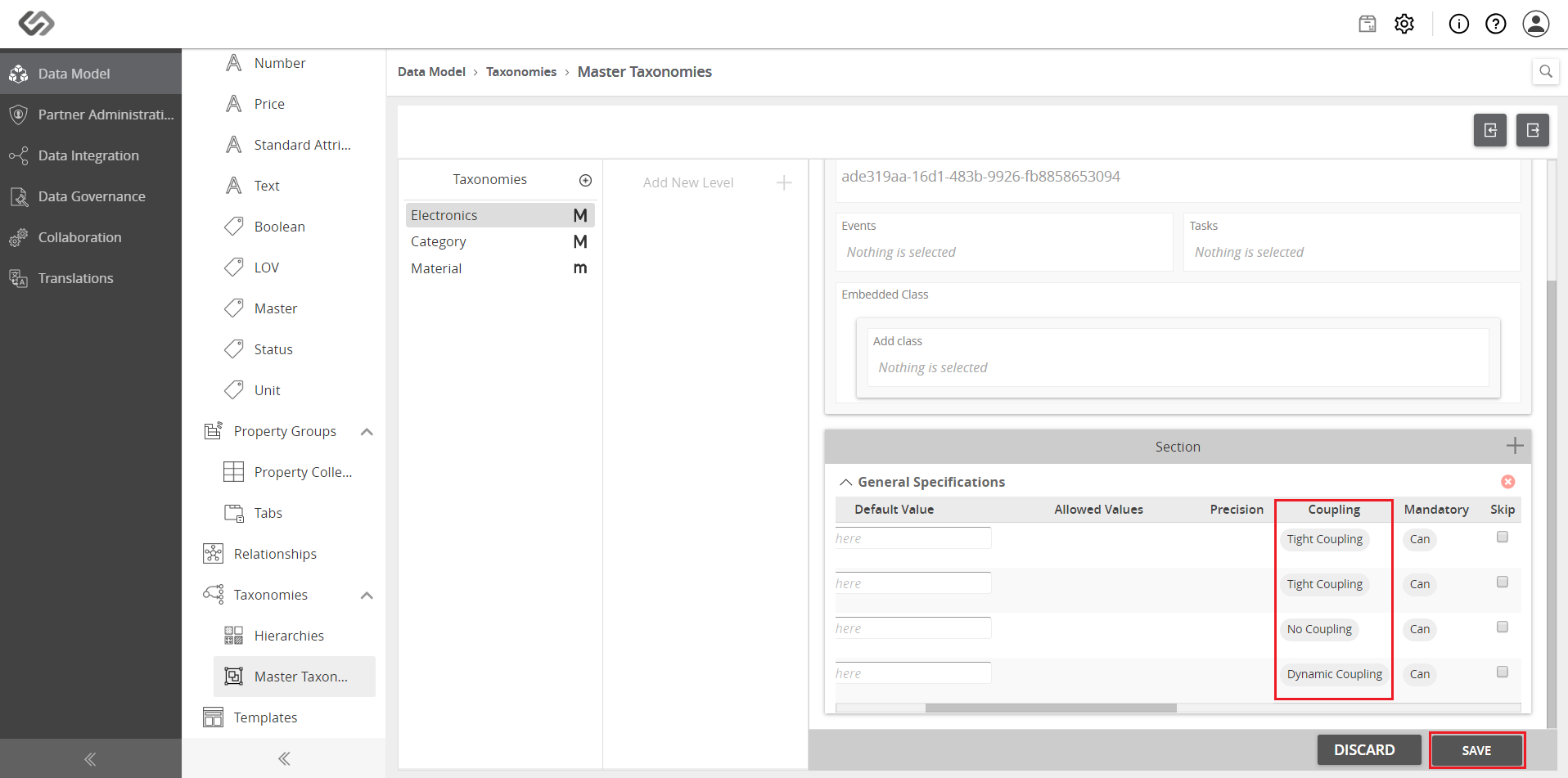
- Select the type of coupling, enter the default values, and click on the Save button.
- Click on the Explore icon.

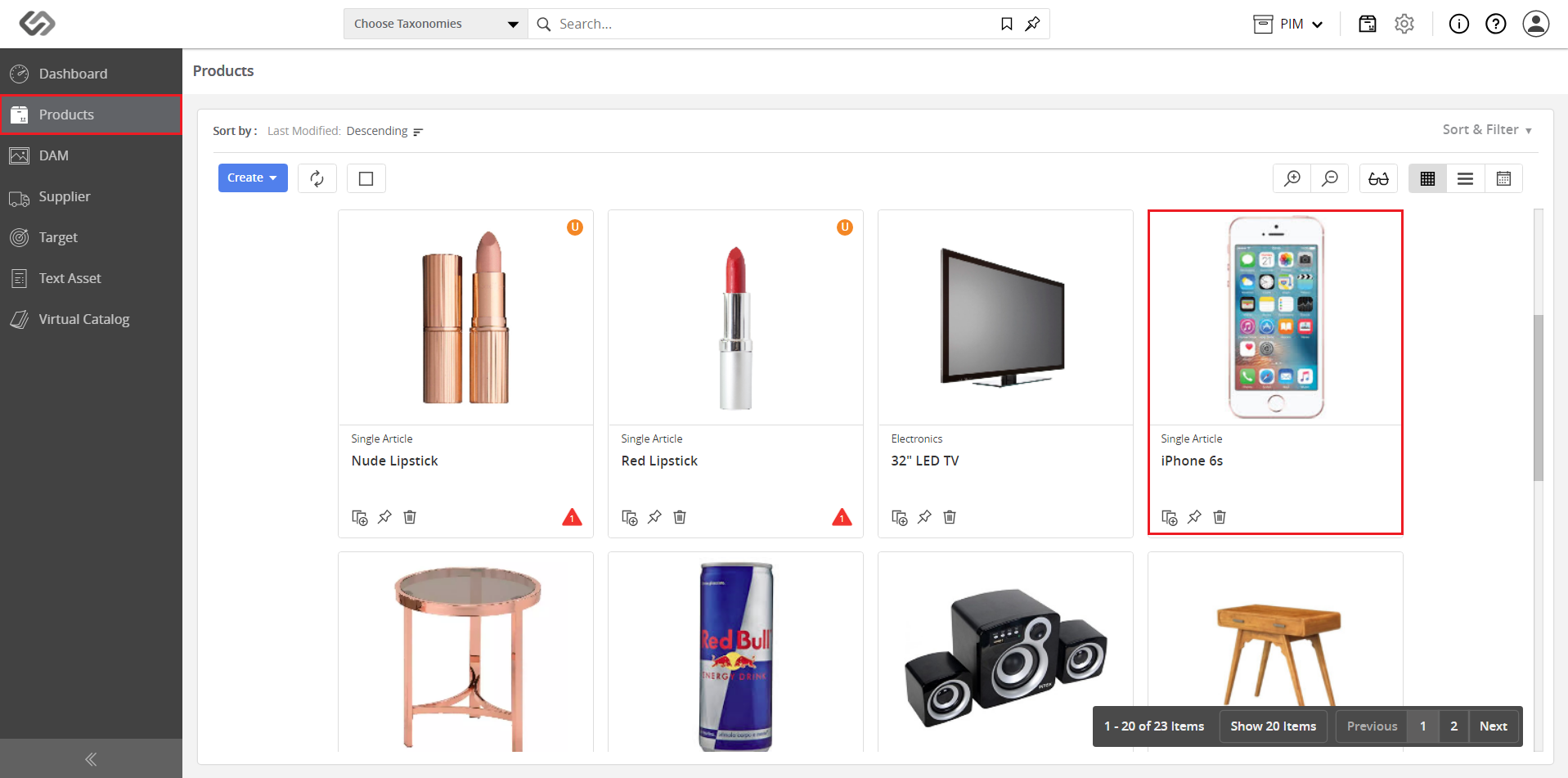
- Go to Products and select your product.
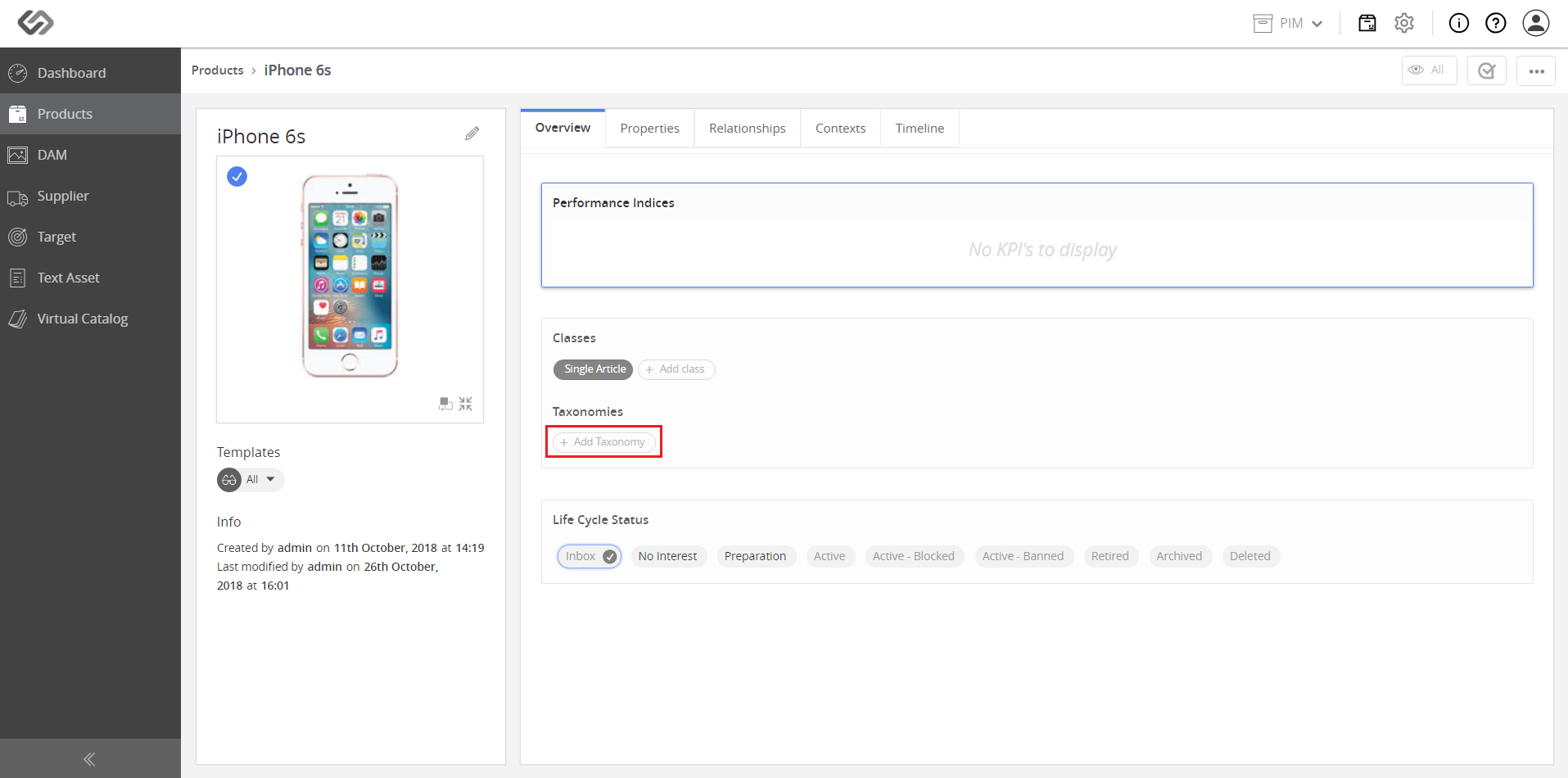
- Click on the Add Taxonomy button to add the created taxonomy. Go to the Properties tab.

- View the attributes in the property collection inherited via taxonomy.
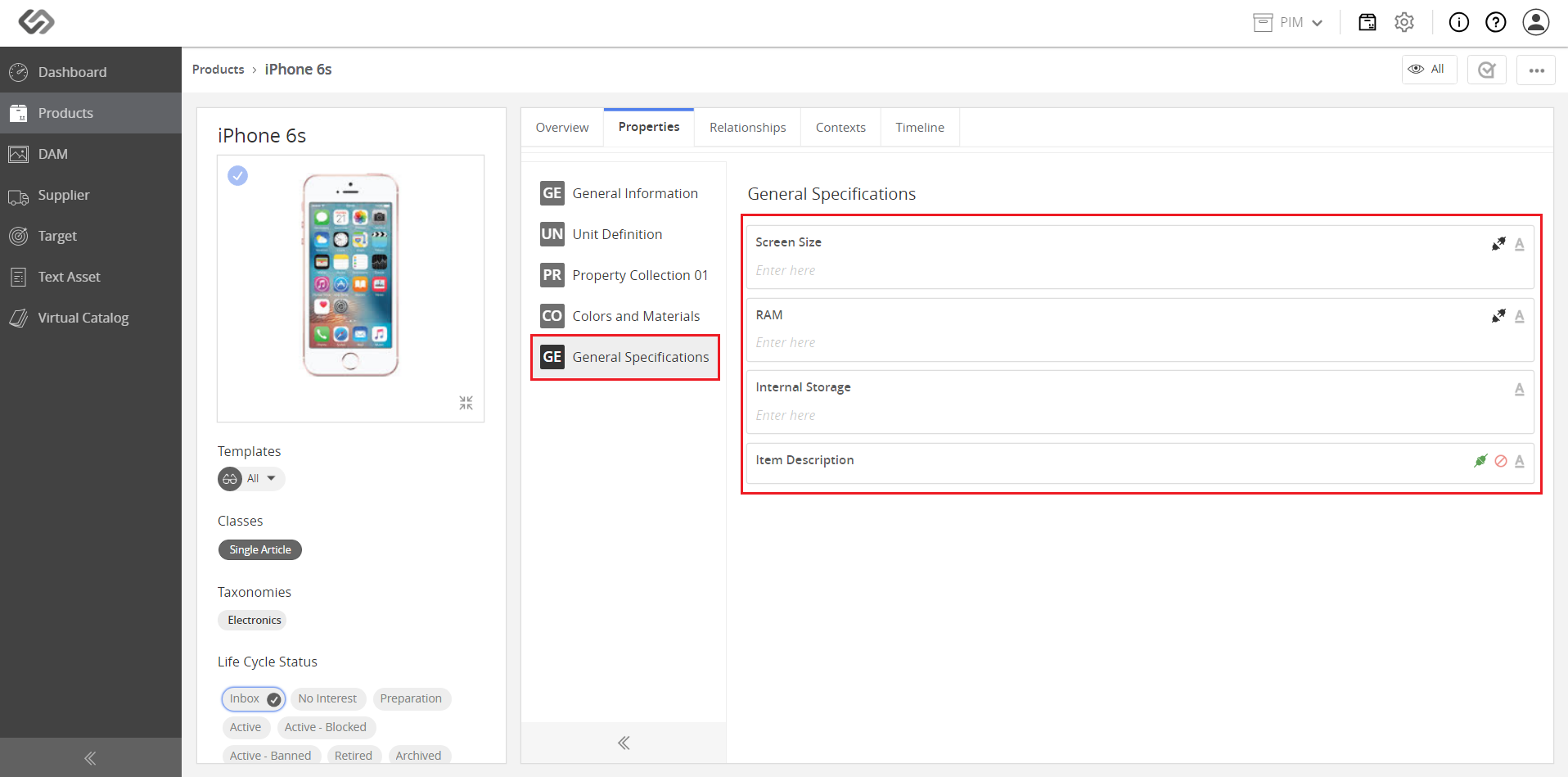
Note: Attributes under “Dynamic Coupling” are not editable as these values are inherited. Attributes under “Tight Coupling” can be updated.
