KPI-based Conformity Rules
The KPI-based Conformity Rules is a data governance feature that sets up rules to assess the conformance of an Article or a Product to the acceptable standards.
| Key Term: |
|
| Description: |
|
| Related topics: | |
| Application: |
|
How-to: KPI-based Conformity Rules
To do this feature, follow these steps:
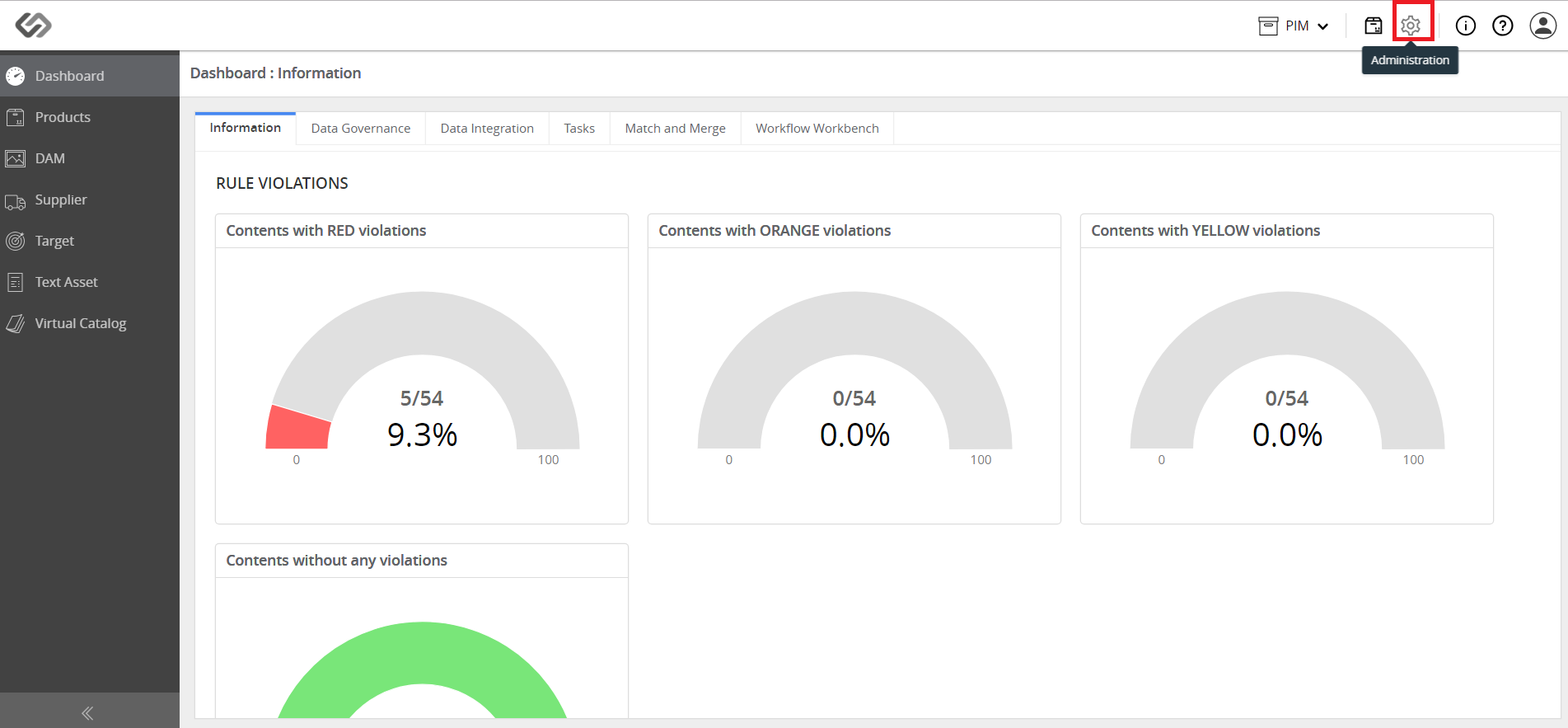
- Log in and go to Administration.
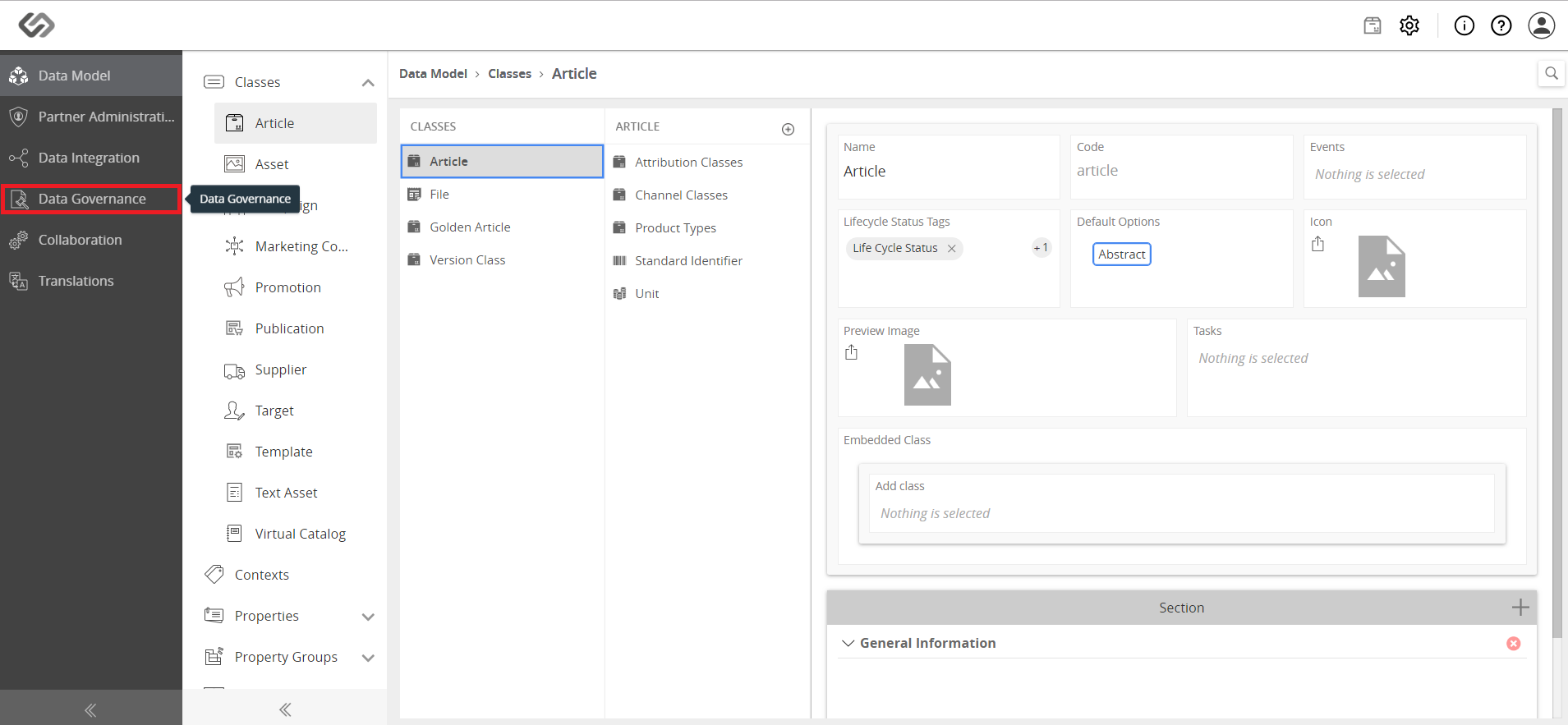
- Click on Data Governance.
- Click on KPIs.

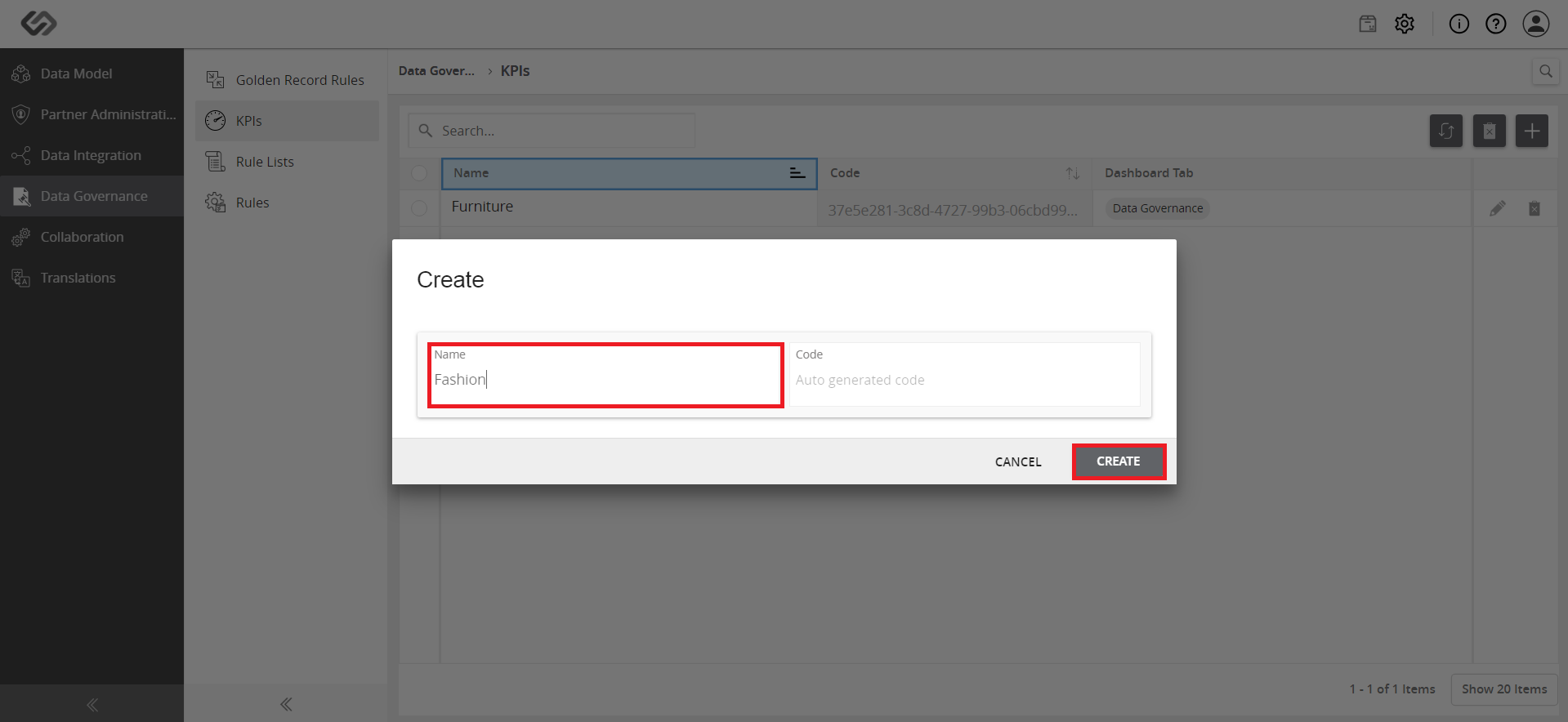
- Click on the ‘+’ icon to create a new KPI.

- Fill out the name and click on the Create button.
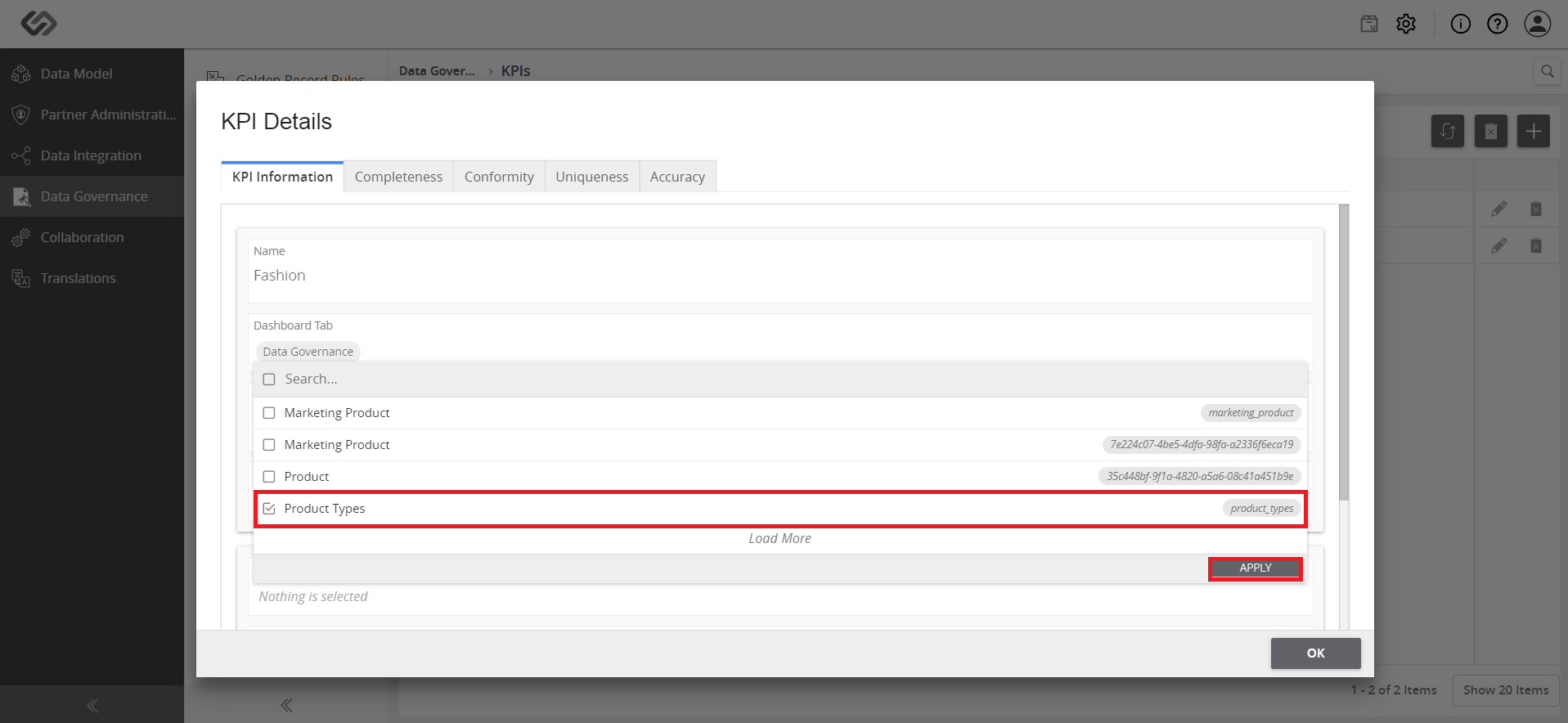
- On the KPI Details page, select a Class and Taxonomy, which will use the KPI. Click the Apply button.
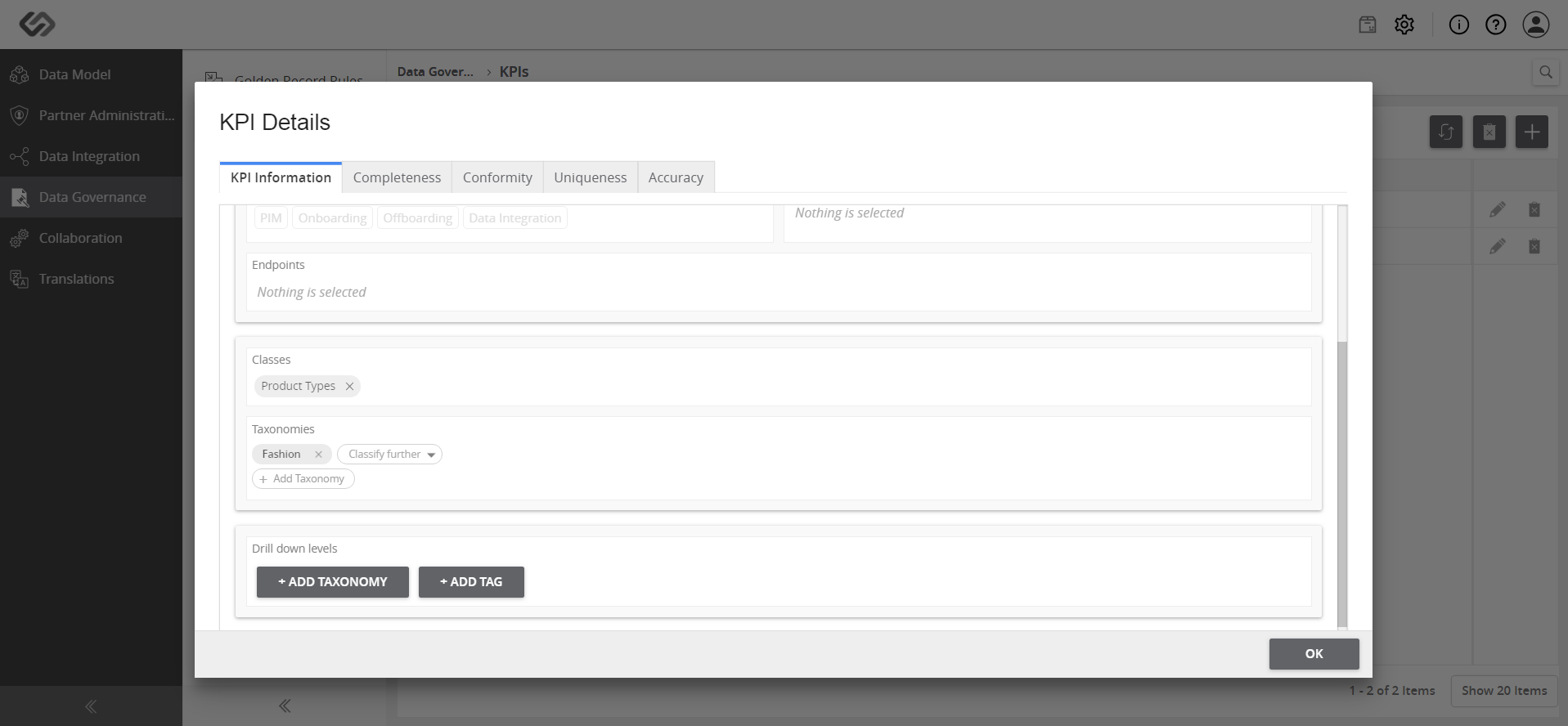
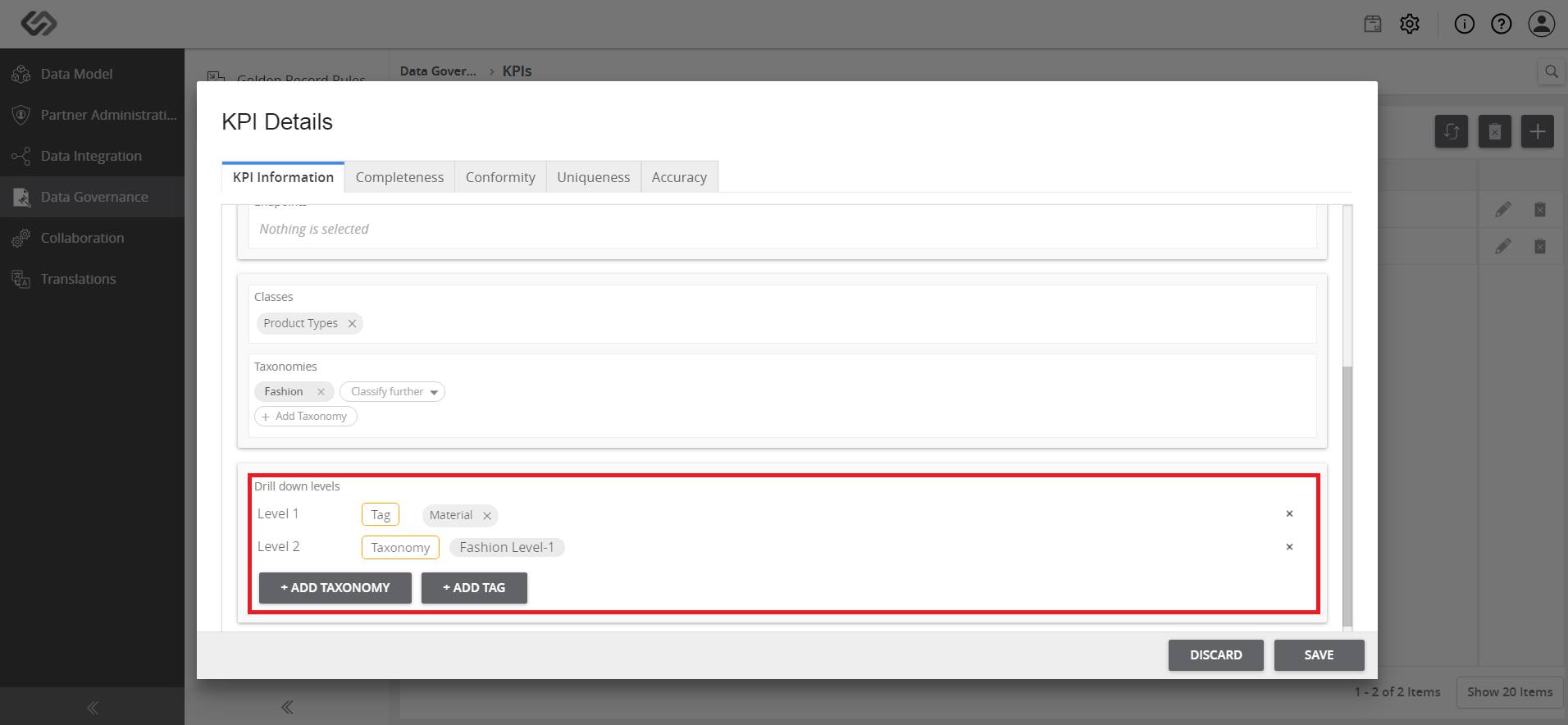
- For the Drill down levels, add Tags or Taxonomies, where the KPI is to be categorized into.
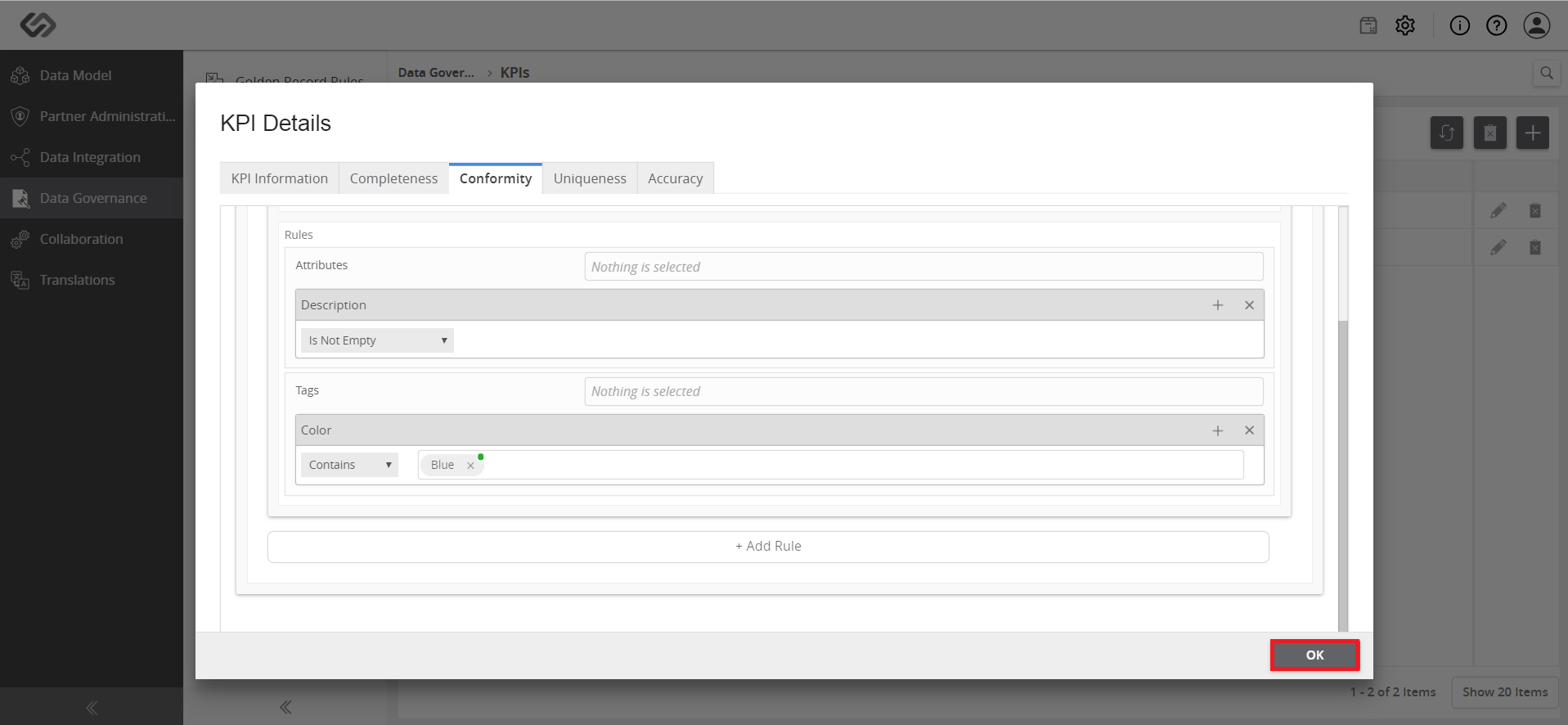
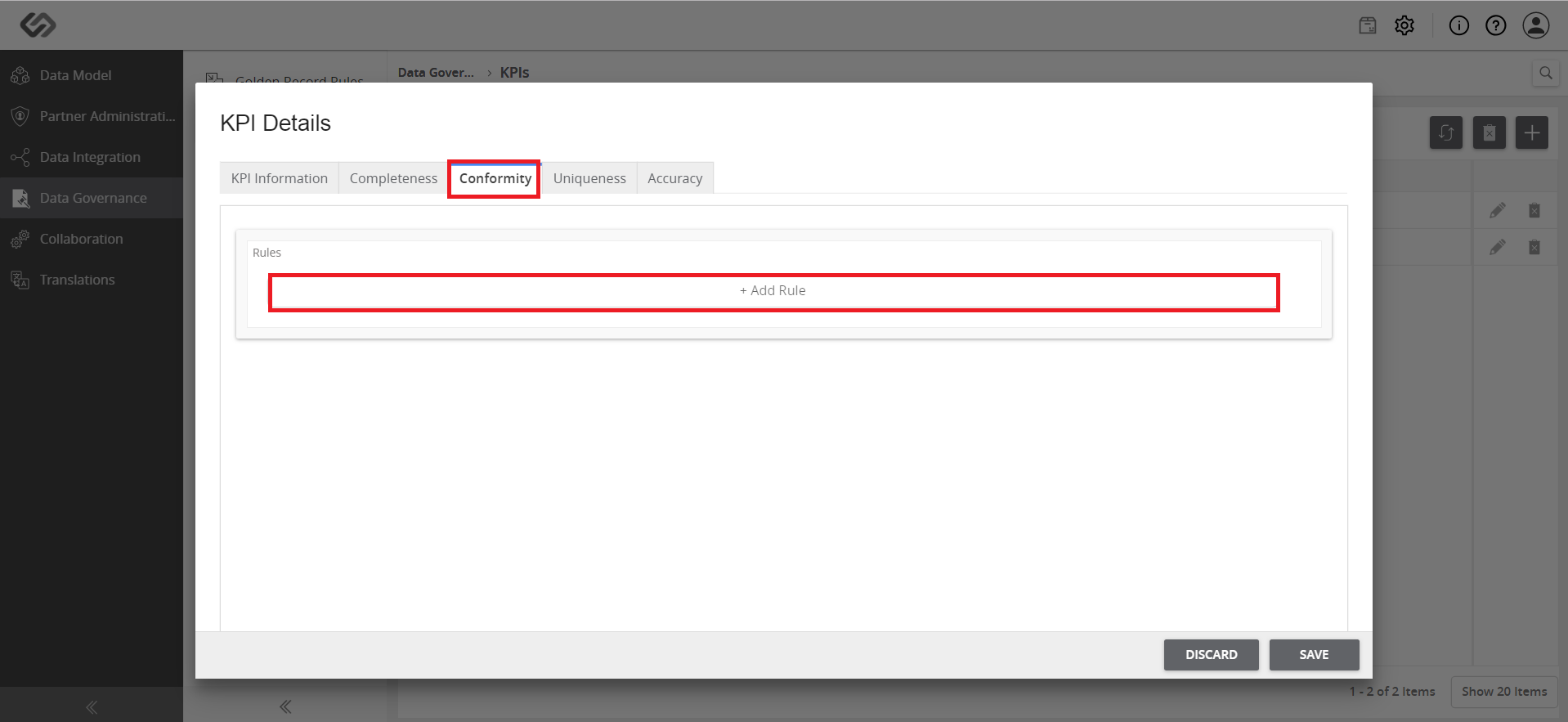
- Click on the Conformity tab and click on the + Add Rule button to create a new rule.
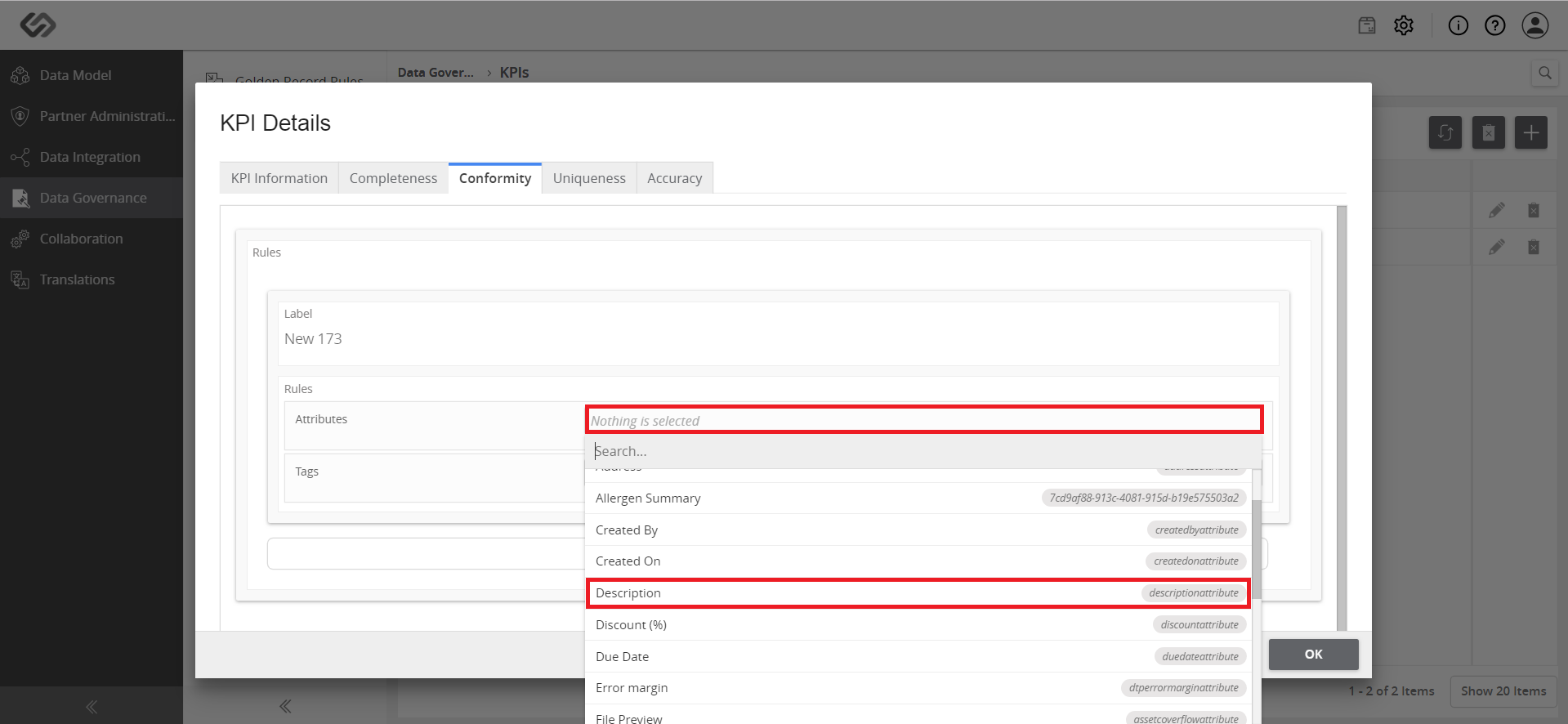
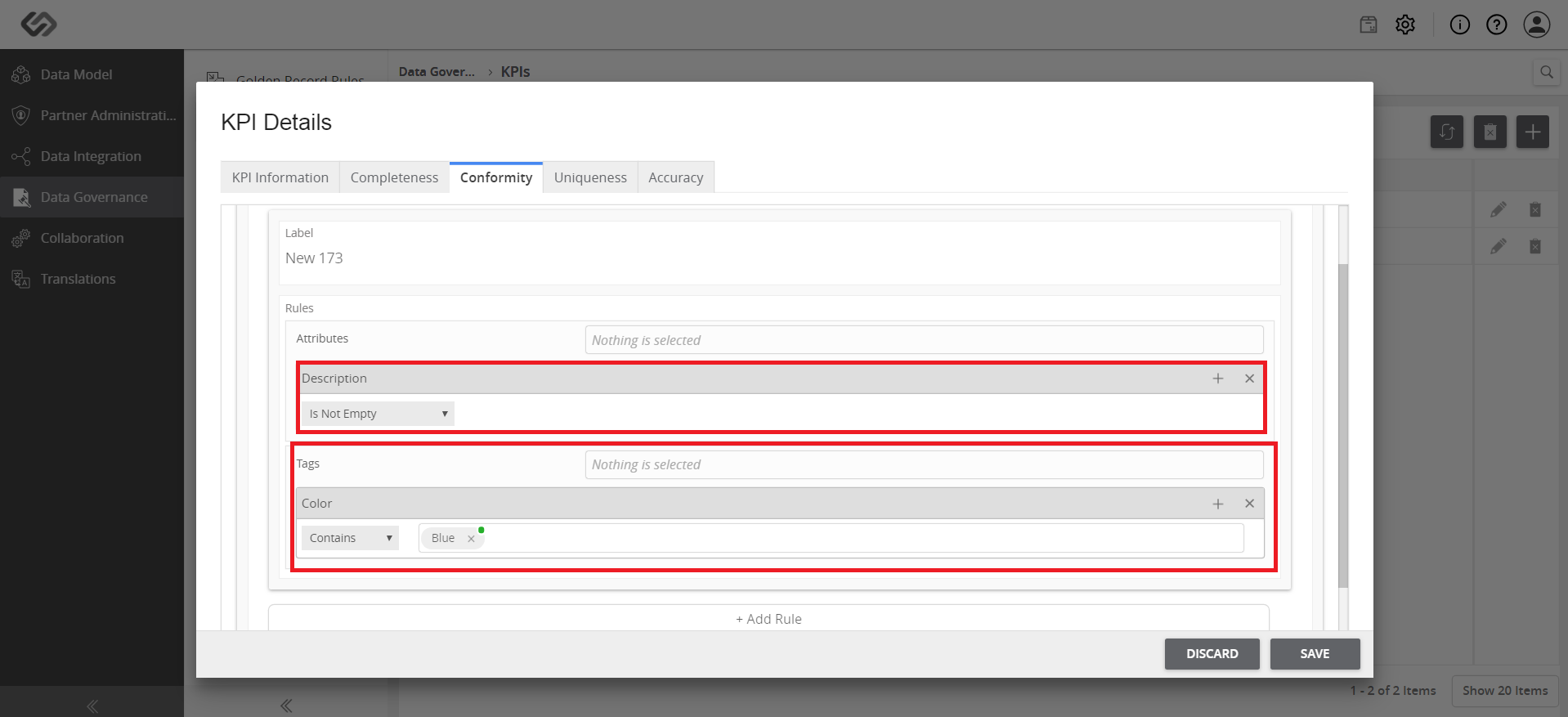
- Provide the details for the Label, Attributes, and Tags to which the rule will be applied. Select the rules according to the requirements and standards.
- Click the Save button.
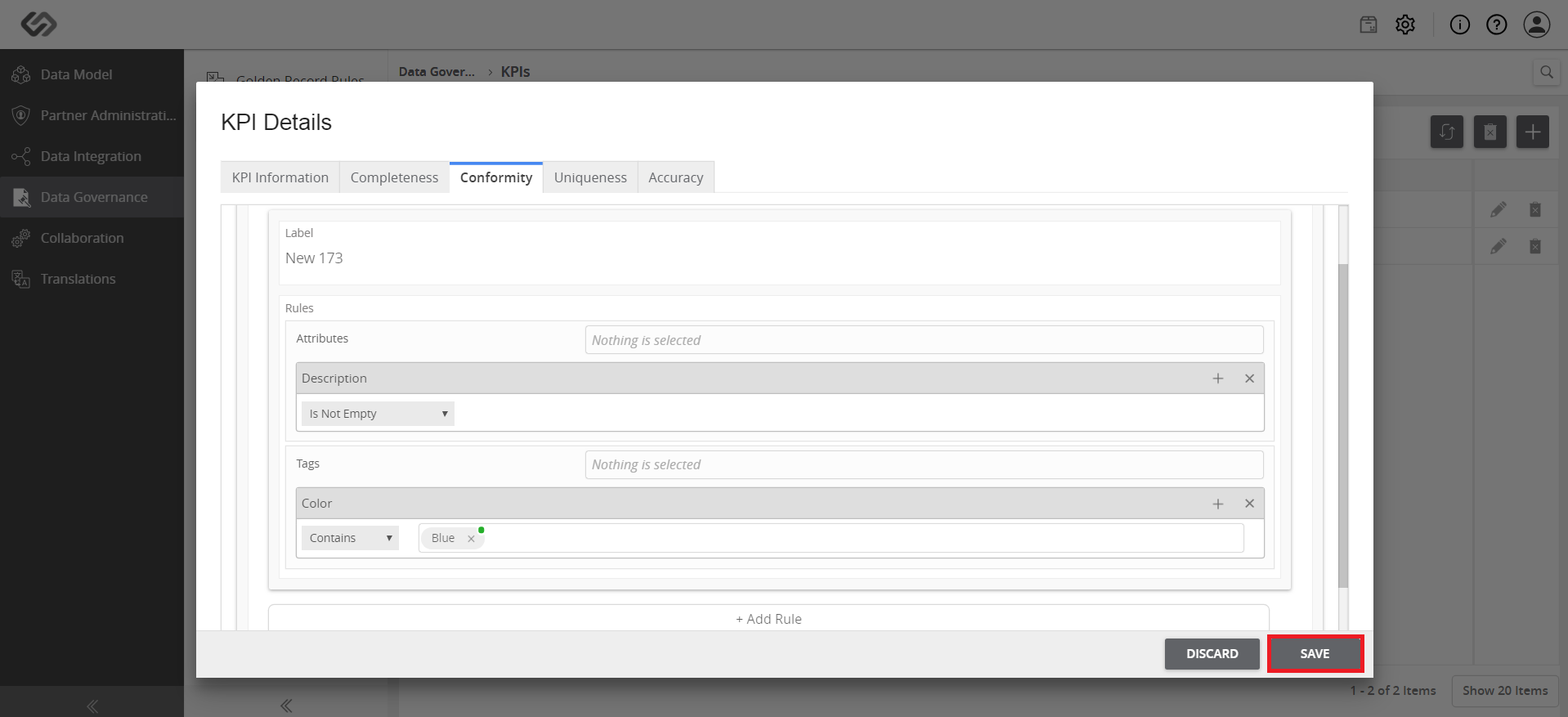
Note: A notification will confirm that the rule and the KPI have been created. Click the OK button to continue.