Multi-classify Objects
The Multi-classify Objects feature provides users the ability to add multiple classes to a product. This enables better categorization of products as well as inheritance of relevant properties and attributes.
| Key Term: |
|
| Description: |
|
| Related topics: | |
| Application: |
|
How-to: Multi-classify Objects
To multi-classify objects, follow these steps:
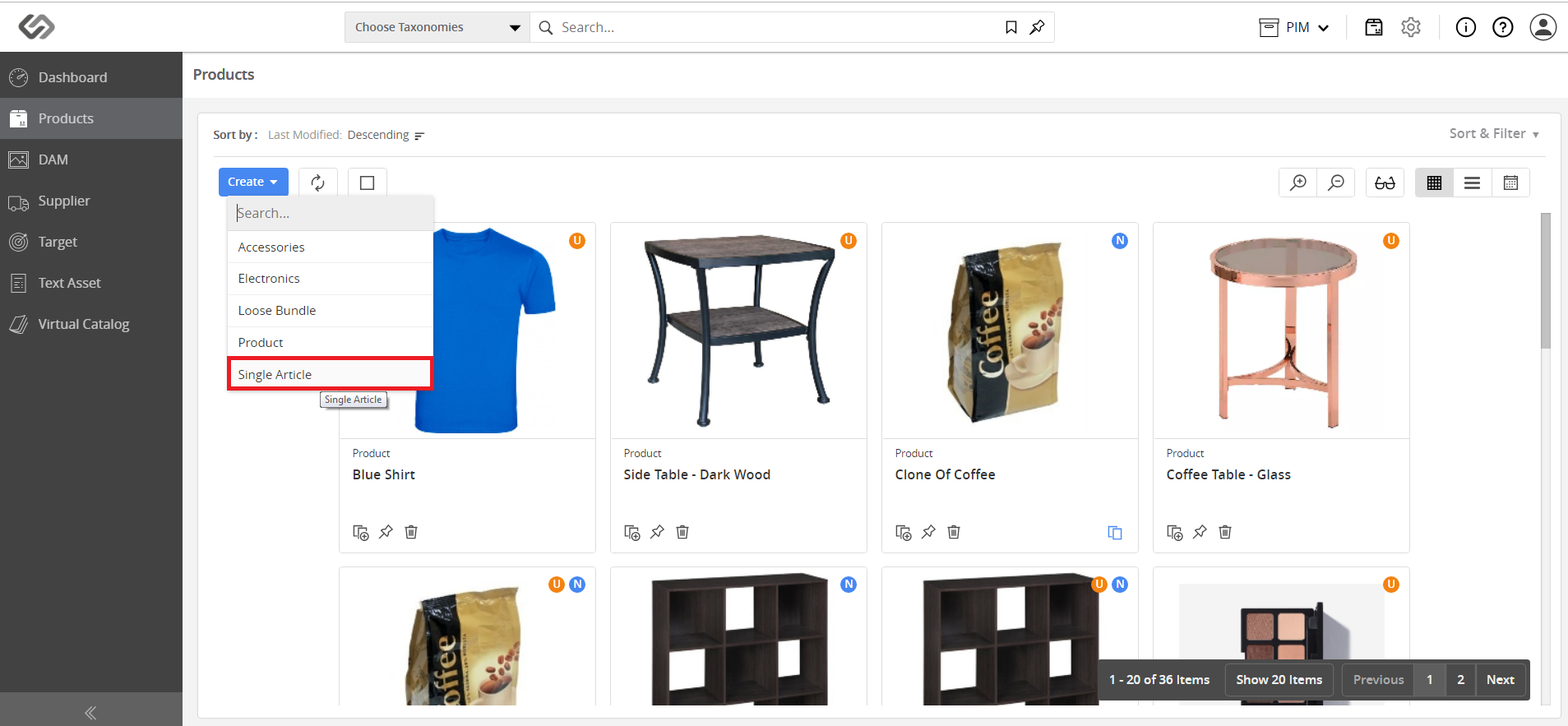
- Go to Products and click on the Create button.
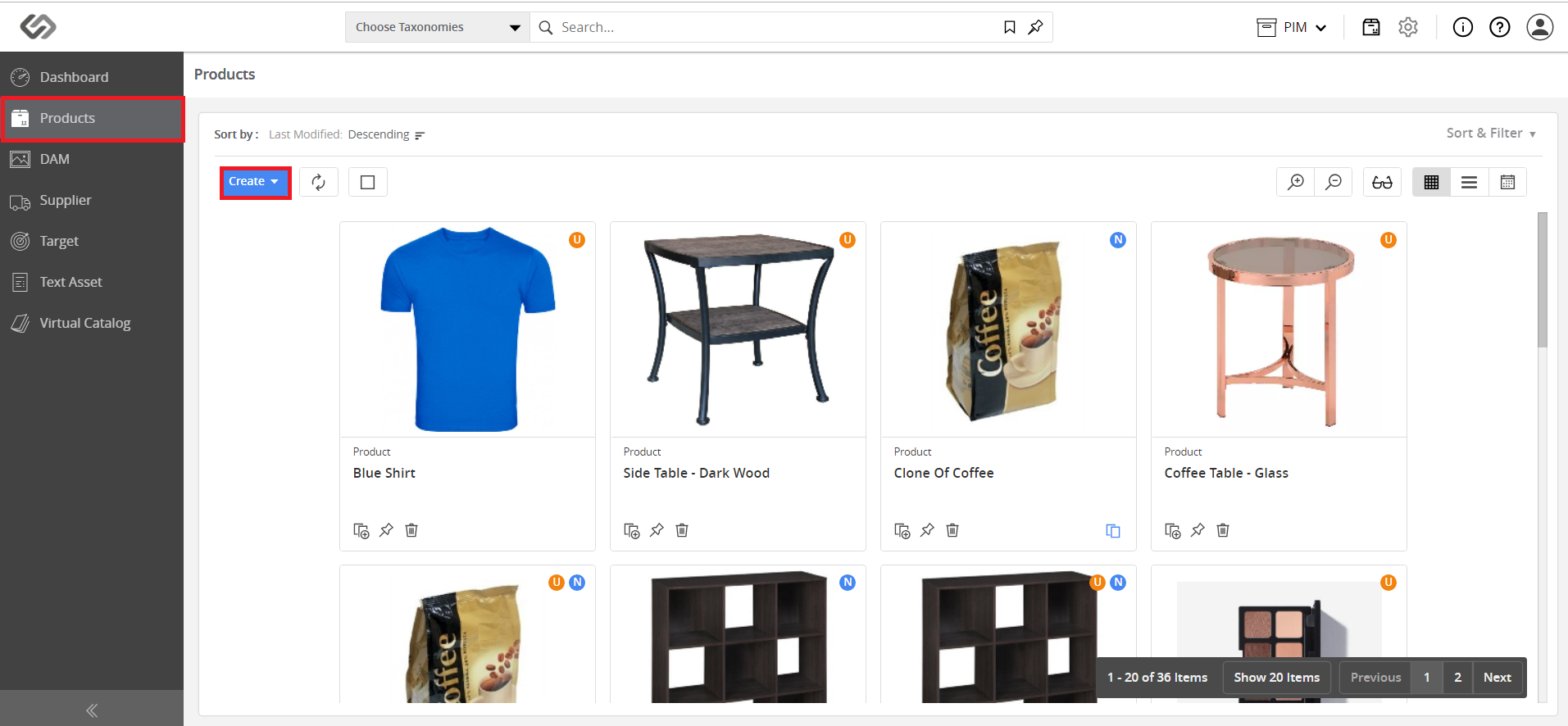
- Click Single Article.
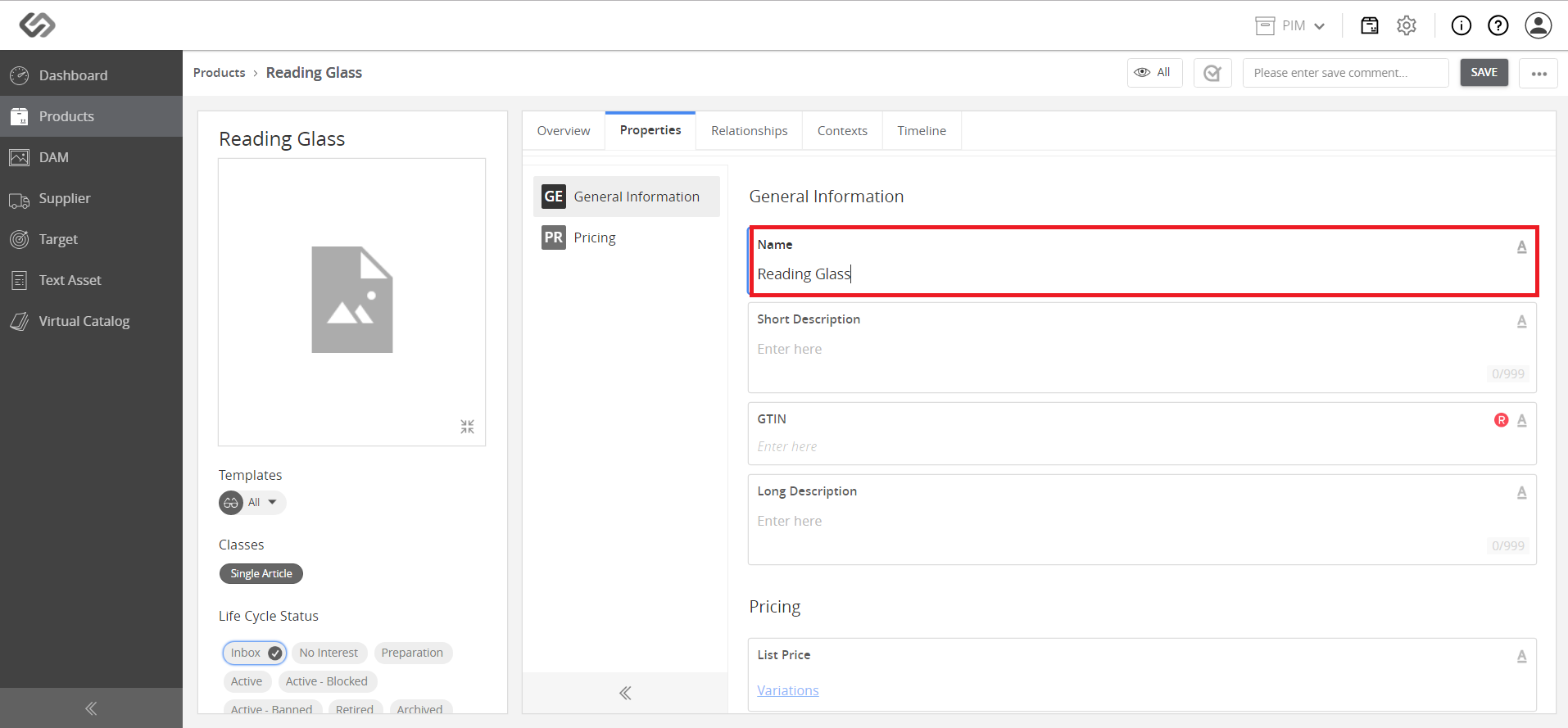
- Once clicked, a new window will appear. Enter the name of the single article.
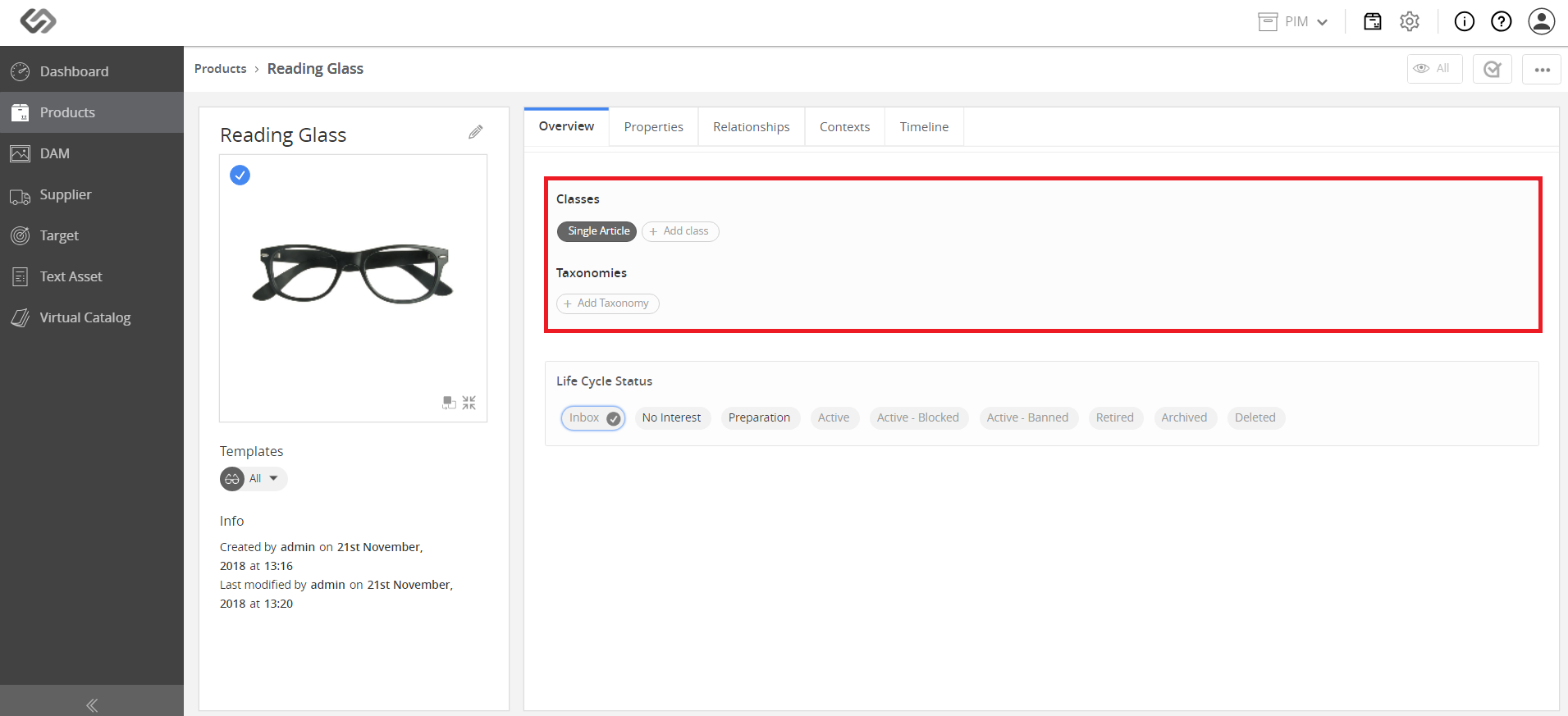
- To add an Attribution (Non-Nature) class, refer to the Classes section and click Add Class button.
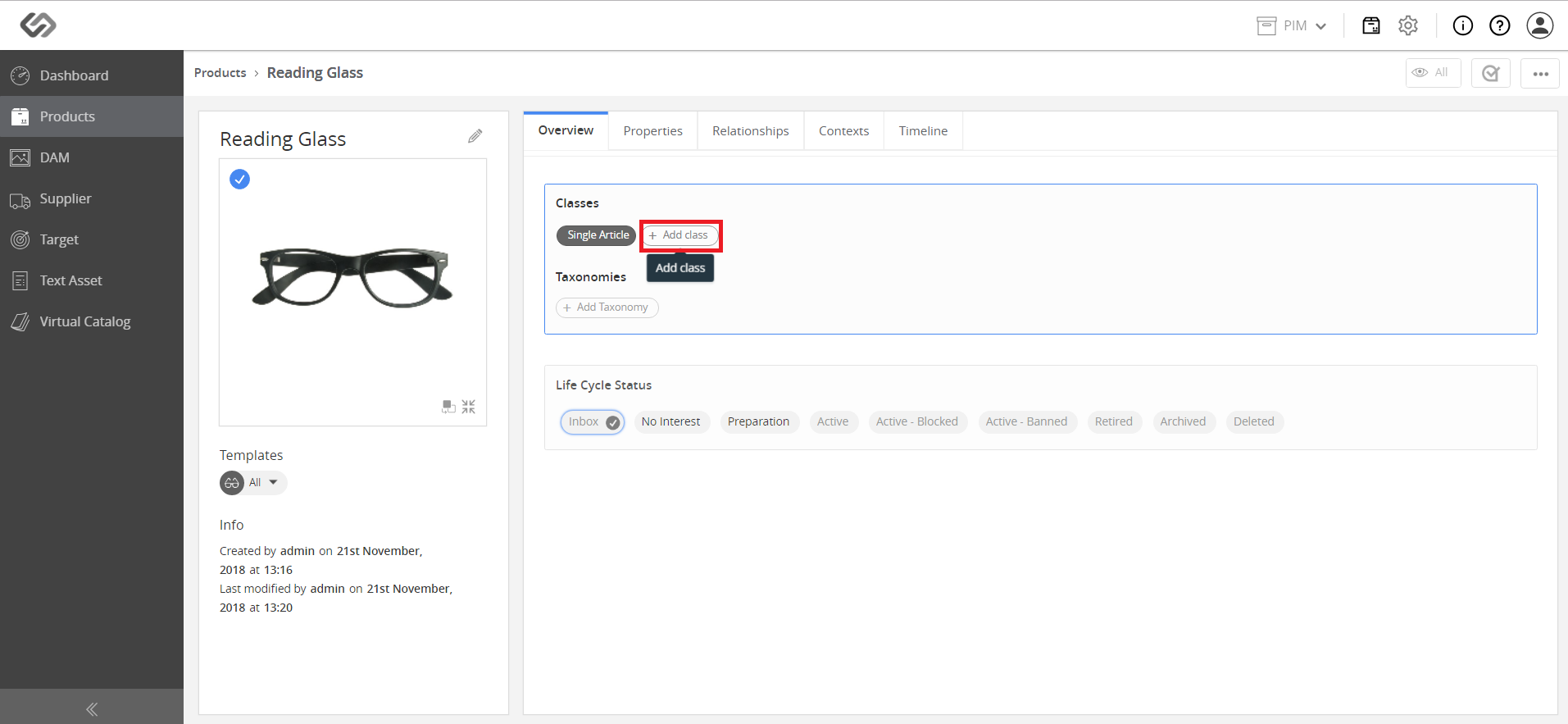
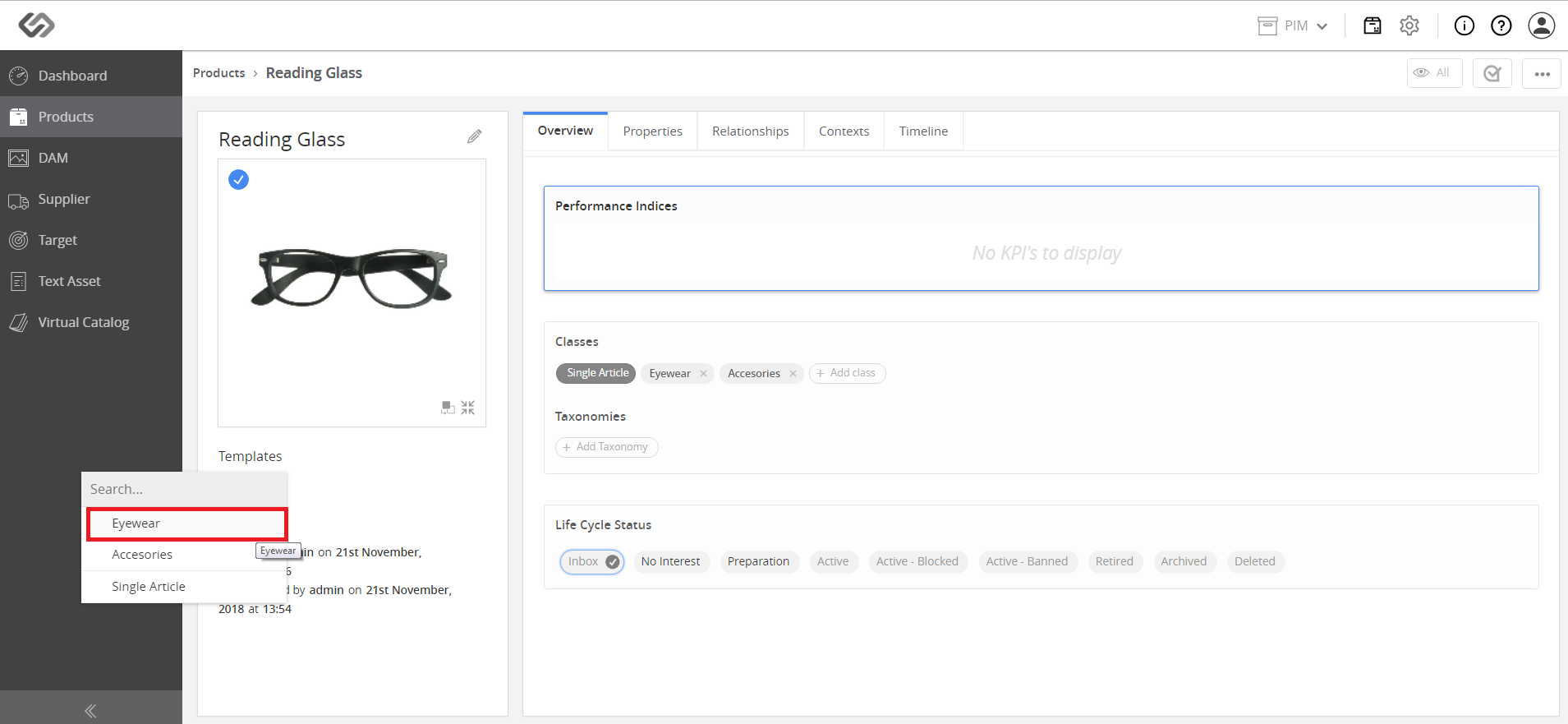
- Select a relevant class from the drop-down list.
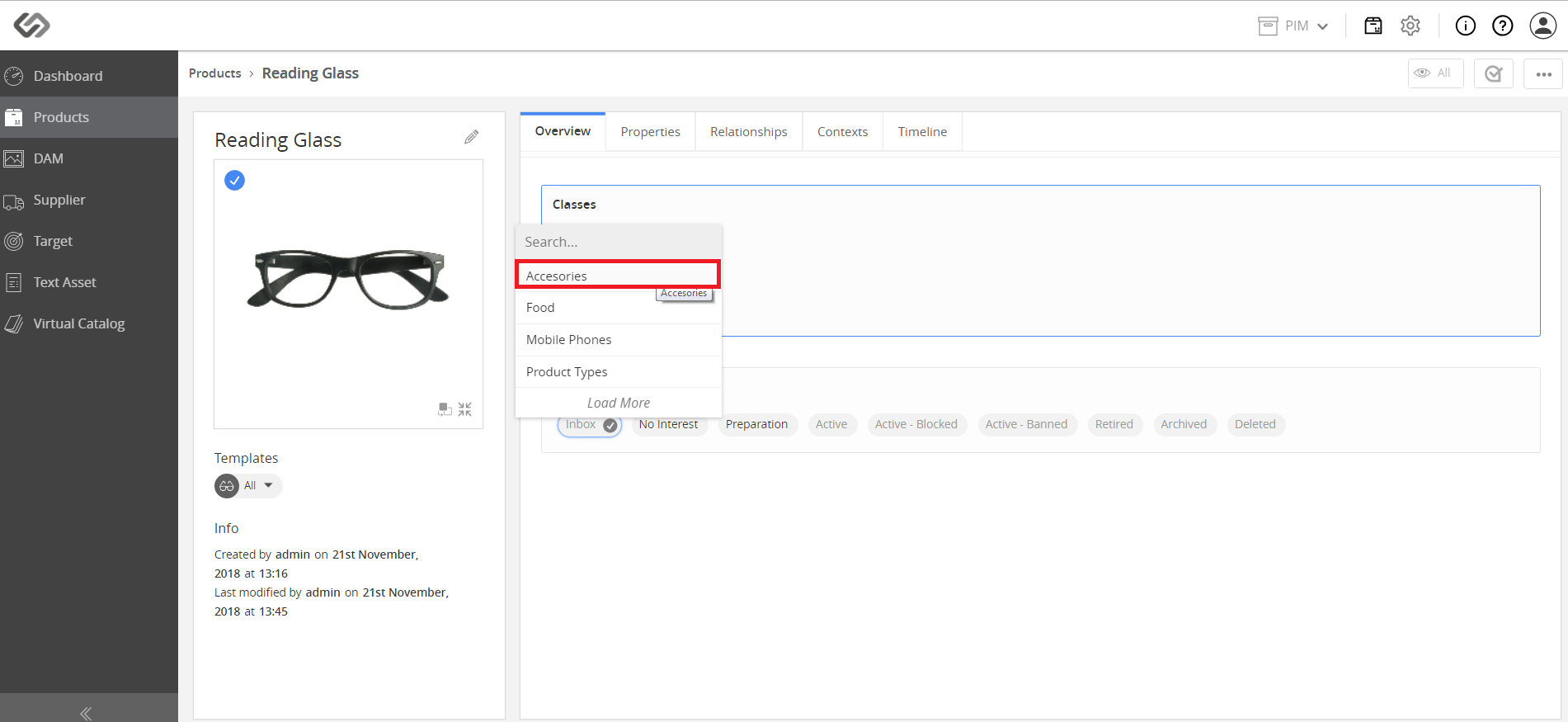
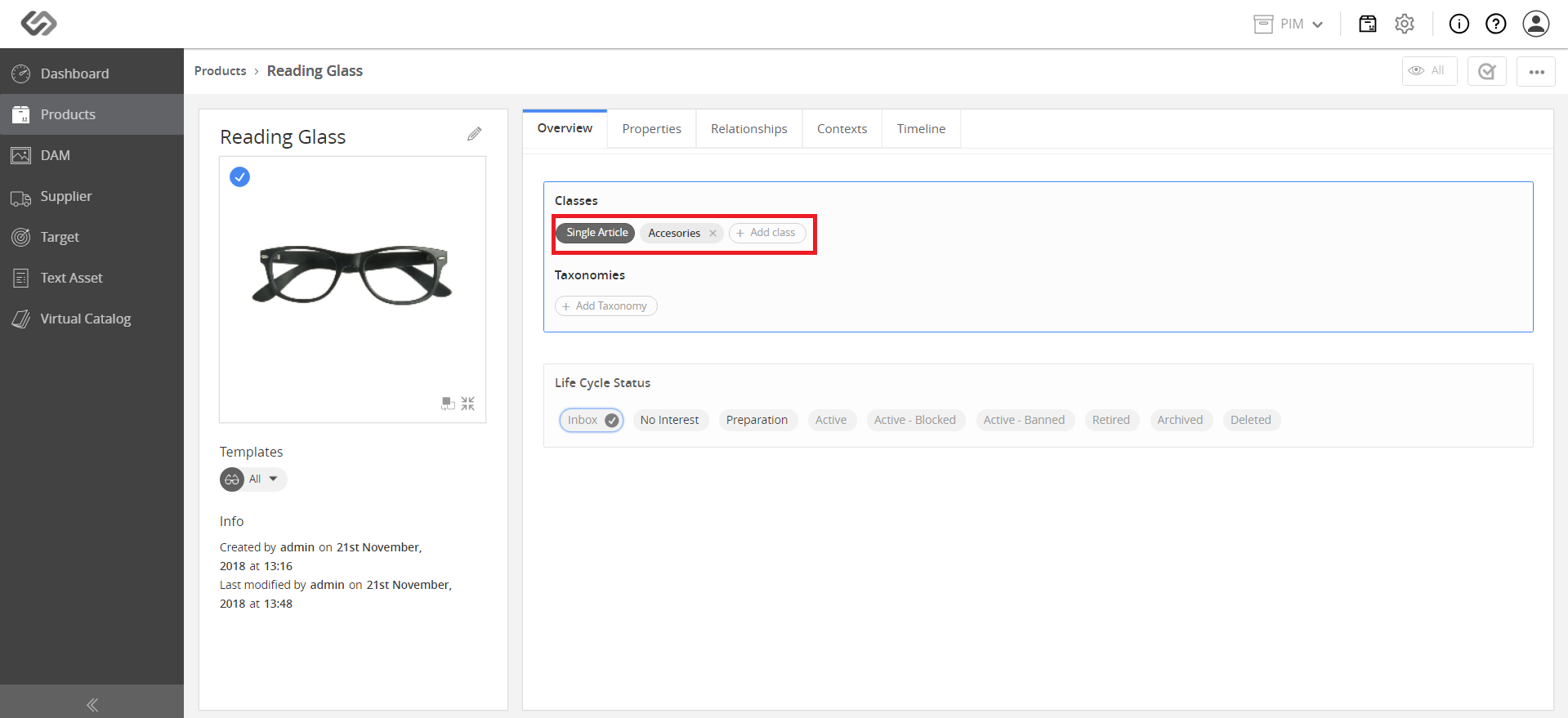
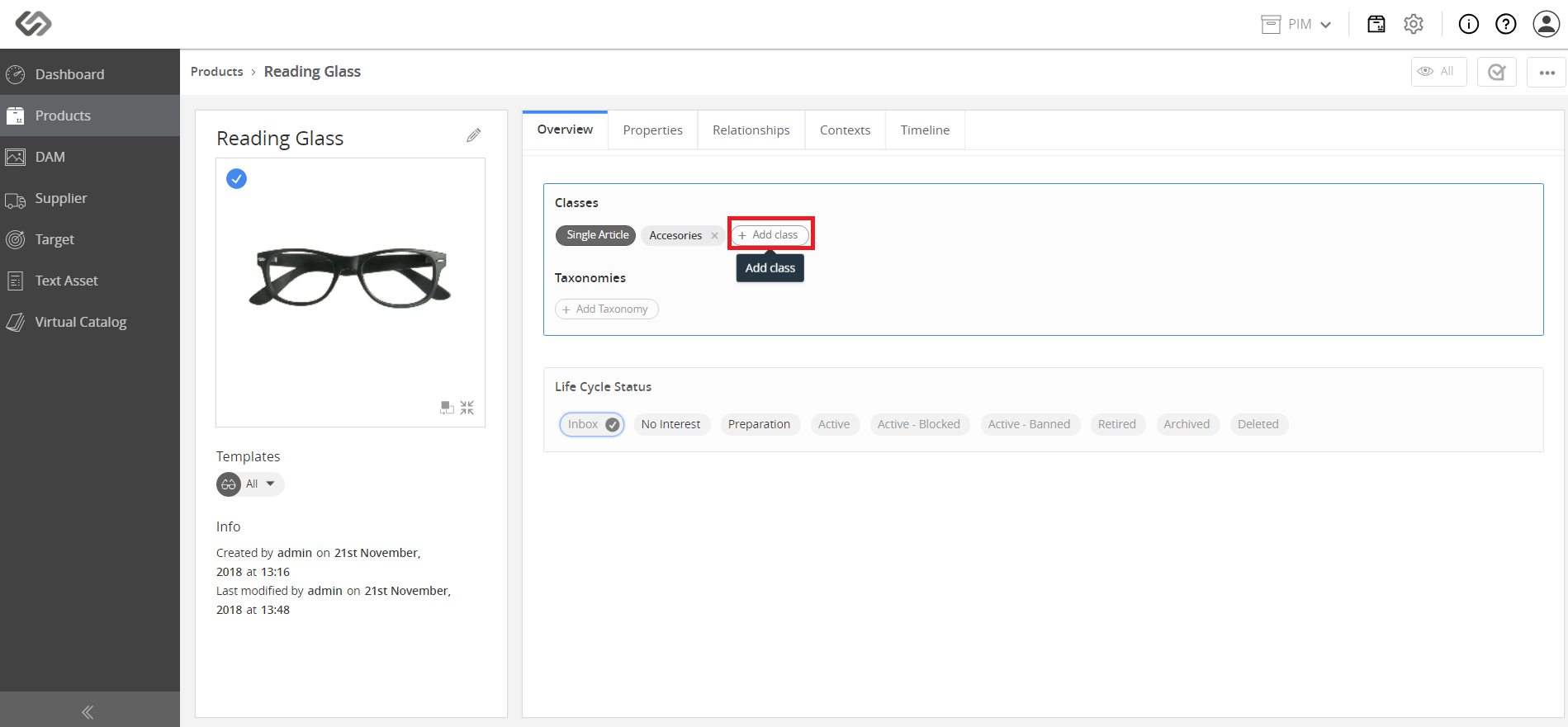
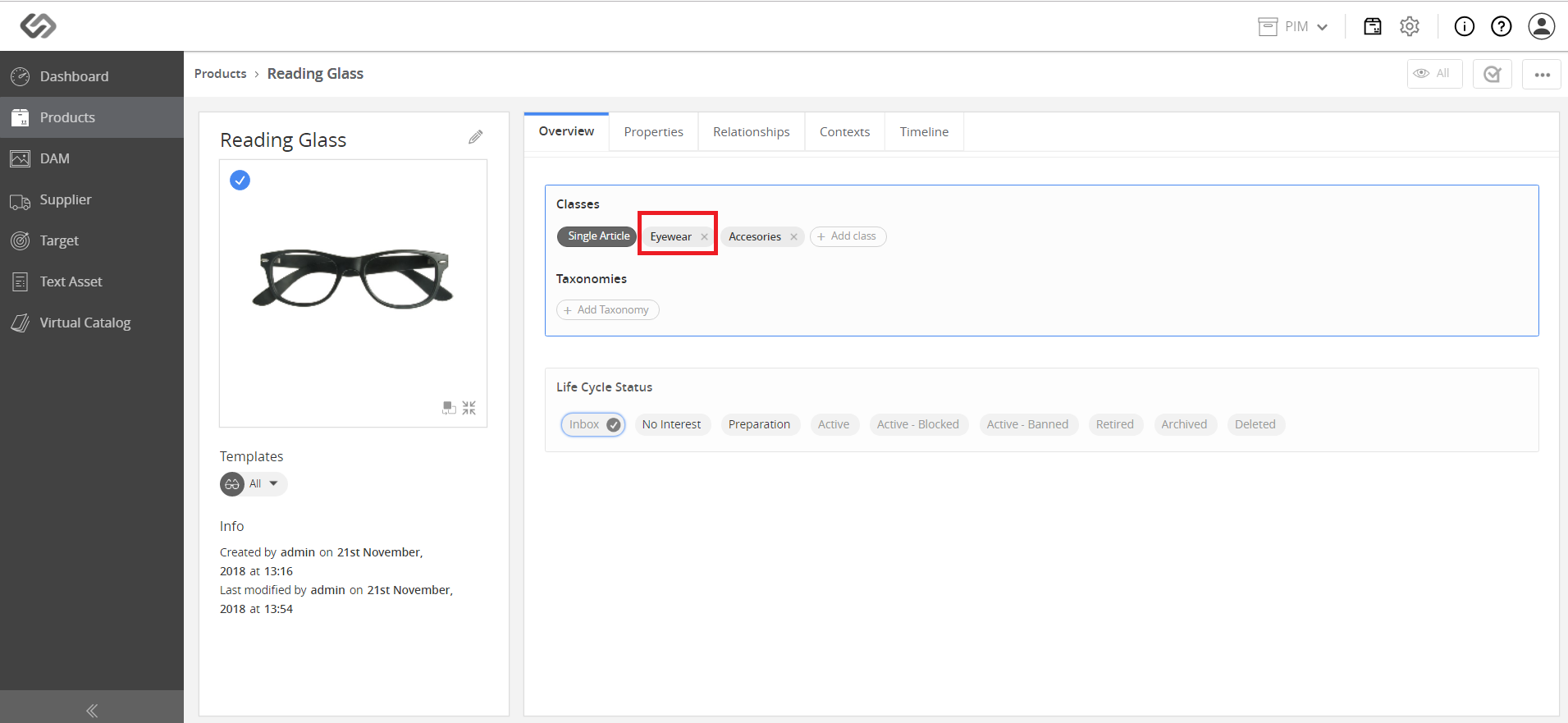
- To add another attribution class, click on the Add Class button and select a class from the list.
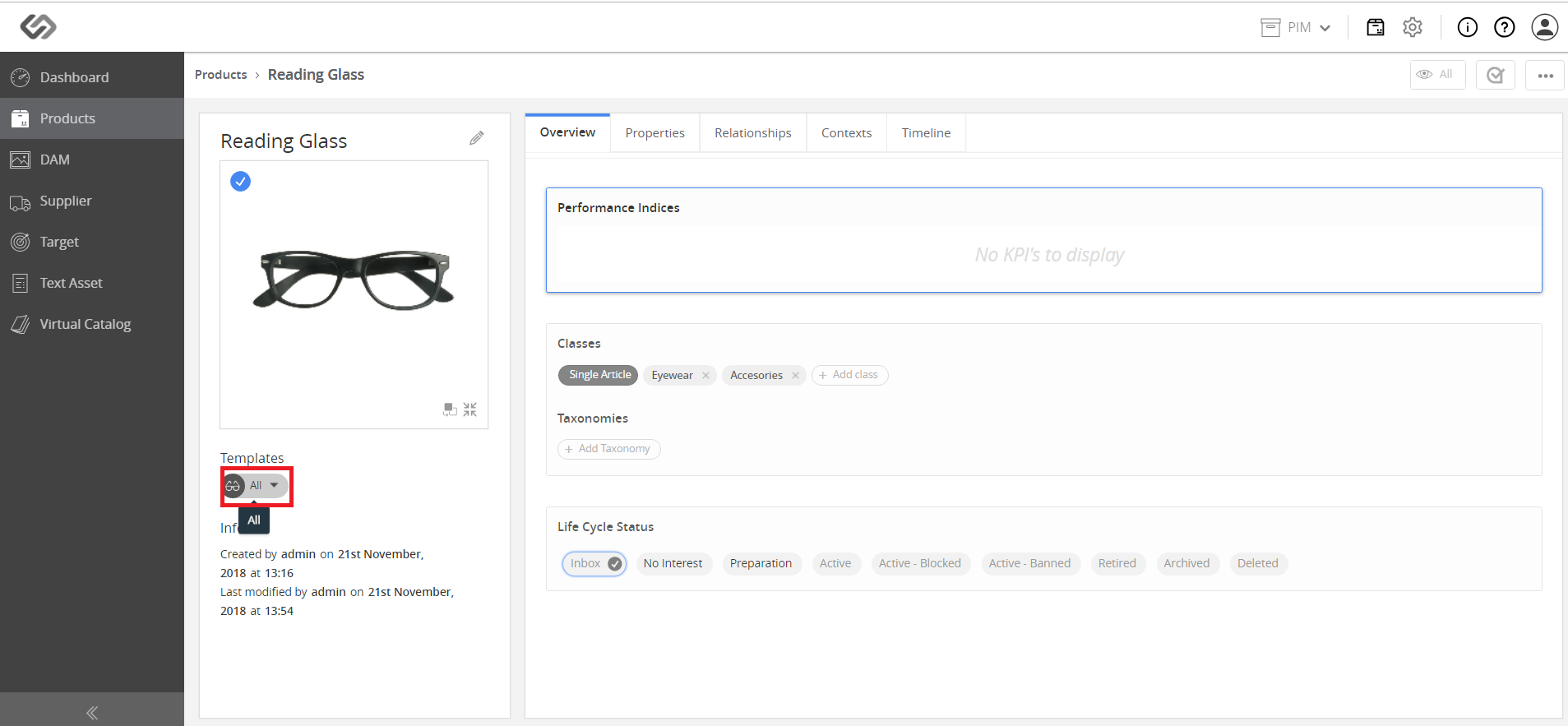
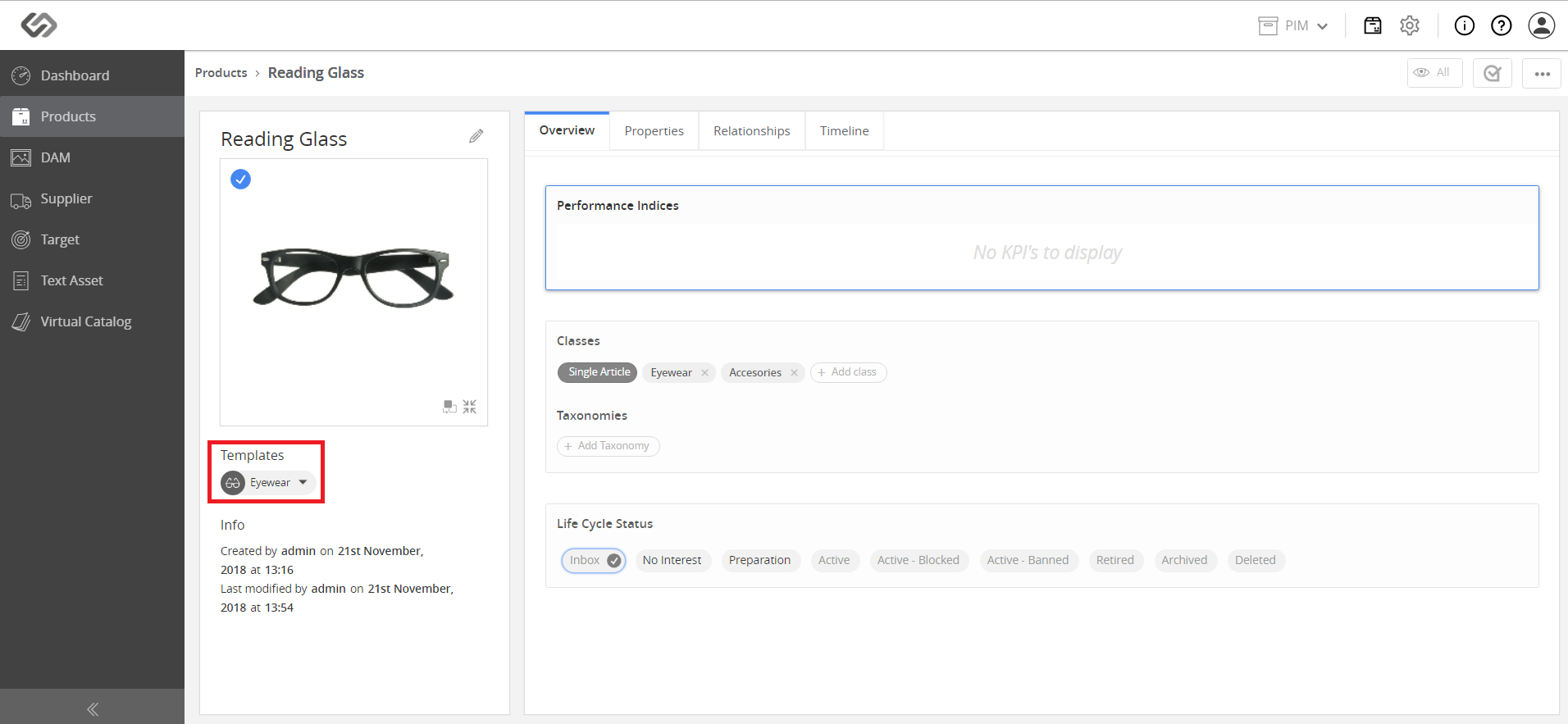
- To switch templates from Nature class to Non-nature class, click on the drop-down list and select an option, for example, Beverages.