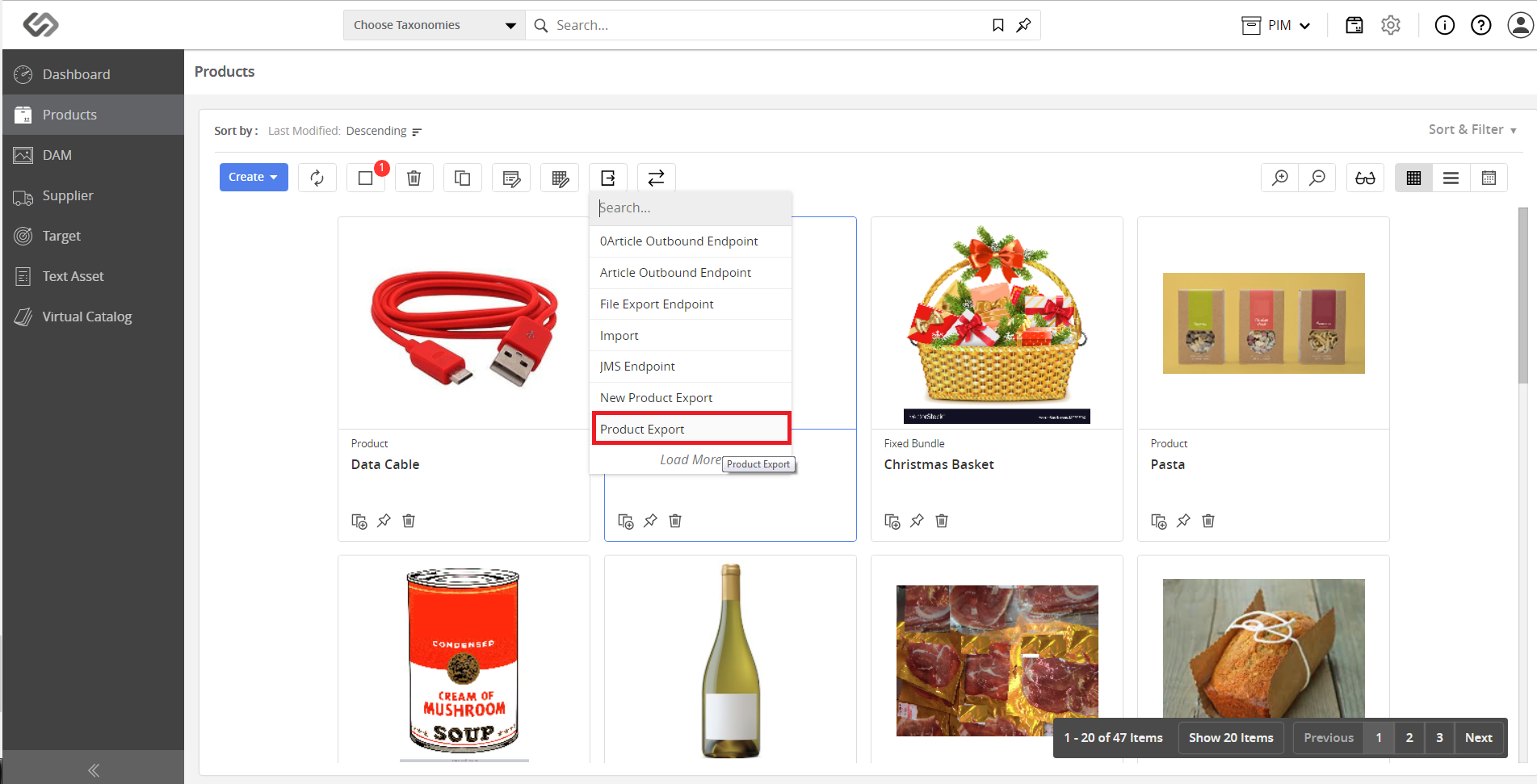
Manage Outbound Endpoints
Manage Outbound Endpoint is an admin feature that manages Outbound Endpoints on the Partner Engagement Platform so that the endpoint can be used for exporting data.
| Key Term: |
|
| Description: |
|
| Related topics: | |
| Application: |
|
How-to: Manage Outbound Endpoints
To do this, follow these steps:
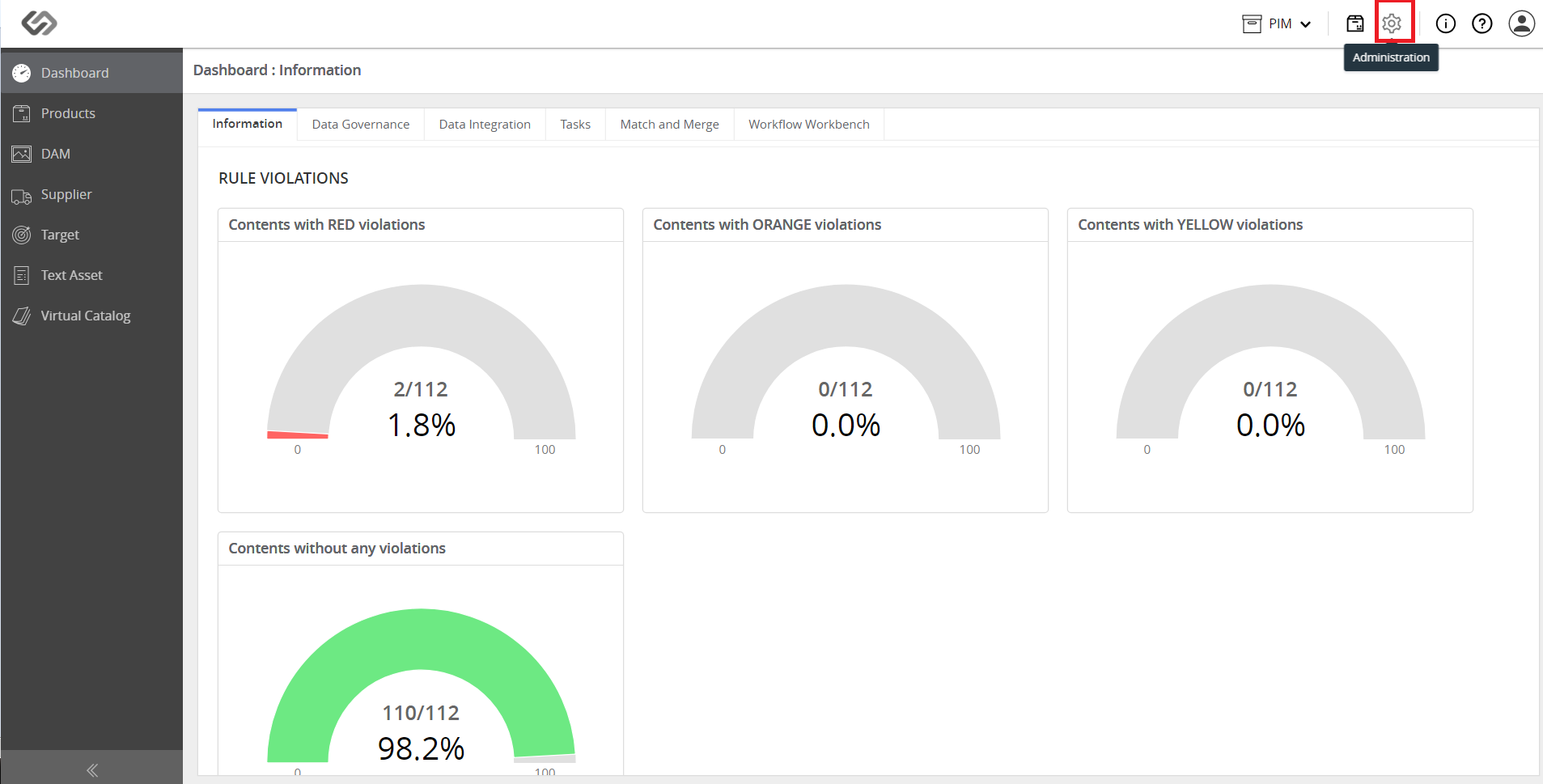
- Click Administration.
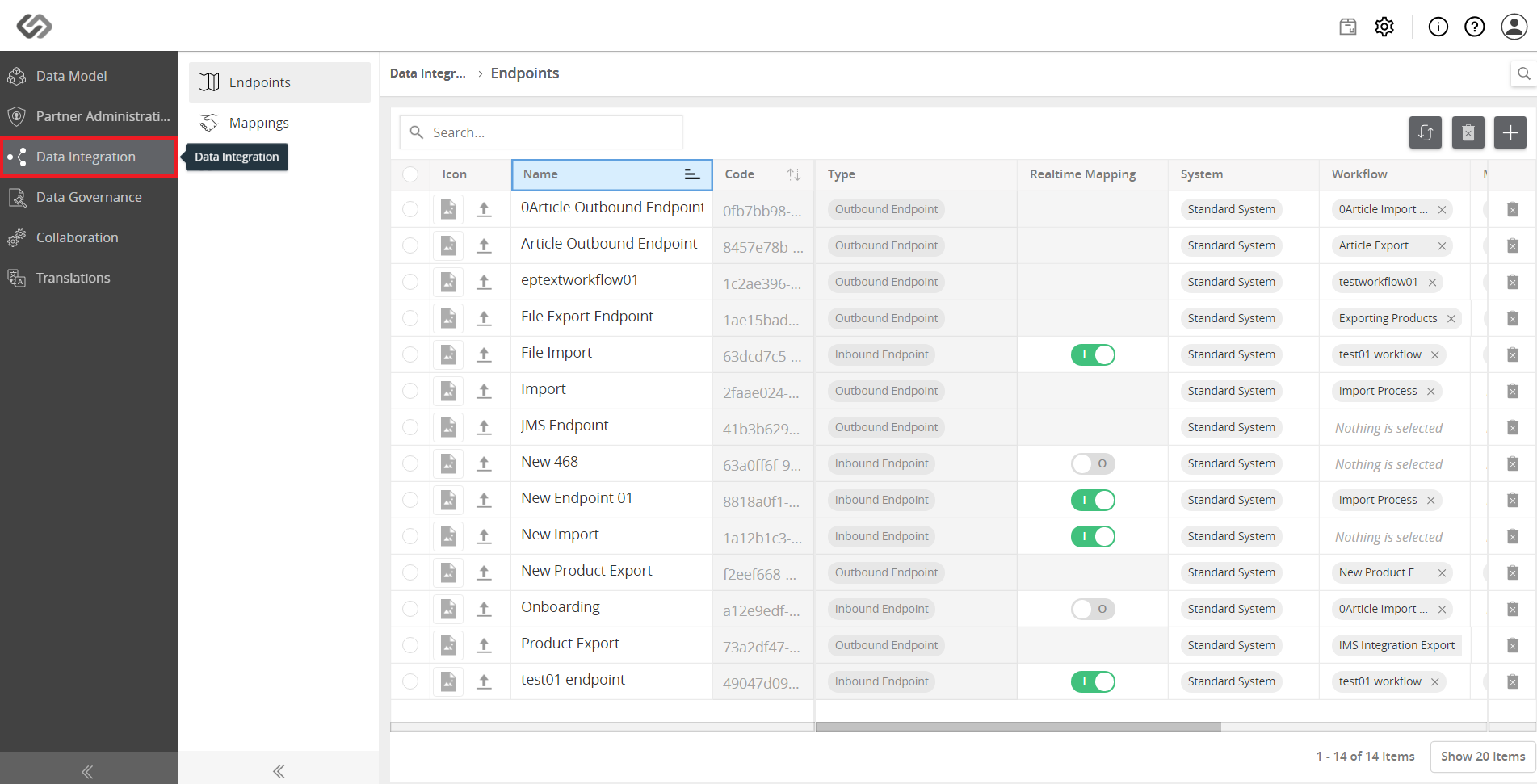
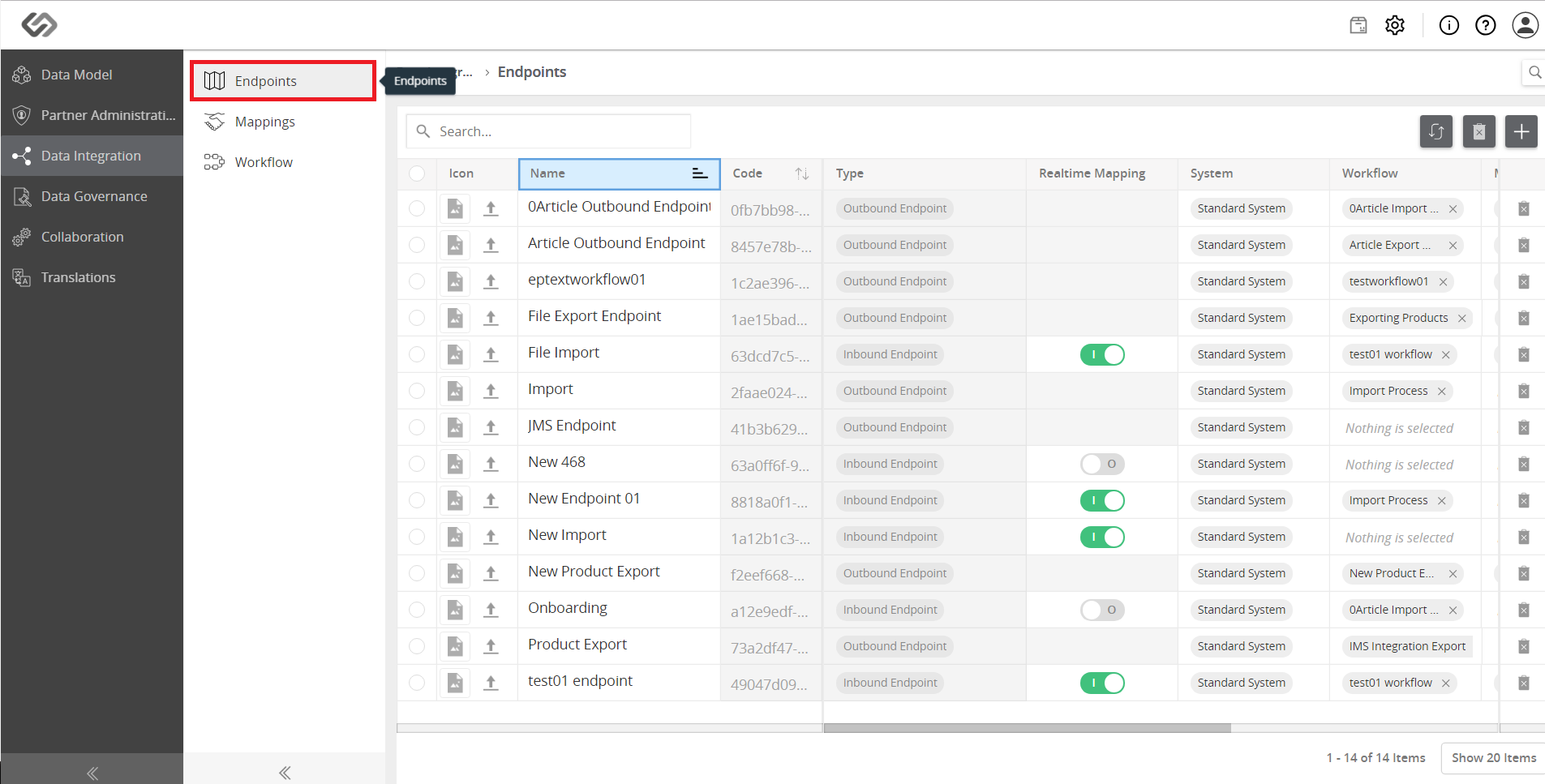
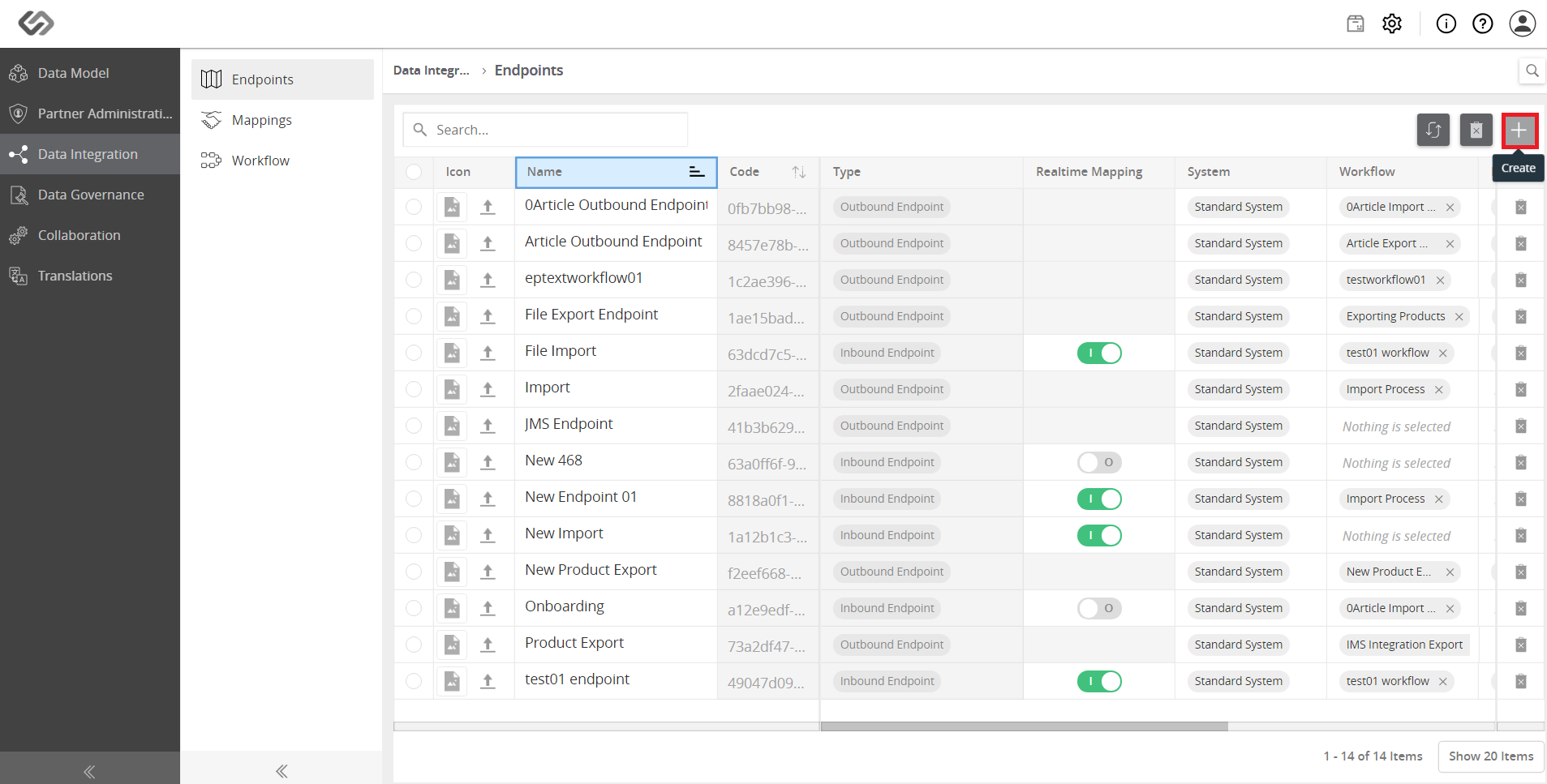
- Click Data integration and click on Endpoints on the left. To create an endpoint, click on the ‘+’ icon on the right side of the window.
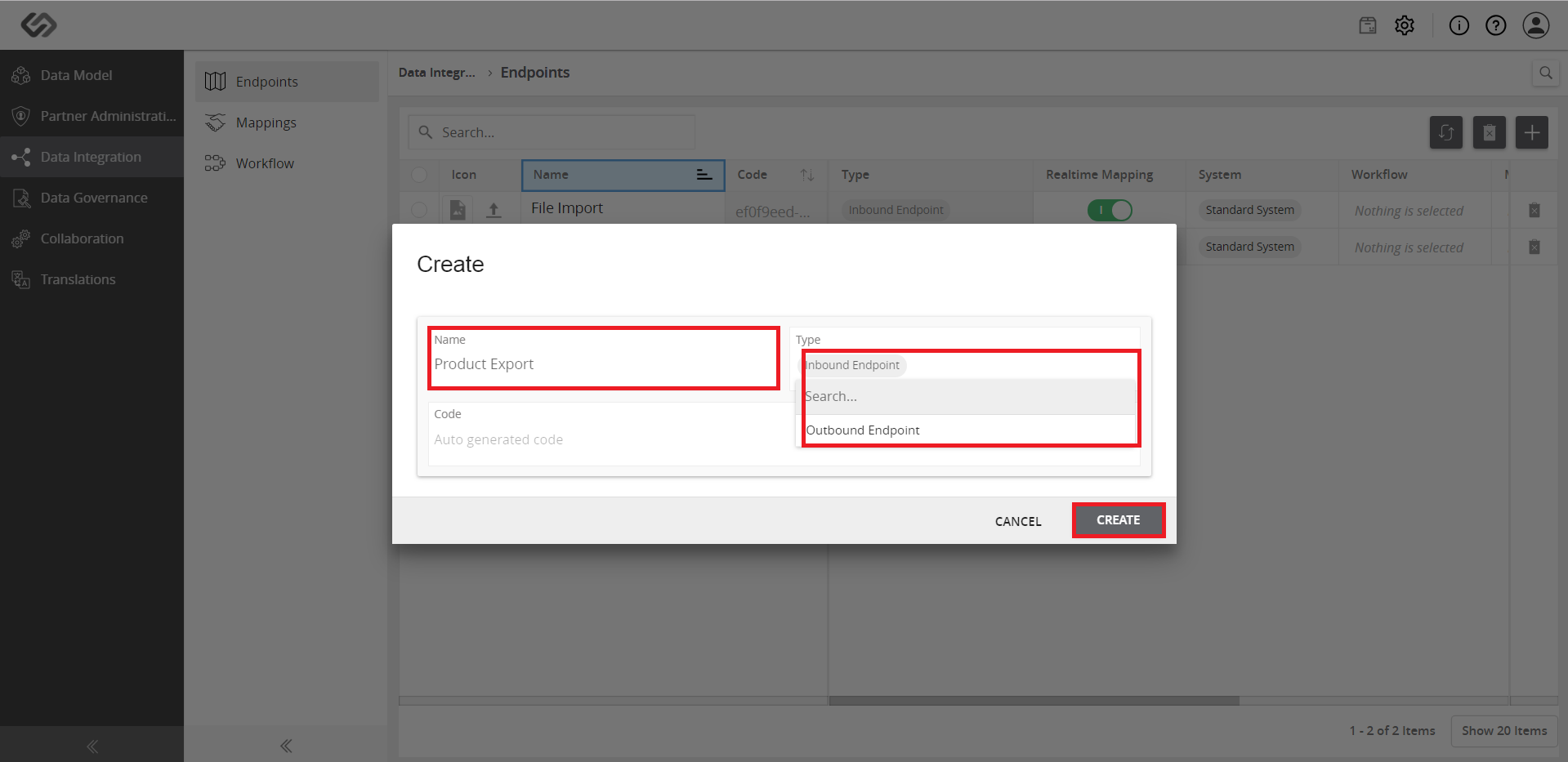
- Fill-in the details (Name, code, type of Endpoint) and select the outbound endpoint. Click on the Create button to create an endpoint.
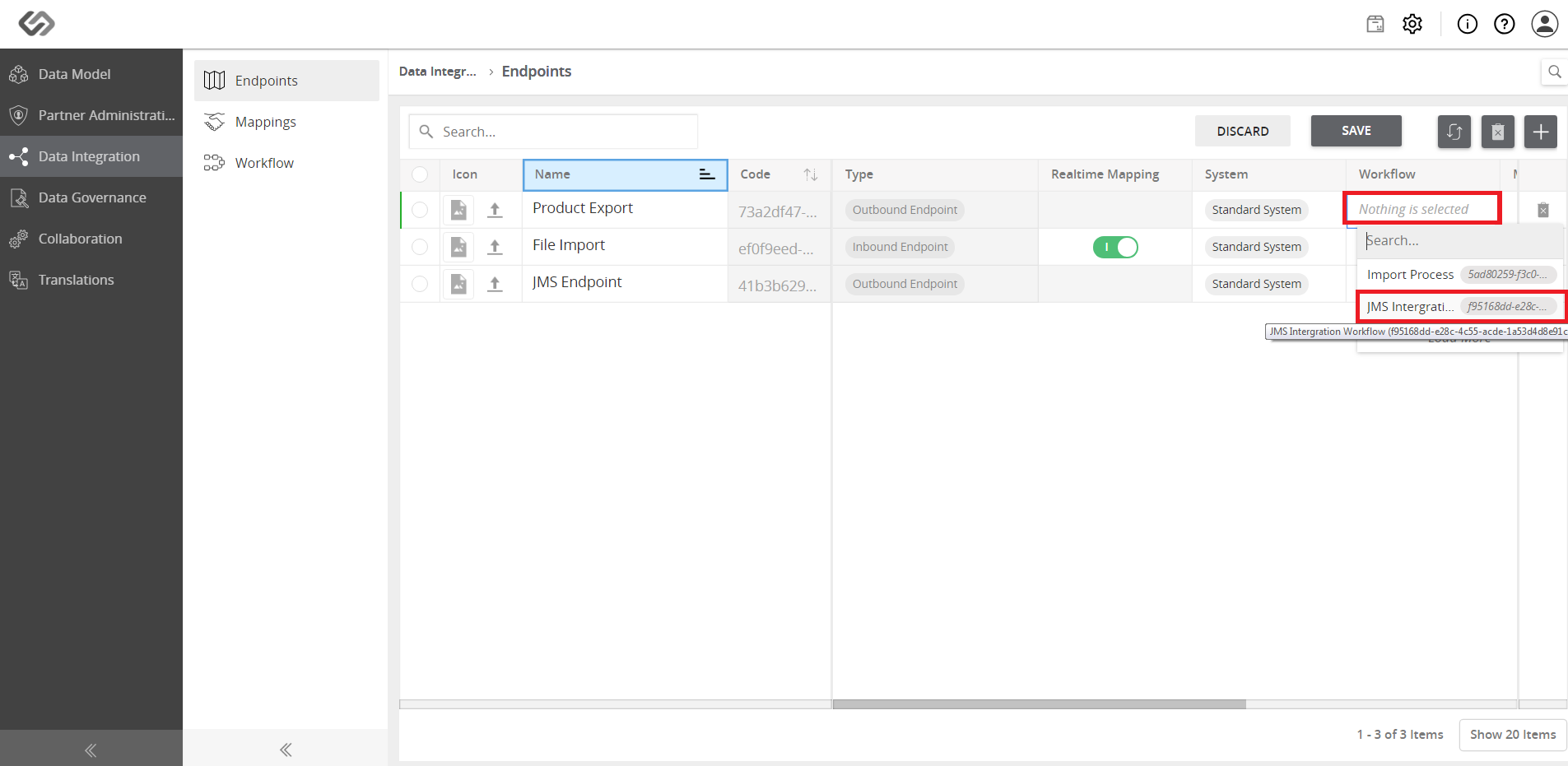
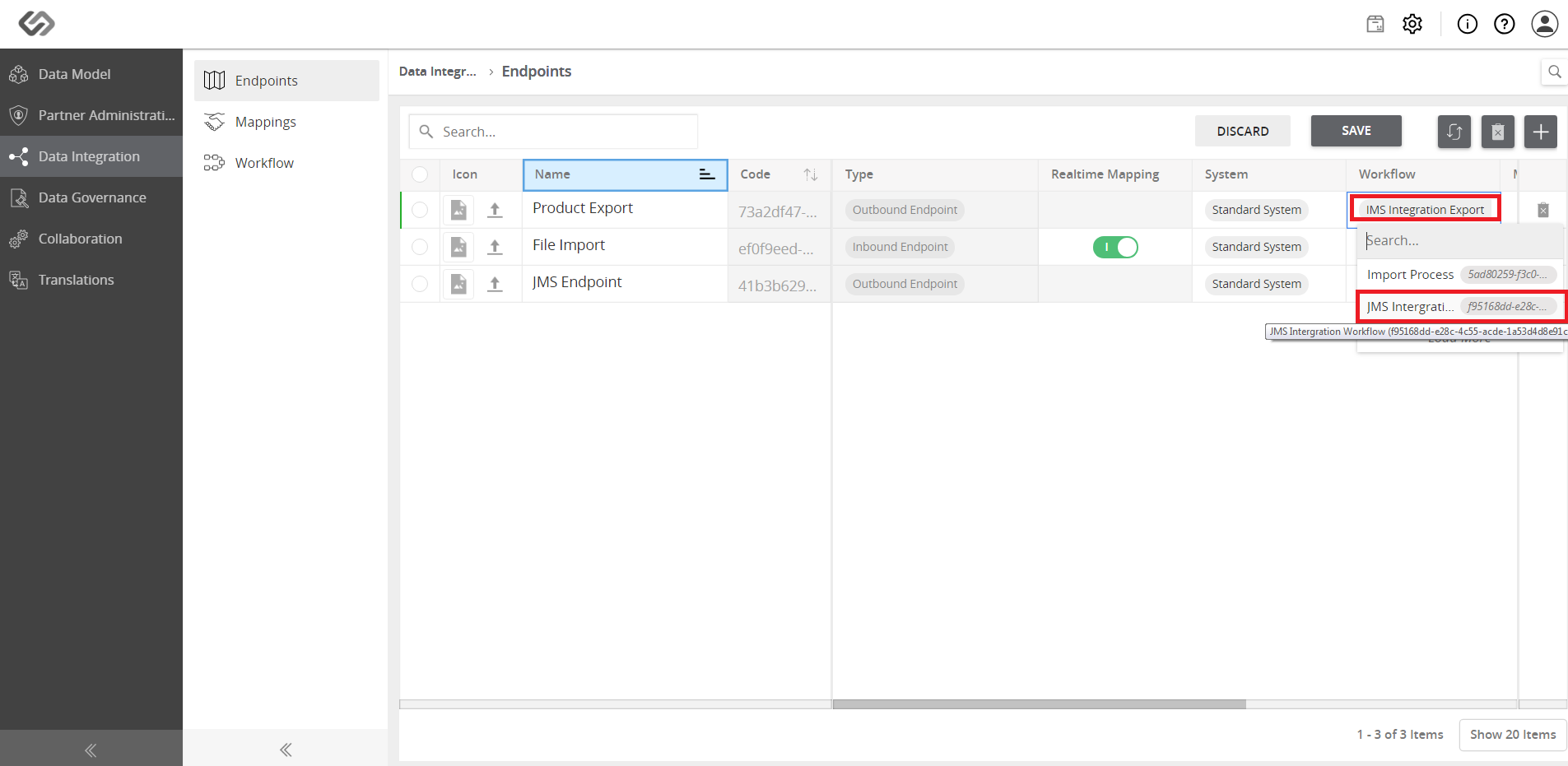
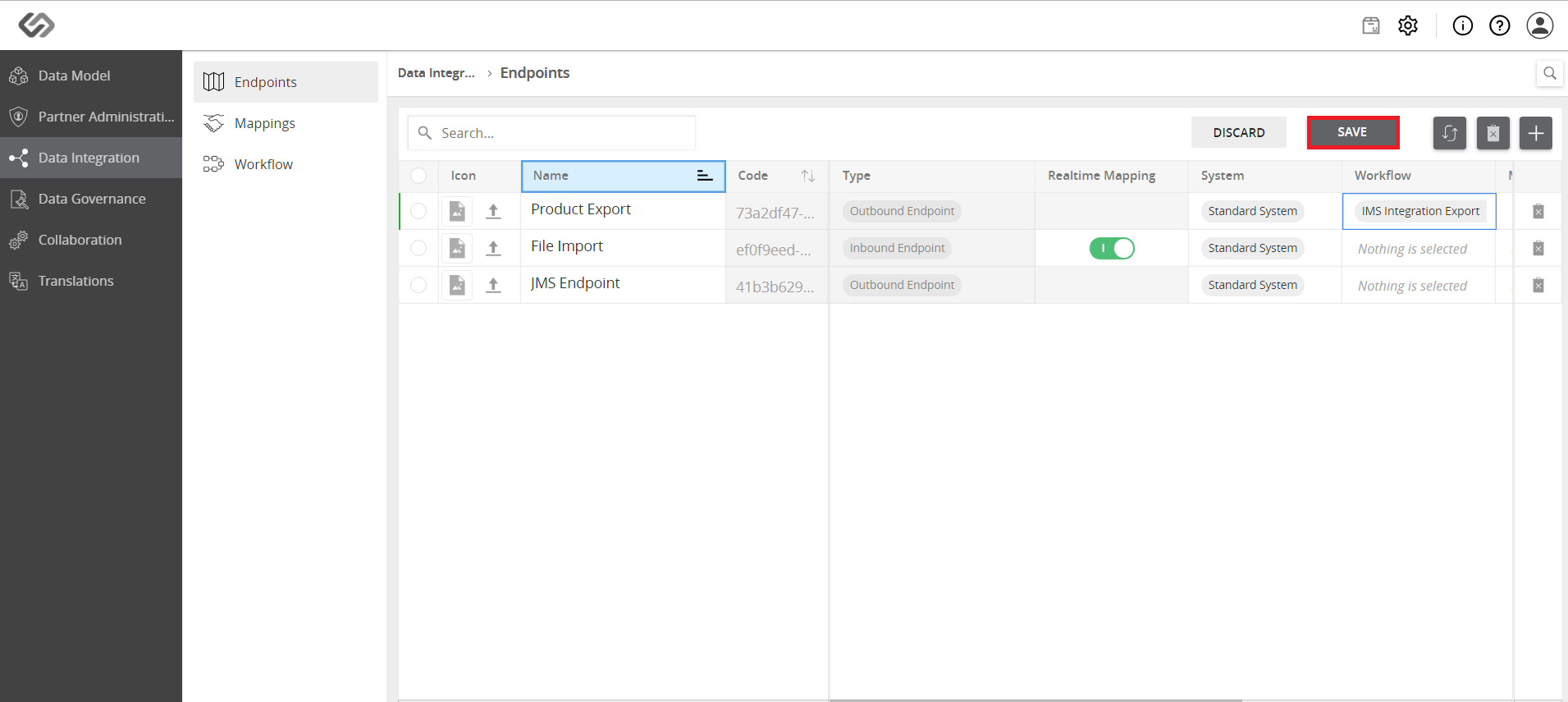
- Select the process in the endpoint for offboarding data.
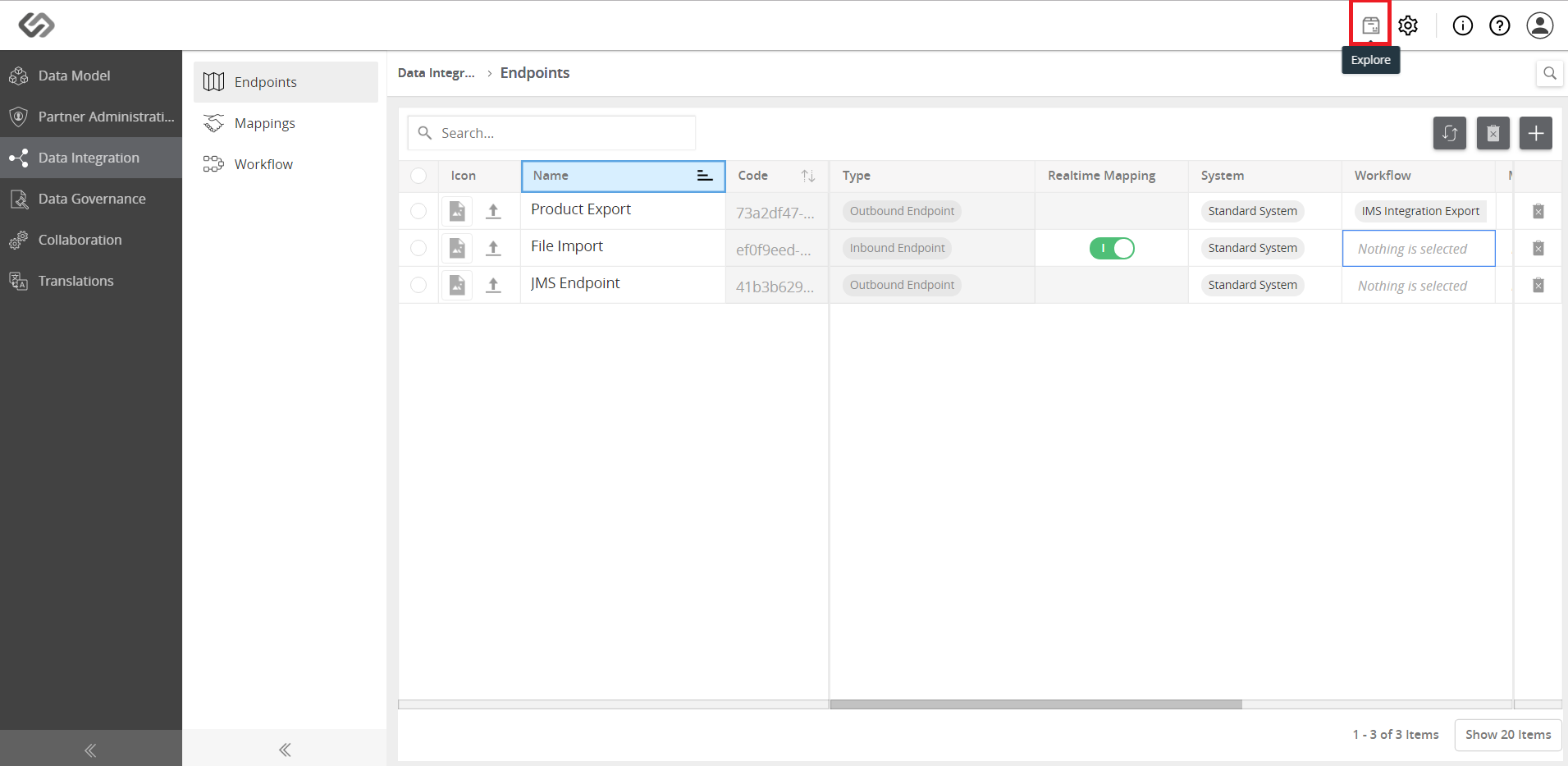
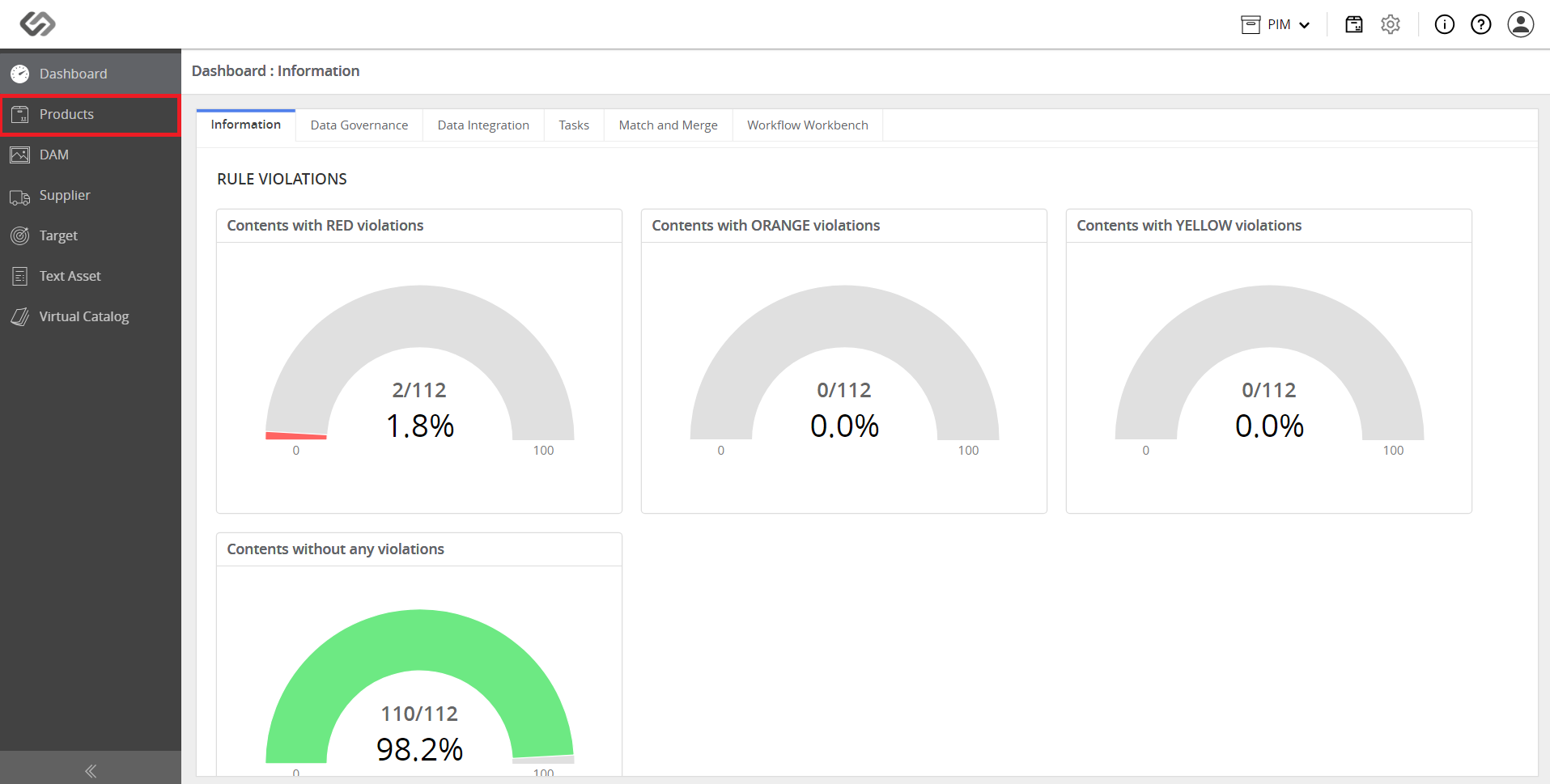
- Click to the Explore icon then go to Products. Select the articles to be exported using the export button.
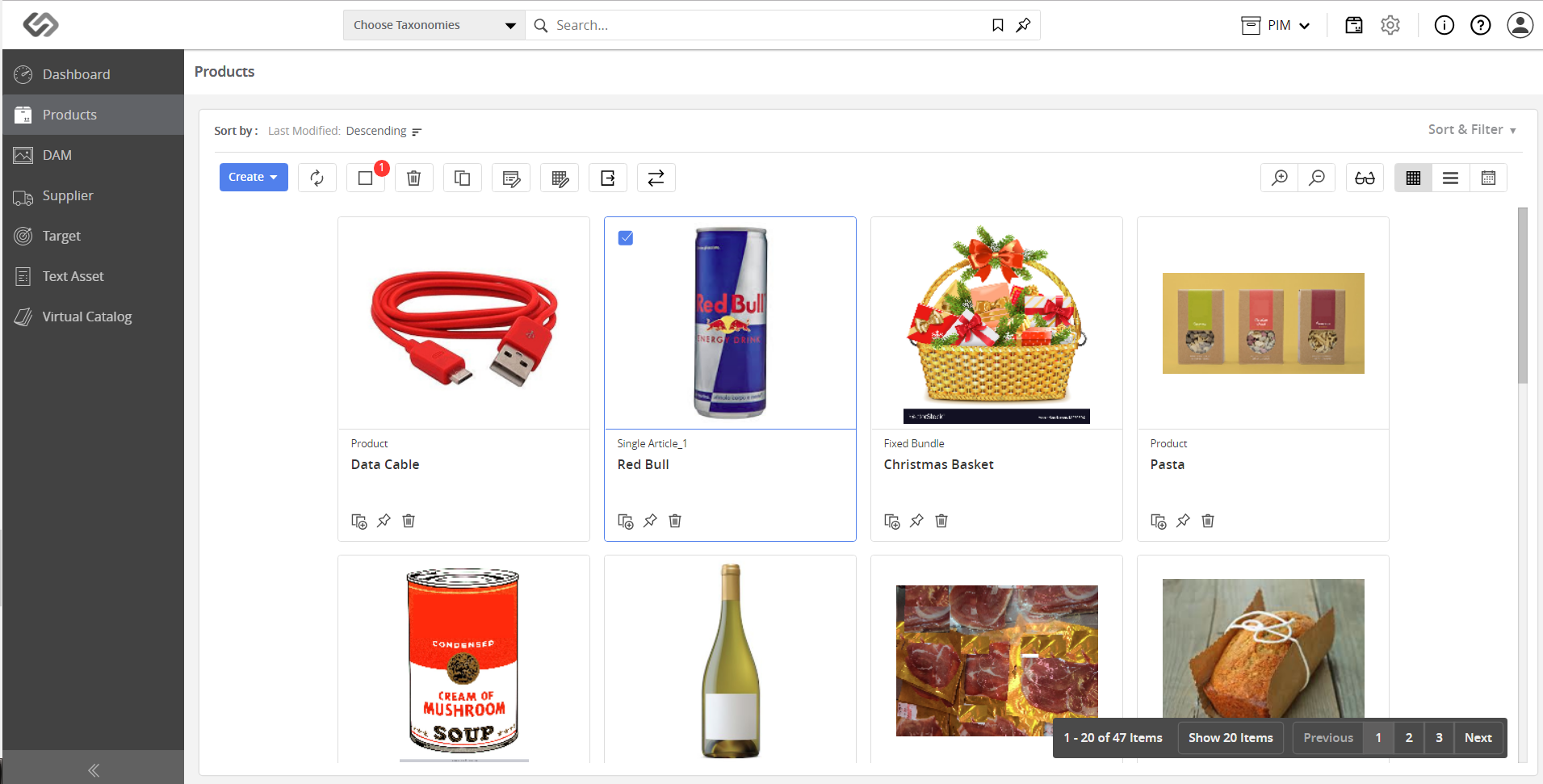
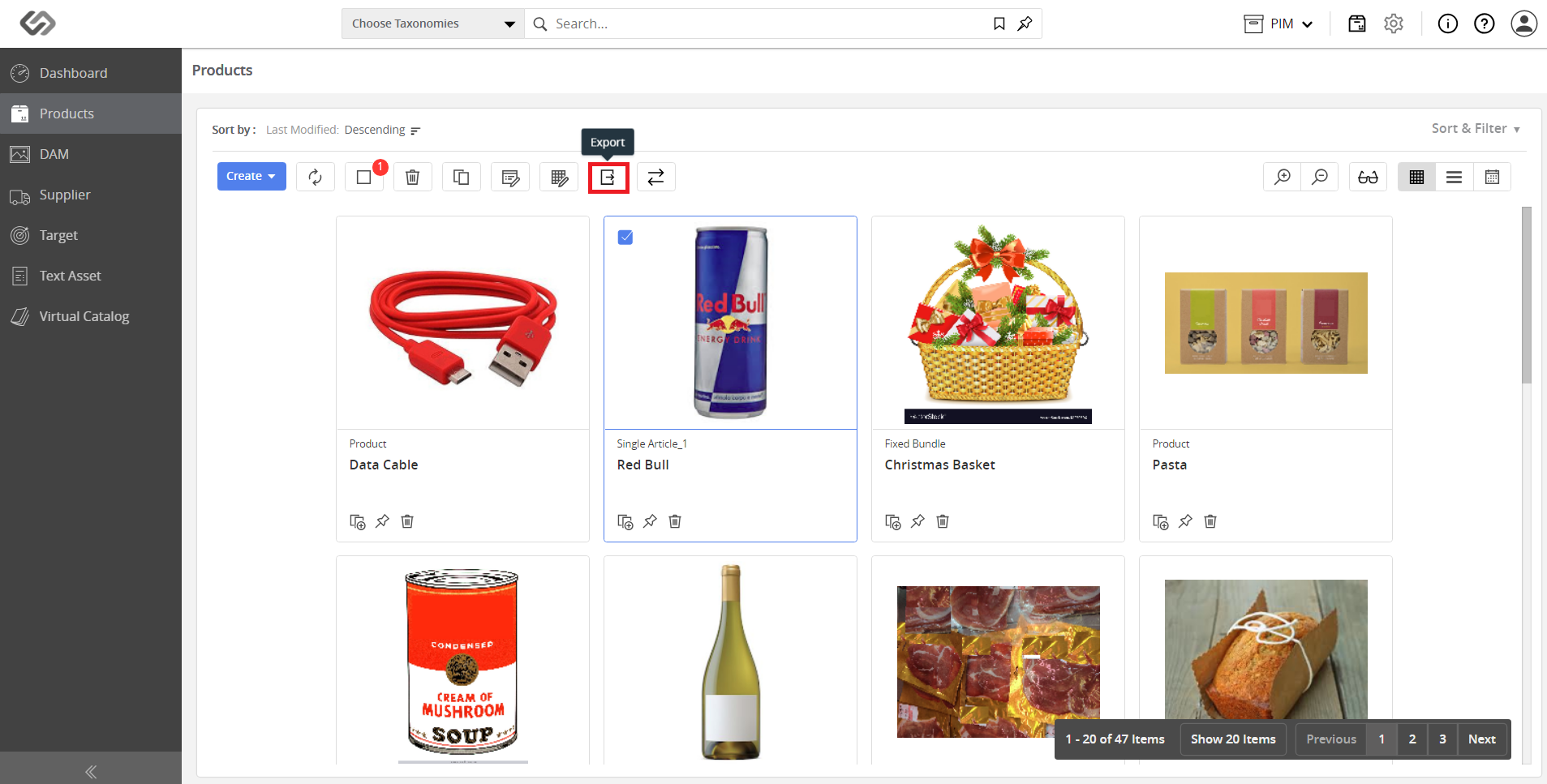
- Next, select the endpoint from which data has to be offboarded.