Export Product Data to Excel

The Export Product Data to Excel feature provides the functionality to select and export product information to an Excel file.

Key Term:
  • Product Information Management (PIM) facilitates the central management and maintenance of an enterprise’s product data, content, or any related information.
Description:
  • This feature allows the export of data from PIM/MAM to a Microsoft Excel spreadsheet.
  • This feature allows (1) the export of all the products and images or (2) the export of selected items to an Excel sheet.
Related topics:
Application:
  • The simple Excel-based export makes a record of data that is saved as an Excel file.

  • Example:

    A user has a department/workgroup that uses Microsoft Excel to work on data. The user can directly export data from the platform to an Excel file that the department/workgroup can easily use.

How to do: Export Product Data to Excel

To export product data to an Excel file, follow these steps:


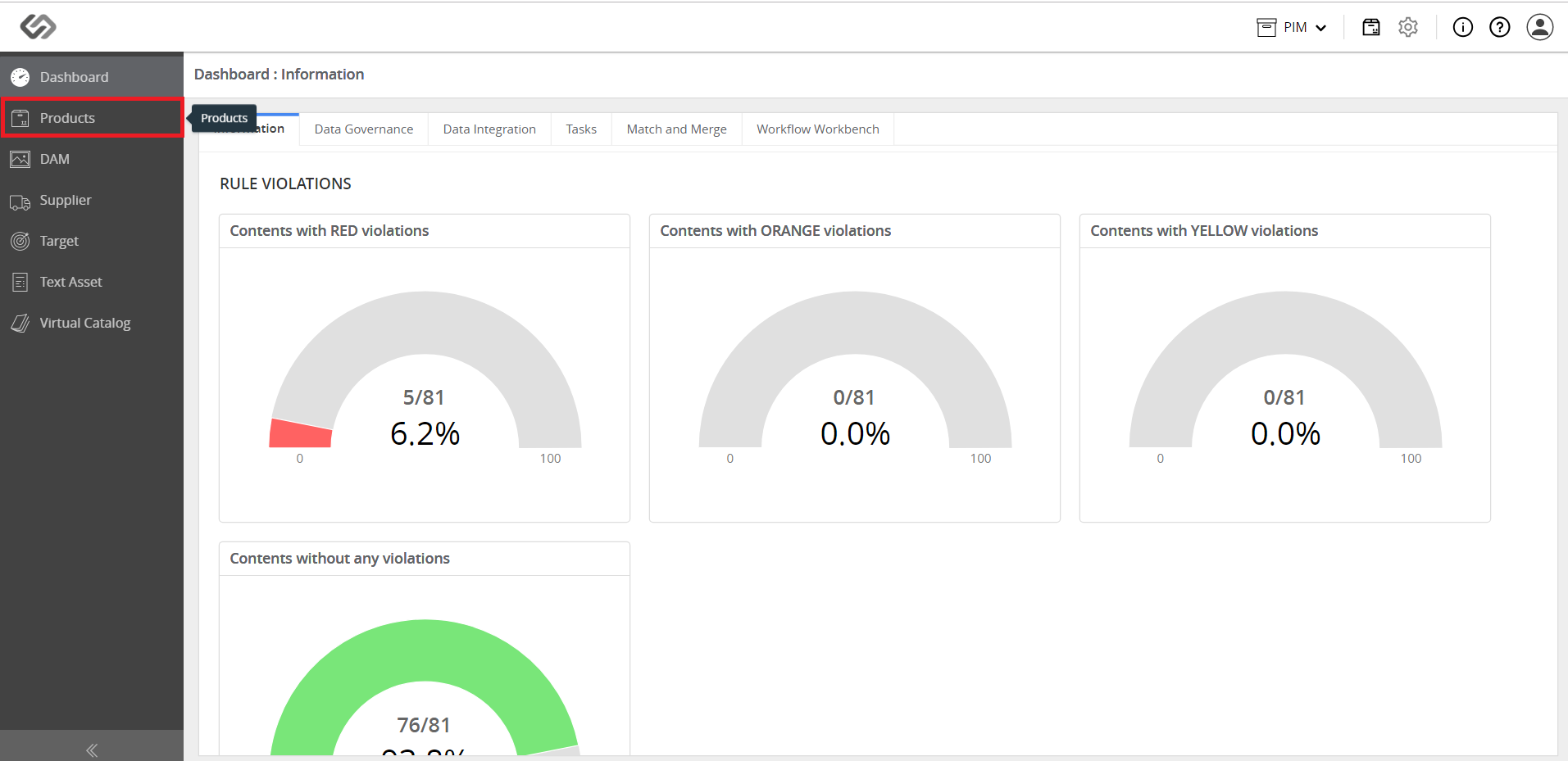
  • Log in and go to Products.
../../../../../../_images/pxp_exportproductdatatoexcel_loginandgotoproduct.PNG


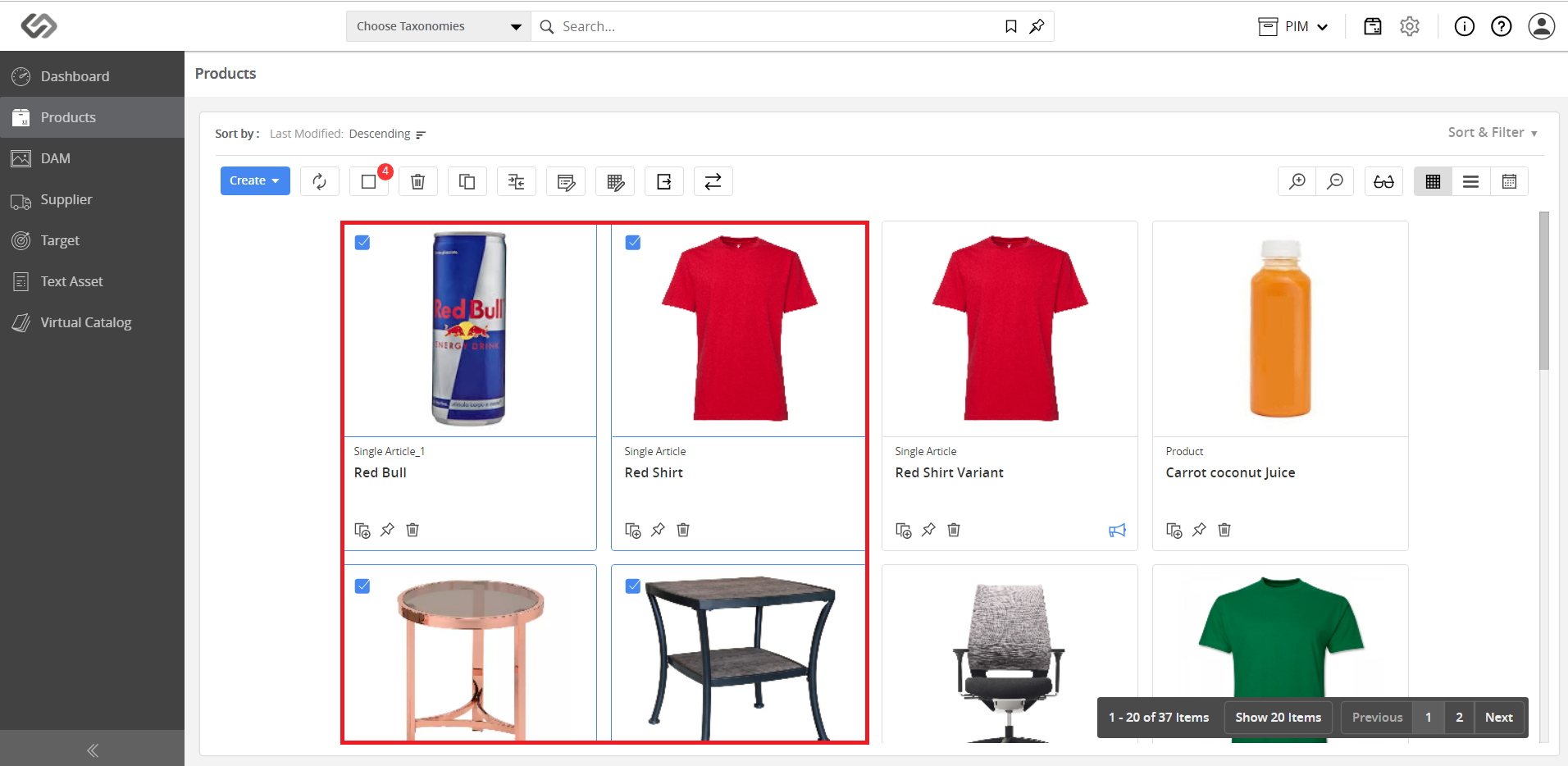
  • Select the products that will be exported. A user can select an entire page by using the Select All button.
../../../../../../_images/pxp_exportproductdatatoexcel_selecttheproducts.PNG


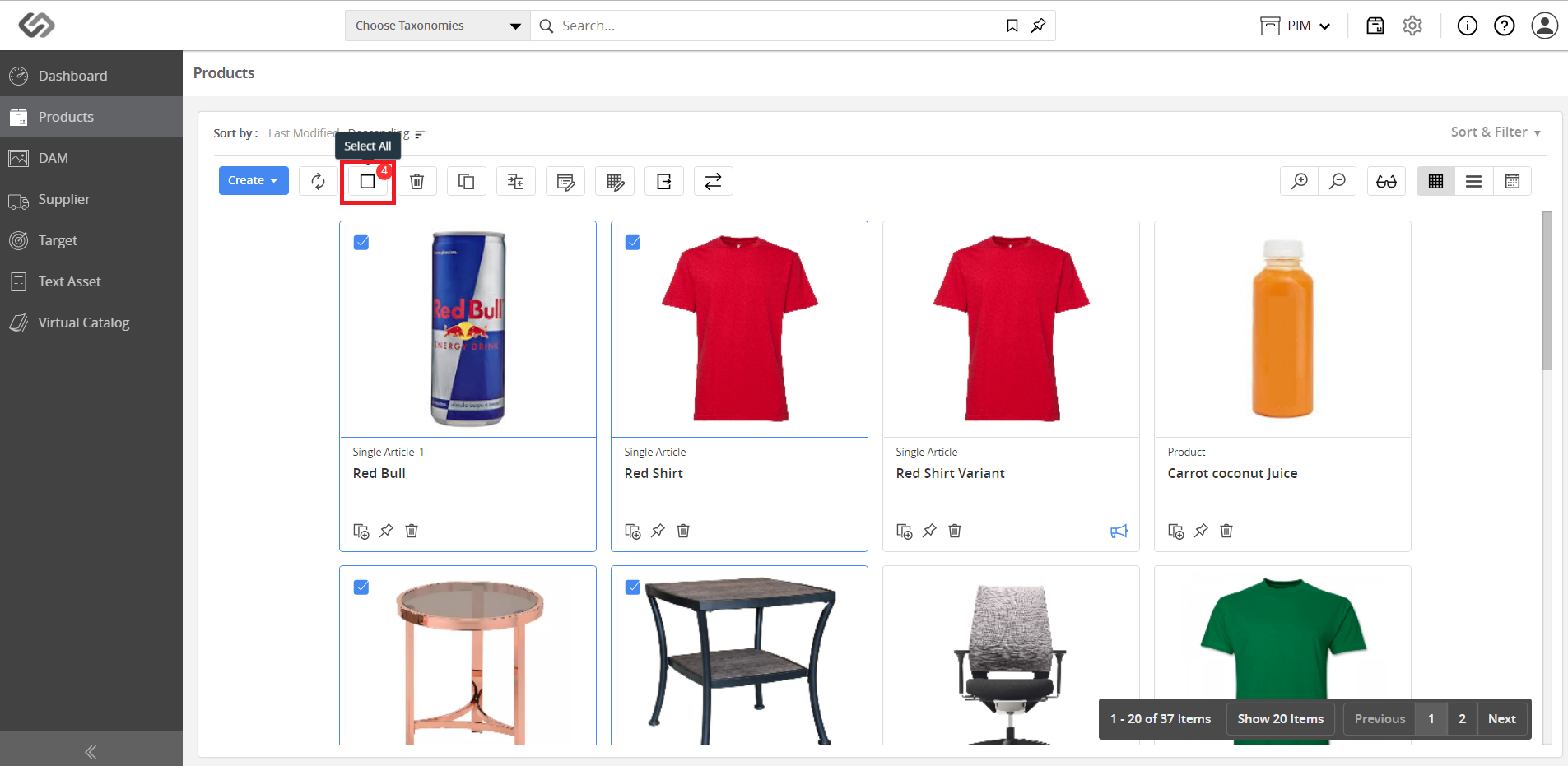
Note: You may also use the Select All button to select all the products.
../../../../../../_images/pxp_exportproductdatatoexcel_selectalltheproducts.PNG


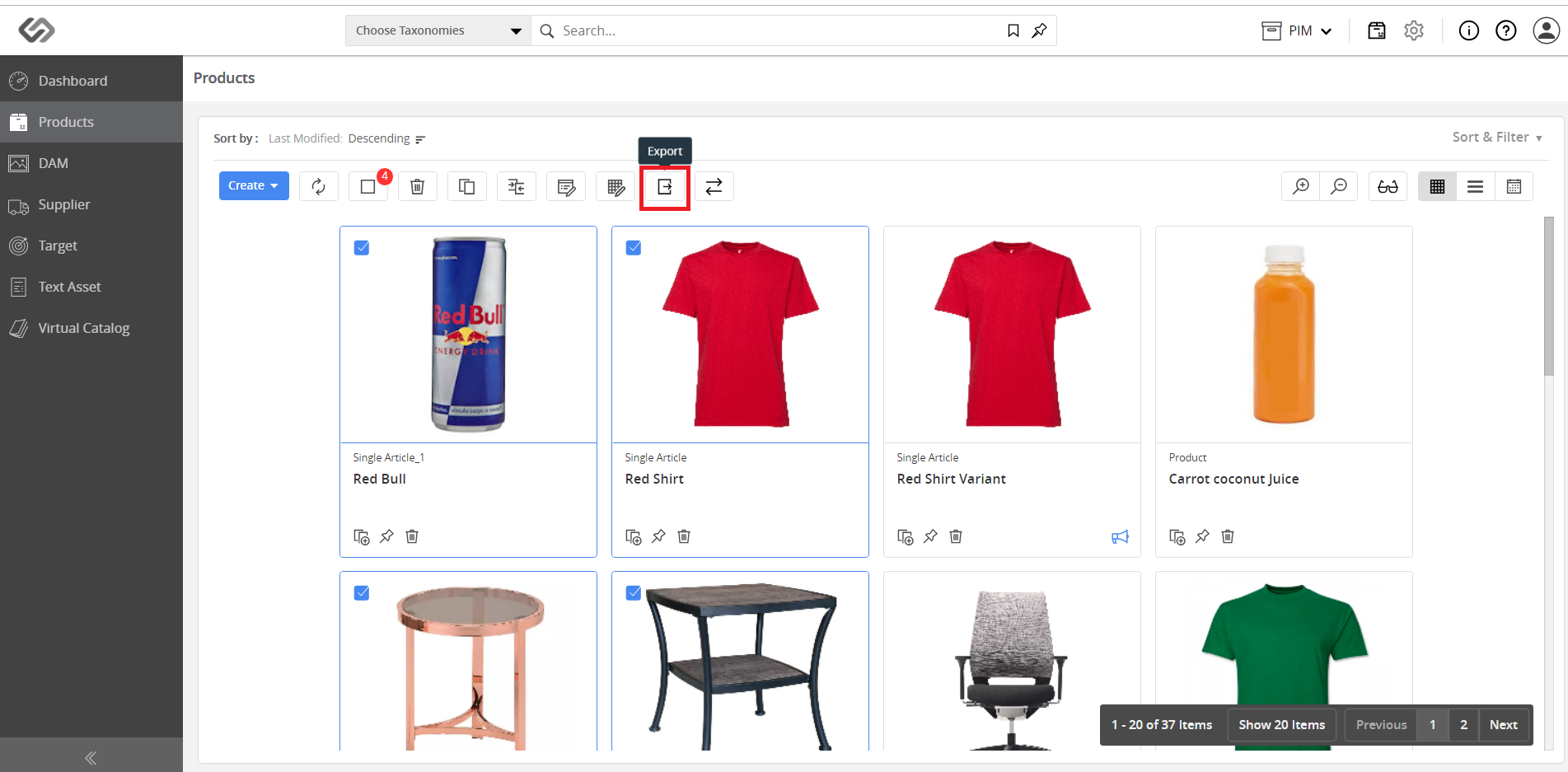
  • Once the products are selected, click on the Export button.
../../../../../../_images/pxp_exportproductdatatoexcel_clicktheexportbutton.PNG


  • Wait for the Excel file to be downloaded. The exported file will contain all the data of the selected products.


Contentserv line