Contentserv
latest
  • Overview
    • Contentserv
    • Deployment and Product Guides
      • Getting Started
      • Leading Concepts
      • Using the Platform
        • Using the Features
        • References
  • Tutorials
  • Glossary
Contentserv
  • Docs »
  • Overview »
  • Deployment and Product Guides »
  • Using the Platform »
  • Using the Features »
  • Master Data Management (MDM) »
  • General »
  • Search and Explore »
  • Full-text Search
  • Edit on GitHub

Full-text Search

The Full-text Search feature gives the user the ability to search for a product or asset by using the text to search and match the text within the product or asset.

Key Term:
  • Administrator: a technical specialist who configures a software system.
Description:
  • This feature is used to to search for products or assets in the system using a full-text search. The search feature will return all objects that match the search criteria.
  • The properties which are available for full-text search can be configured in the administration section.
Related topics:
  • Manage Different Types of Attributes
  • Parametric Search
  • Multi-faceted Search
Application:
  • A user can use the full-text search to search for a product or asset.

  • Example:

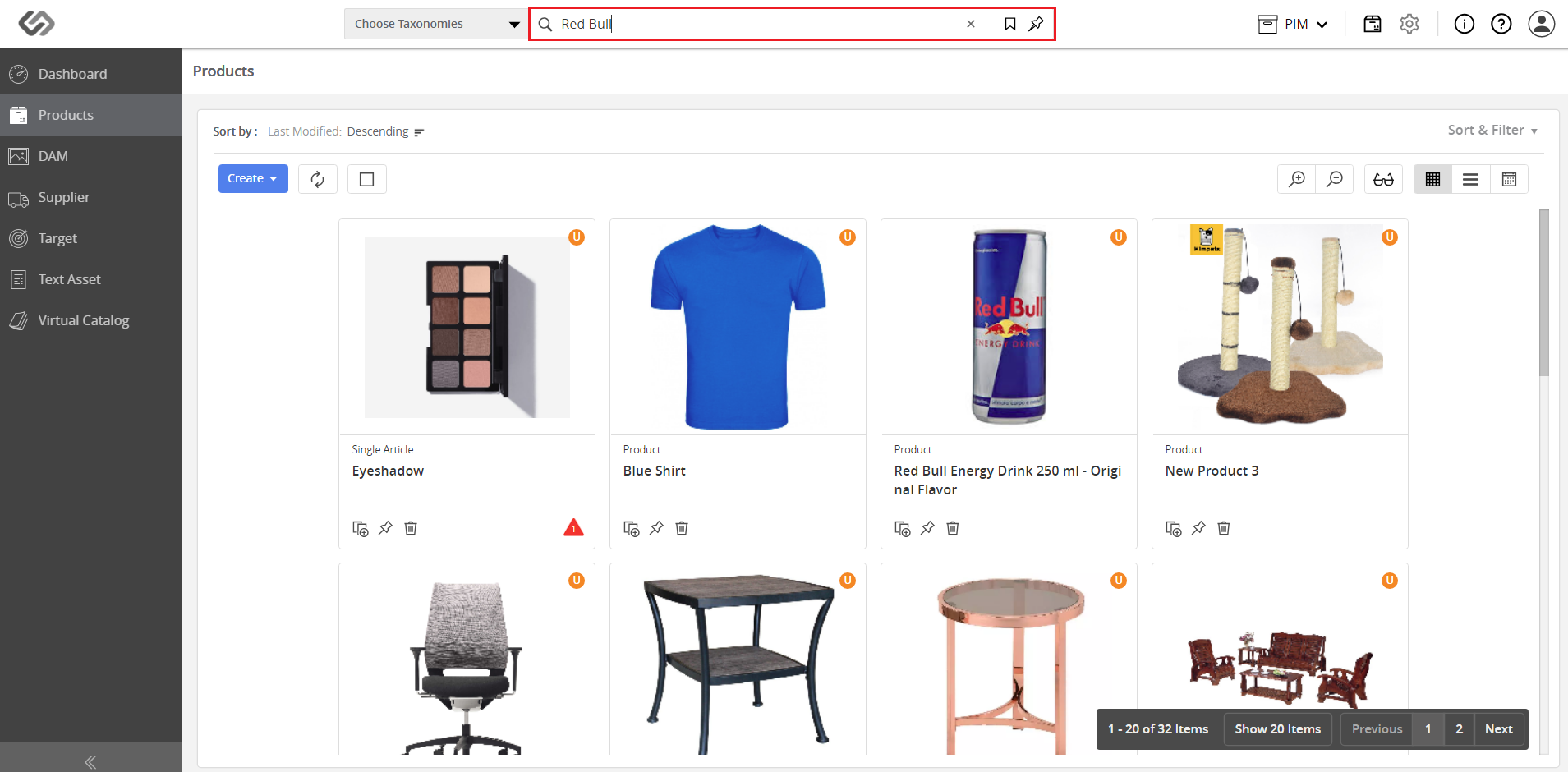
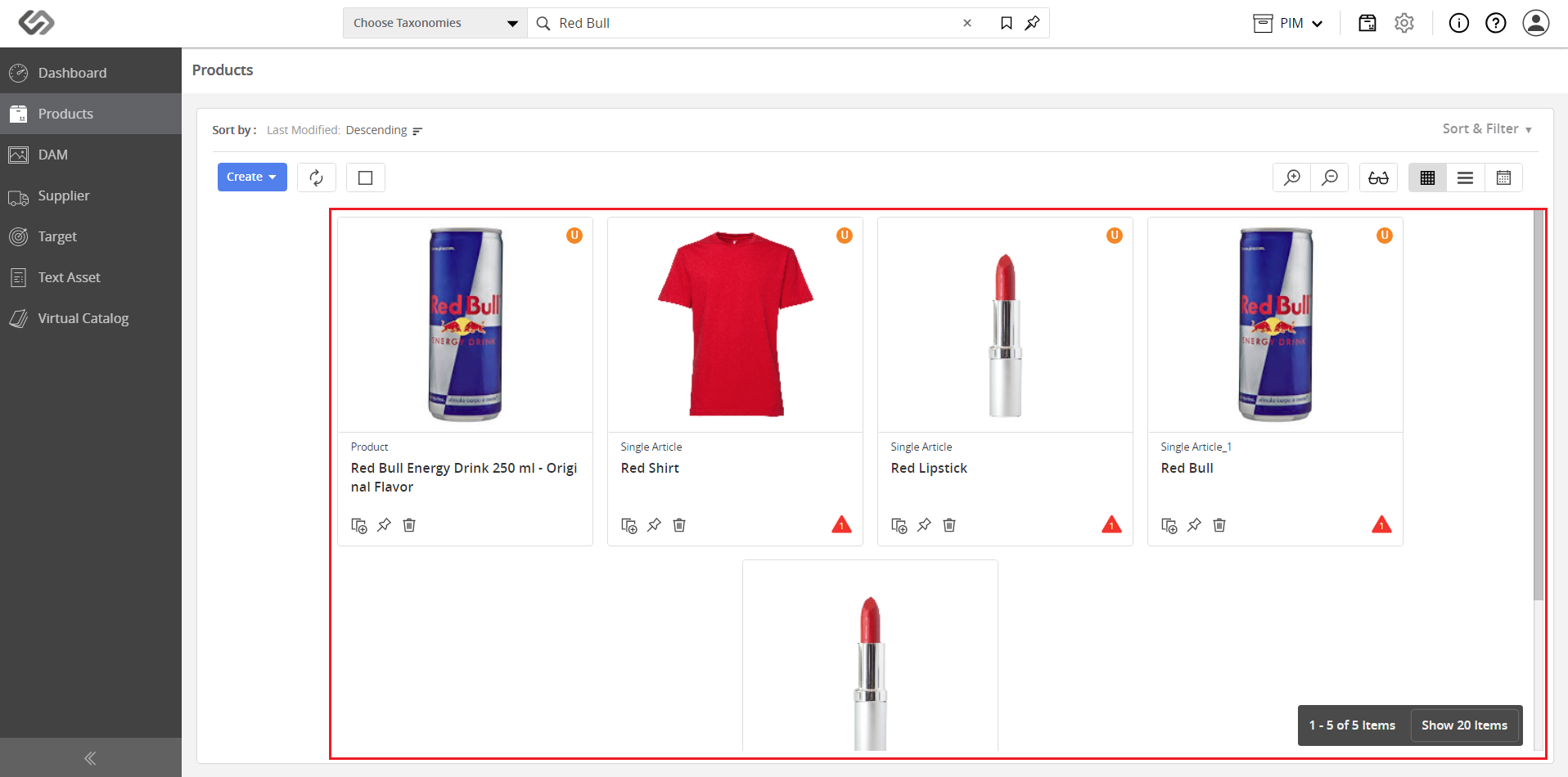
    If a user wants to search for products that match the “Red Bull” criteria in the system, the user directly types “Red Bull” on the search bar. The search results will only display entries with Red Bull.

How-to: Full-text Search

To do a full-text search, follow these steps:


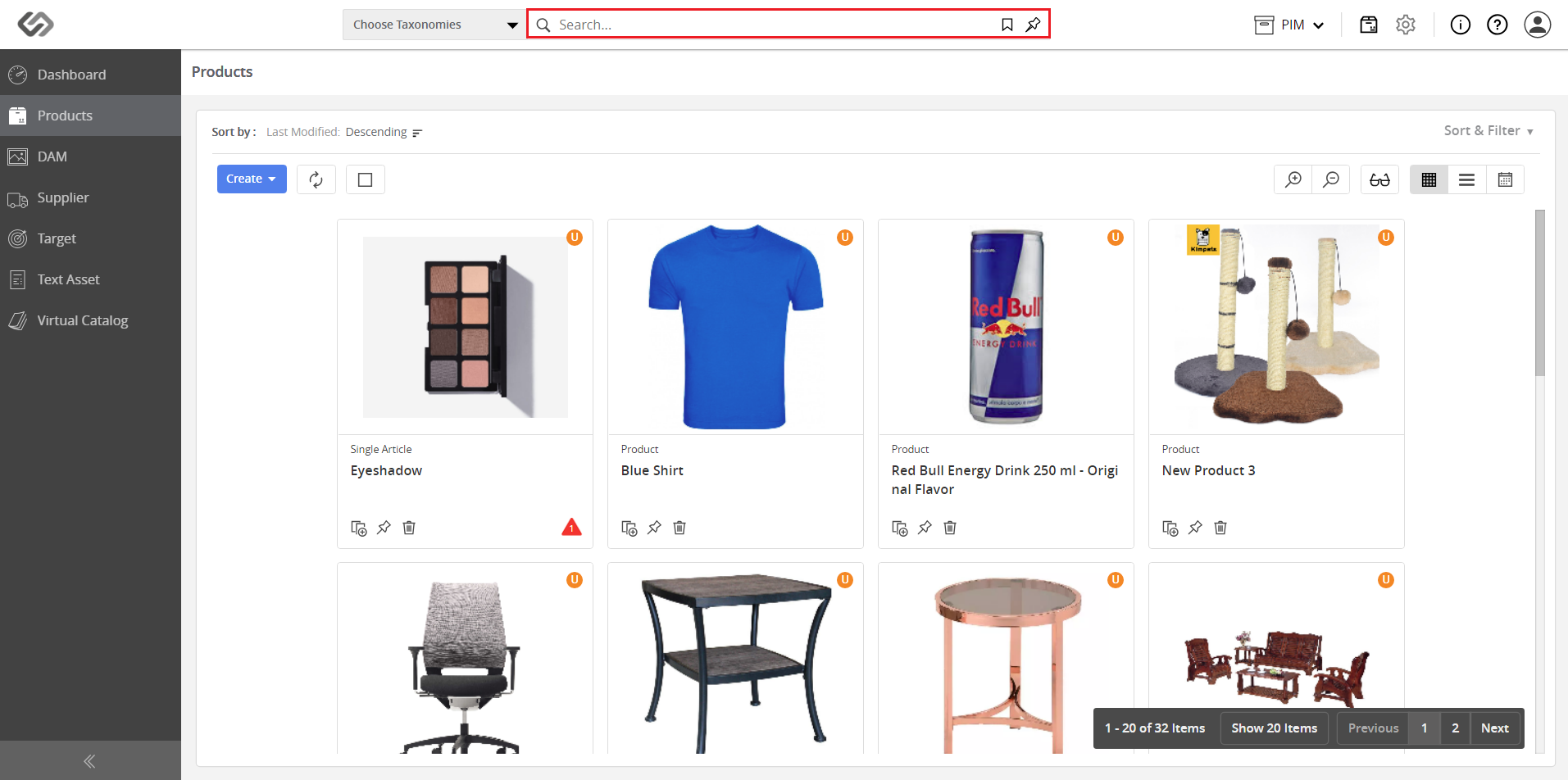
  • Log in and go to Products.
../../../../../../_images/pxp_parametricsearch_login.PNG


  • Click on the Search bar.
../../../../../../_images/pxp_fulltextsearch_clickonthesearchbar.PNG


  • Enter the search keywords in the search bar and press the Enter key on your keyboard.
../../../../../../_images/pxp_fulltextsearch_enterthesearchwords.PNG


  • View the search results that are displayed based on the attributes. The attributes, associated with the search words should have been defined as searchable.
../../../../../../_images/pxp_fulltextsearch_viewthesearchresults.PNG


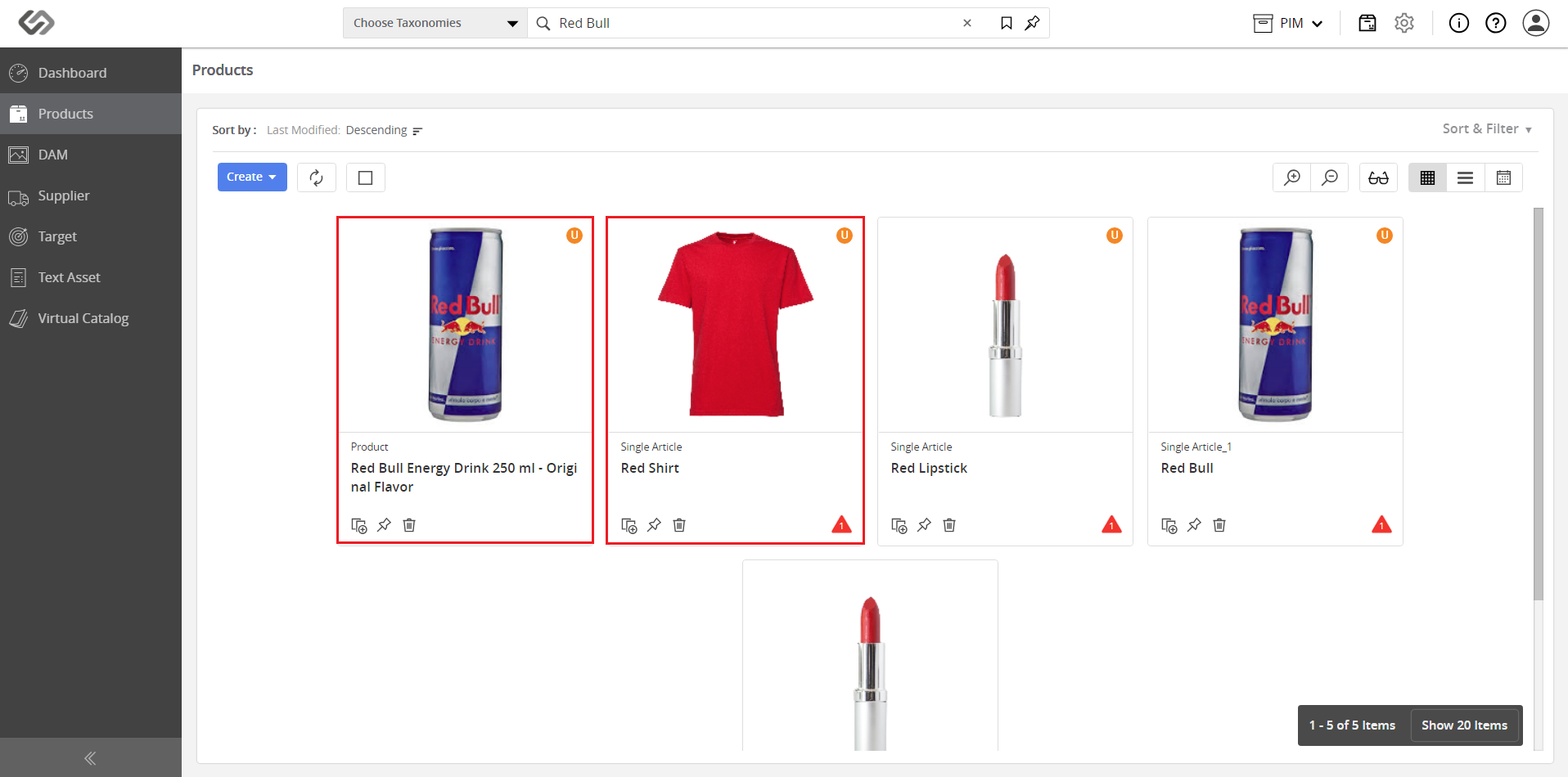
Note: The products that contain the keywords (in this example, “Red” and “Bull”) were searched for and displayed. The search results will display: the shirt tagged as ‘Red’ and the energy drink named ‘Red Bull’.

../../../../../../_images/pxp_fulltextsearch_notetheproducts.PNG


Contentserv line
Next Previous

© Copyright CS Group Revision e37b6cb0.

Built with Sphinx using a theme provided by Read the Docs.