Embedded Variants within Contexts

Embedded Variants within Context is a feature that allows users to create a variant embedded within a product. The variant is only applicable within the context of that product.

Key Term:
  • Linked Variant: a variant which belongs to a Product.
Description:
  • Embedded Variants enable the user to create variants for a product in terms of a context.
  • A product can have several variants, and these variants can be distinguished based on a context.
Related topics:
Application:
  • A product can have a number of variants with the master product representing the group of products.

  • Example:

    Fruit juice can be available in various packaging variants such as single, a pack of 4 or pack of 6. In this example, the packaging is a context of the type tag based on which the product has its variants.

How-to: Embedded Variants within Contexts

To do this, follow these steps:


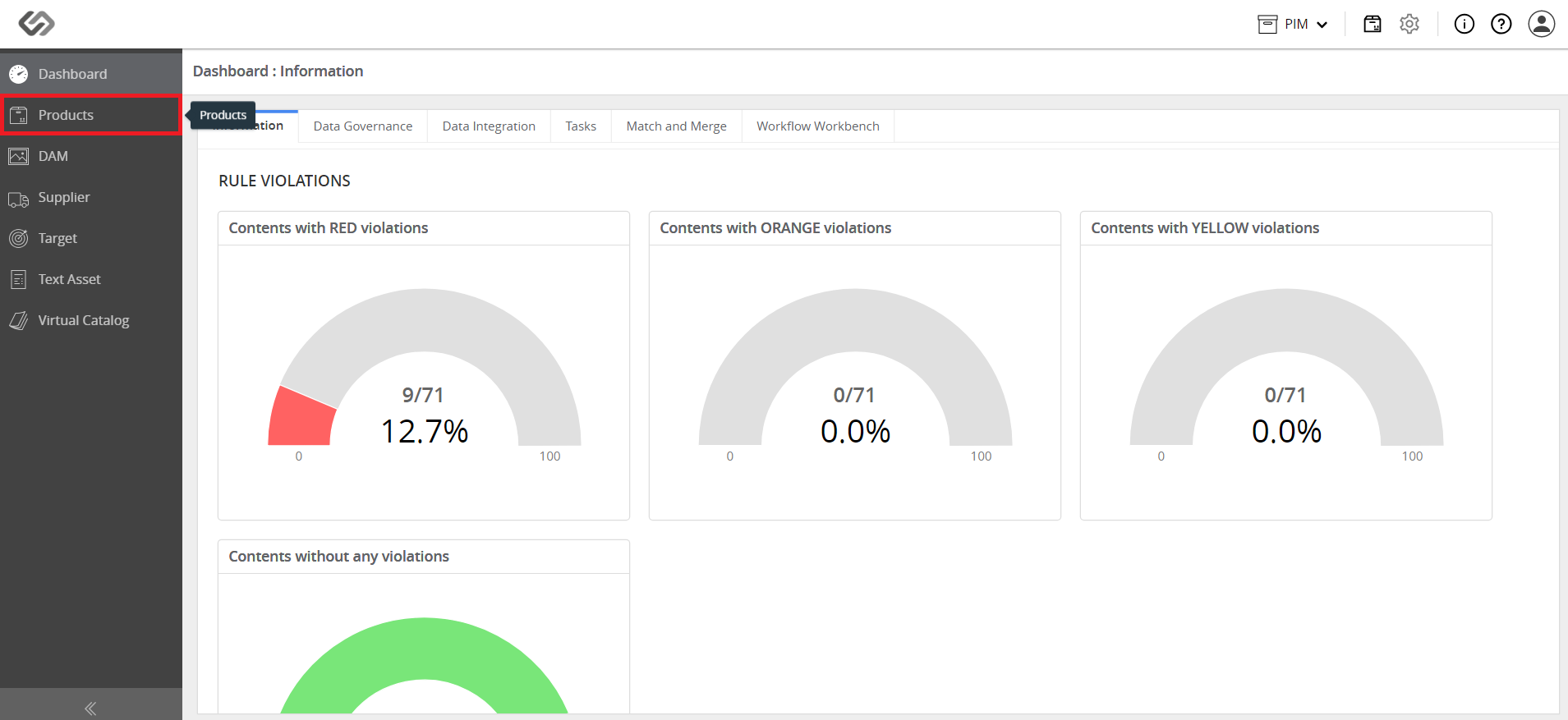
  • Go to Products.
../../../../../../_images/pxp_embeddedvariants_gotoprod2.PNG


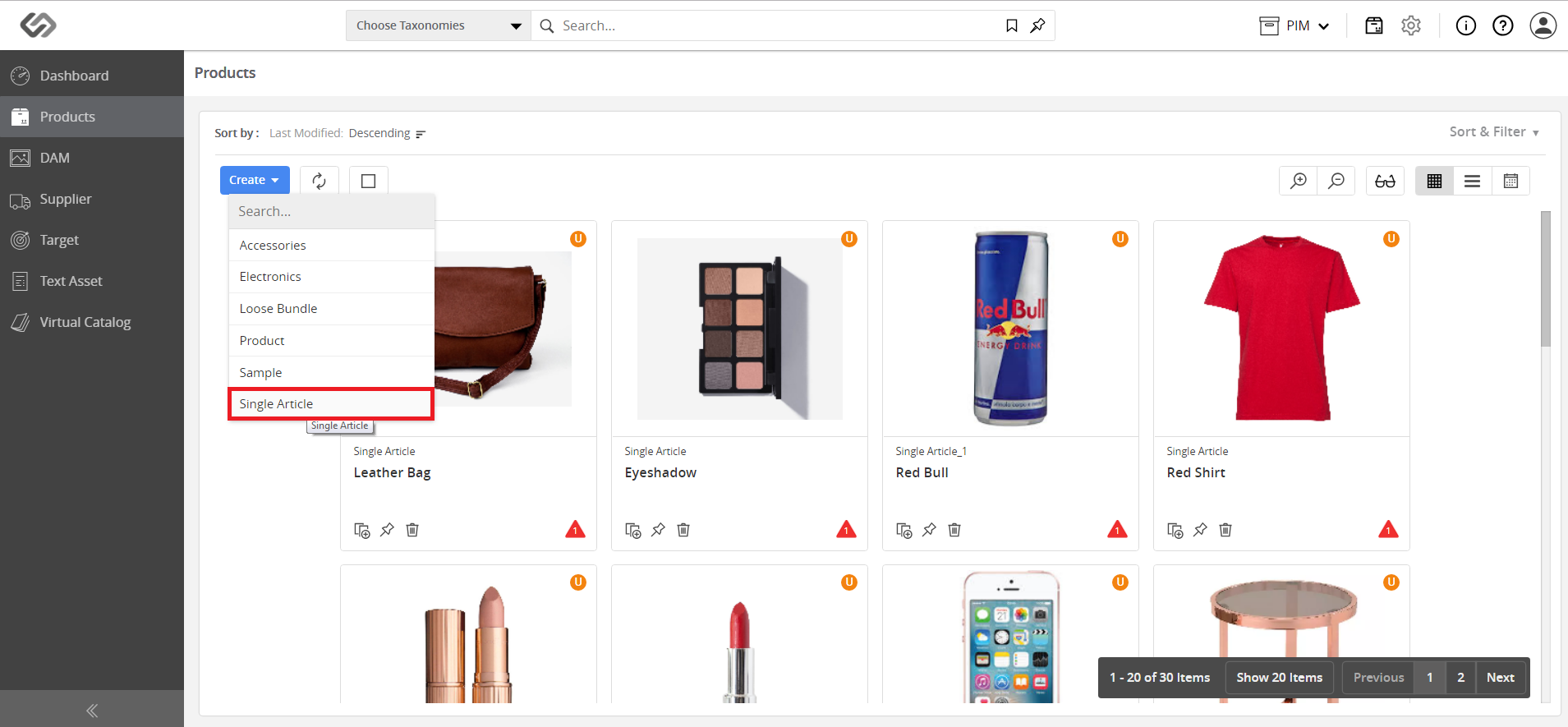
  • Click on the ‘+’ icon and select Single Article.
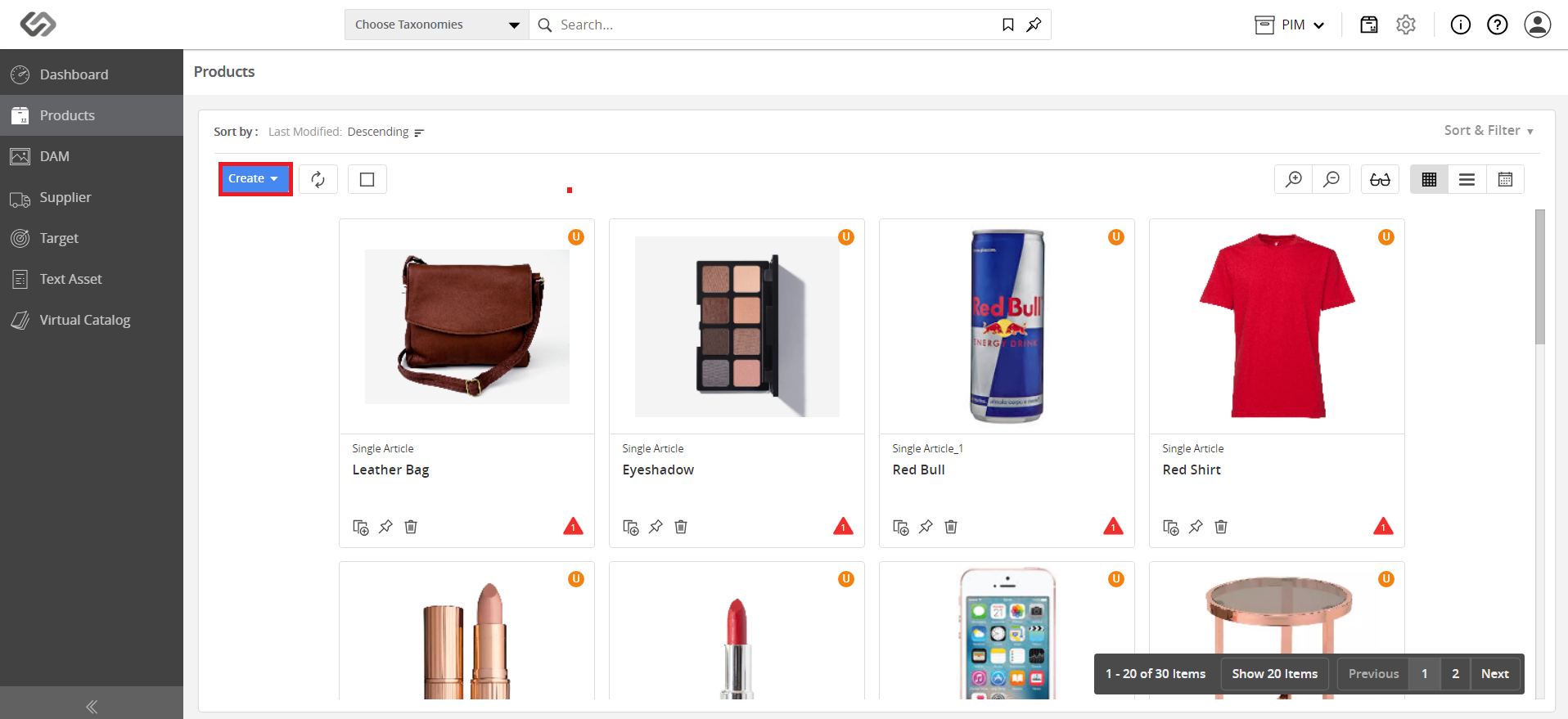
../../../../../../_images/pxp_embeddedvariants_clickplusicon.PNG


../../../../../../_images/pxp_embeddedvariants_clickplusicon2.PNG


  • Fill in the appropriate data and add images for the product and its variants.
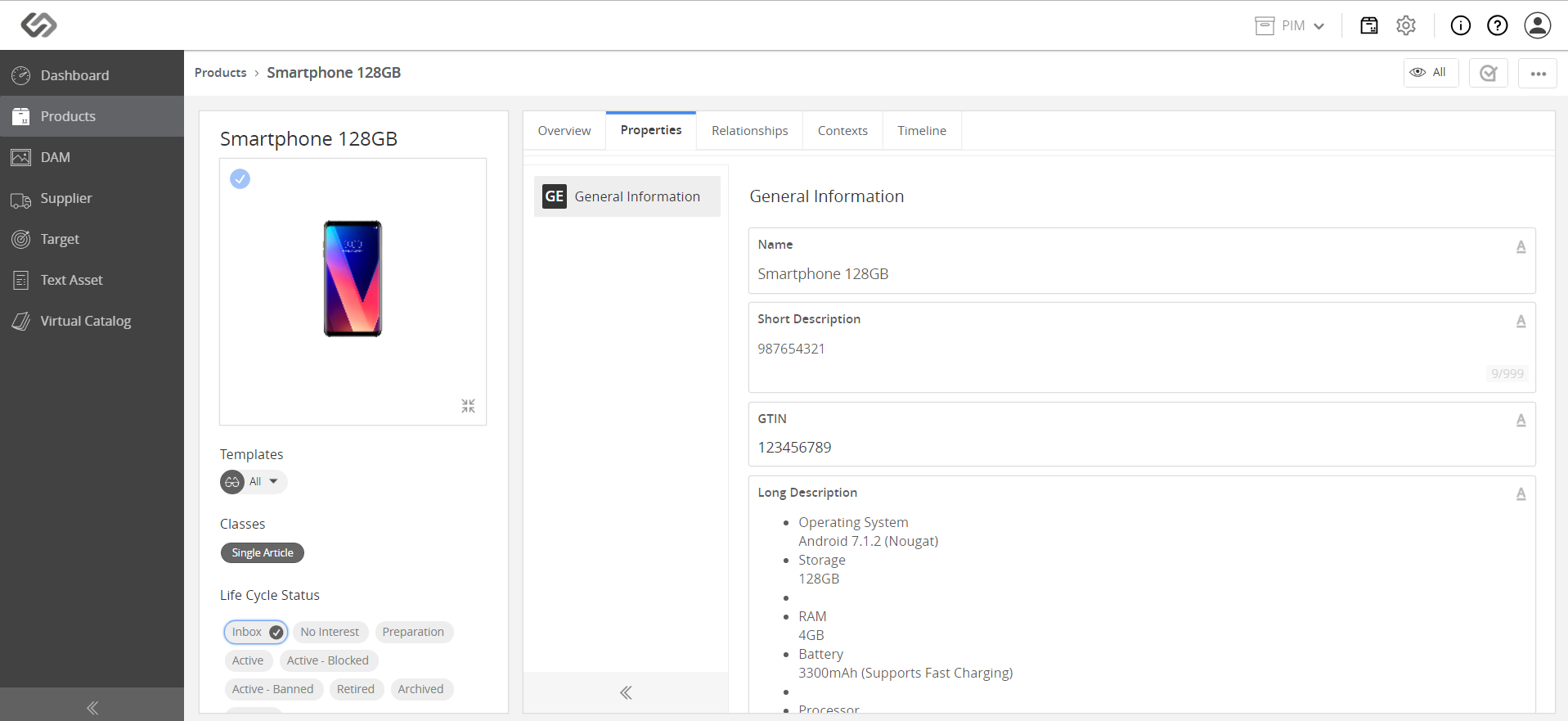
../../../../../../_images/pxp_embeddedvariants_fillinappropriateproductdata.PNG


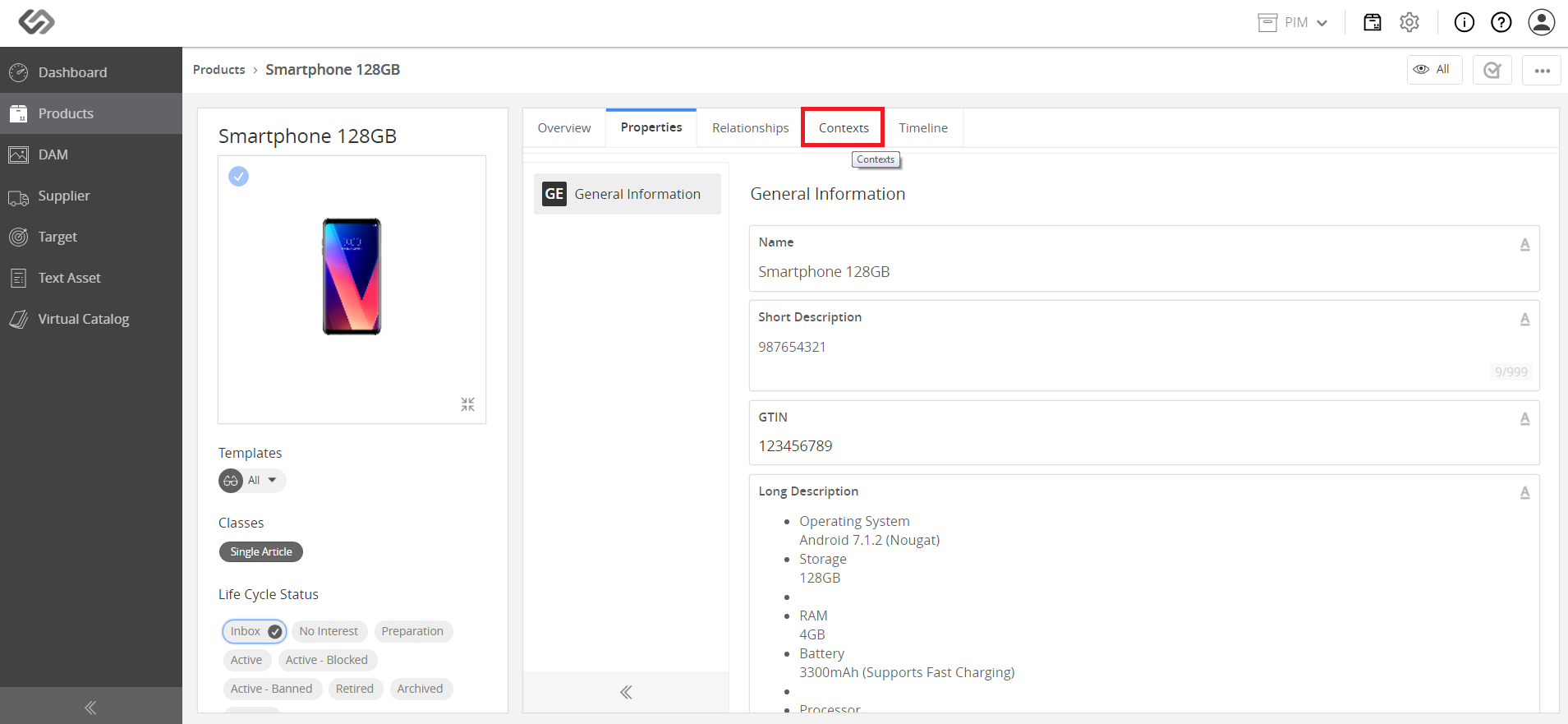
  • Click on the Contexts tab.
../../../../../../_images/pxp_embeddedvariants_clickcontexticon.PNG


  • Click on the Create button to create a variant.
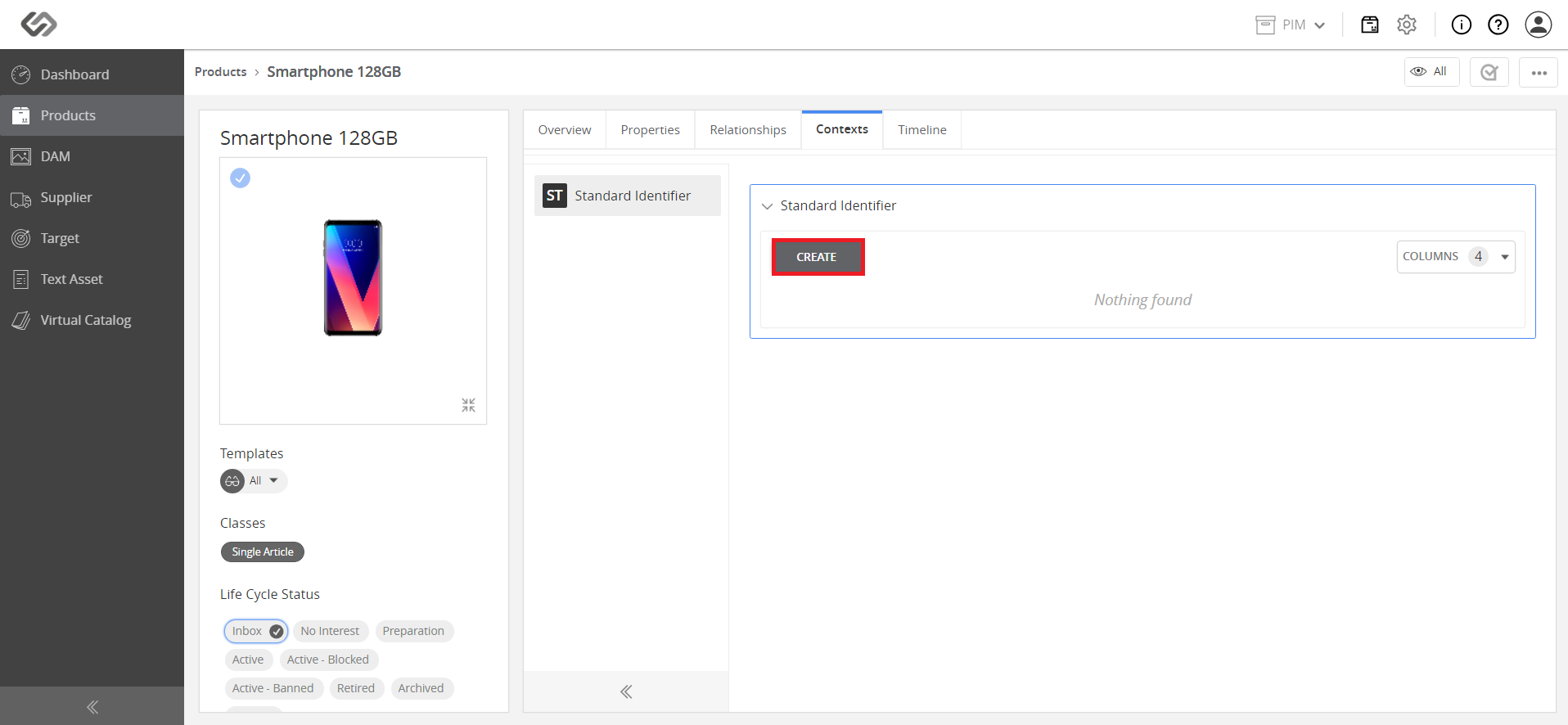
../../../../../../_images/pxp_embeddedvariants_clickcreate.PNG


  • Select the appropriate tags, select a variant, and click.
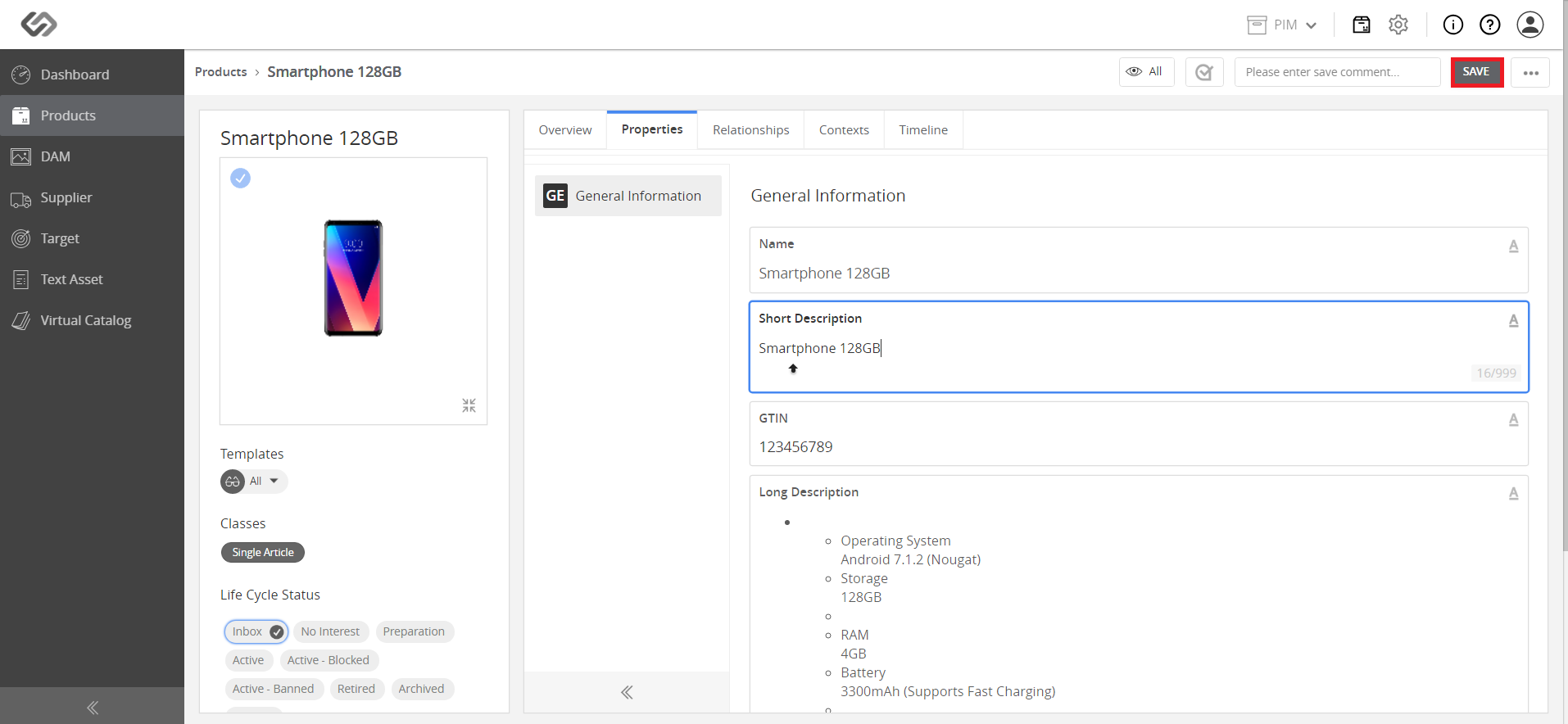
../../../../../../_images/pxp_embeddedvariants_selectappropriatetags.PNG


  • Fill in the data for the variant and click.
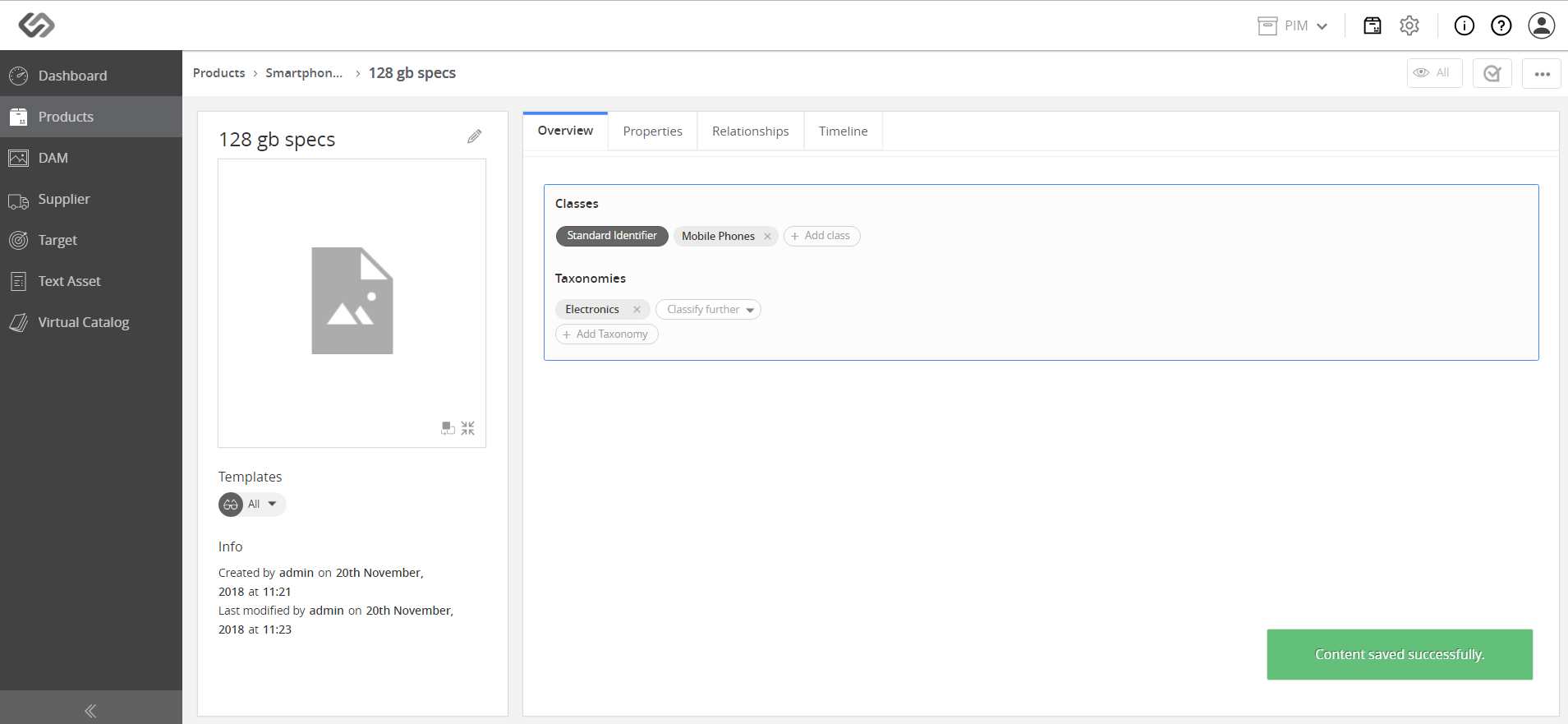
../../../../../../_images/pxp_embeddedvariants_fillindata.PNG


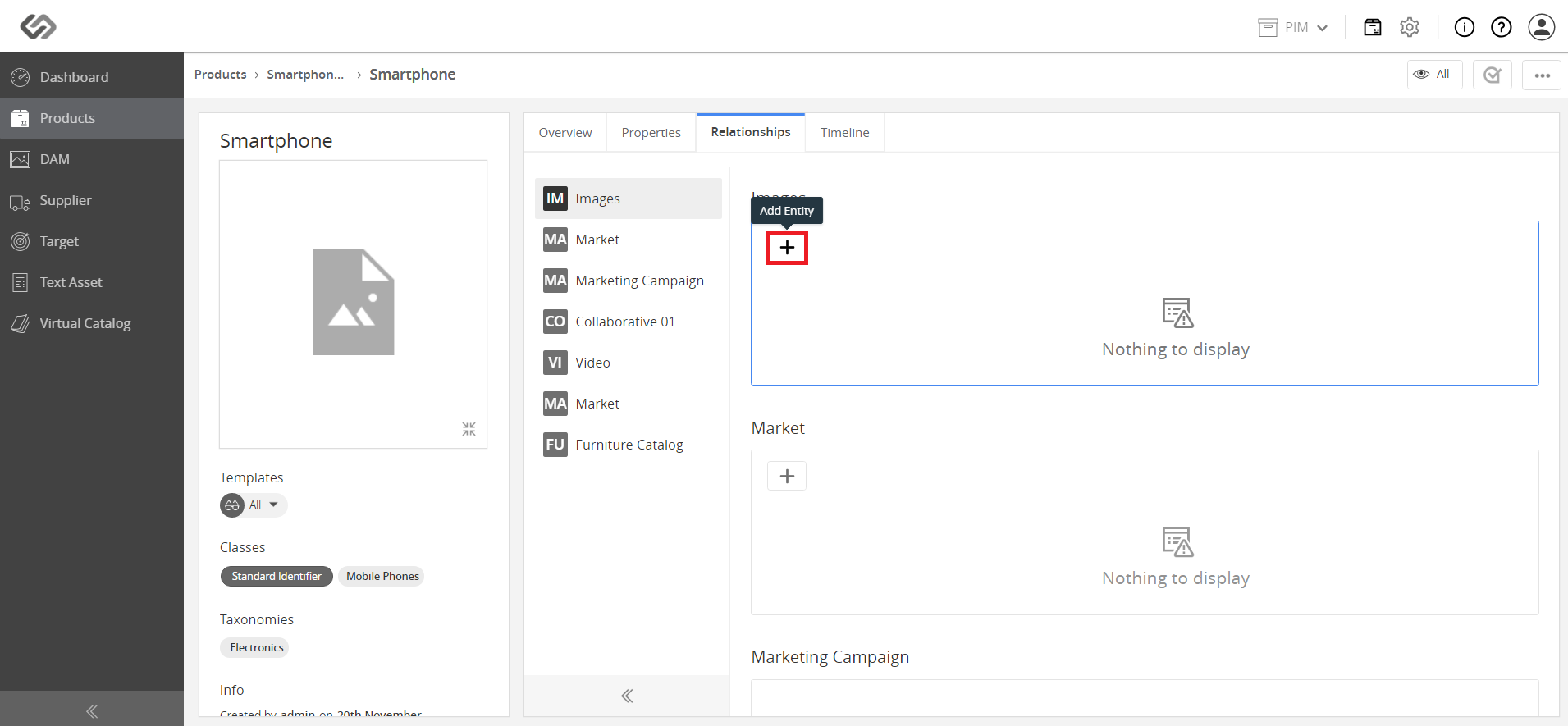
  • Add image to the created variant.
../../../../../../_images/pxp_embeddedvariants_addvariantimage.PNG


../../../../../../_images/pxp_embeddedvariants_addvariantimage2.PNG


../../../../../../_images/pxp_embeddedvariants_addvariantimage3.PNG


../../../../../../_images/pxp_embeddedvariants_addvariantimage4.PNG


  • Go back to the created Single Article at the top left corner.
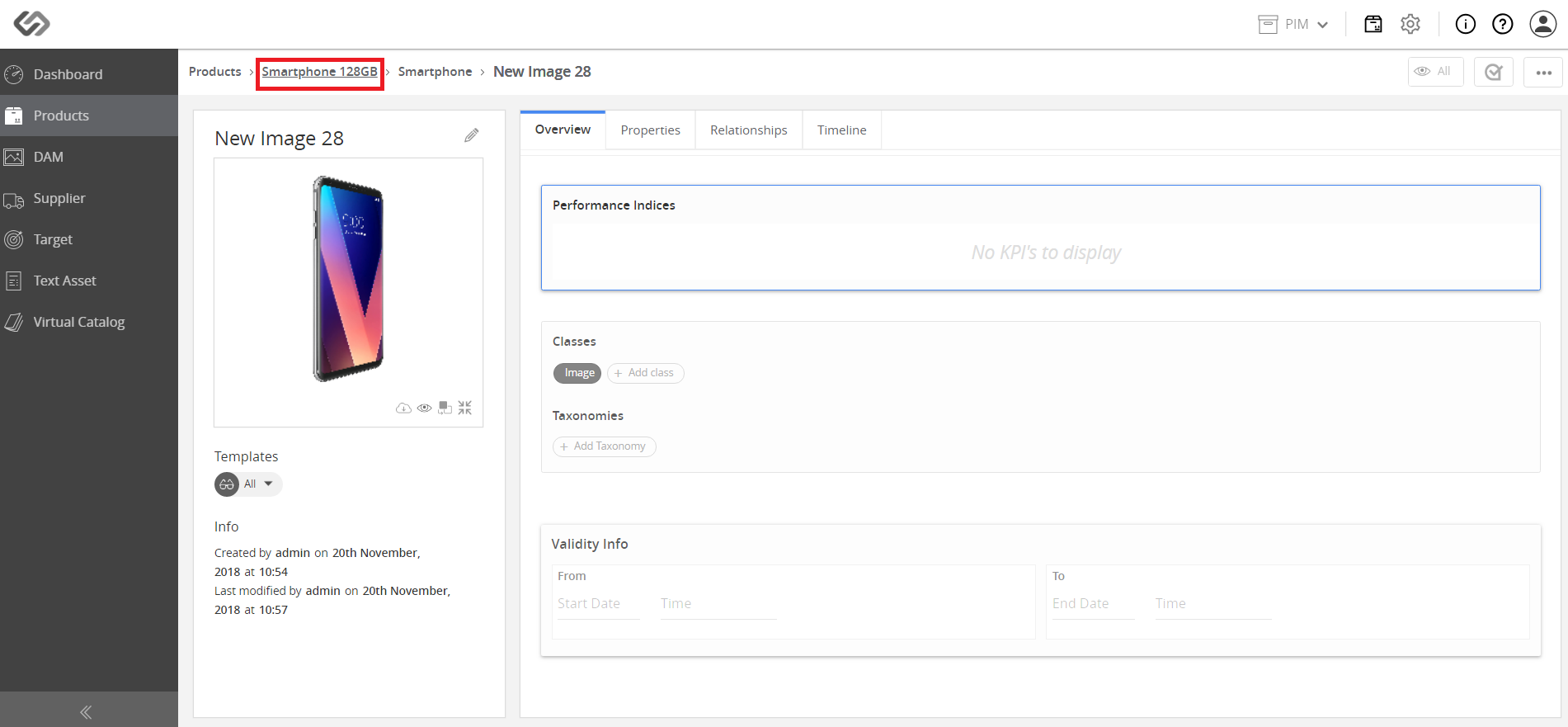
../../../../../../_images/pxp_embeddedvariants_clickcreatedsinglearticle.PNG


  • The variant looks similar to the image below. Take note that users can create several embedded variants.
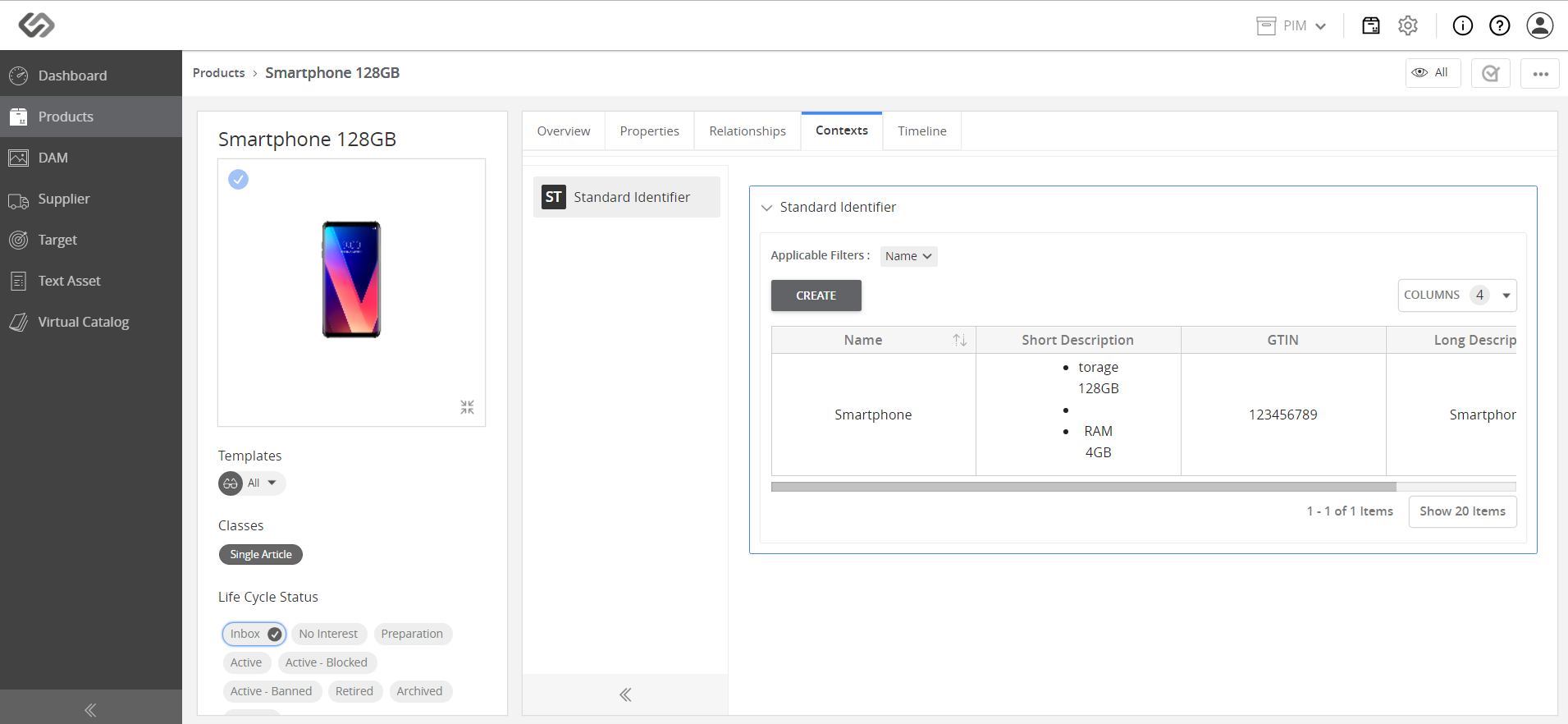
../../../../../../_images/pxp_embeddedvariants_variantlookssimilar.PNG


Contentserv line