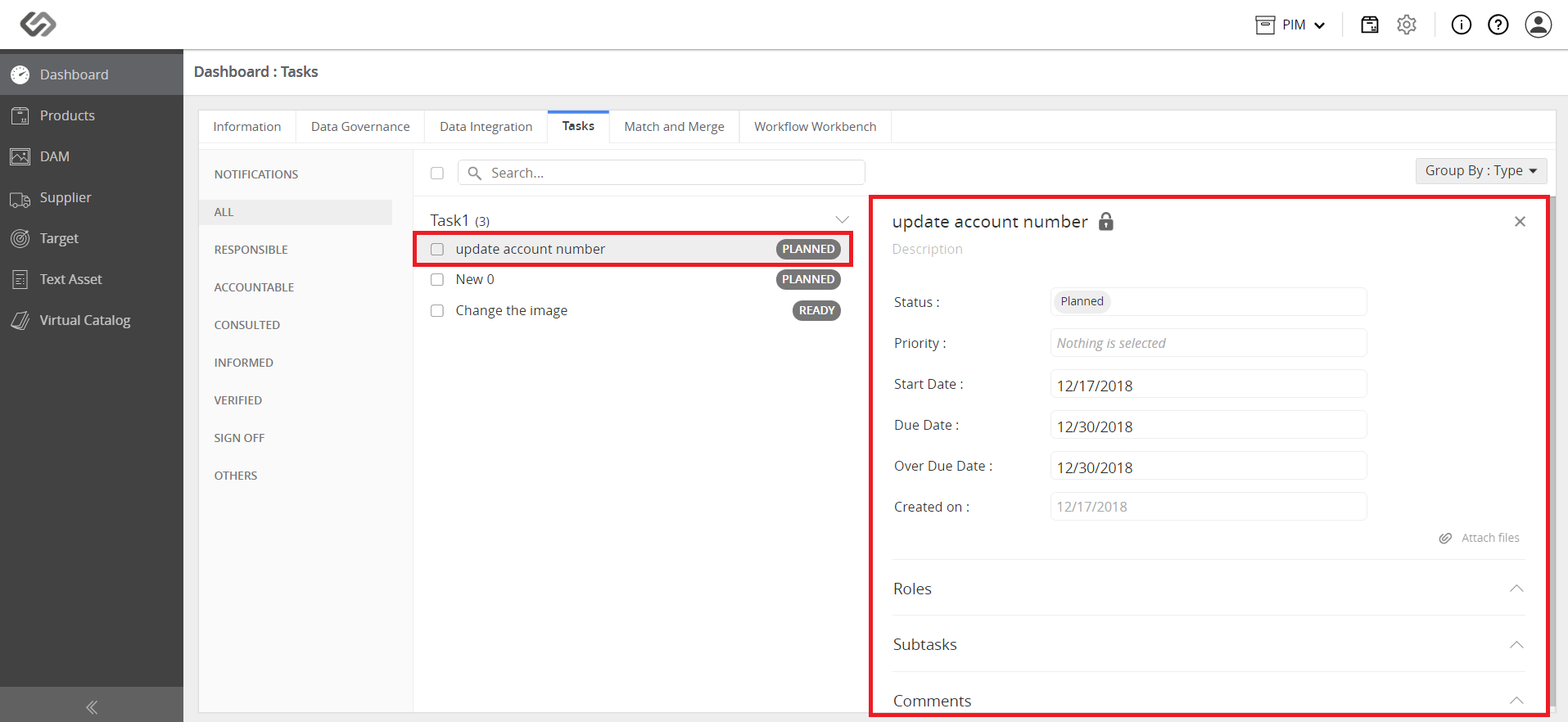
Task Dashboard
The Task Dashboard is where the created tasks can be viewed by the users. The task dashboard provides the capability to view the tasks in their respective categories.
| Key Term: |
|
| Description: |
|
| Related topics: | |
| Application: |
|
How-to: Task Dashboard
To view tasks in the dashboard, follow these steps:
- Log in and click on the Tasks tab.
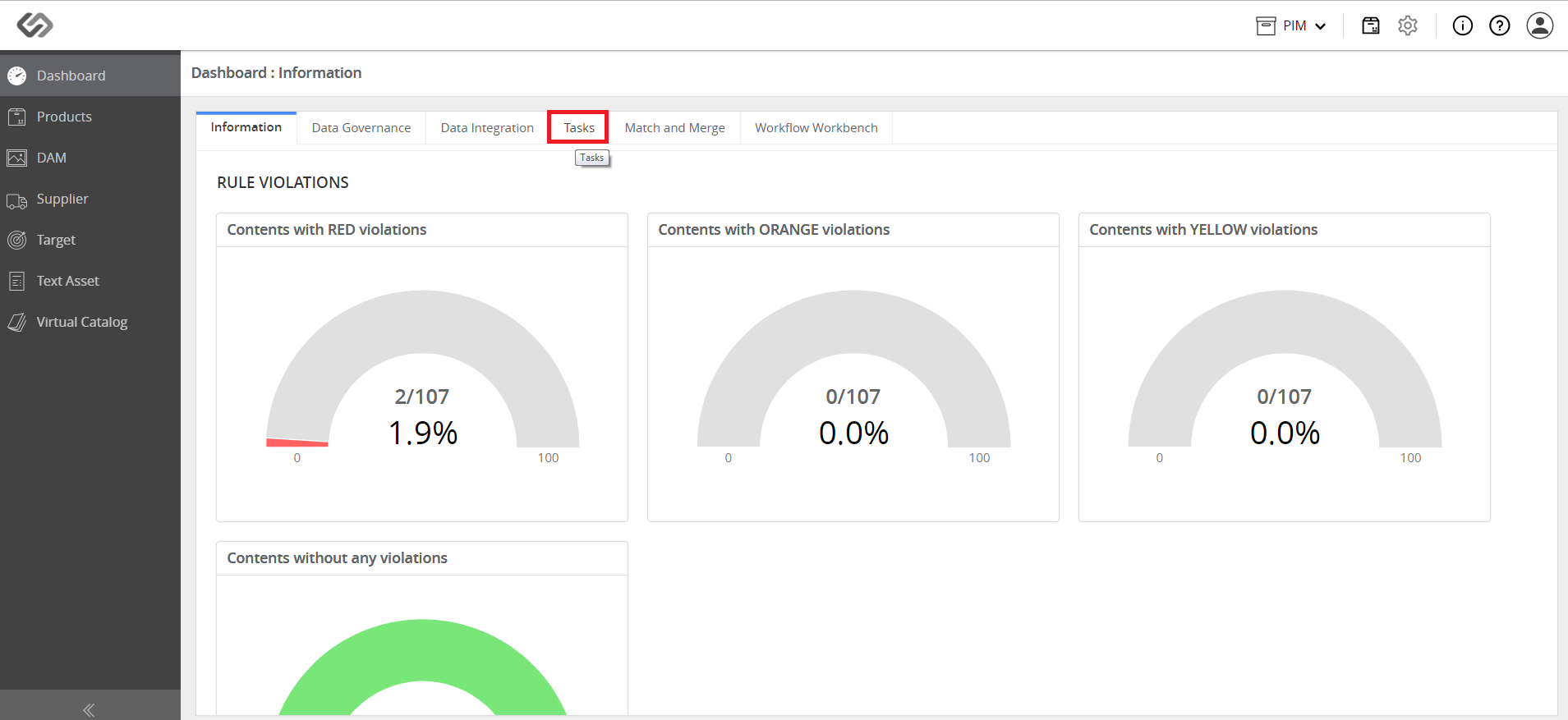
- View the tasks in the dashboard. The dashboard contains tasks that are Public (Shared) and Private tasks.
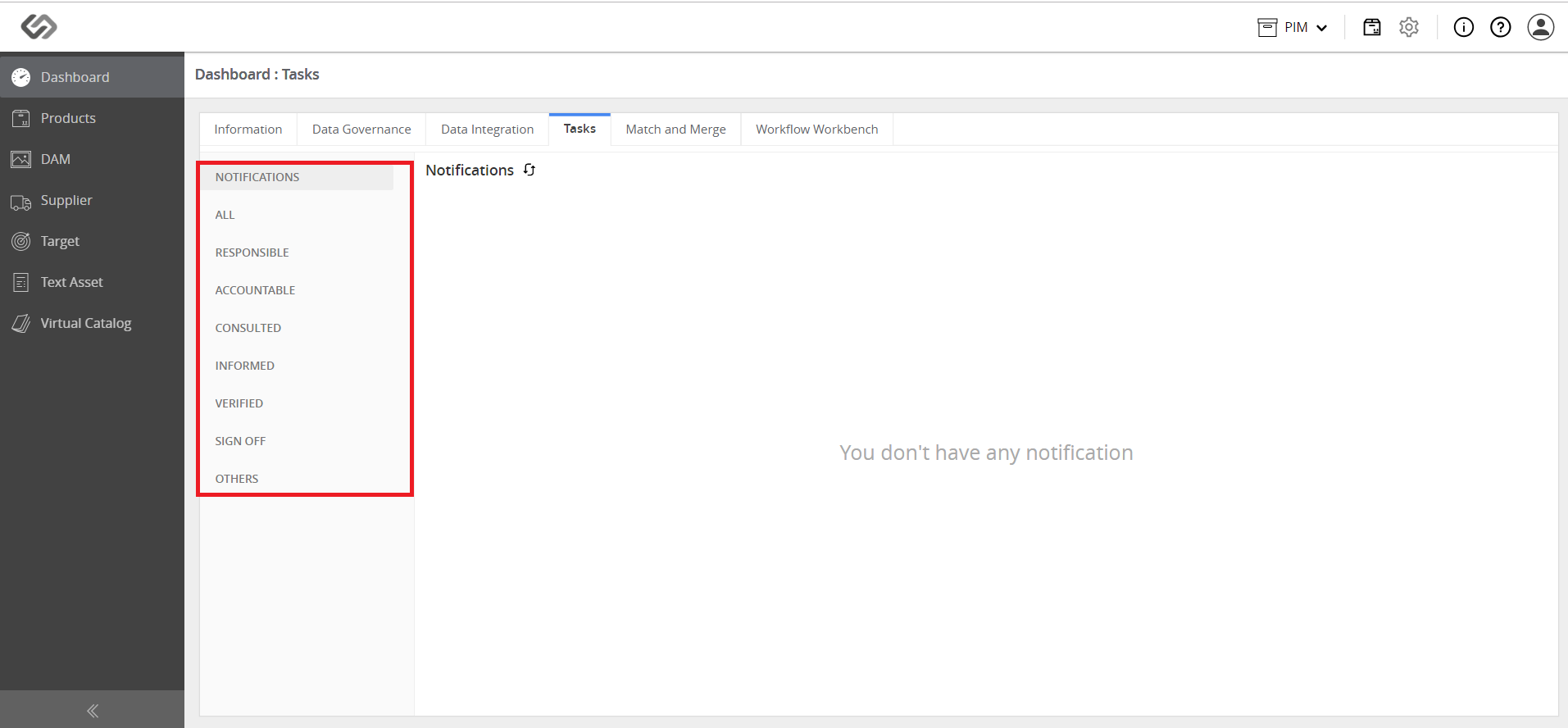
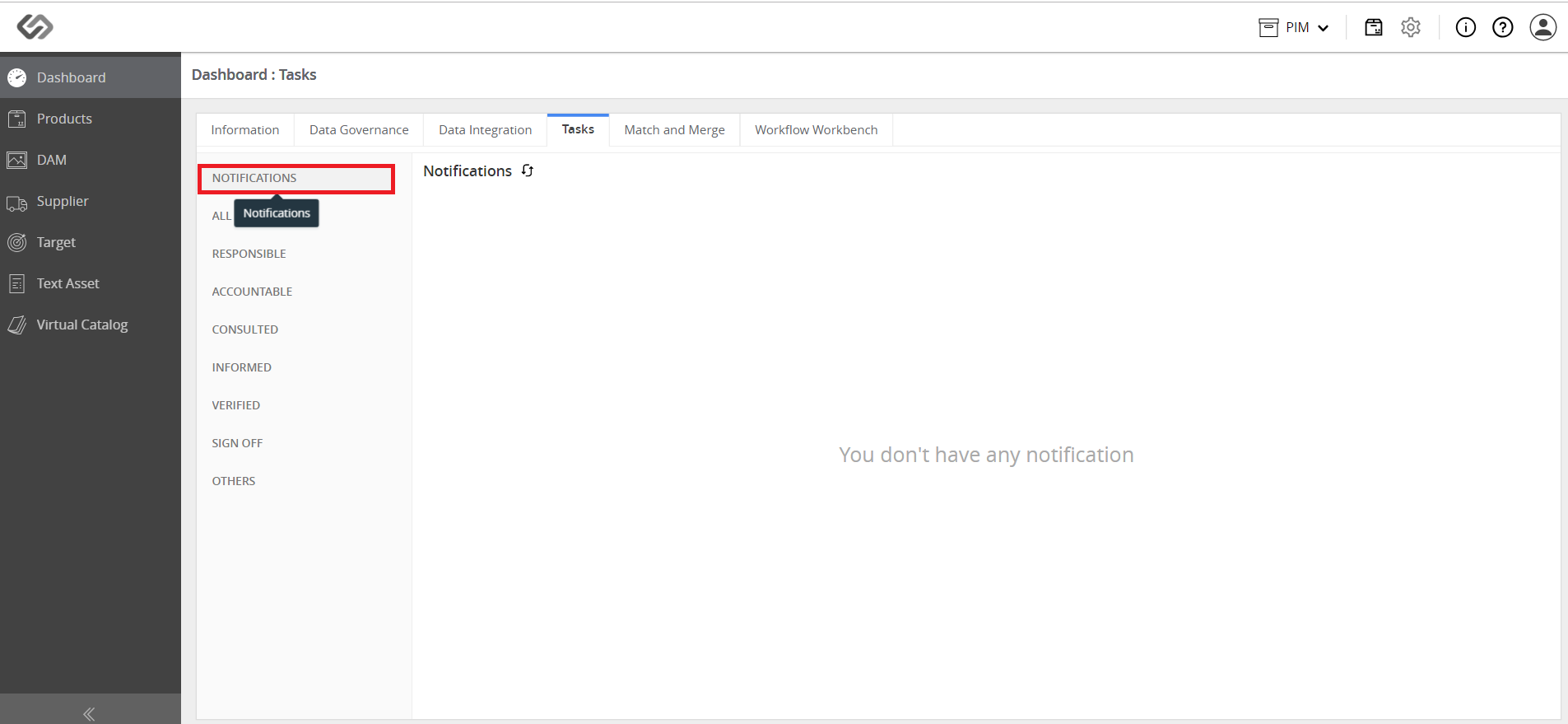
- Click on the Notifications tab to view the notifications. Notifications are quick updates on the task activities.
- Click on All tab to view the Public tasks. From that list, select a task.
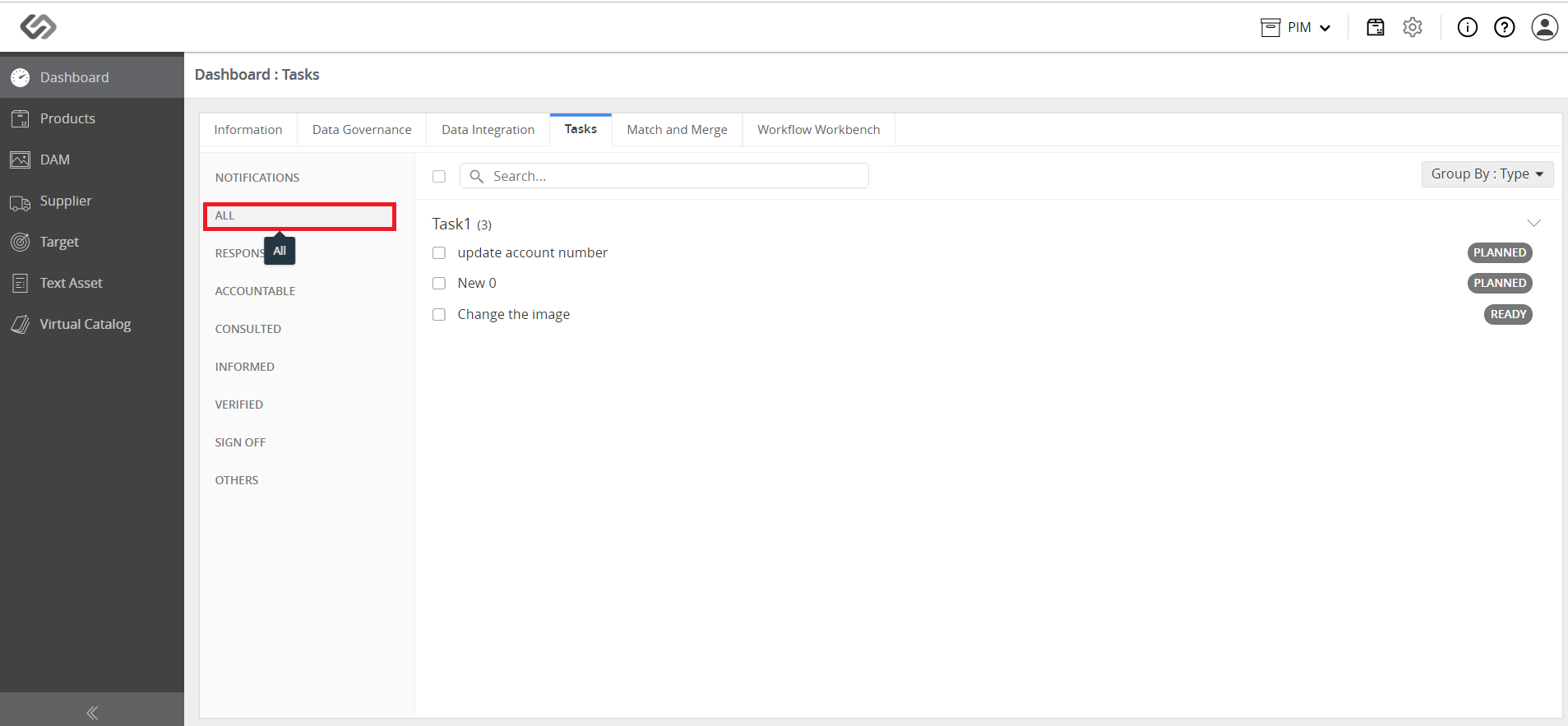
Note: Tasks can be edited and updated in the Task Dashboard.
- From that list of Public tasks, select a task.
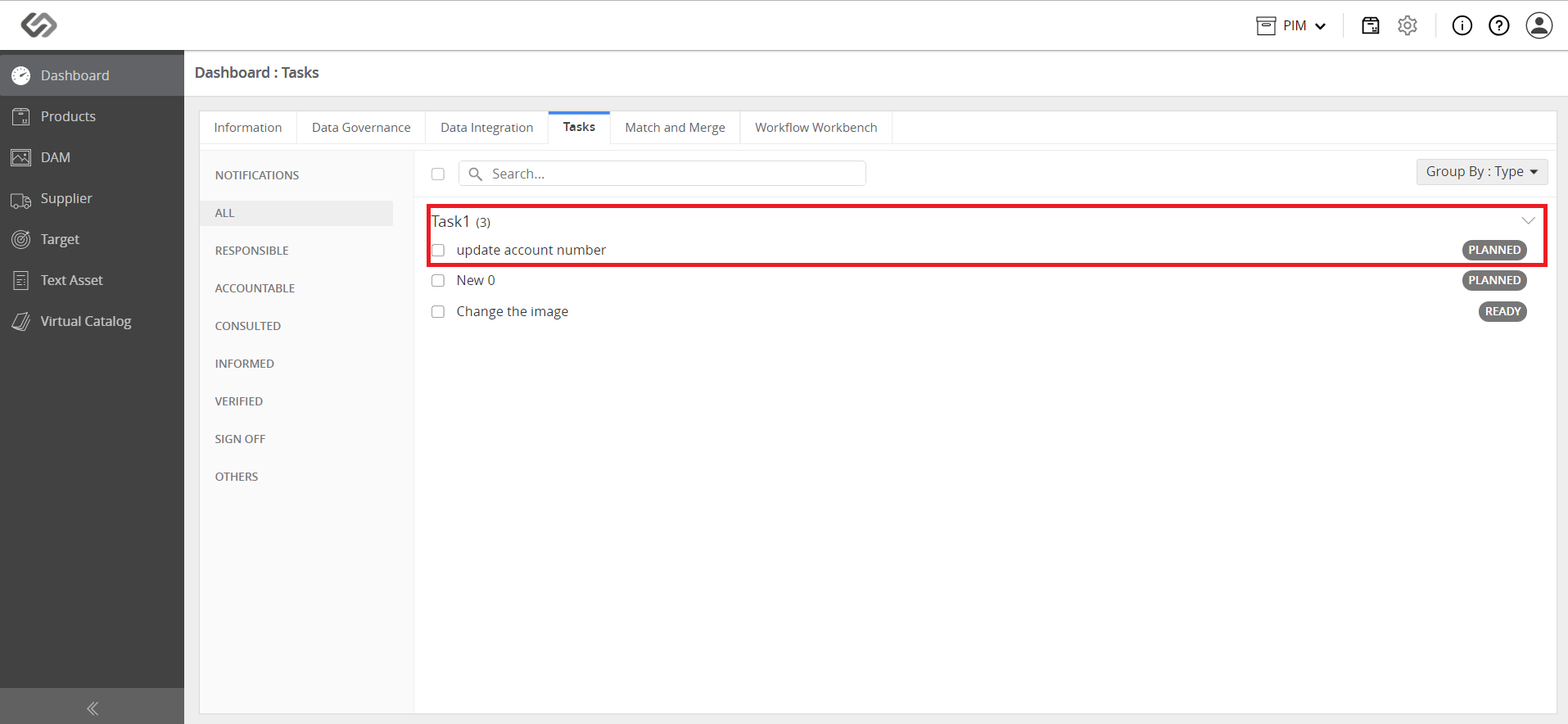
- Edit the details of the task and then save the changes.