Multilingual Data Model
The Multilingual Data Model is a feature that provides translations for the various data model items like Attributes, Tags, Classes, etc so that the system can be used in multiple languages.
| Key Term: |
|
| Description: |
|
| Related topics: | |
| Application: |
|
How-to: Multilingual Data Model
To do this, follow these steps:
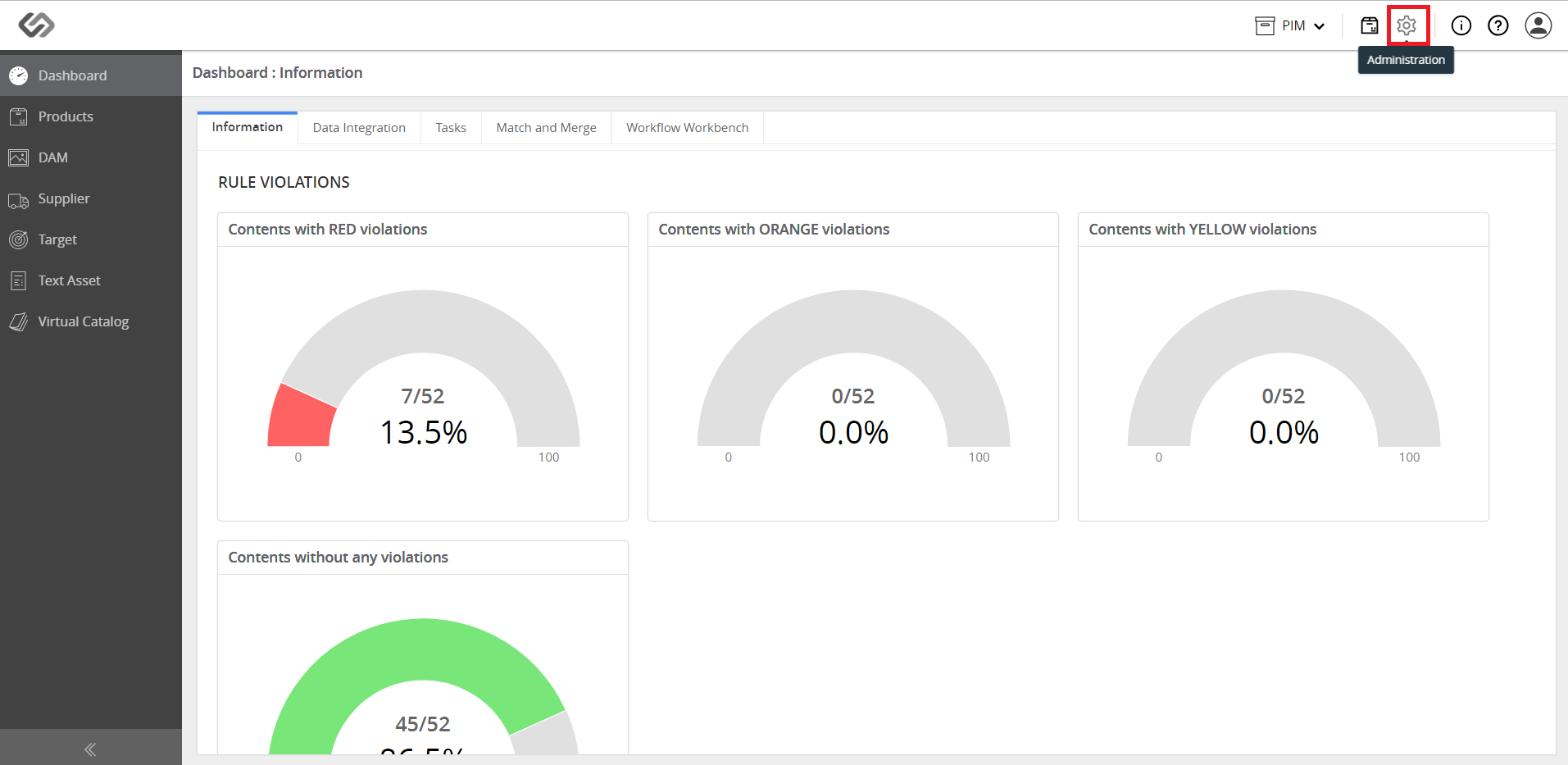
- Click the Administration icon.
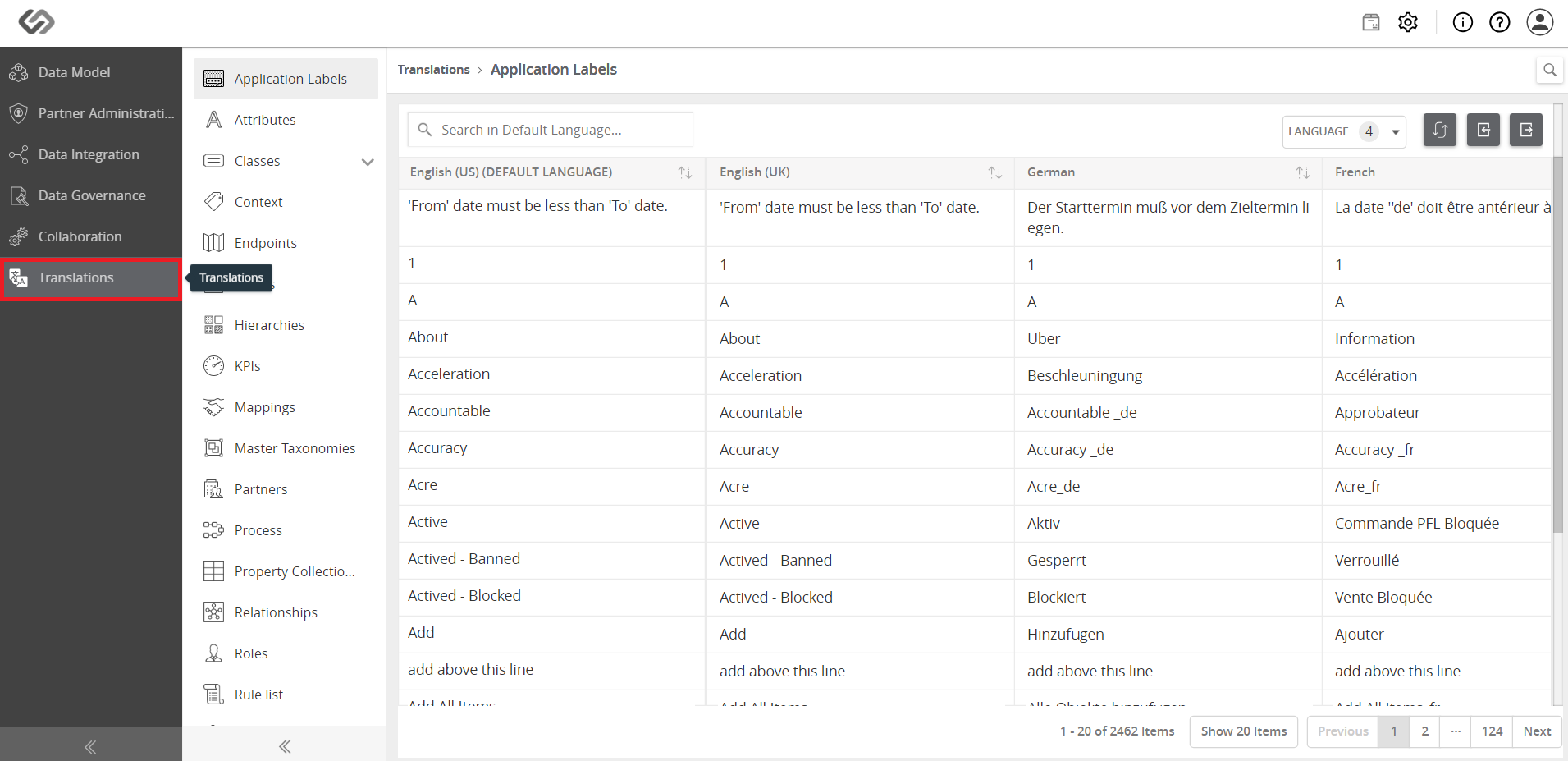
- Click Translations on the left pane.
- Click on the Tags icon to view all the tags in the system.
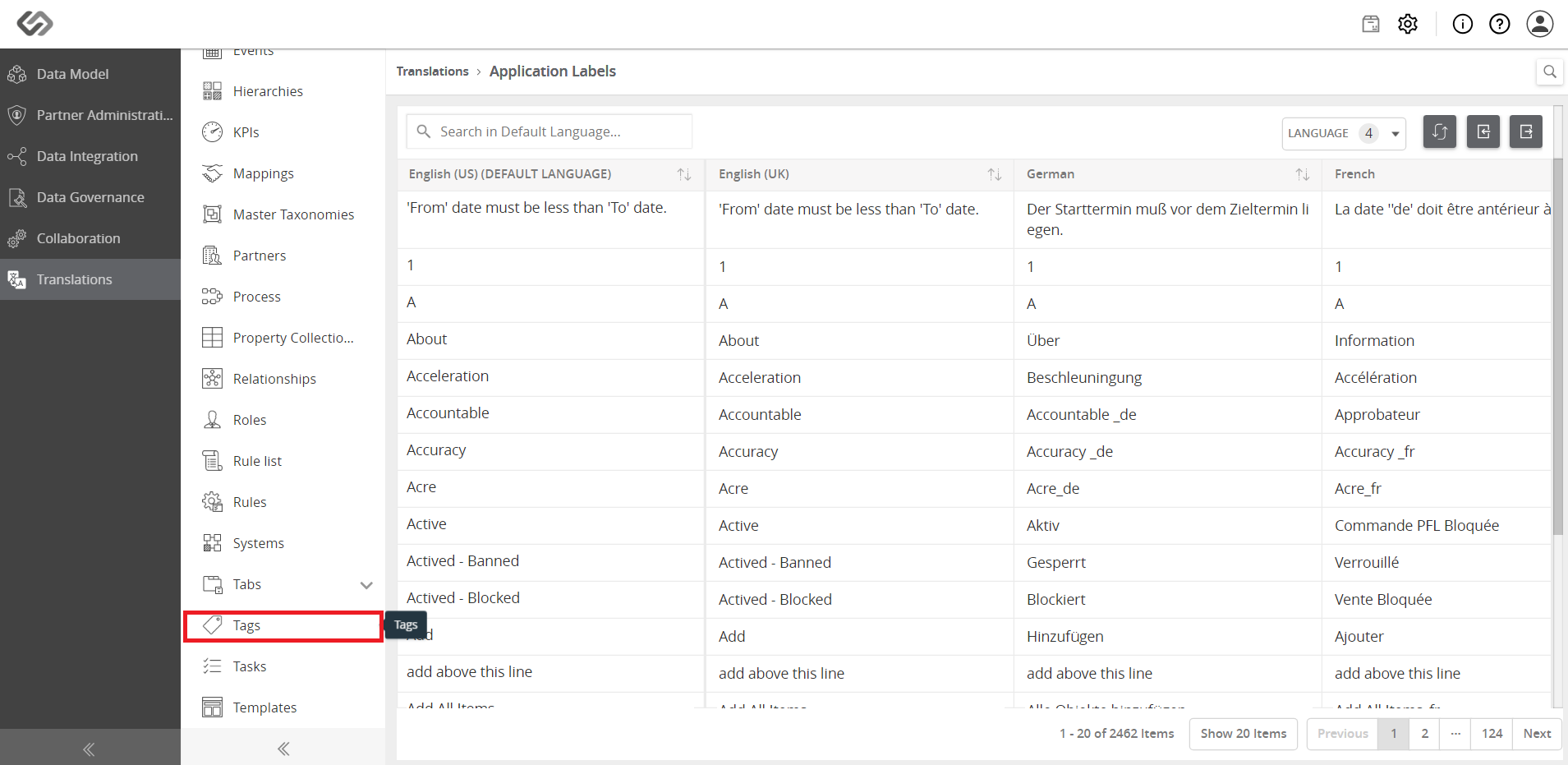
- Select the desired tag and enter the translation value for the language on the left.
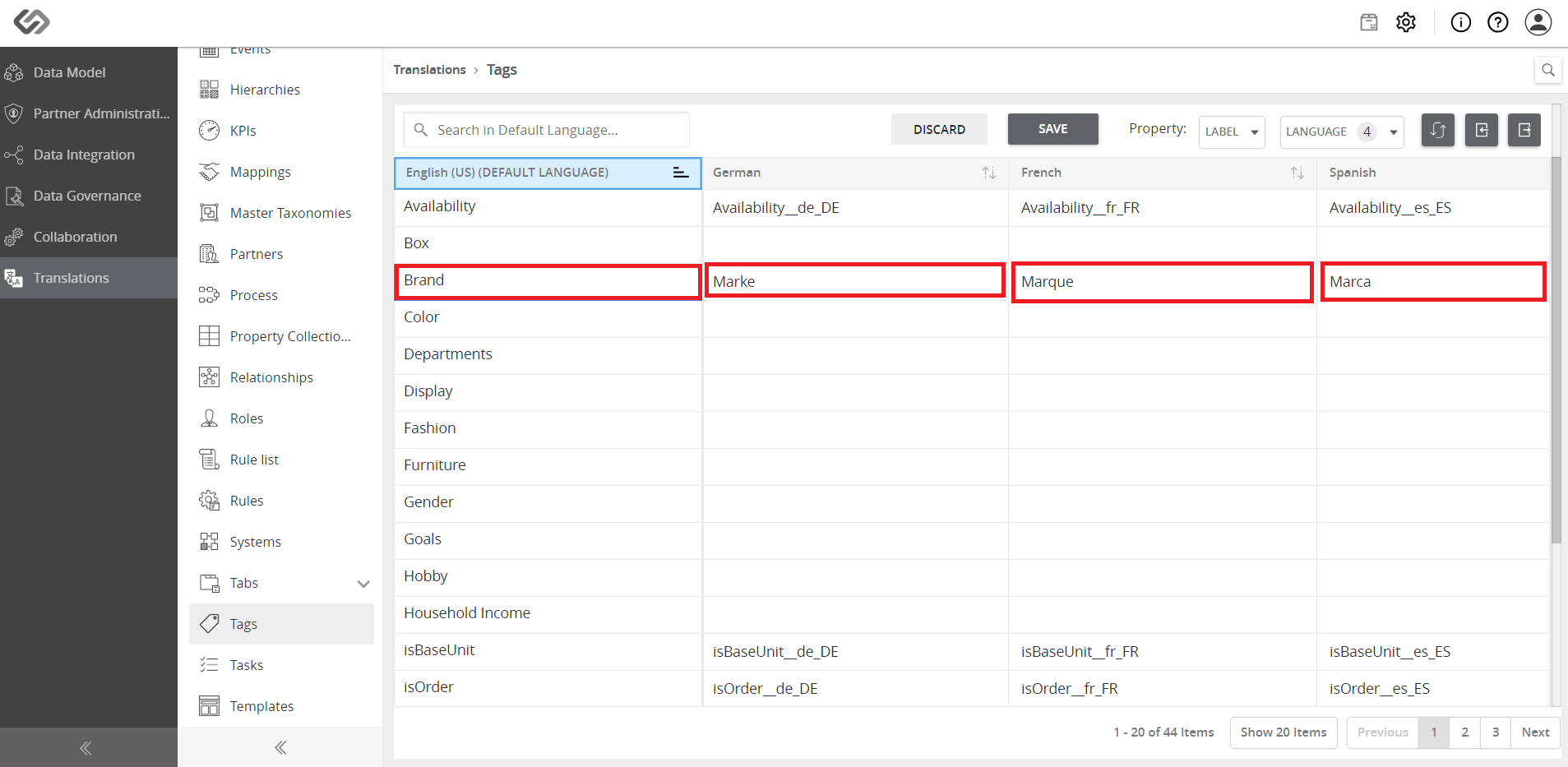
- Repeat the same steps for class, attributes and property collection and other configurations.
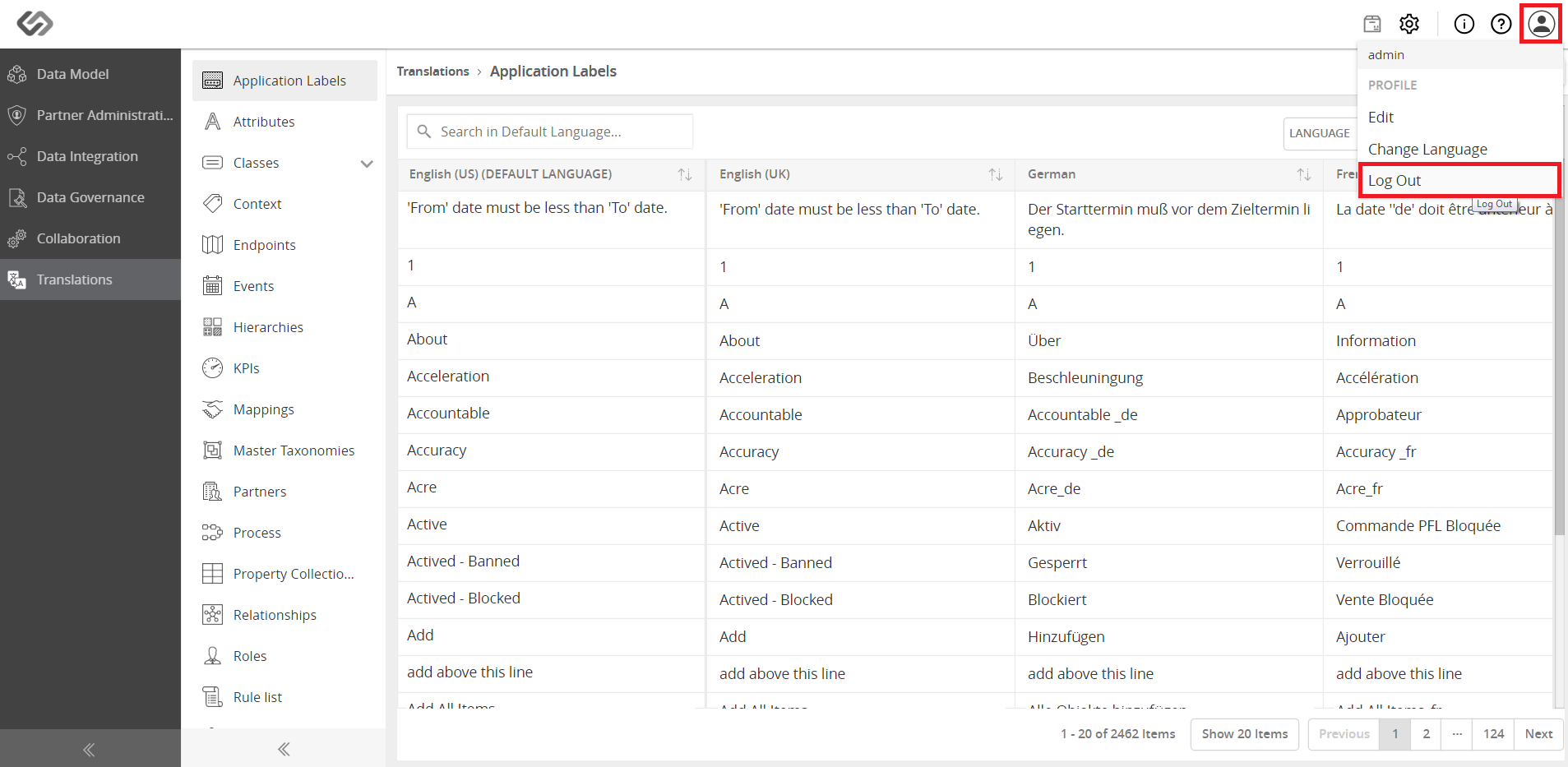
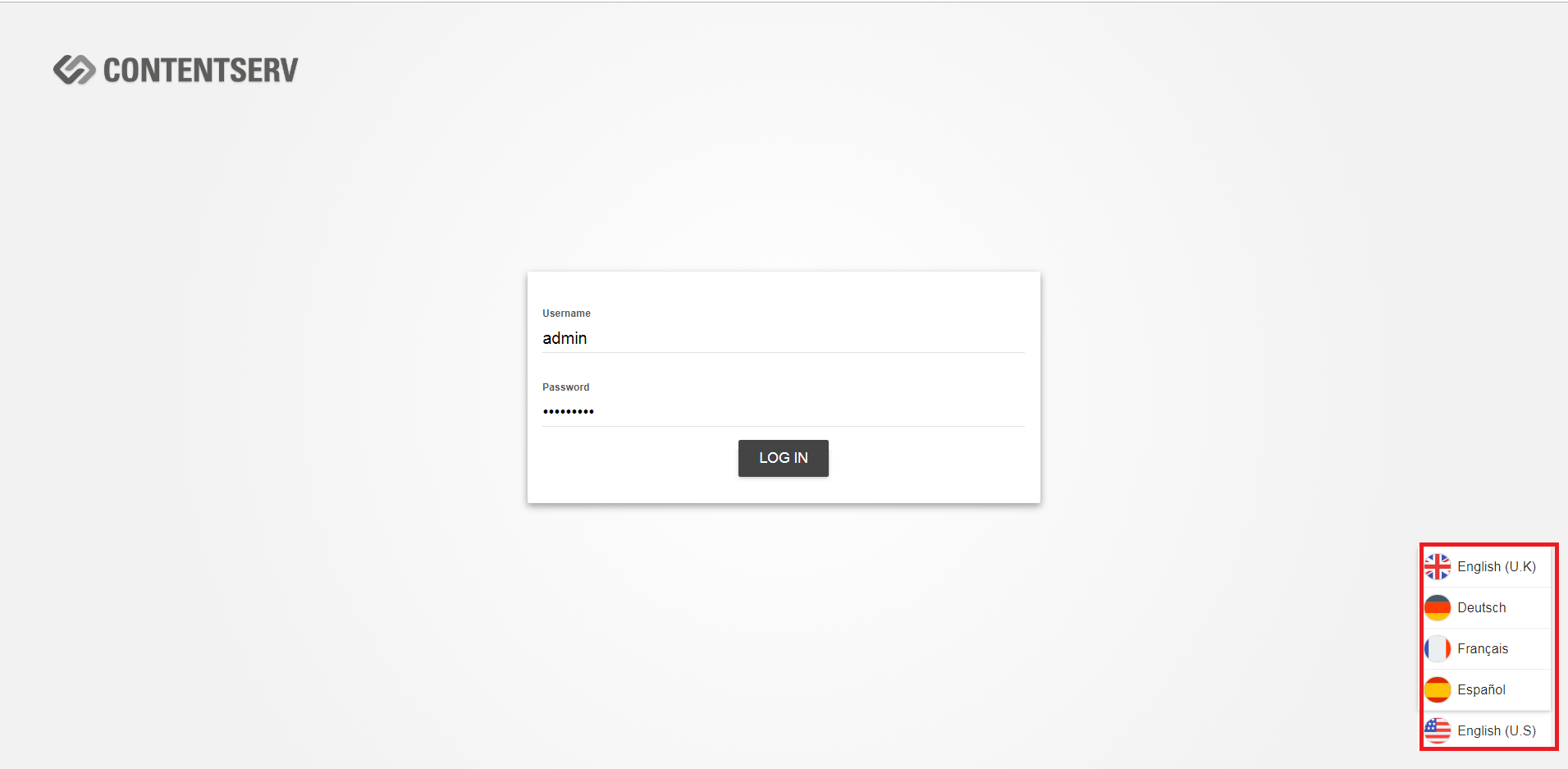
- Log in again with the desired language; you can see the translated data model items.