Relationship Export
Relationship Export component is used to export relationships to the system.
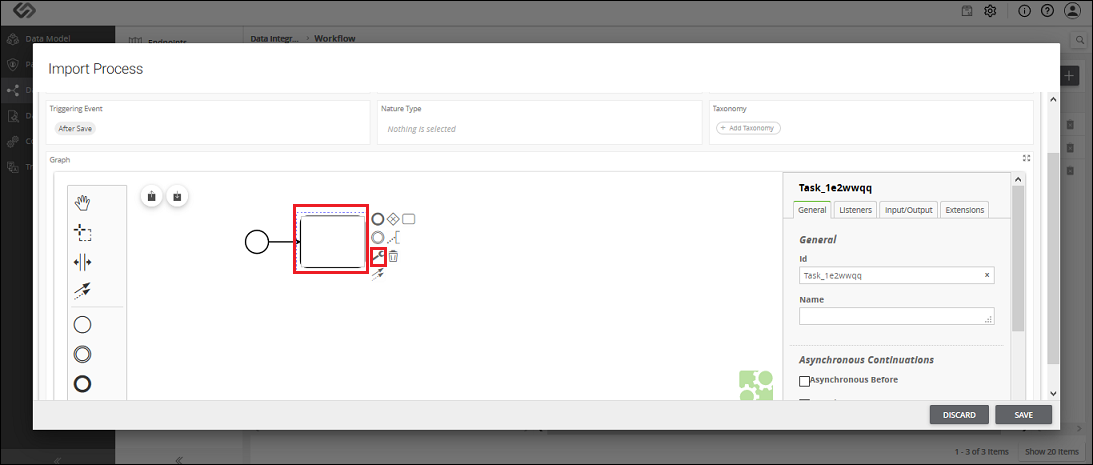
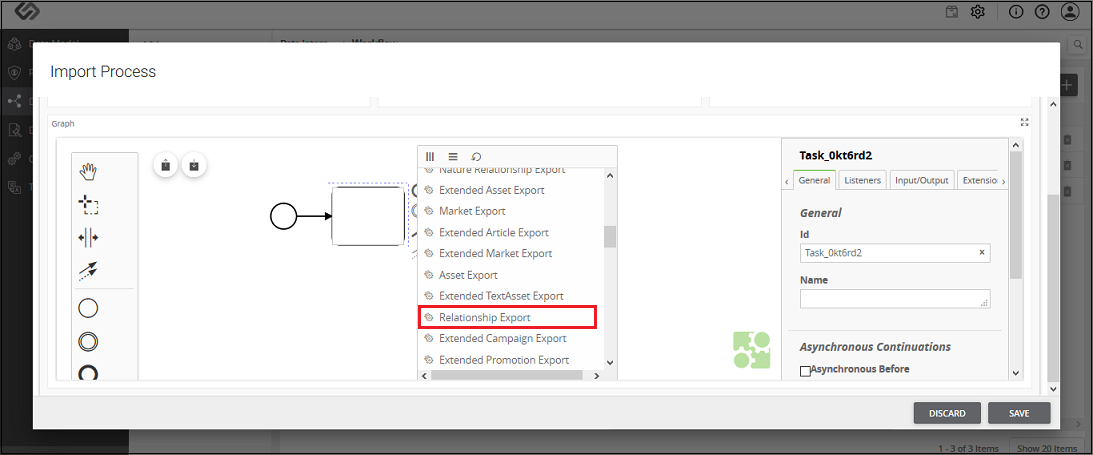
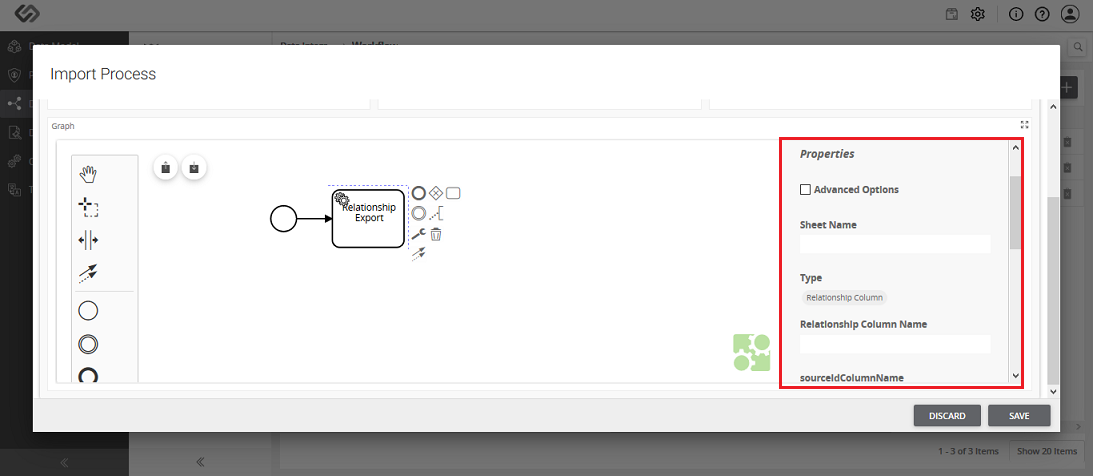
Relationship Export - Property Configuration
| Sr. No. | Screen Element | Description |
|---|---|---|
| Sheet Name | The onboarding file is the Excel file. Excel file may contain different sheets in it. Here, we need to mention the sheet name which contains the relationship details. | |
| Type | Here we need to select one of the following options:
|
|
| Relationship ID/ Relationship Column name | The value of this field is based on the selection of Type field.
|
|
| sourceIDColumnName | It contains the column name of a sheet, which contains the ID of the class that is selected in Side1 while forming the relationship. | |
| targetIDColumnName | It contains the column name of a sheet, which contains the ID of the class that is selected in Side2 while forming the relationship. | |
| contextIDColumn | Enter the column name of a sheet, which contains the IDs of the context associated with the relationships. You only need to enter the value here when you have the context associated with the relationship. | |
| contextTagsColumn | Enter the column name of a sheet, which contains the value of the context associated with the relationships. You only need to enter the value here when you have the context associated with the relationship. | |
| From Date Column Name | This option is present for time-enabled relationships. Enter the column name of a sheet, which contains the effective date of a relationship. It contains the starting date from when the relationship will be effective. | |
| To Date Column Name | This option is present for time enabled relationships. Enter the column name of a sheet, which contains the end date till which the relationship will be effective. |
