Nature Relationship Export
Nature Relationship Export component is used to export nature relationships to the system.
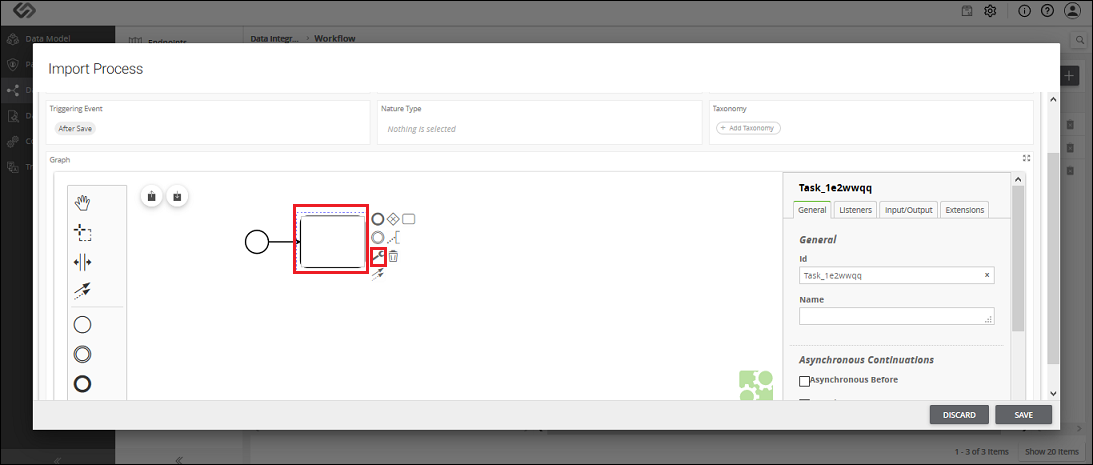
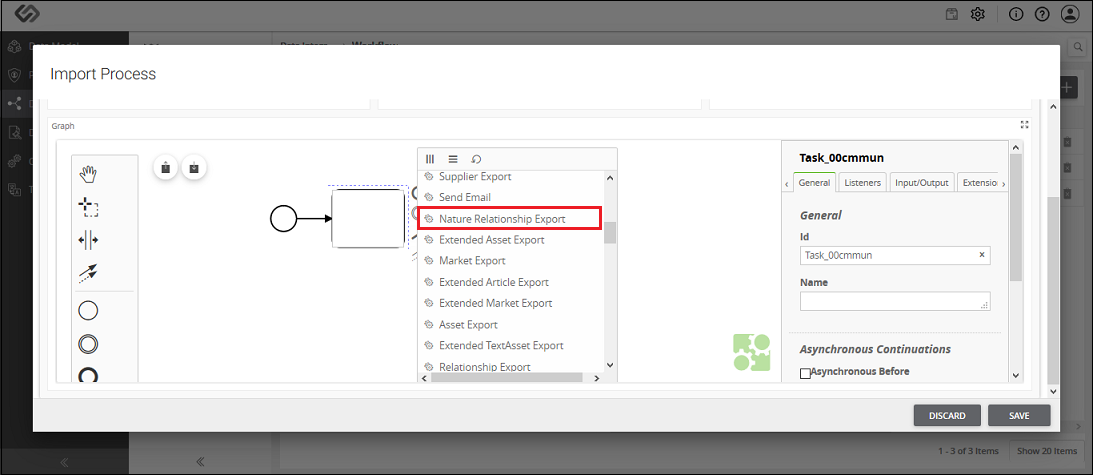
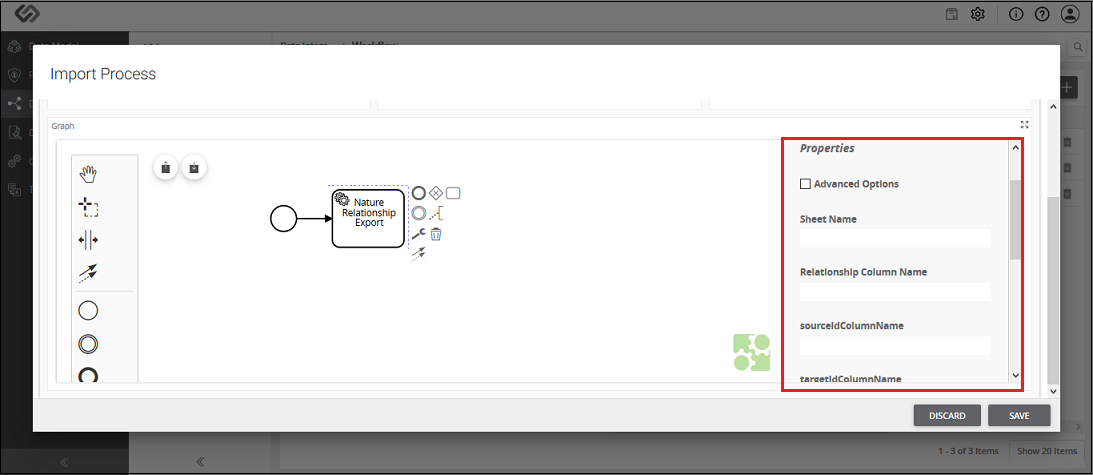
Nature Relationship Export - Property Configuration
| Sr. No. | Screen Element | Description |
|---|---|---|
| Sheet Name | The onboarding file is the Excel file. Excel file may contain different sheets in it. Here, we need to mention the sheet name which contains the nature relationship details. | |
| Relationship Column Name | This field is enabled when multiple nature relationships must be imported into the system. All the nature relationships in an onboarding file have unique identification or IDs. Here, in Relationship Column Name, you need to define the column name of a sheet which contains the unique IDs of the nature relationships. So, system will fetch all the IDs of the nature relationships from the defined column of the sheet. | |
| sourceIDColumnName | It contains the column name of a sheet, which contains the ID of the class that is selected in Side1 while forming the relationship. | |
| targetIDColumnName | It contains the column name of a sheet, which contains the ID of the class that is selected in Side2 while forming the relationship. | |
| contextIDColumn | Enter the column name of a sheet, which contains the IDs of the context associated with the relationships. You need to enter the value here only when you have the context associated with the relationship. | |
| contextTagsColumn | Enter the column name of a sheet, which contains the value of the context associated with the relationships. You only need to enter the value here when you have the context associated with the relationship. | |
| From Date Column Name | This option is present for time-enabled relationships. Enter the column name of a sheet, which contains the effective date of a relationship. It contains the starting date from when the relationship will be effective. | |
| To Date Column Name | This option is present for time-enabled relationships. Enter the column name of a sheet, which contains the end date till which the relationship will be effective. |
