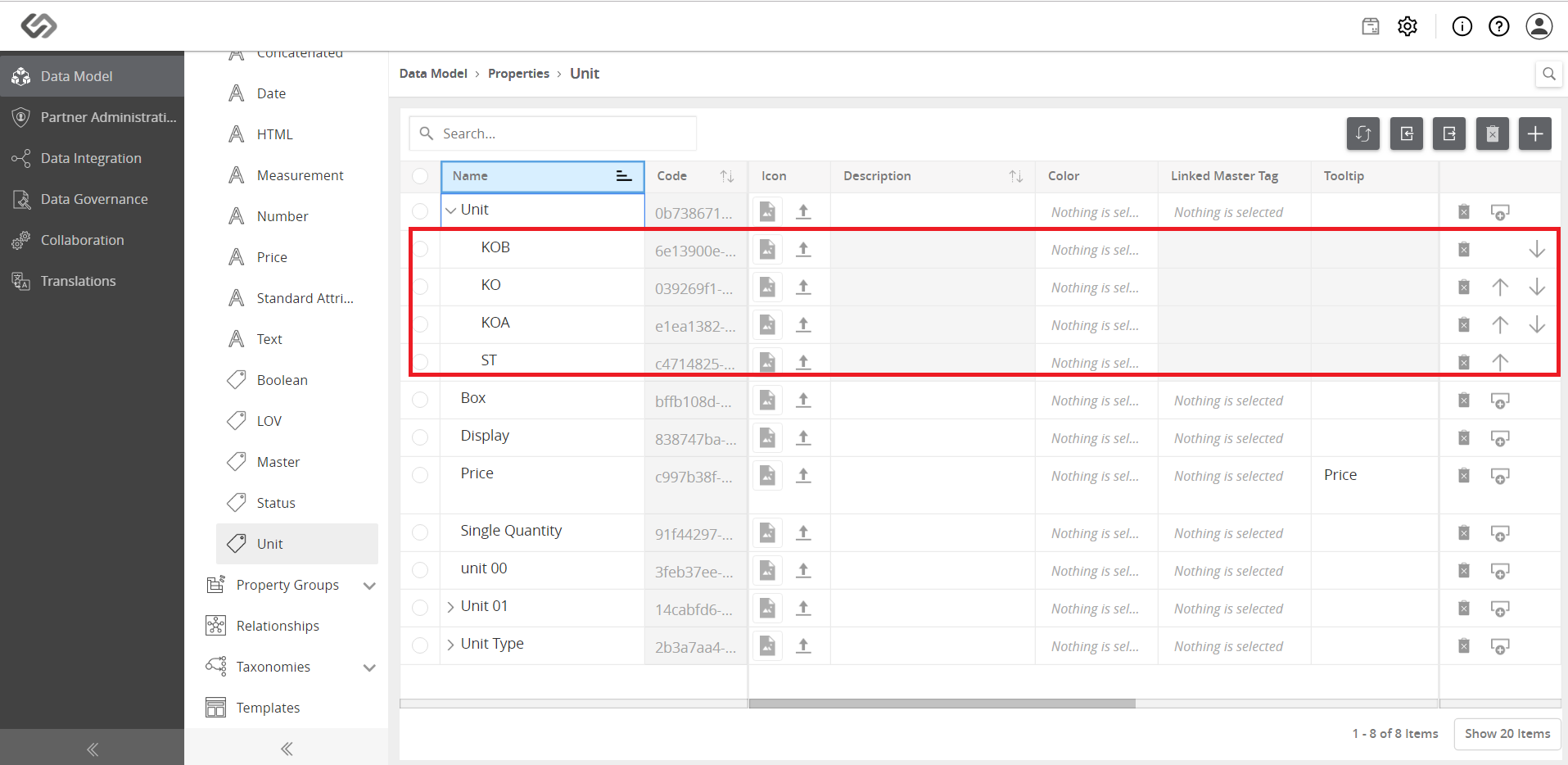
Manage Units for Individual Articles
Manage Units for Individual Articles allows you to efficiently handle various quantity units of the individual articles.
| Key Term: |
|
| Description: |
|
| Related topics: | |
| Application: |
|
How-to: Manage Units for Individual Articles
To manage units for individual articles, follow these steps:
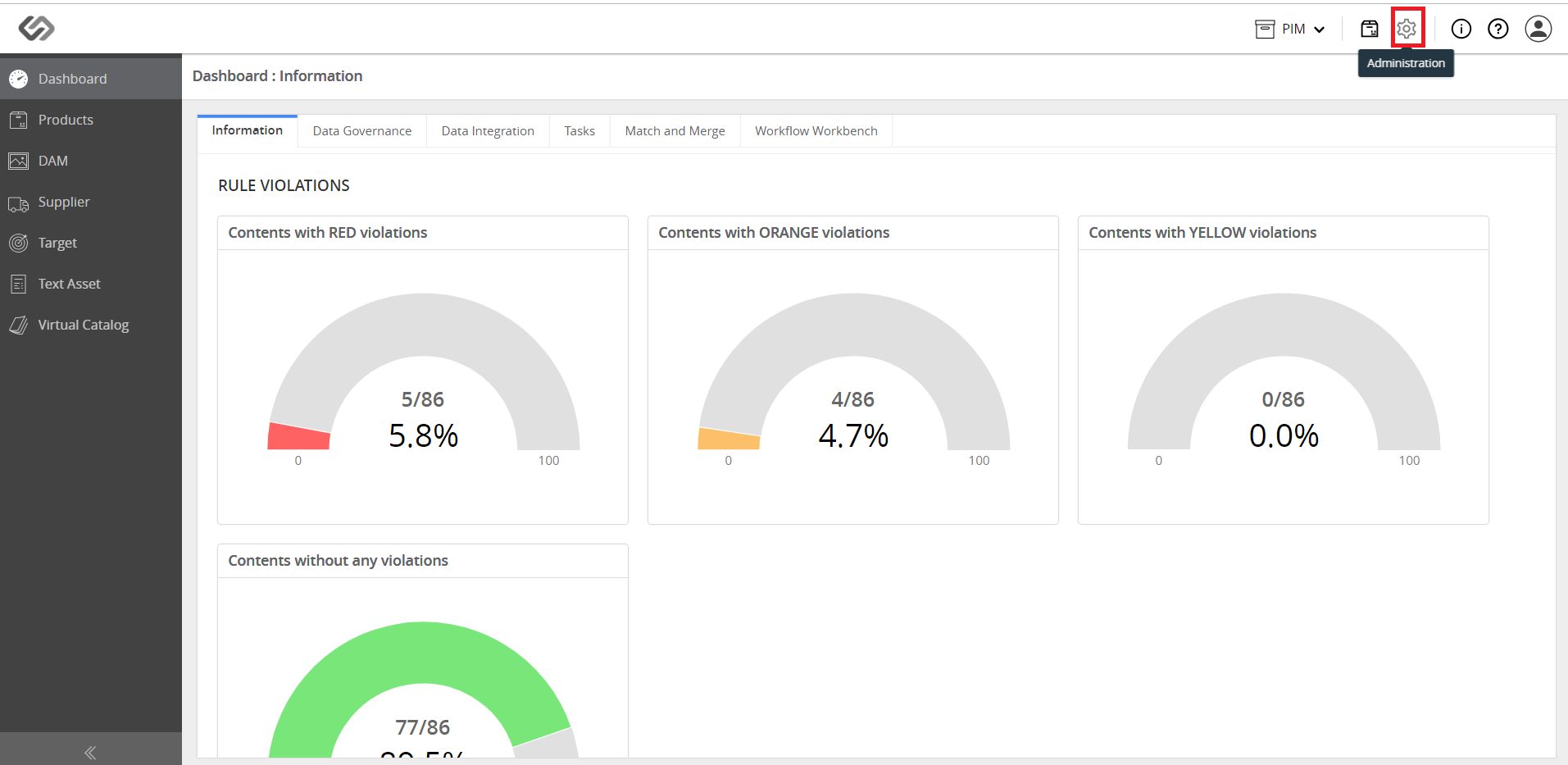
- Log in and click on the Administration icon.
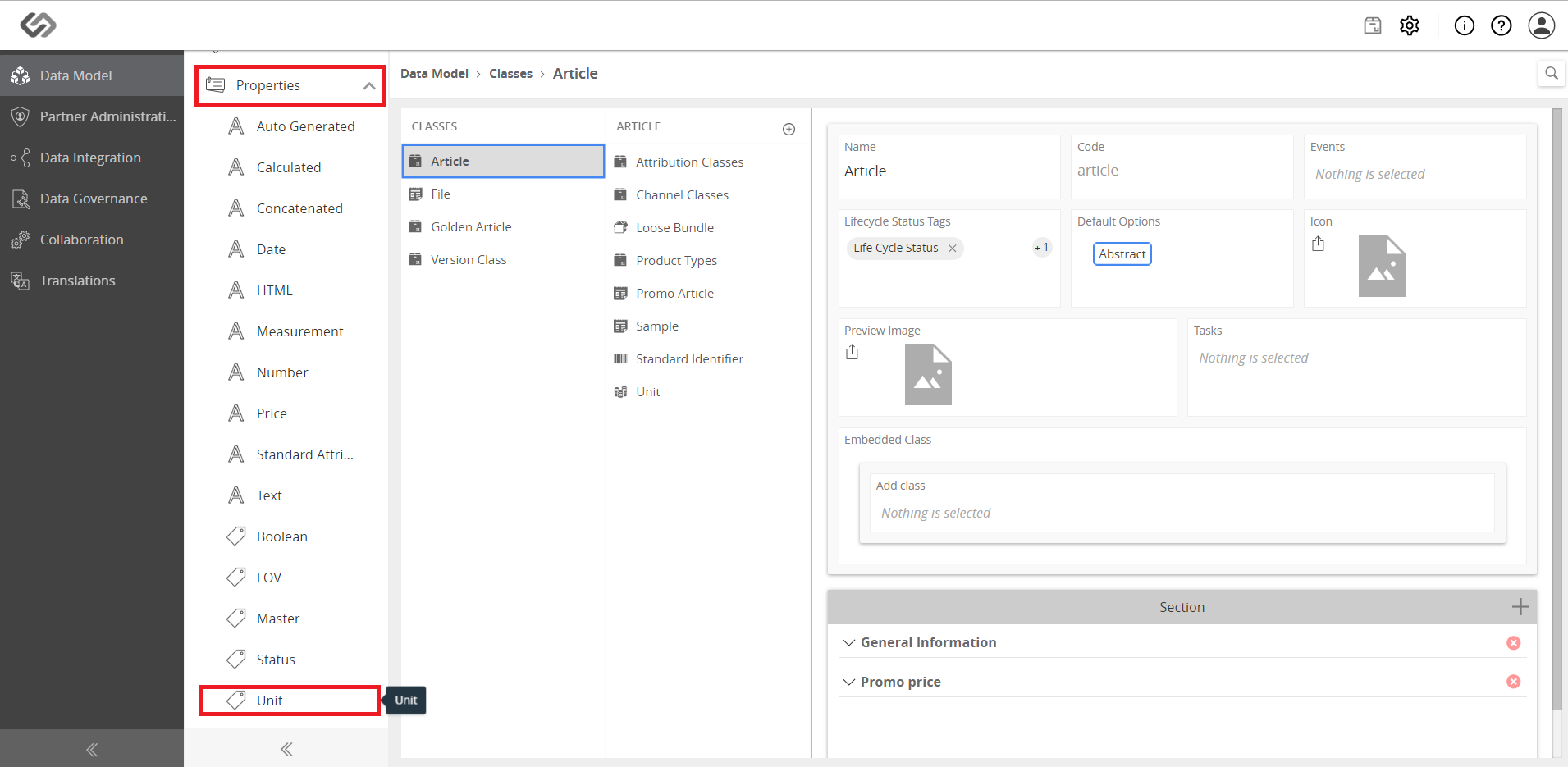
- Click on Properties and select Unit.
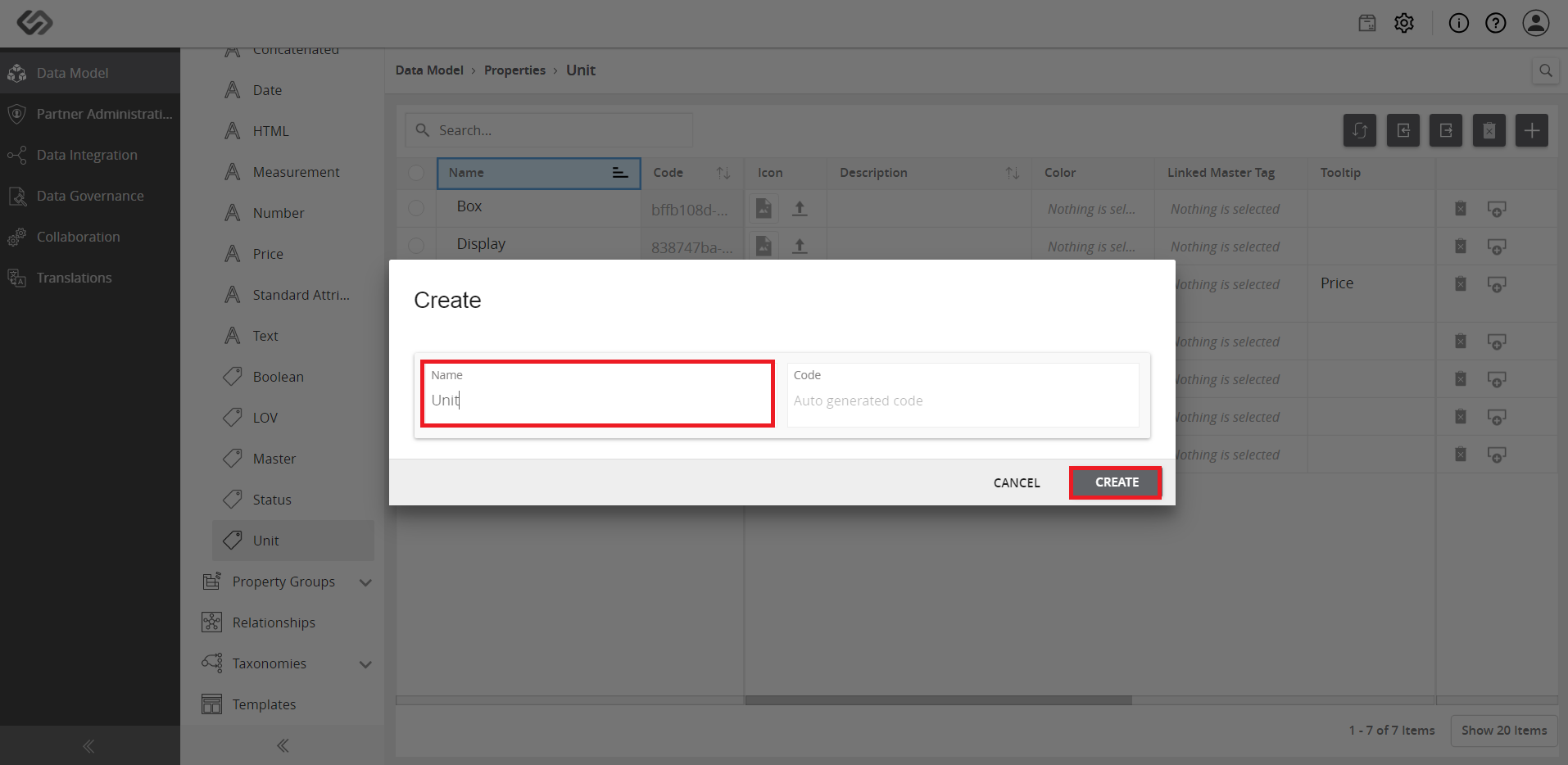
- Click on the ‘+’ icon.
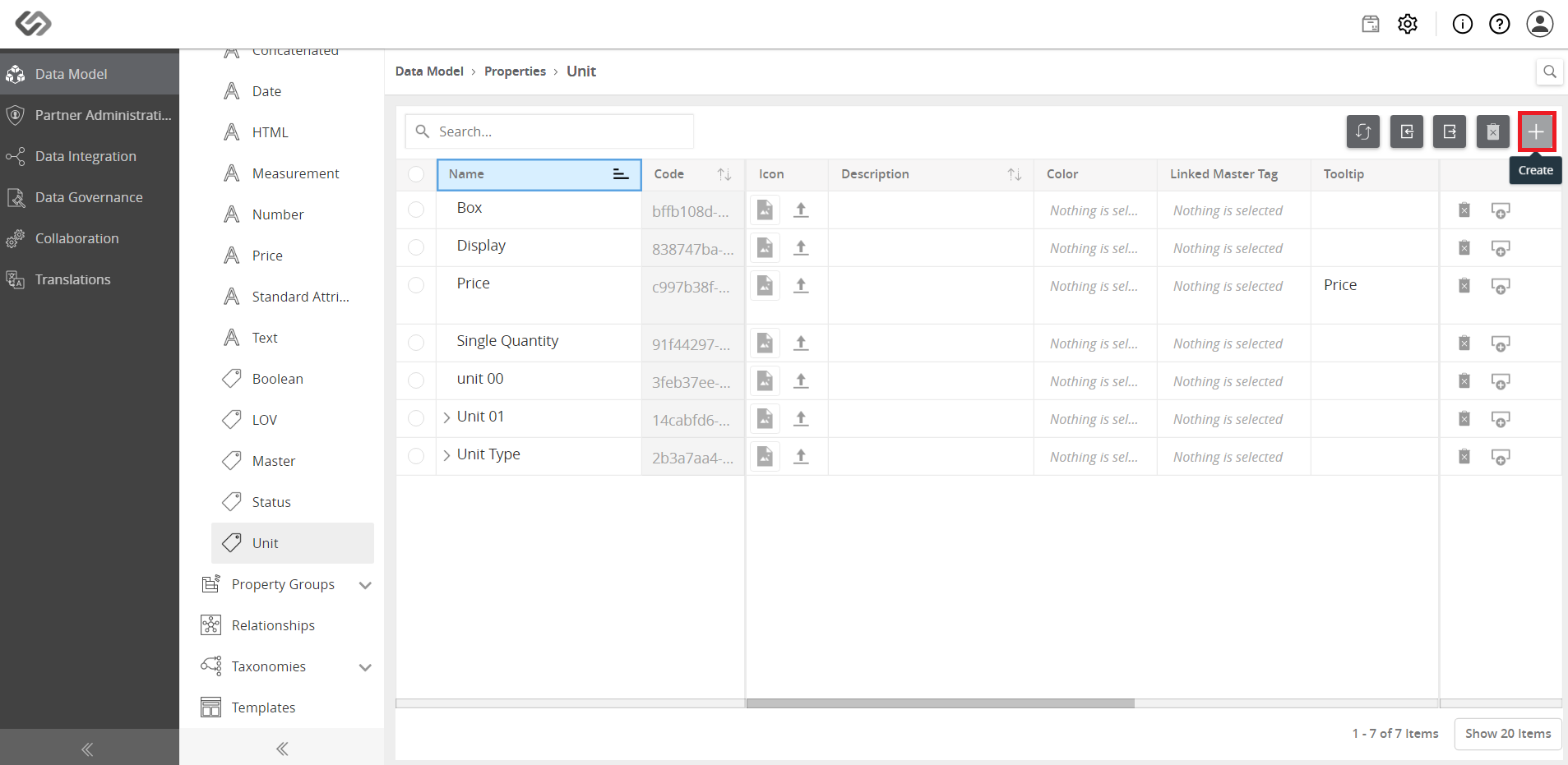
- Enter the name (e.g. Unit) and click on the Create button.
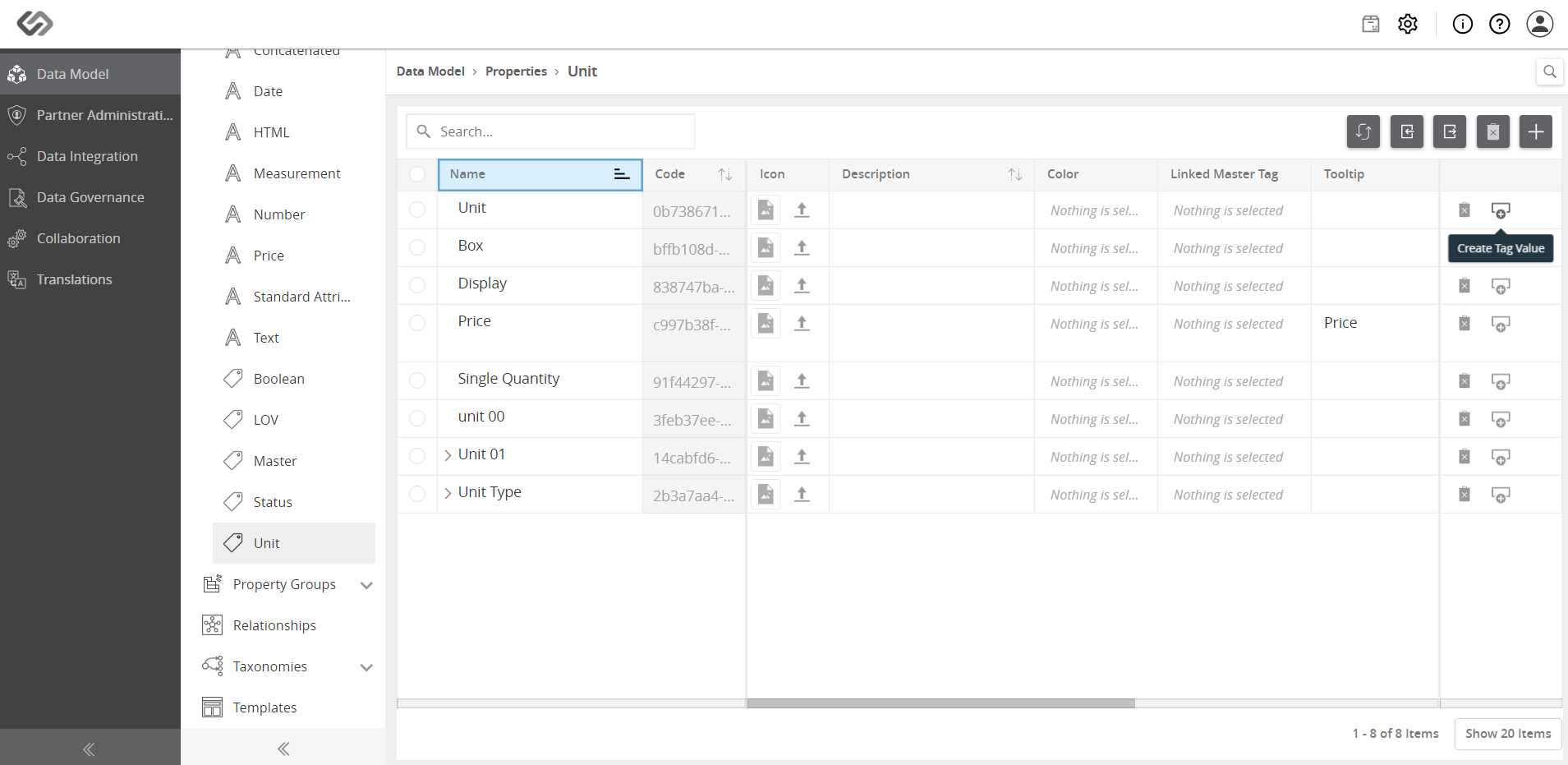
- Click on the Create Tag Value button.
- Enter the name for the tag value (e.g. ST) and click on the Create button.
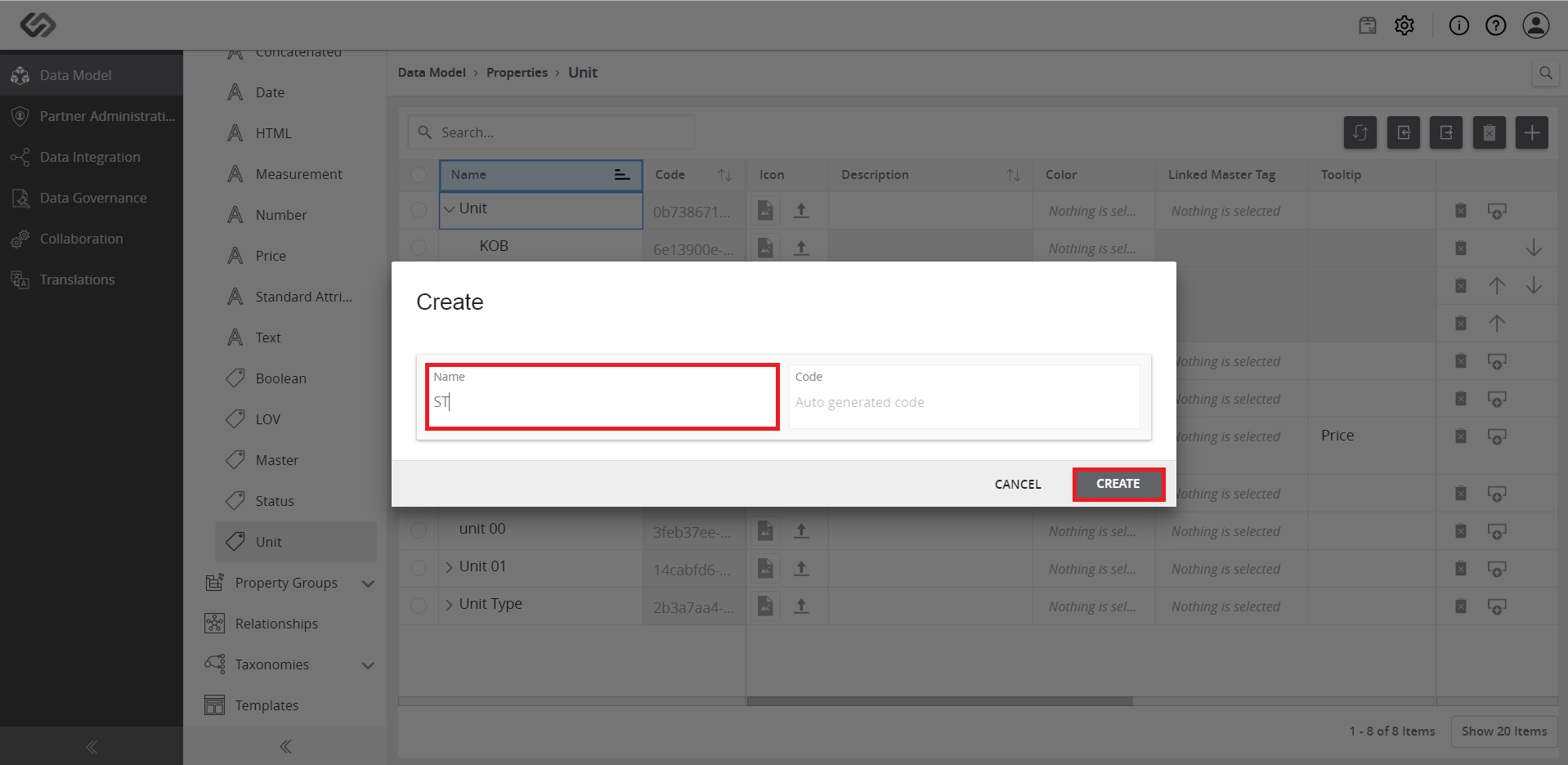
- Repeat the above steps to create other tag values.