Product Comparison
Product Comparison allows a user to select and compare products within PIM.
| Key Term: |
|
| Description: |
|
| Related topics: | |
| Application: |
|
How-to: Product Comparison
To do this, follow these steps:
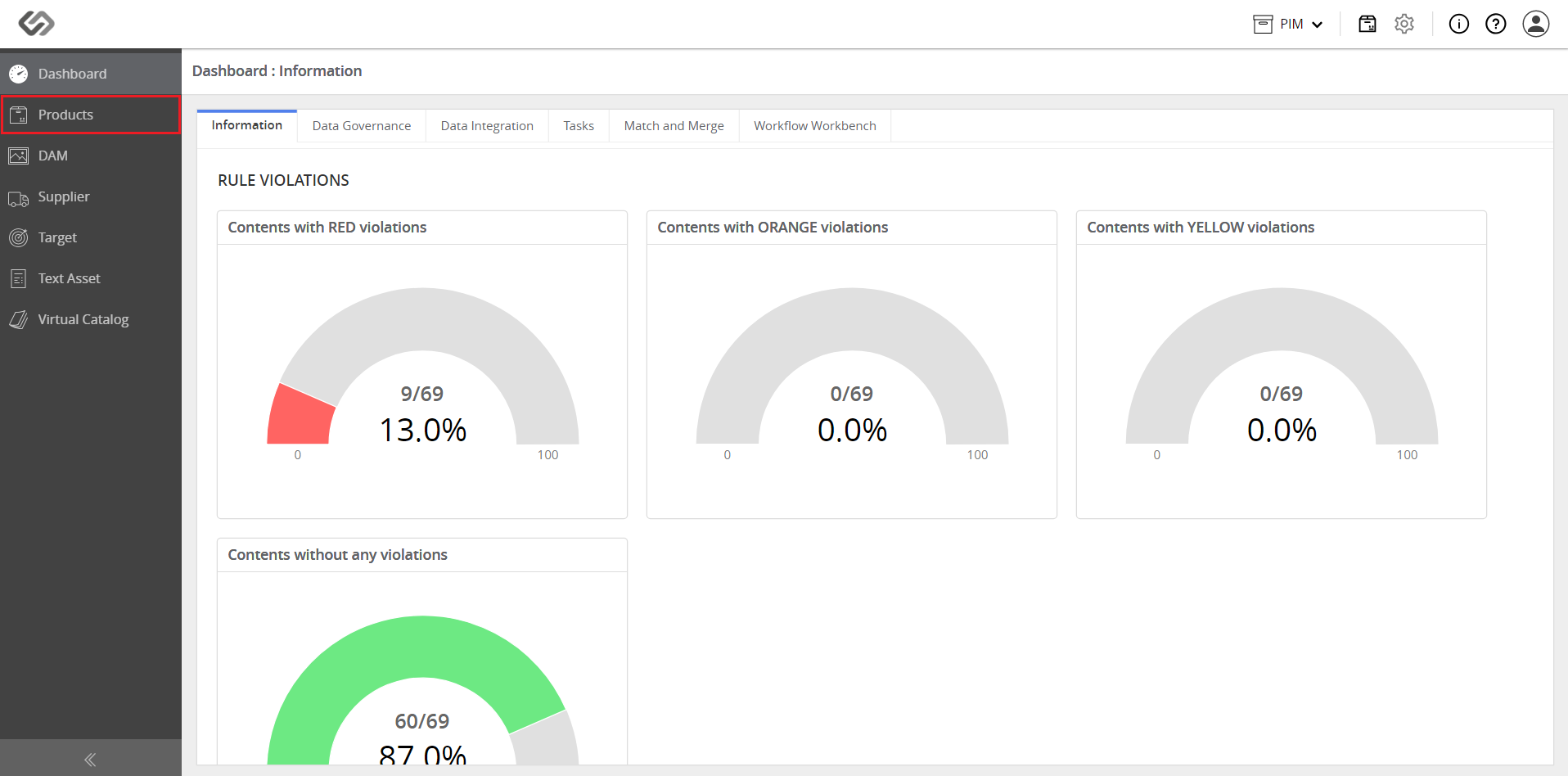
- Log in and go to Products.
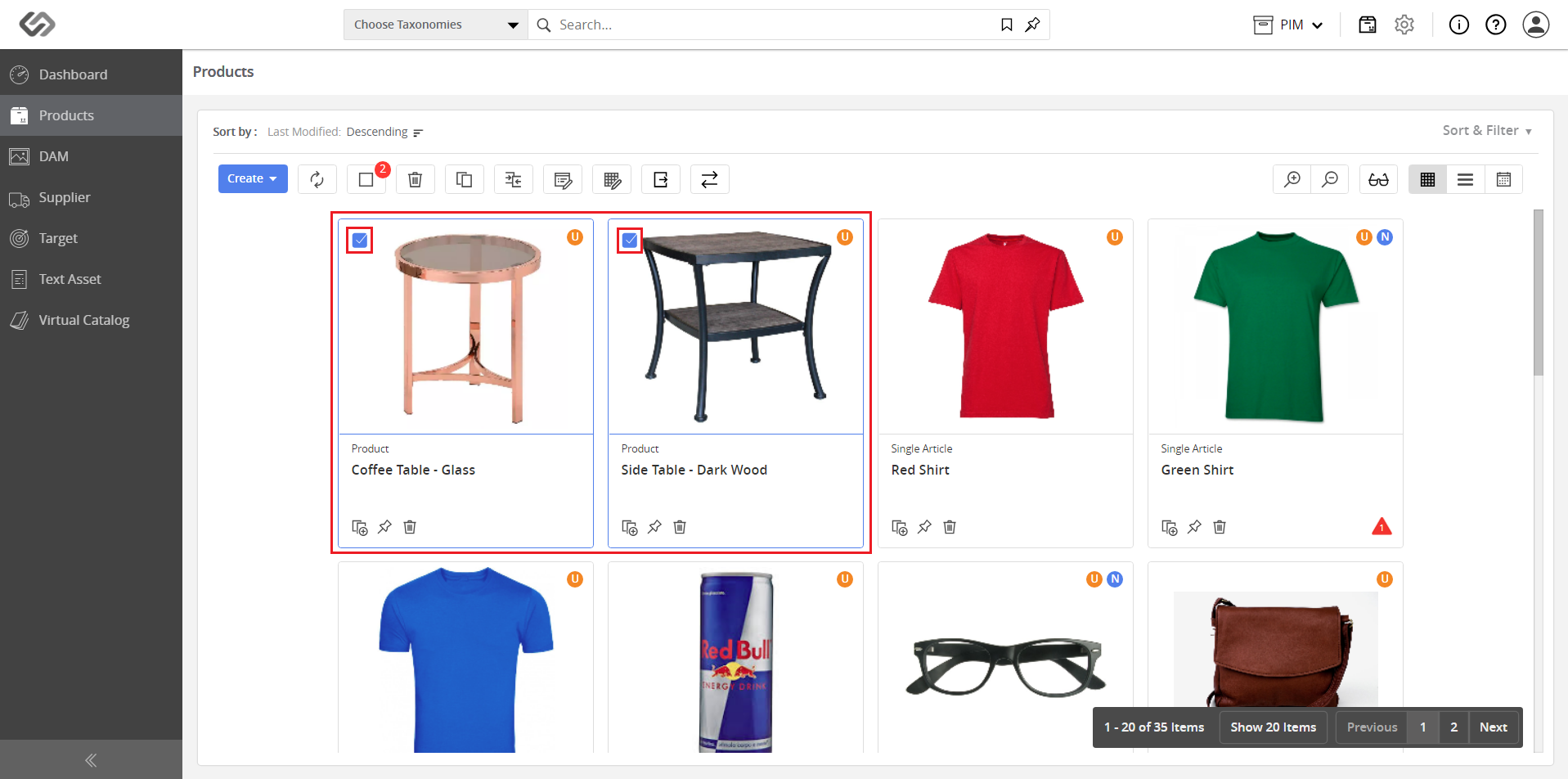
- Select two or more products to be compared.
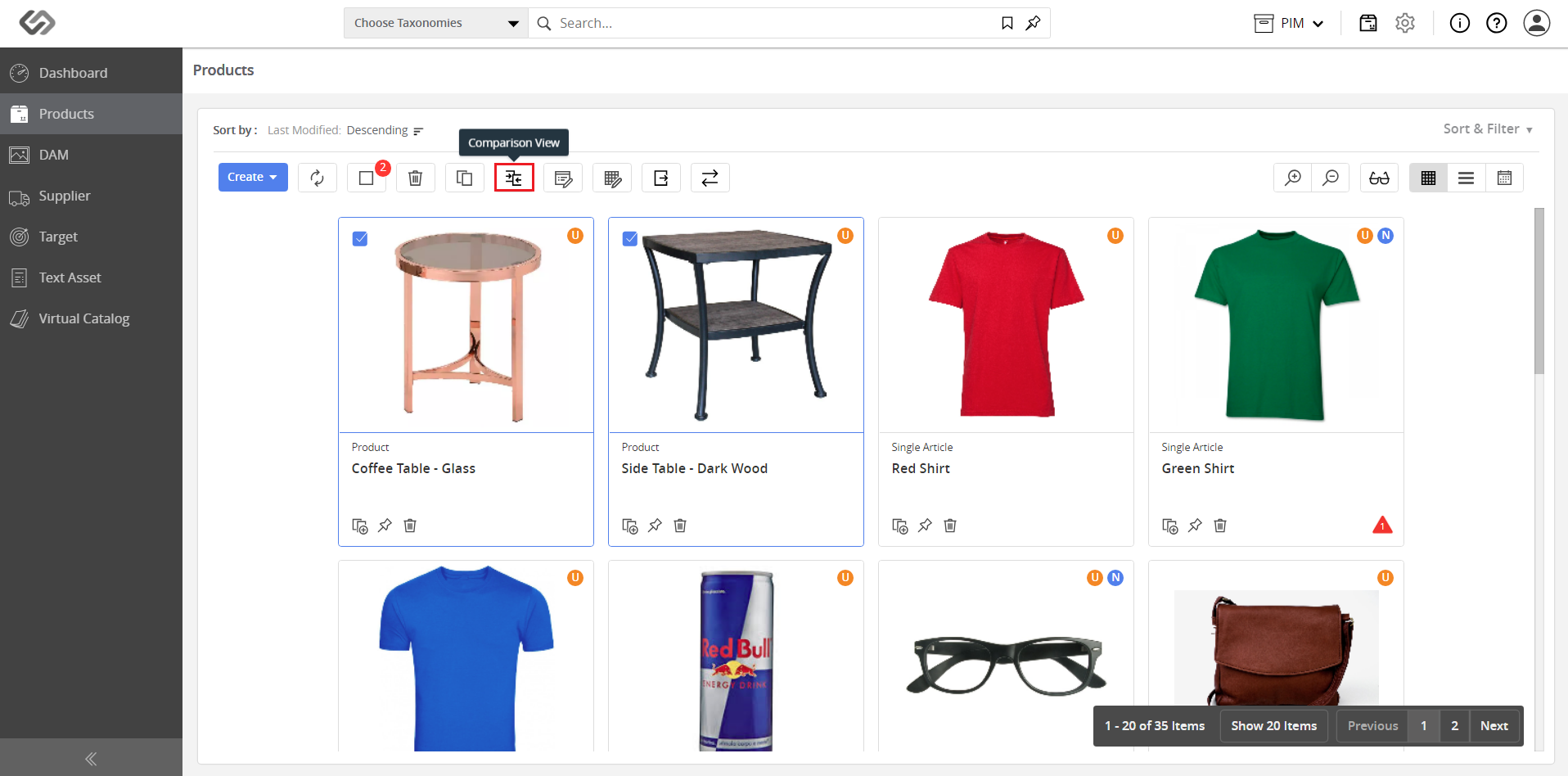
- Click on the Comparison View button.
- View the information table to compare the data of the selected products.
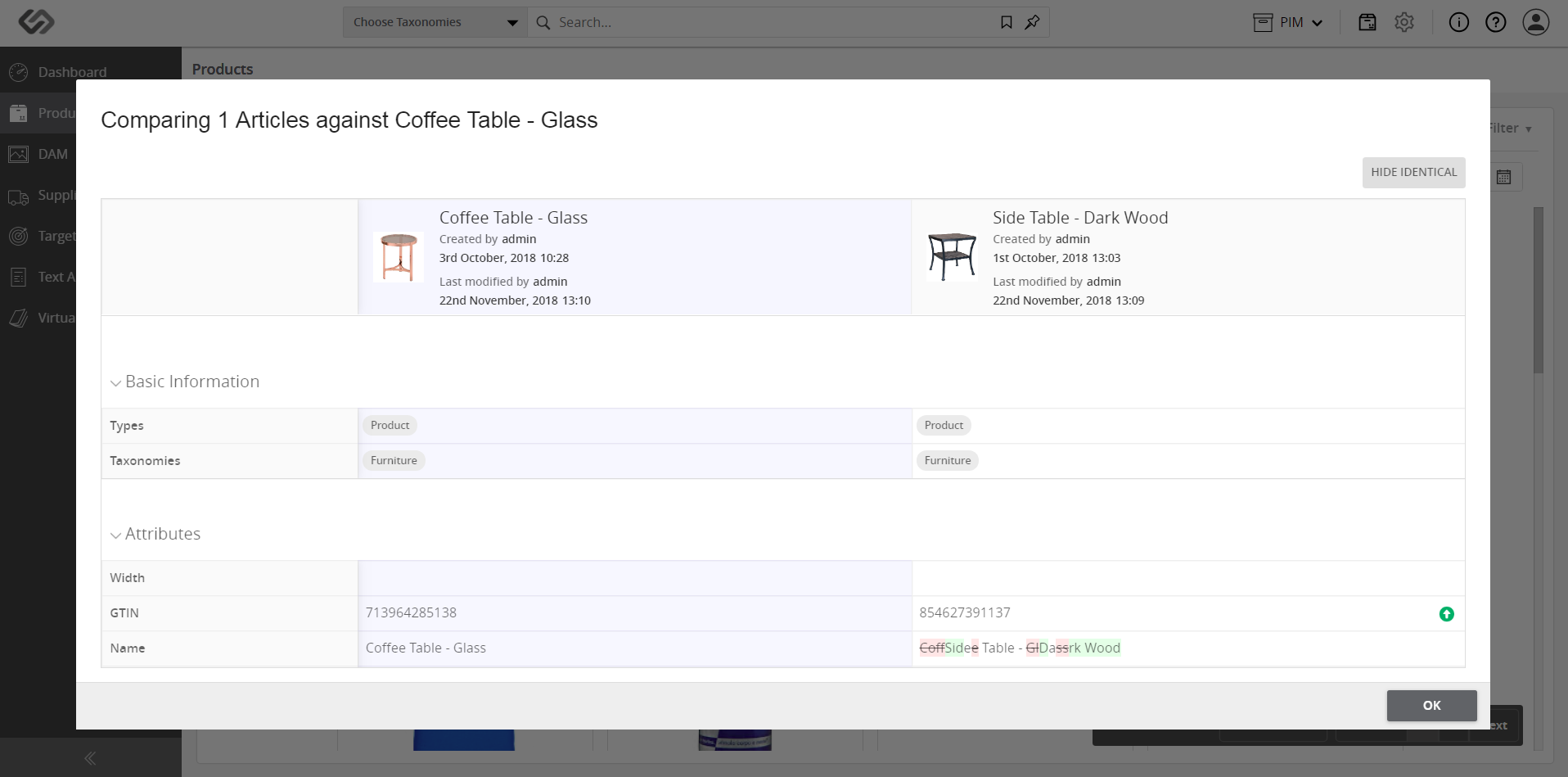
Note: The indicators for comparison are shown on the right. The Red icon with down arrow indicates ‘Lesser’, the Green icon with ‘=’ indicates ‘Equal to’, and the Green icon with up arrow indicates ‘Greater than’ for the values being compared.
