Creating a Complete Clone
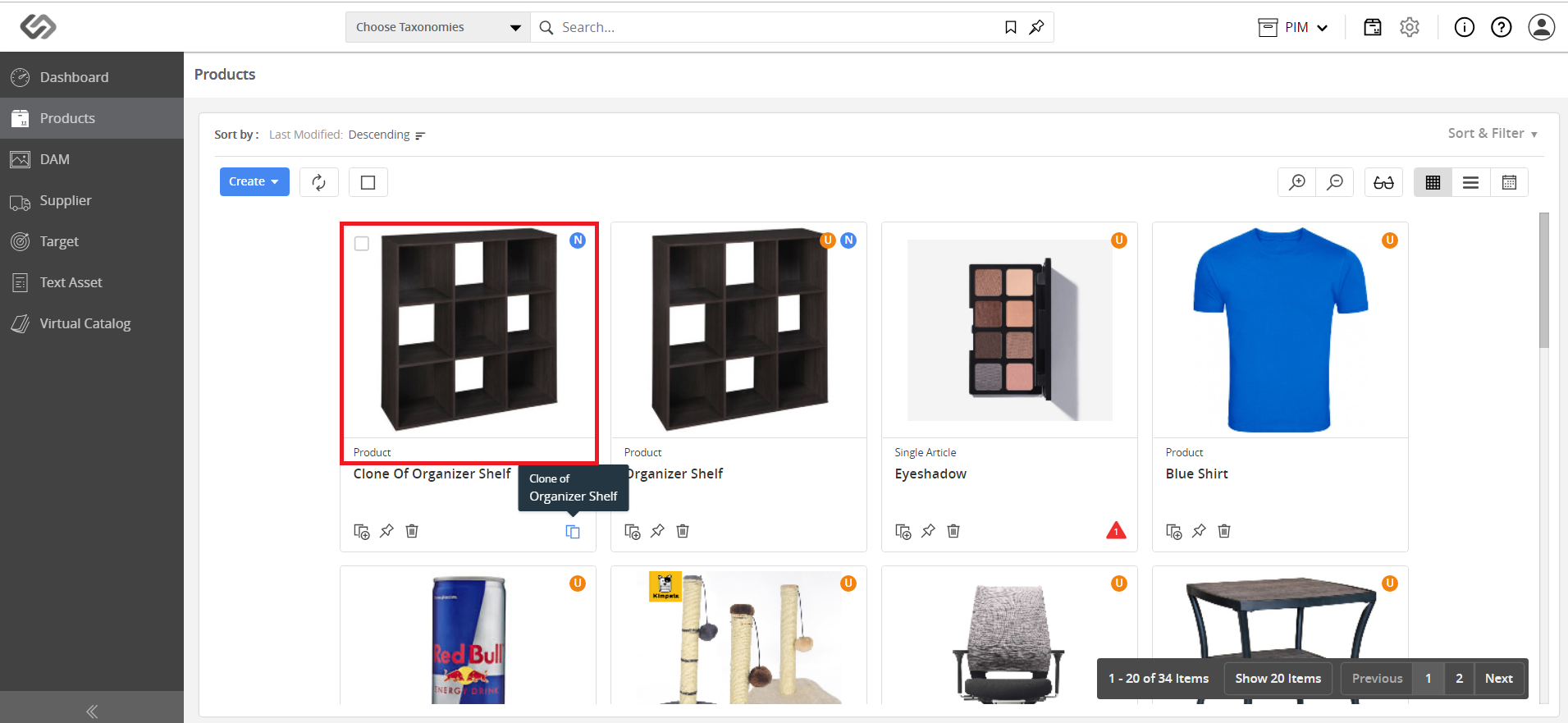
Creating a Complete Clone is a feature that allows users to create complete clones or duplicates of the product. In a complete clone, all the values of the original product are cloned into the clone product.
| Key Term: |
|
| Description: |
|
| Related topics: | |
| Application: |
|
How-to: Creating a Complete Clone
This How To guide provides instructions on how to create a complete clone. To do this, follow these steps:
- Go to Products.

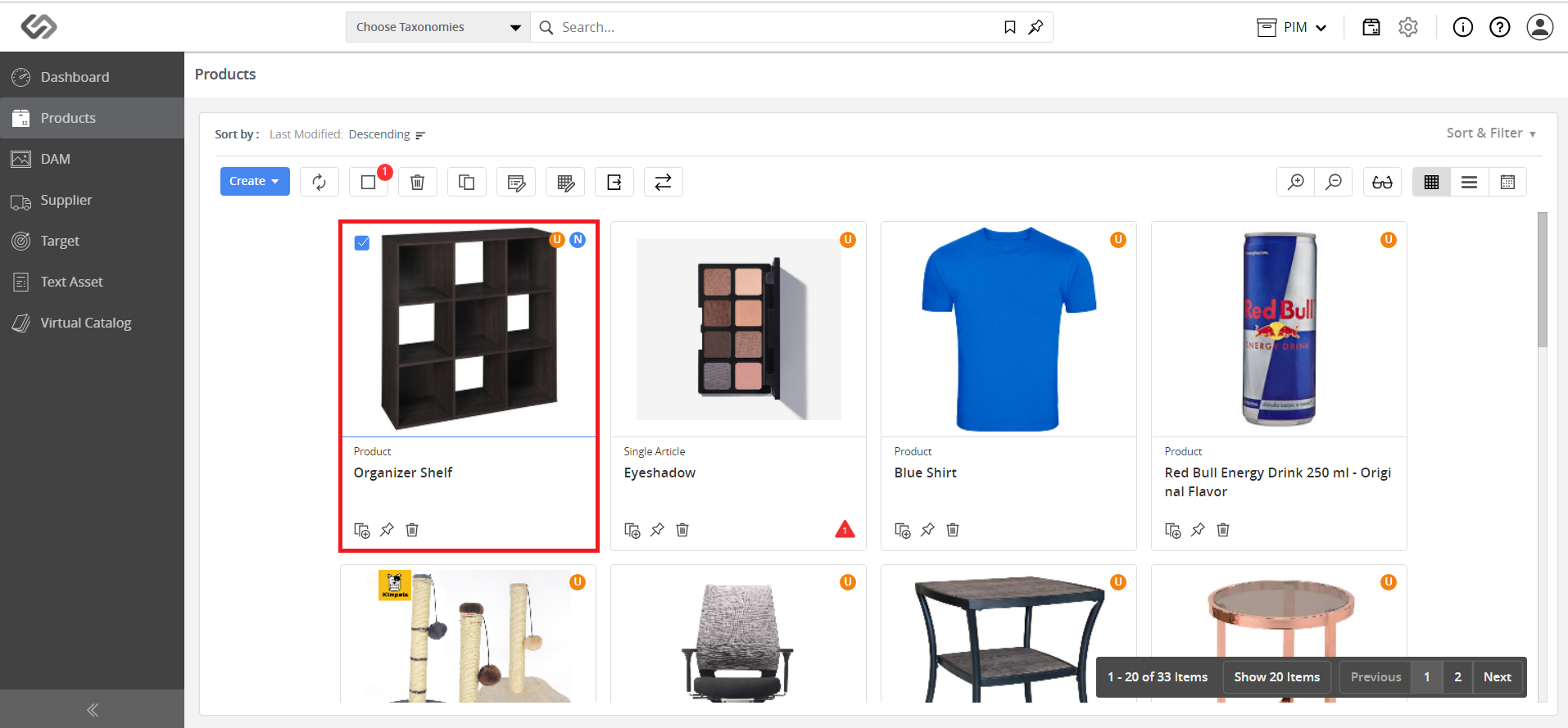
- Select the product to clone.
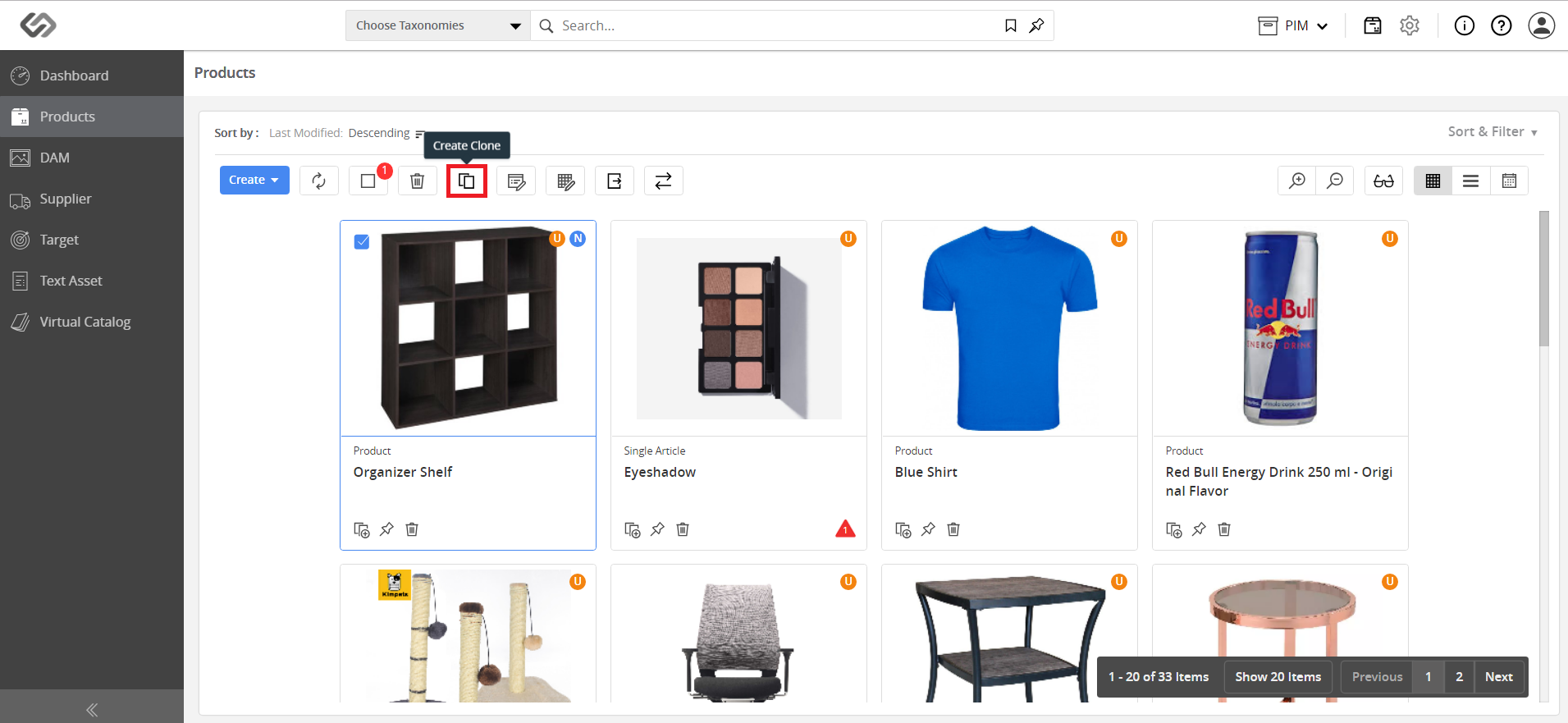
- Then, click on the Create Clone icon.
- A duplicate product having exactly the same properties is created.