Manage Media Links
The Manage Media Links feature provides the functionality to set up a relationship (or linking) between a product and an asset.
| Key Term: |
|
| Description: |
|
| Related topics: | |
| Application: |
|
How-to: Manage Media Links
To manage media links follow these steps:
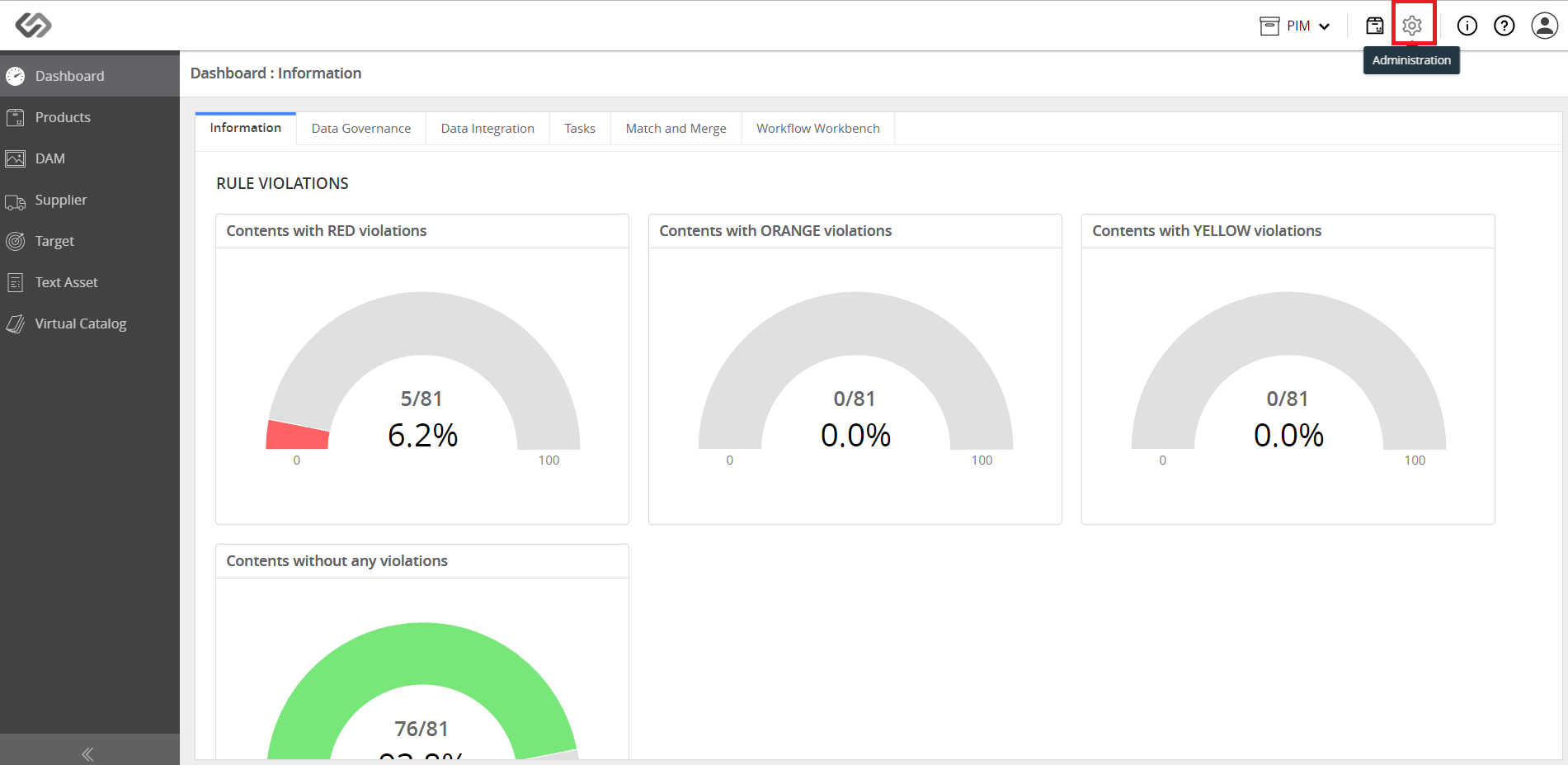
- Log in and click on the Administration icon.
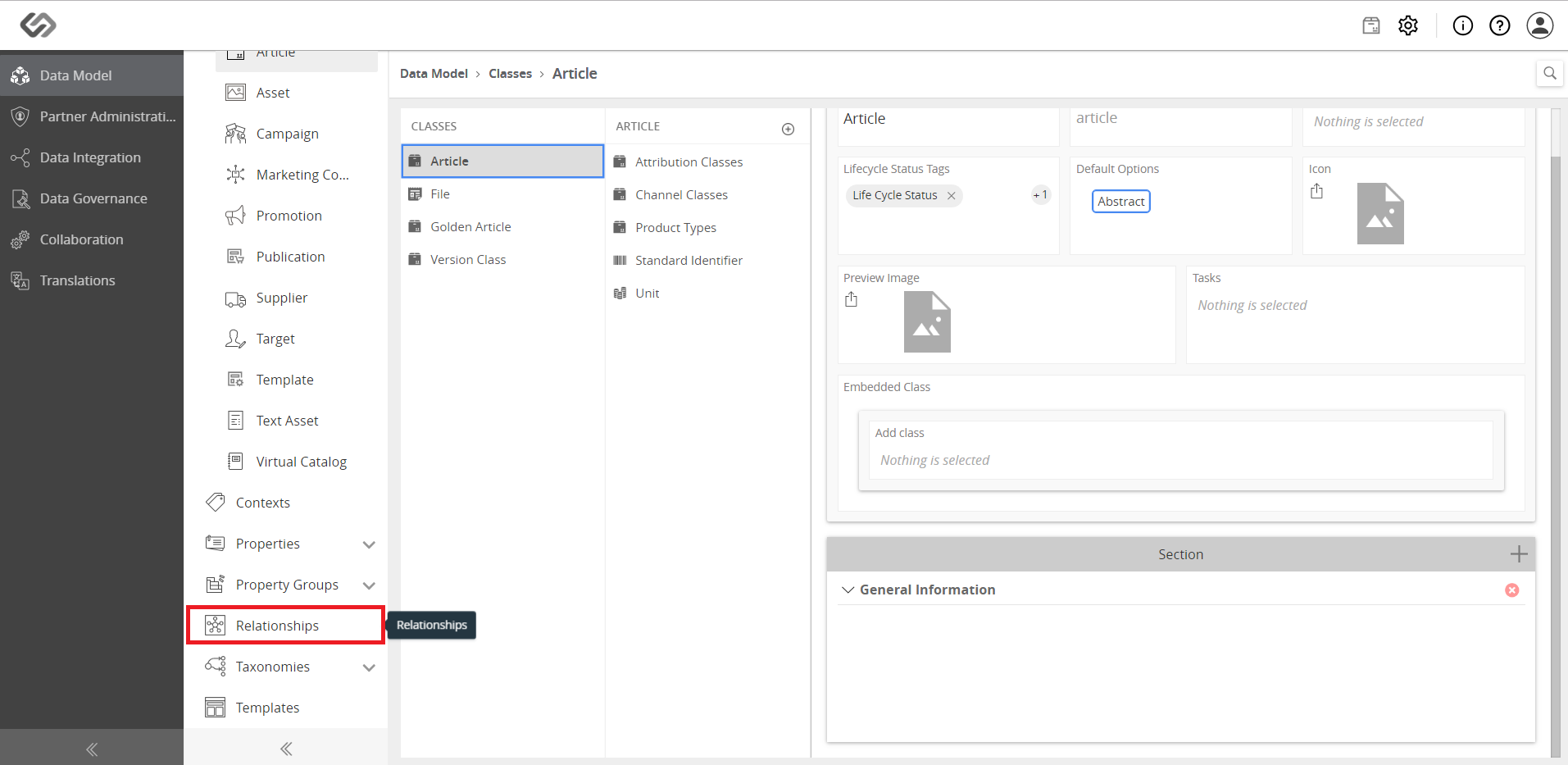
- Click on Relationships.
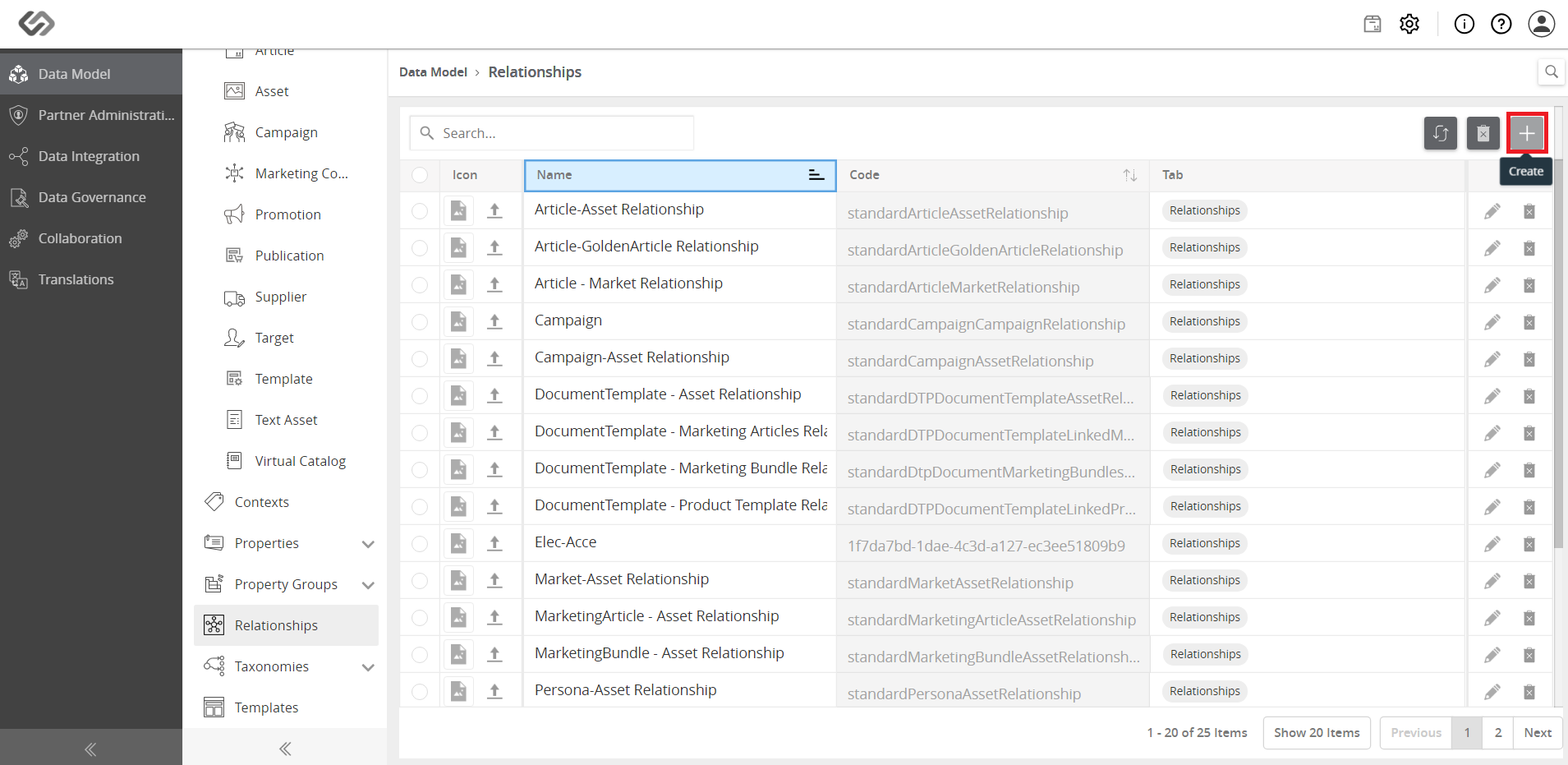
- Click on the ‘+’ icon to create a new relationship.
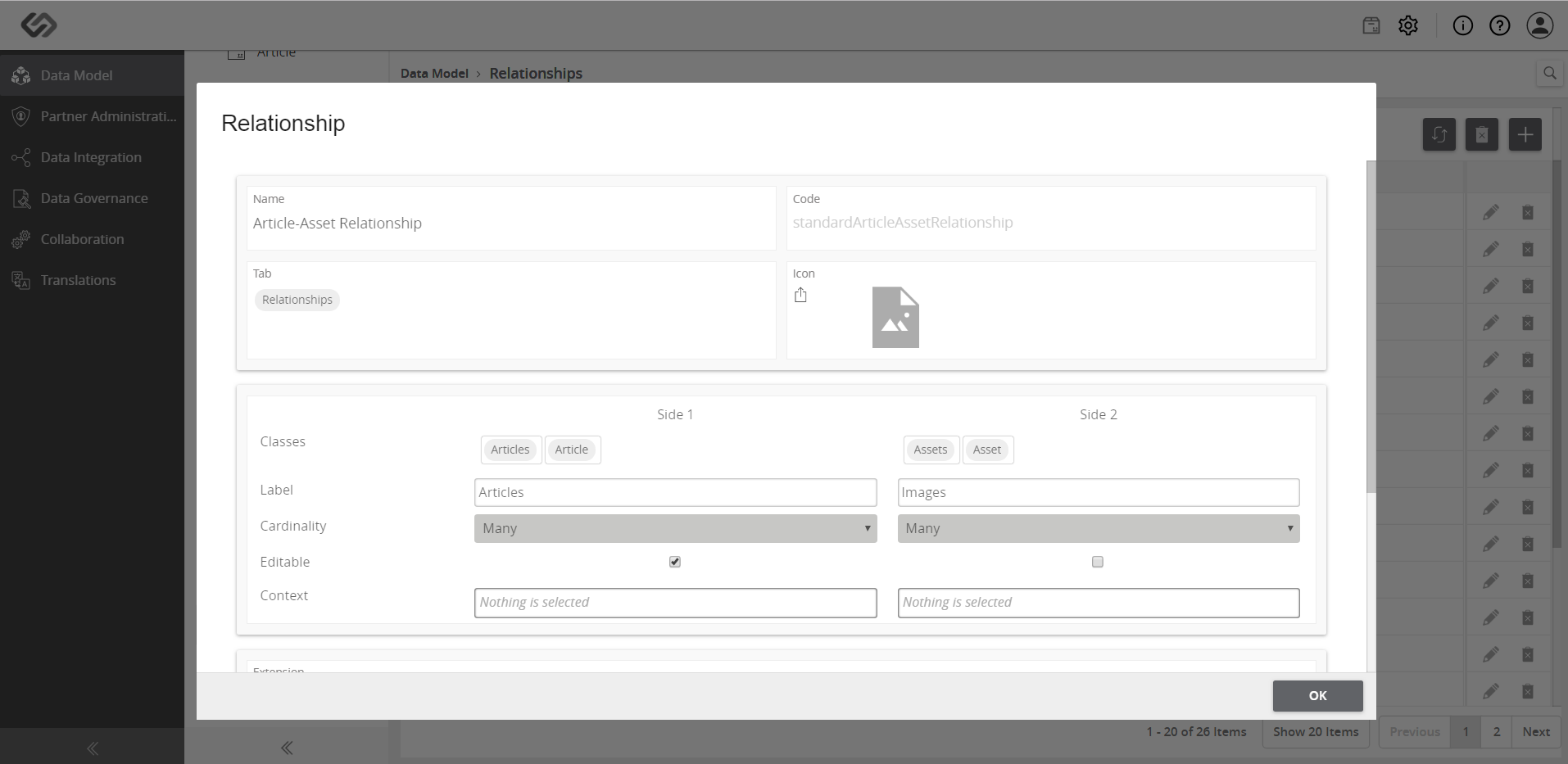
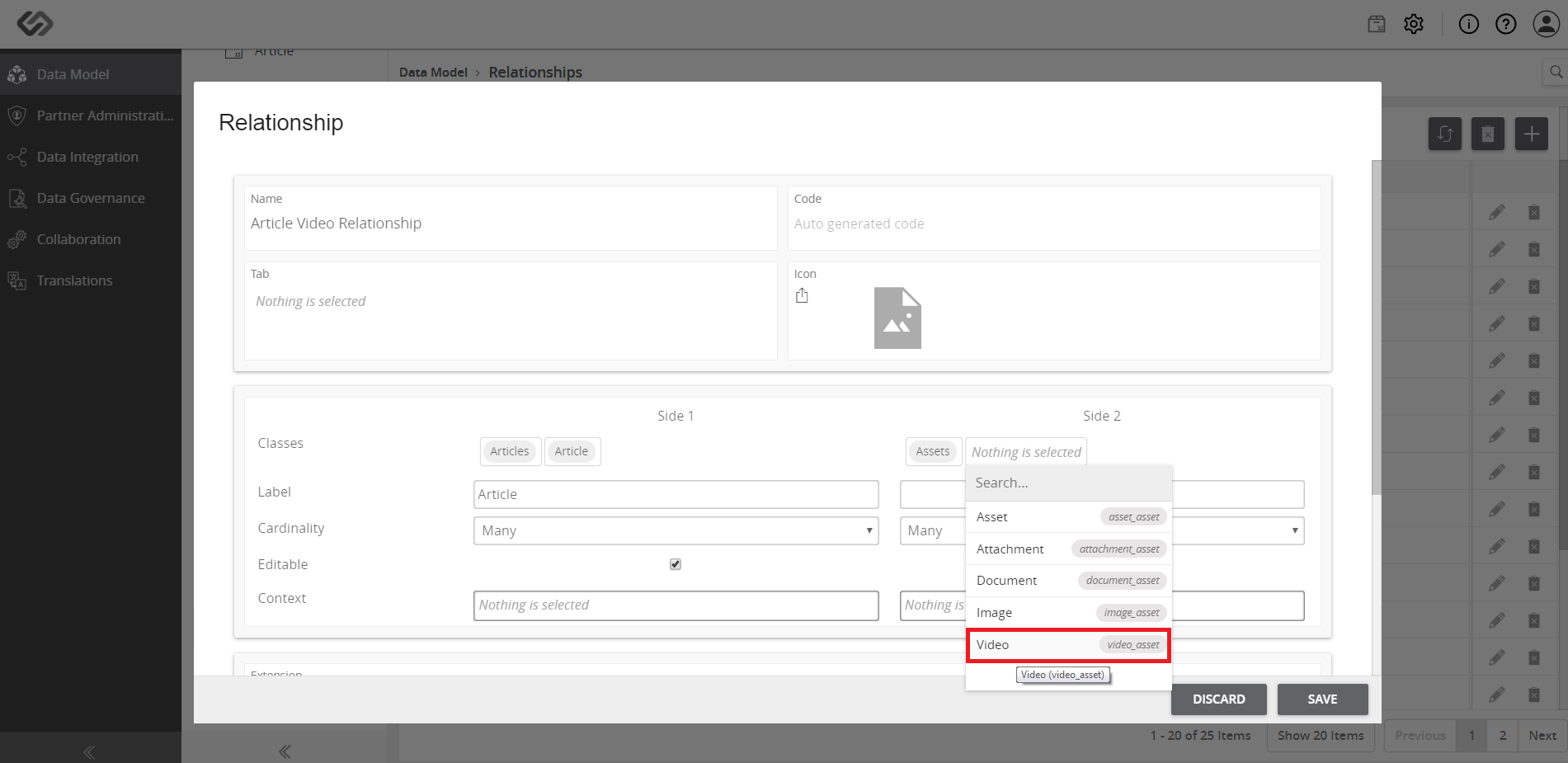
- Enter a name for the relationship and select the two desired entity classes to be linked in Side1 and Side2 using the drop-down lists. In the example shown, a relationship is created for an Article and its Video files.
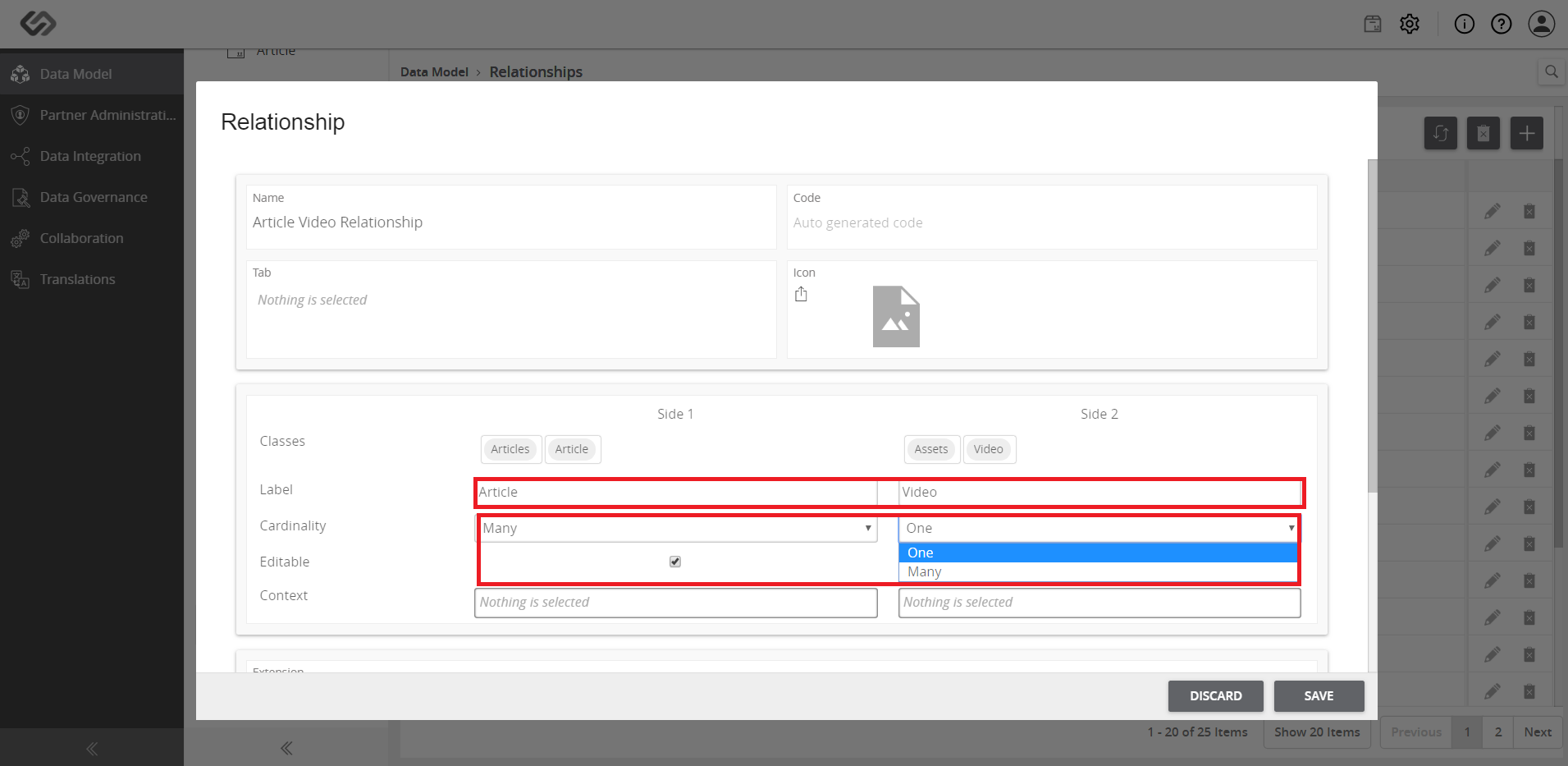
- Enter the information for the Label and select the Cardinality of the relationship. In cardinality, choose either Many or One.
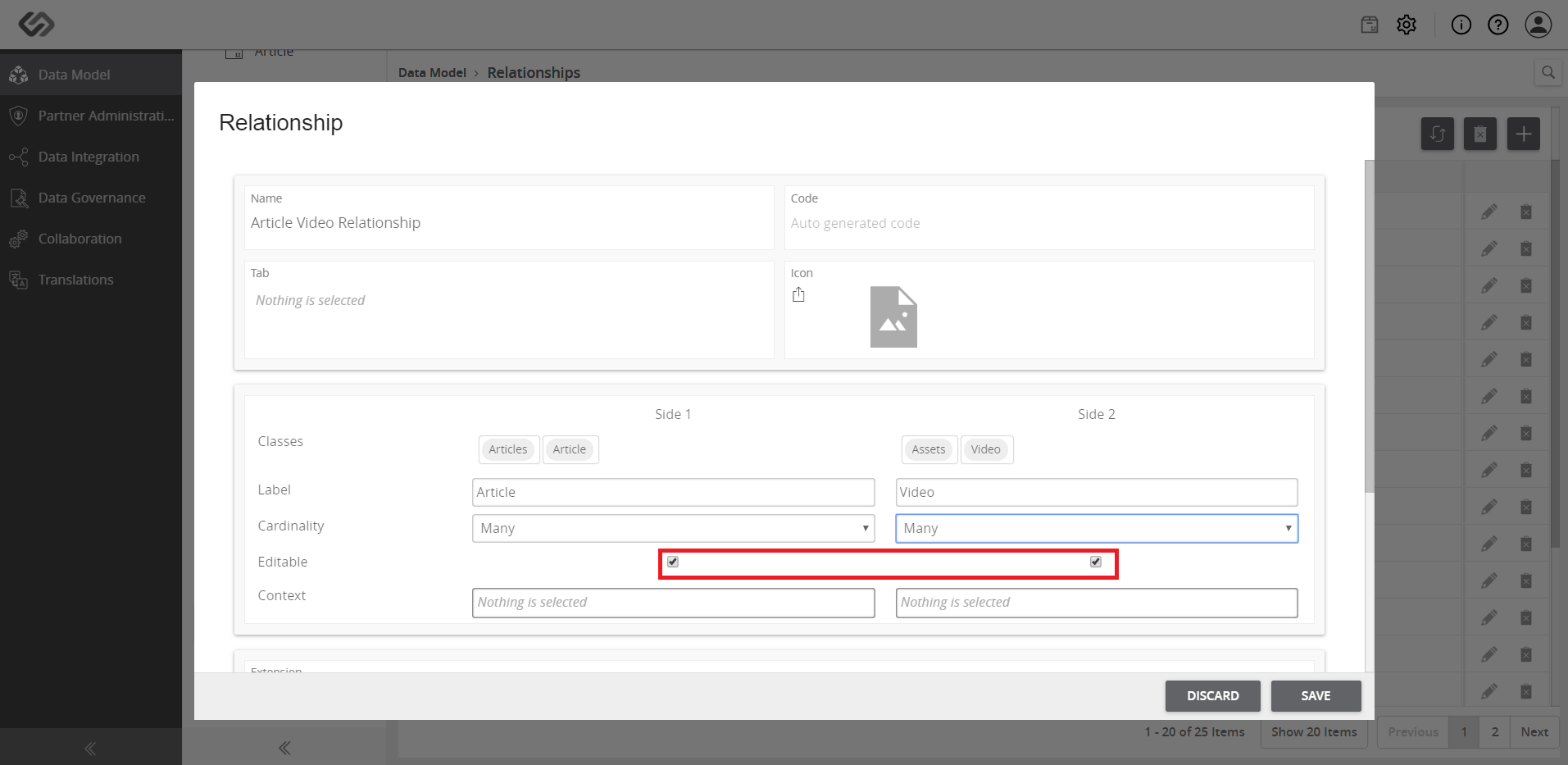
- Tick on the checkboxes for the elements to be editable. Select either one or both sides.
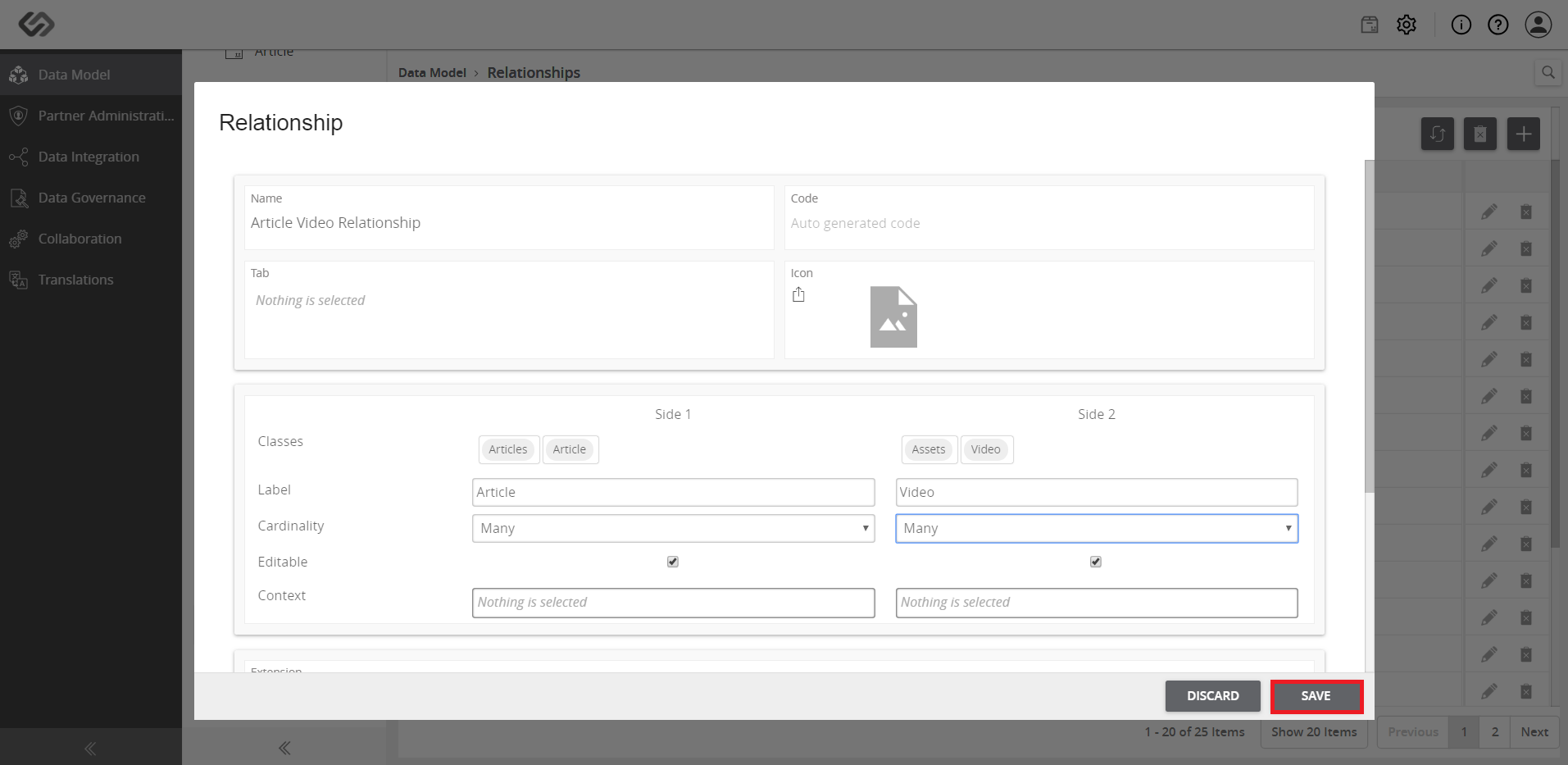
- Once done, click on the Save button.
- View the applied relationship.