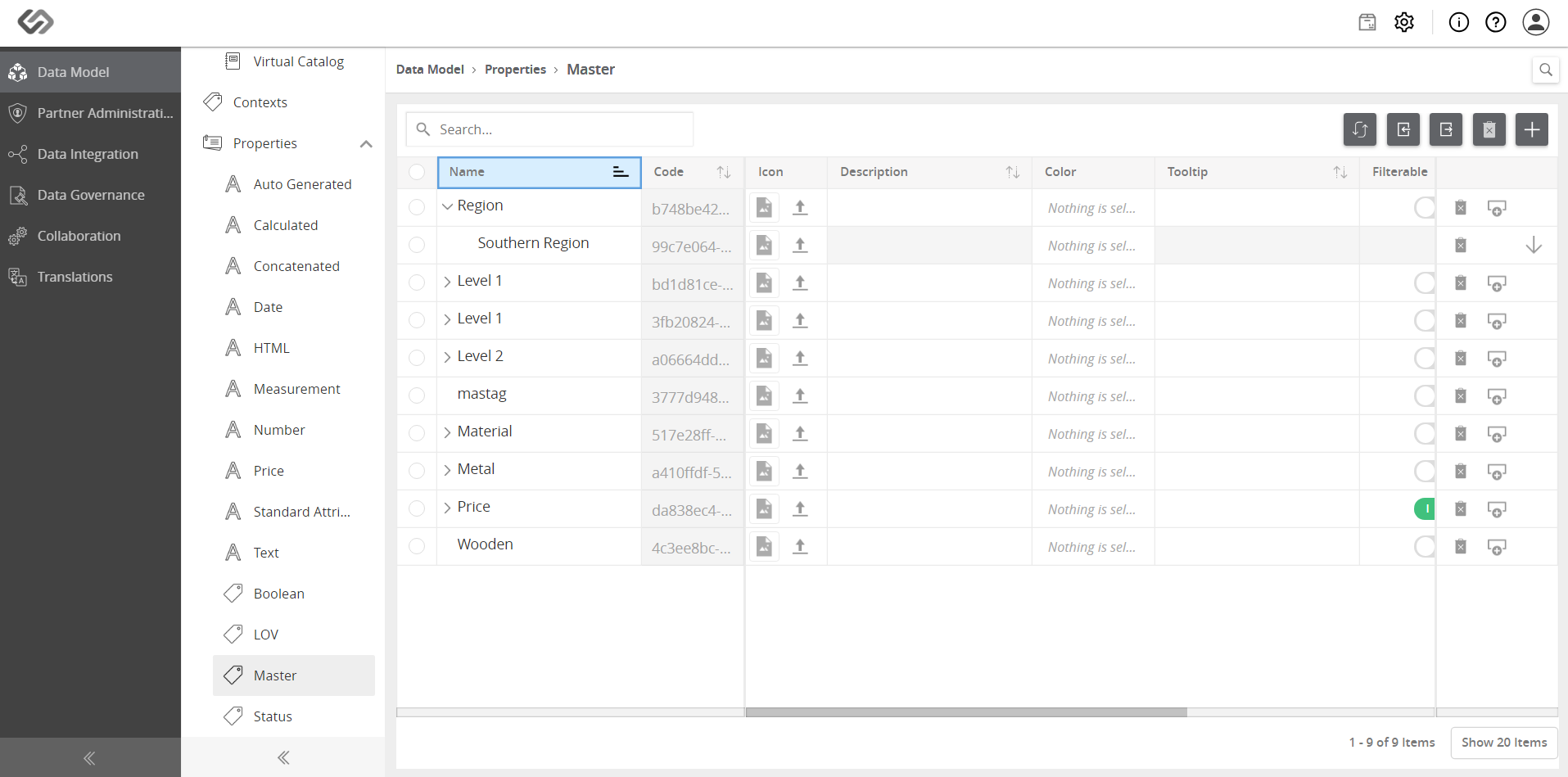
Manage Masters
Manage Masters feature sets up Master Tags in the system like: Region, Color, Material, Brands.
| Key Term: |
|
| Description: |
|
| Related topics: | |
| Application: |
|
How to do: Manage Masters
To do this, follow these steps:
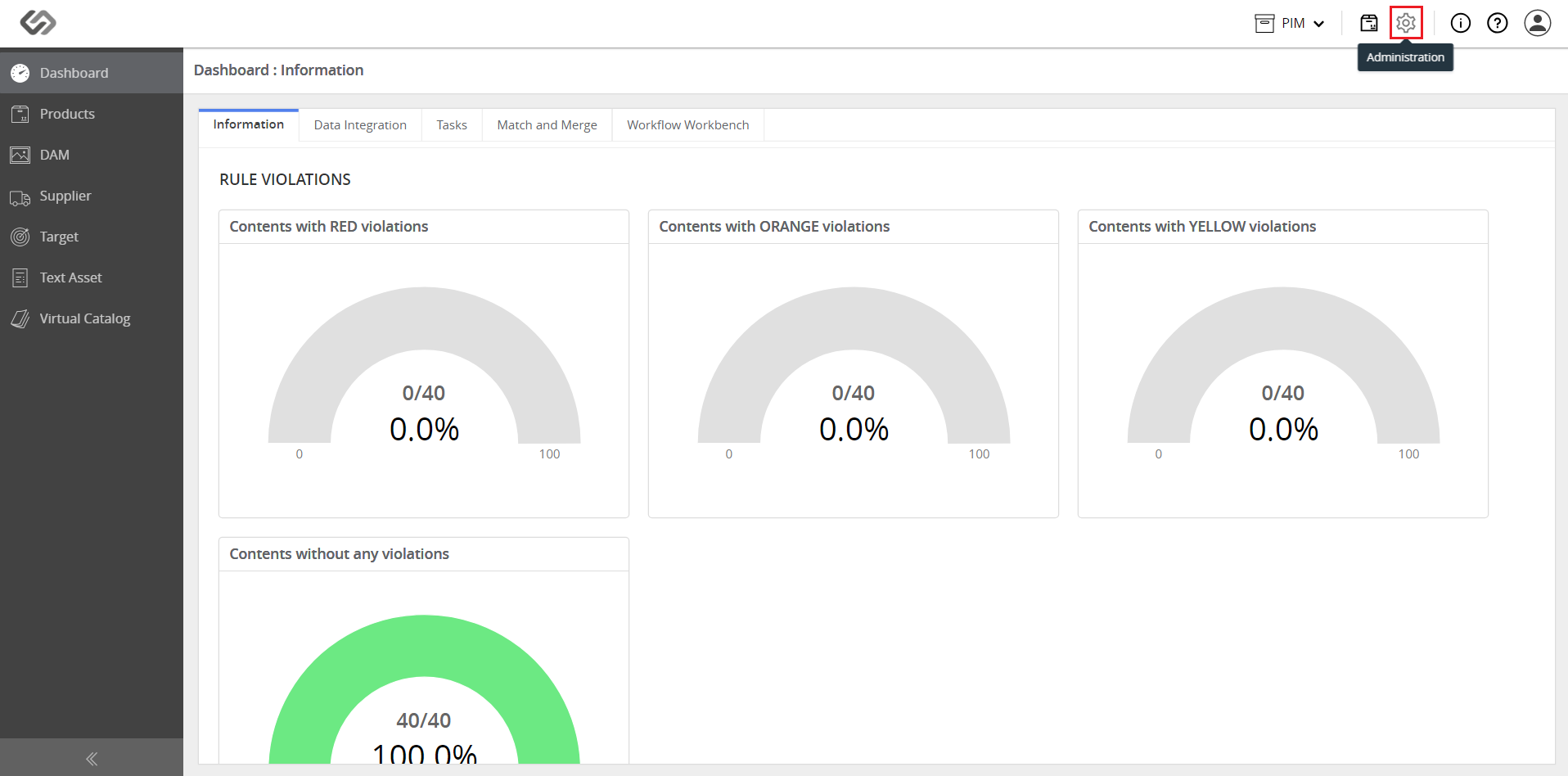
- Log in and click on the Administration icon.
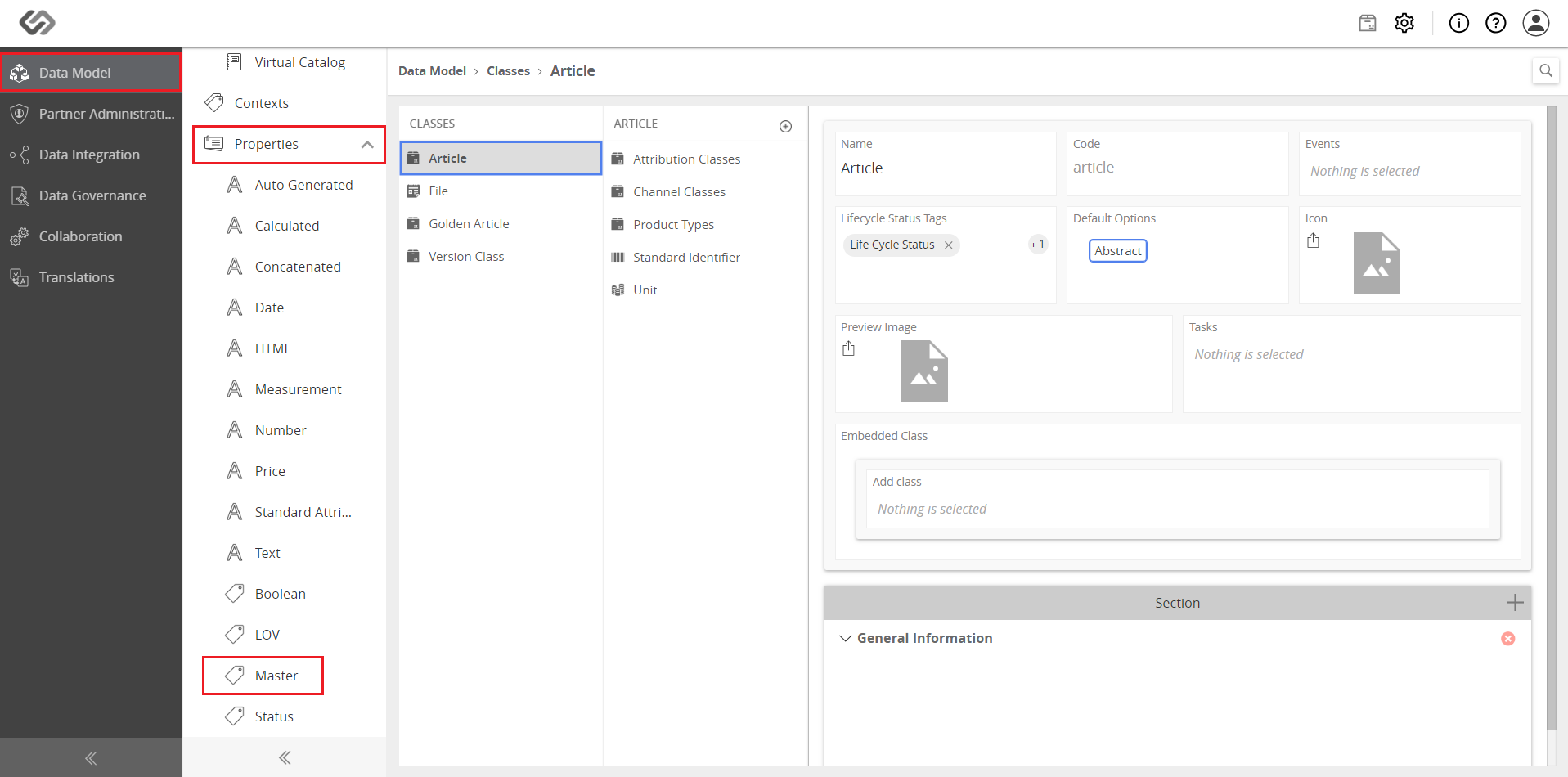
- In Data Model, click on the Properties drop-down list and select Master.
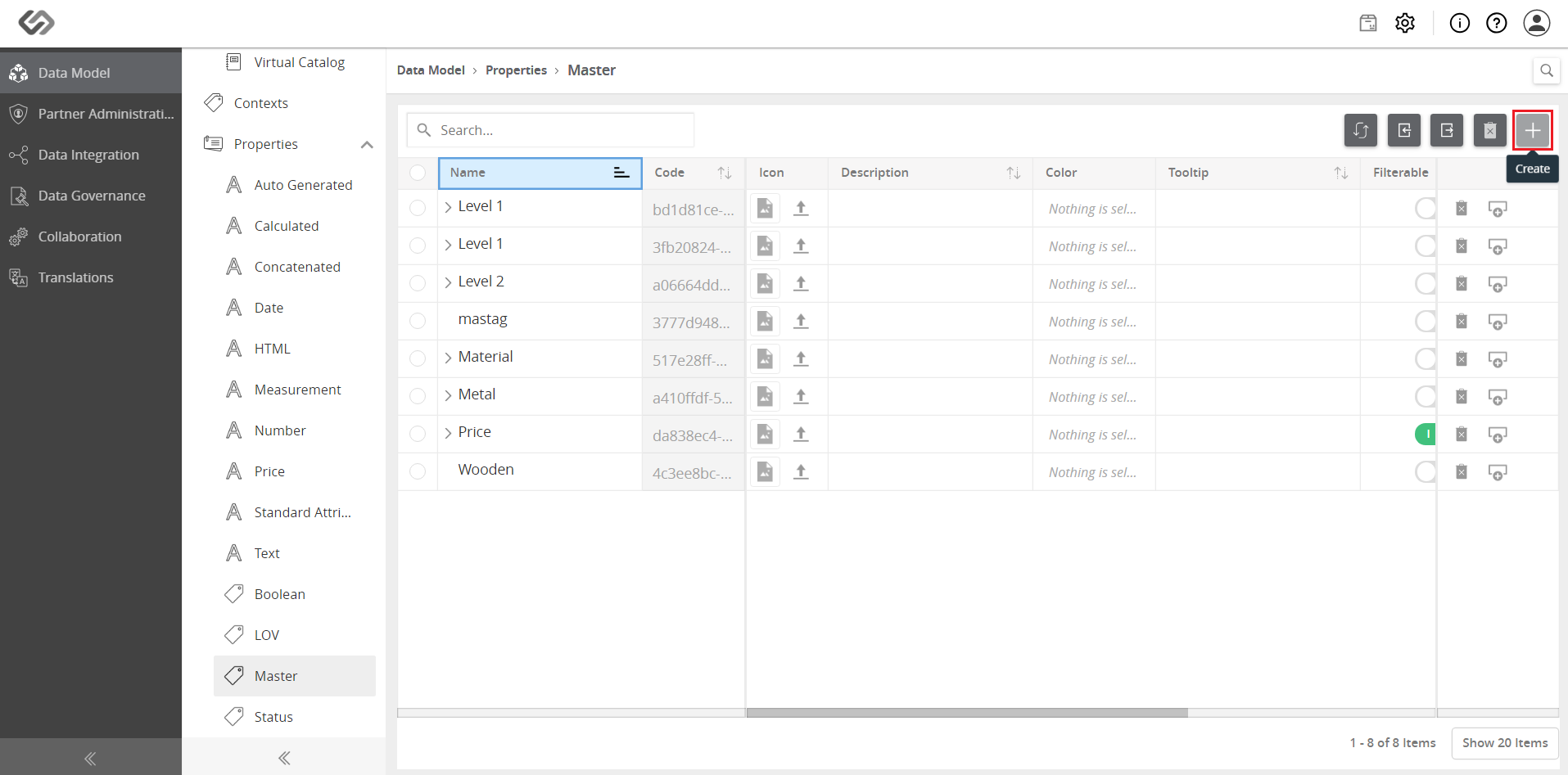
- Click the ‘+’ icon to create a master tag.
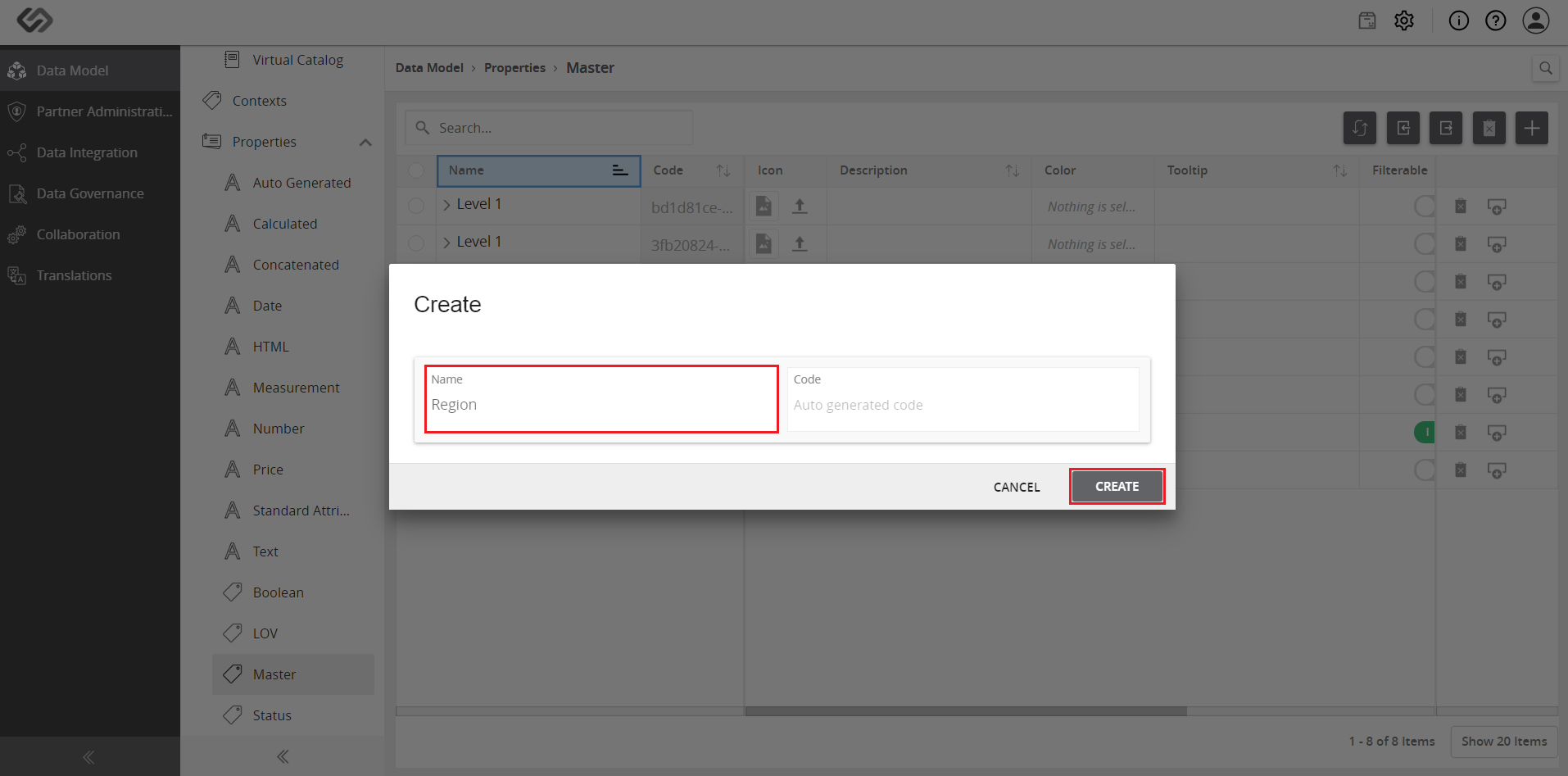
- Enter a name for the master tag and click on the Create button. Repeat the process to create other master tags such as Color, Material, and Brands.
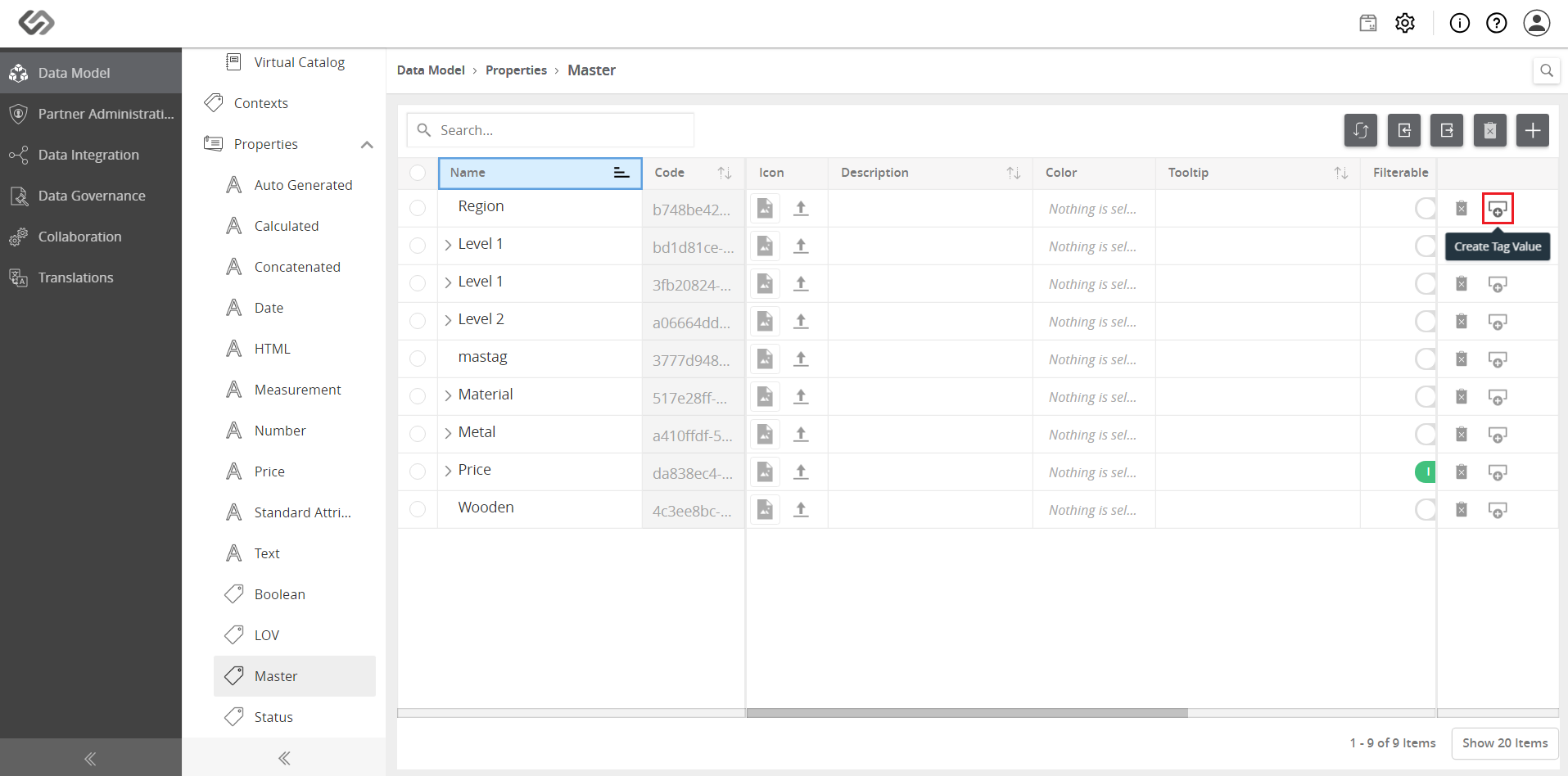
- Click on the Create tag value icon.
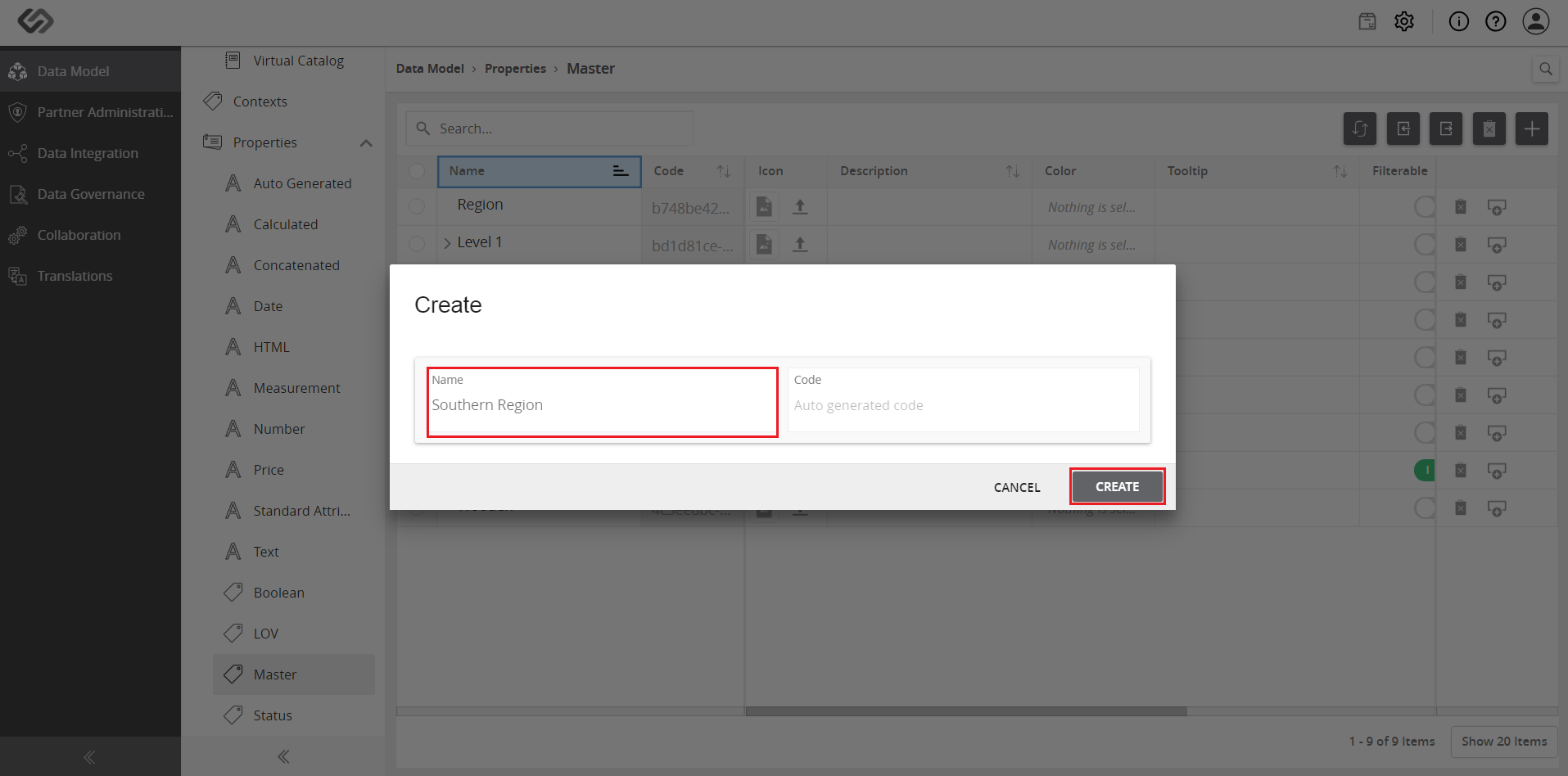
- Enter a name for the tag value and click on the Create button.
- View the created tags.