Manage Concatenated Attributes
The Manage Concatenated Attributes is a feature that has the functionality to set up concatenated text-based attributes.
| Key Term: |
|
| Description: |
|
| Related topics: | |
| Application: |
|
How-to: Manage Concatenated Attributes
To do this admin feature, follow the steps below:
- Log in and go to Administration.

- Go to the Data Model section.
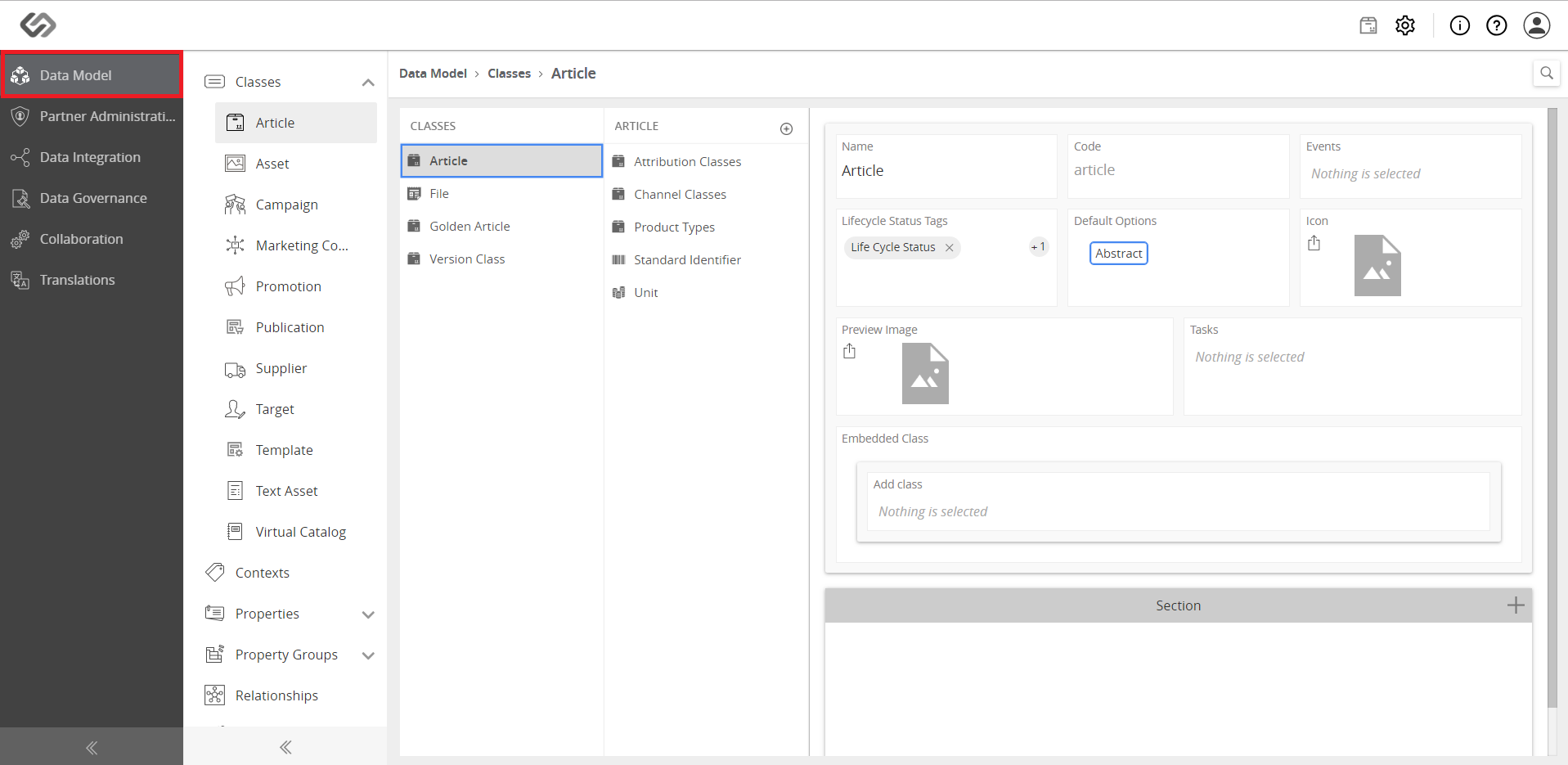
- Go to Concatenated under the Properties section.

- Click the ‘+’ icon to create an attribute.

- Enter the name of the concatenated attribute and click on the Create button.

- View that the attribute had been created successfully.

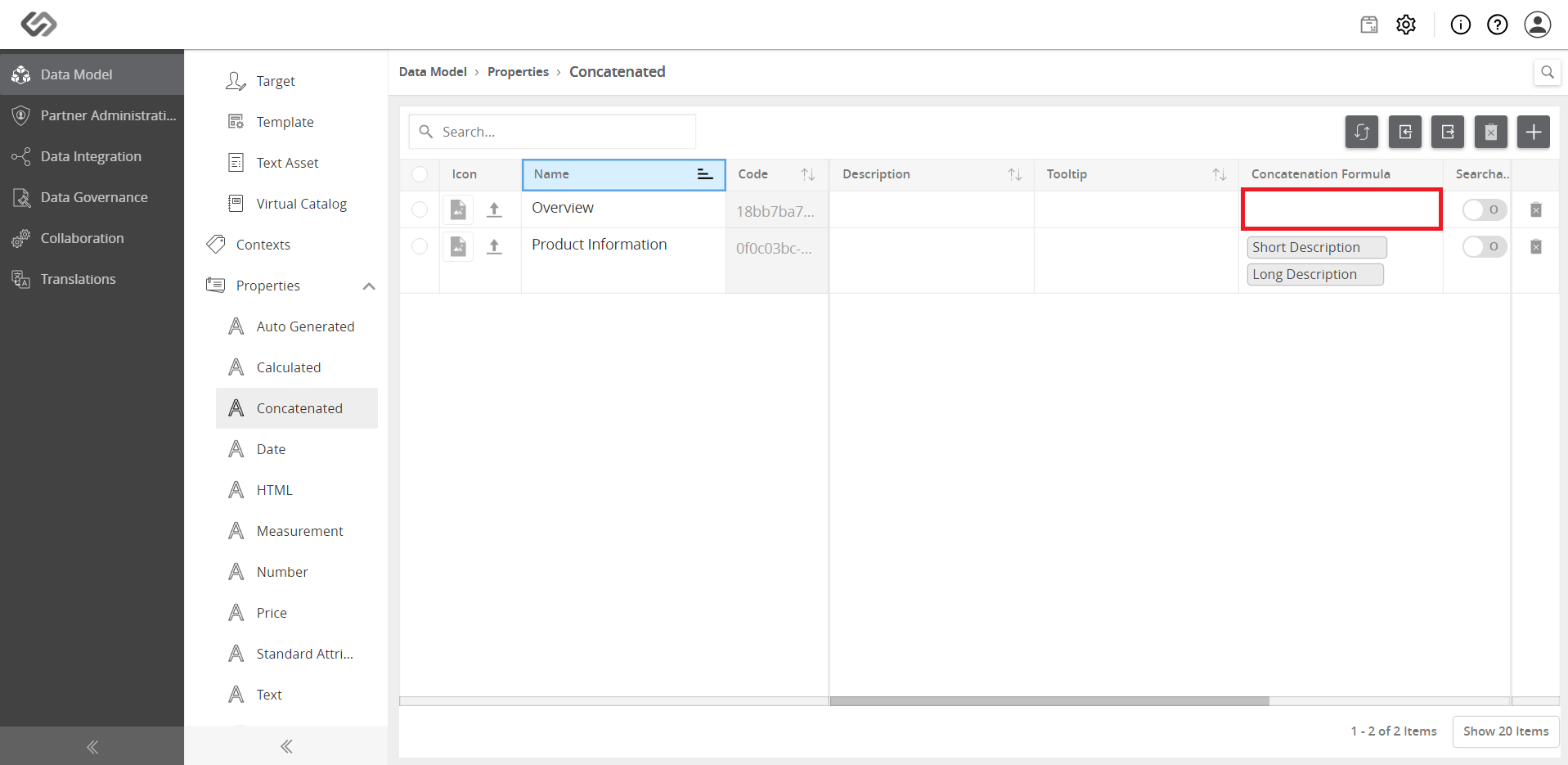
- Scroll right and go to the Concatenation Formula section. Click on the empty field and wait for the pop-up window to appear.
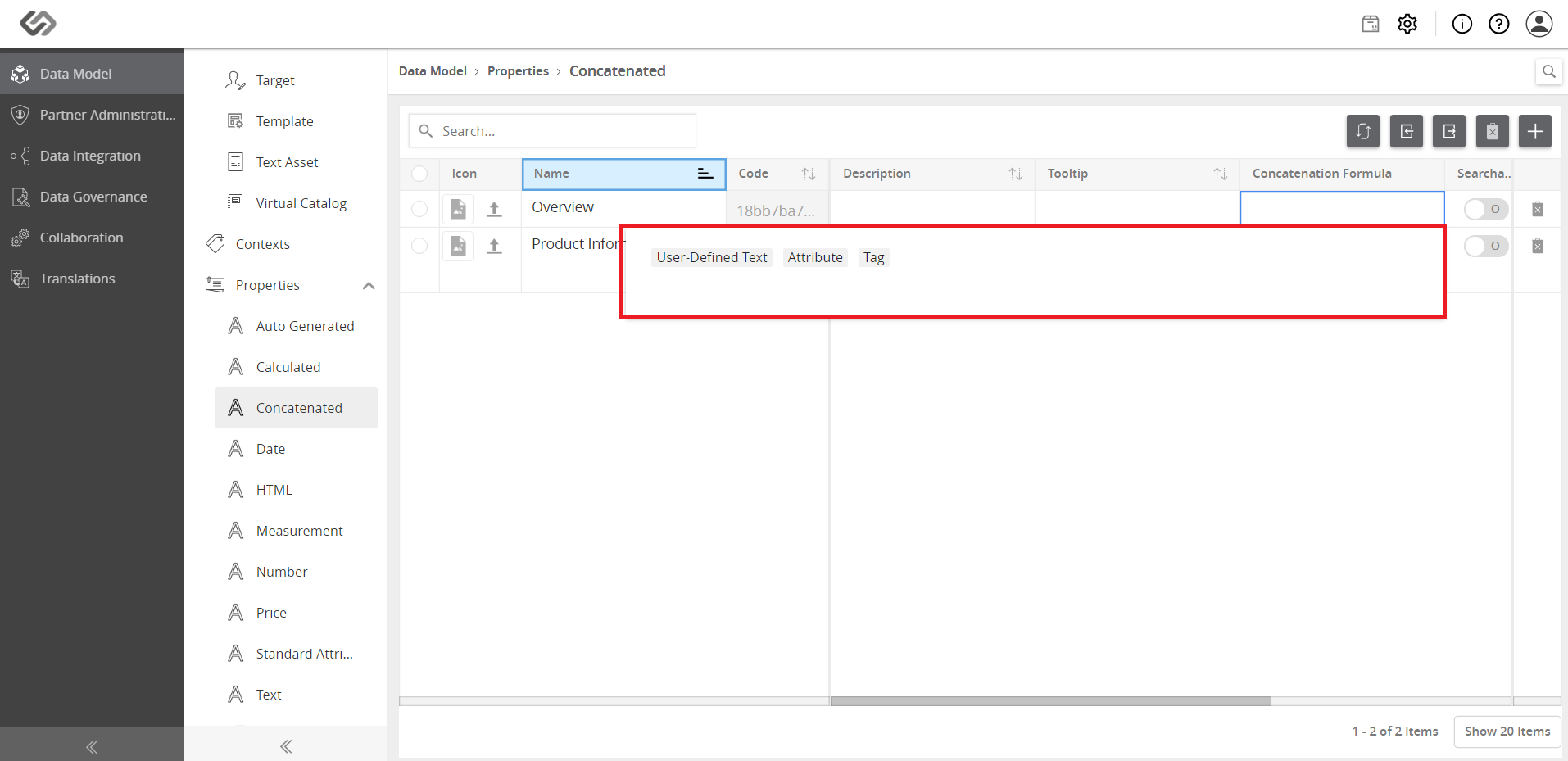
- Select the attributes to be concatenated in the formula by (1) clicking on Attribute on the pop-up window and then (2) selecting the attributes that will be used.


- Provide the values for the attributes that have been used in the previous step (e.g. long description and short description). Check that the new concatenated attribute will be automatically populated.

